R

ResilNext

6
Workflows

Workflows by ResilNext

Workflow preview: Generate social media campaign images with Mistral AI & Pollinations.ai
Free advanced

Generate social media campaign images with Mistral AI & Pollinations.ai

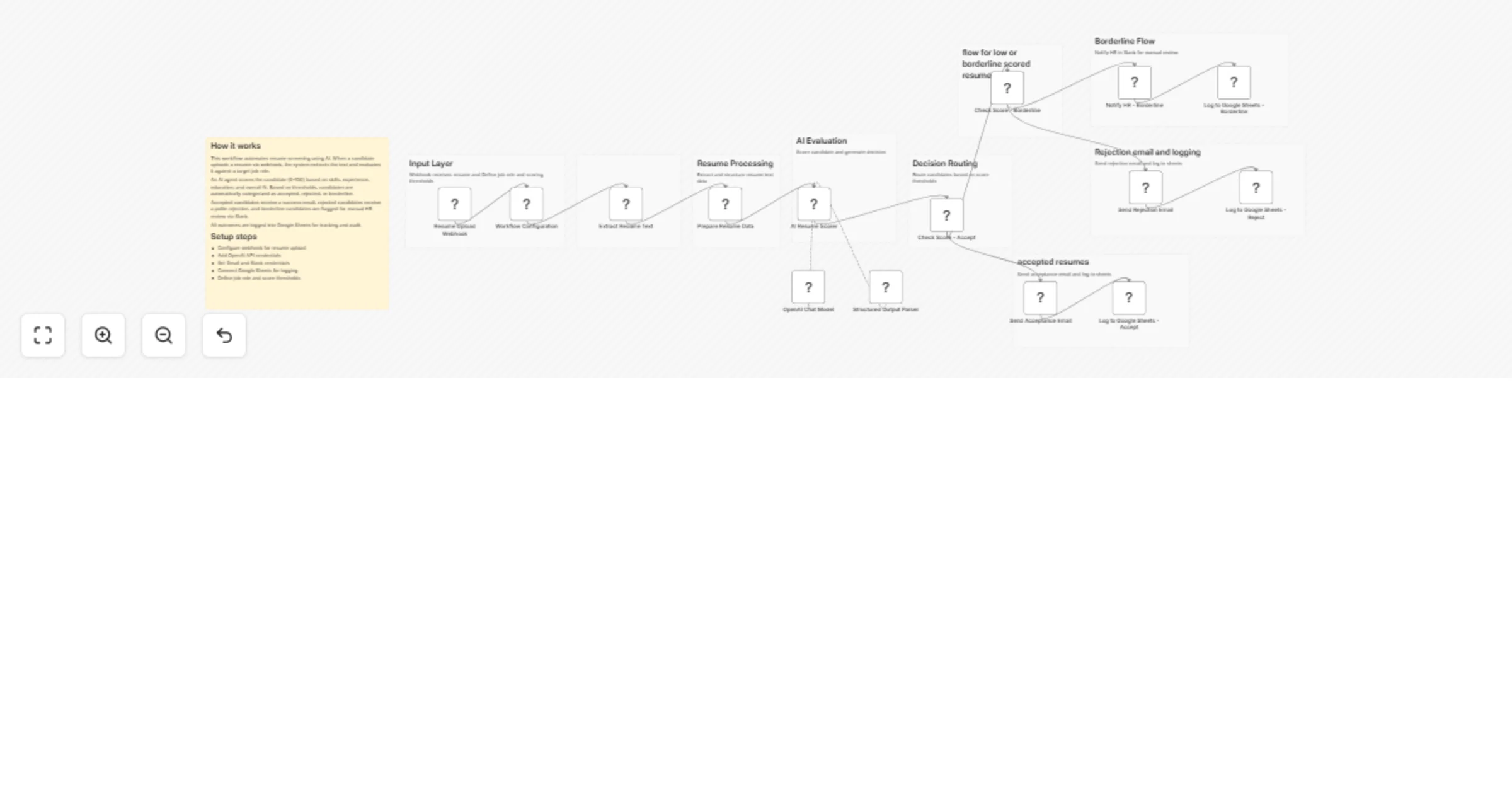
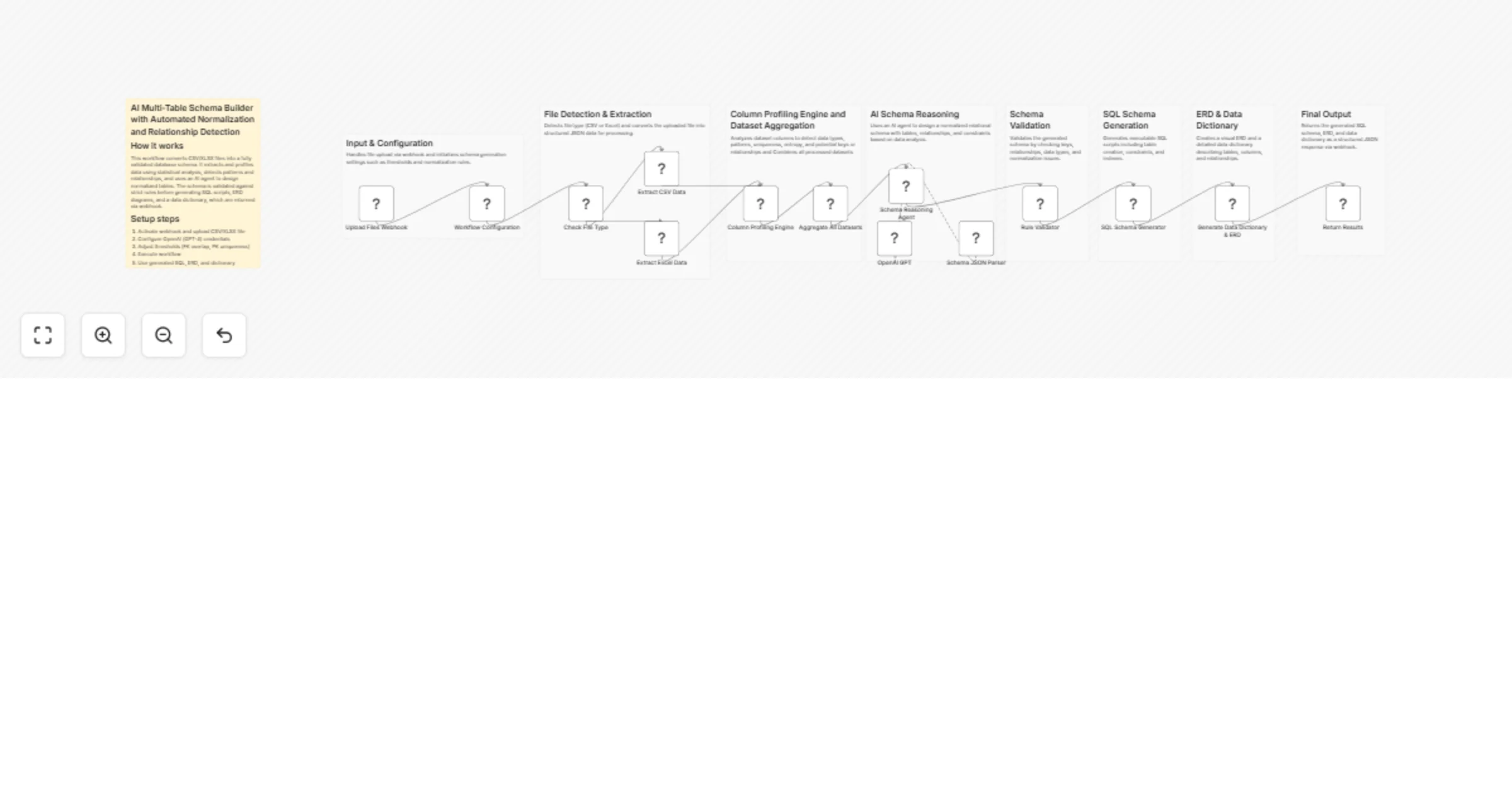
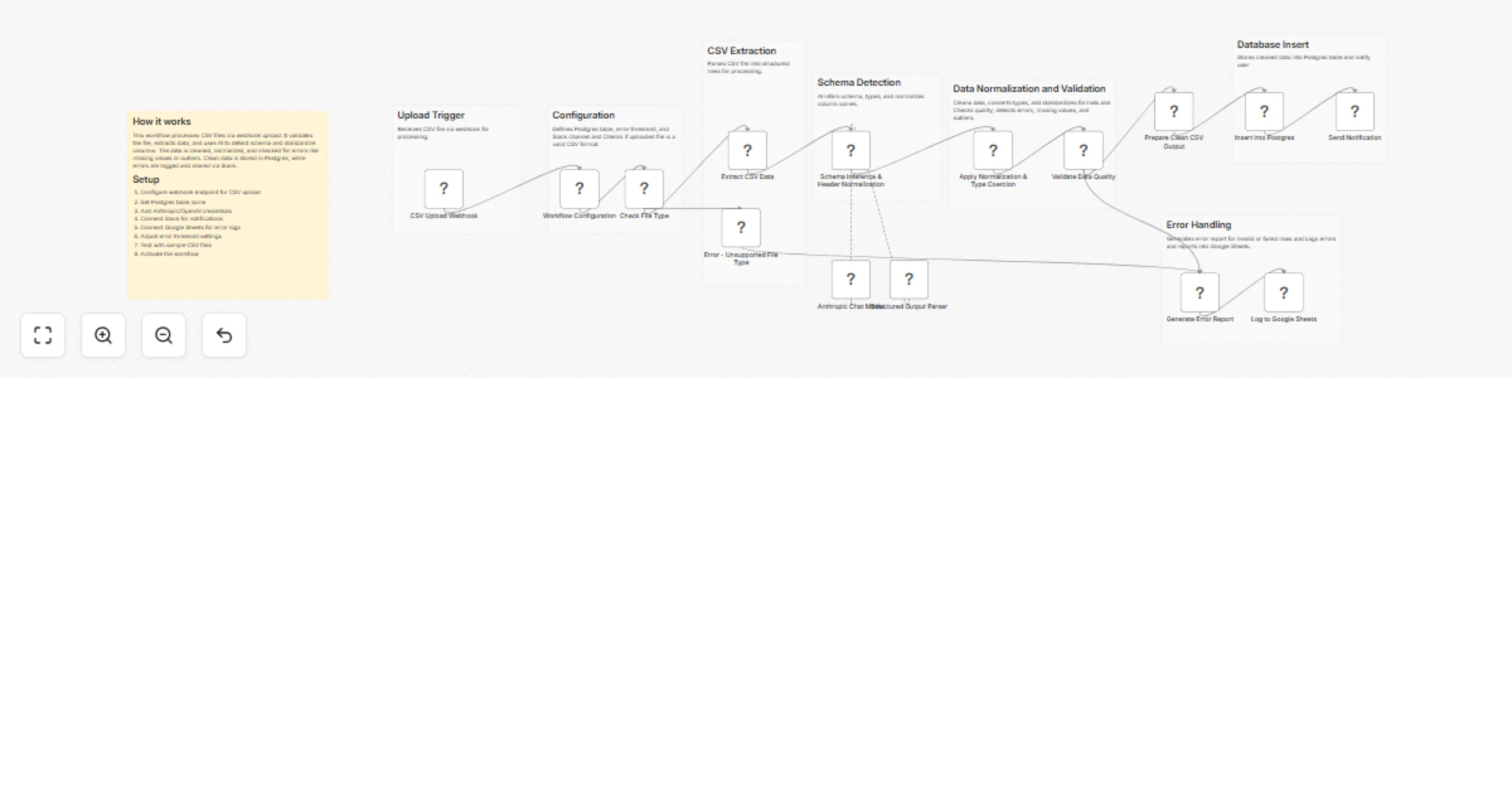
## 📖 Description ### 🔹 How it works This workflow uses **AI (Mistral LLM + Pollinations.ai)** to generate **high-quality visual content for social media campaigns**. It automates the process from **brand/campaign input** to **final image upload**, ensuring consistency and relevance. 1. **Input Brand & Campaign Data** - Retrieves brand profile and campaign goals from Google Drive. - Cleans and merges the data into a structured JSON format. 2. **Campaign Goal Generation** - AI summarizes campaign goals, audience, success metrics, and keywords. - Produces a clear **campaign goal summary** for content planning. 3. **Image Prompt Generation** - AI creates **5 detailed image prompts** reflecting the campaign story. - Includes **1 caption** and **4–6 relevant hashtags**. 4. **Image Creation** - Pollinations.ai generates images based on the AI prompts. - Each image is renamed systematically (photo1 → photo5). 5. **Post-Processing & Upload** - All images are merged into a single item. - Workflow uploads the final output to Google Drive for campaign use. --- ## ⚙️ Set up steps 1. **Connect Credentials** - Add Google Drive and Mistral API credentials in n8n. 2. **Configure Google Drive Input Nodes** - Set `fileId` for brand profile and campaign goals. 3. **Customize AI Prompts** - Sticky notes explain AI nodes for goal summary and image prompt generation. - Optionally modify tone, keywords, or target audience for brand-specific campaigns. 4. **Check Image Output Nodes** - Ensure Pollinations.ai HTTP request nodes are active. - Verify renaming code nodes for proper photo sequence. 5. **Activate Workflow** - Test workflow manually to ensure images are generated and uploaded correctly. --- ## 🔹 Data Handling & Output - This workflow **pulls brand profile and campaign goal data** from Google Drive. - Data is processed into **structured JSON**, including: - **Brand Profile**: name, mission, vision, values, services, tone, keywords, contact info. - **Campaign Goal**: primary goal, focus, success metrics, target audience, core message. - Supports **population of multiple campaigns or brands** dynamically. - JSON output can be used downstream for **image prompt generation, reporting, or analytics**. - All processing is **automated**, with clear nodes for extraction, parsing, and merging. --- **[pollinations.ai](https://pollinations.ai/)** is an open-source free text and image generation API available. No signups or API keys required. which prioritize your privacy with zero data storage and completely anonymous usage. --- ⚡ **Result:** A fully automated **AI-to-image workflow** that transforms campaign goals into ready-to-use social media visuals, saving time and maintaining brand consistency.

R
ResilNext
Content Creation
20 Sep 2025
387
0
Workflow preview: Google form, AI, SEO, GEO optimization, human approval
Free advanced

Google form, AI, SEO, GEO optimization, human approval

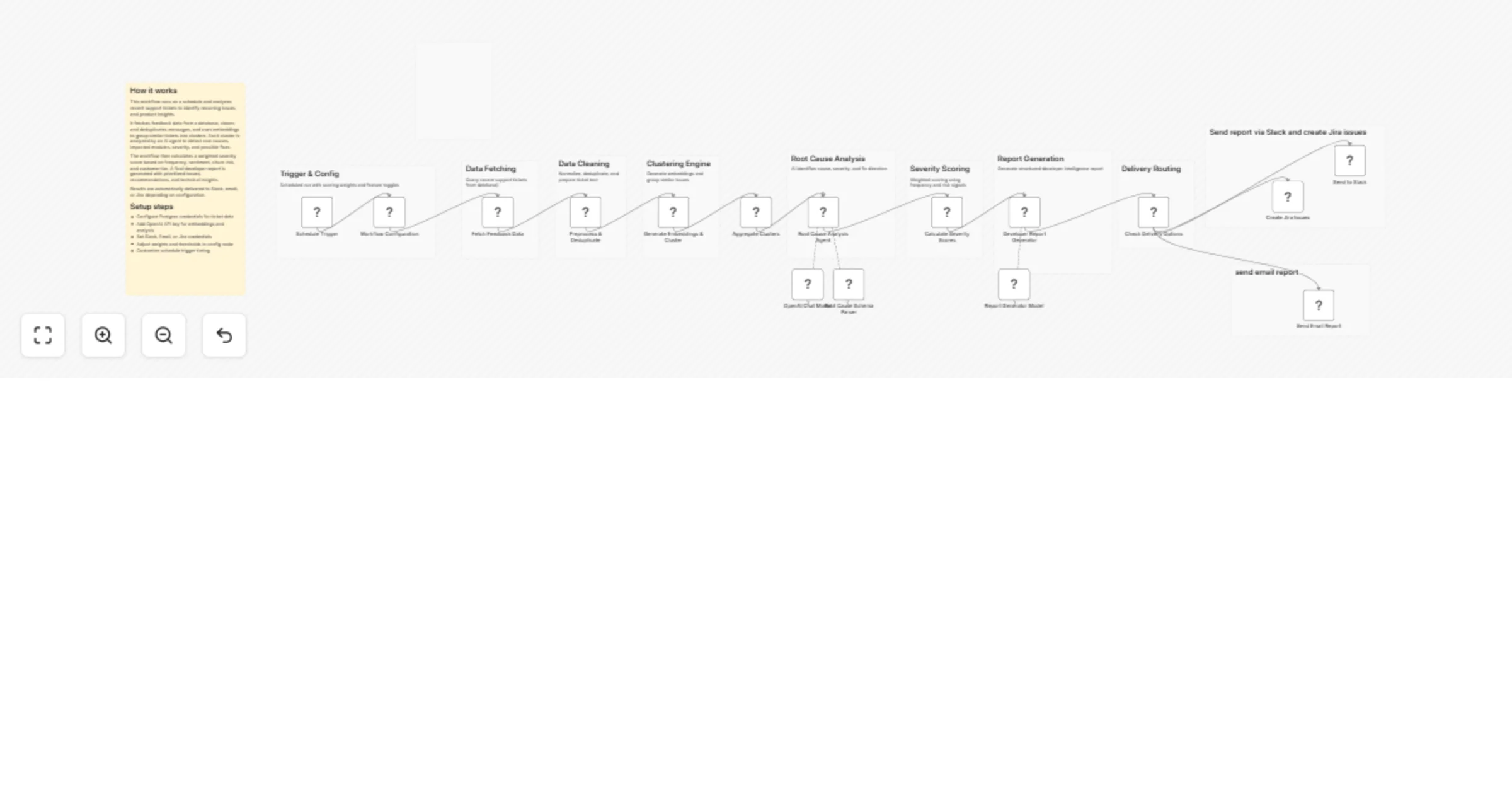
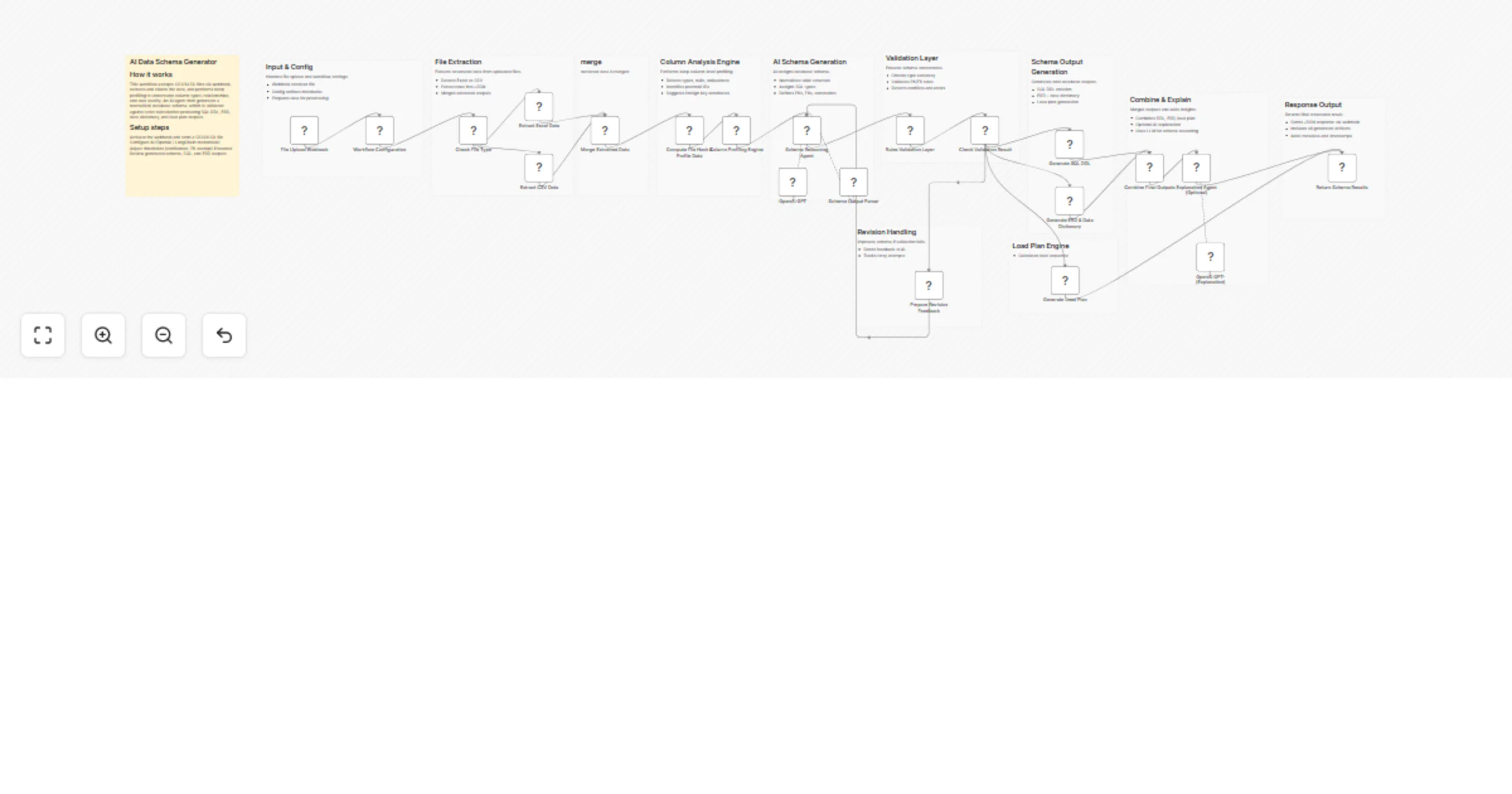
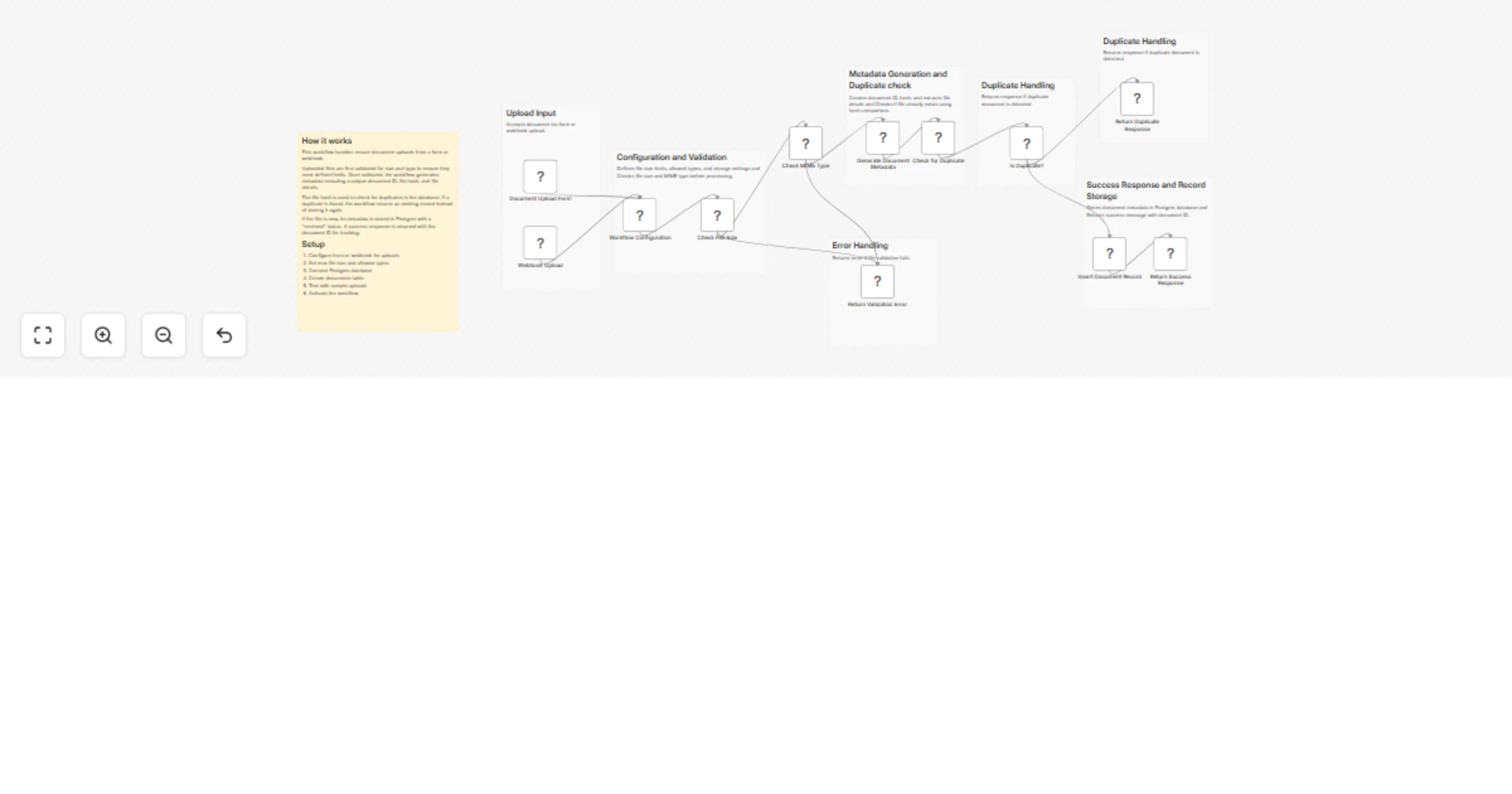
## 📖 Description ### 🔹 How it works This workflow turns a **Google Form submission** into a polished, SEO-optimized technical blog with a **human approval step** before publishing. 1. **Google Form Submission (Trigger)** - The process begins when a **Google Form** is filled. - Responses are stored in **Google Sheets**, which acts as the trigger for the workflow. 2. **AI Blog Draft Generation** - Takes the form inputs (problem statement, options tried, solution, learnings, references, etc.). - AI generates a **structured draft JSON blog post** containing: - Title & metadata - Problem explanation - Solution breakdown - Implementation methods with **realistic code snippets** - Troubleshooting, performance tips, security notes, advanced use cases - Clear developer-focused conclusion 3. **Template Fitting** - Reformats the draft into a **professional long-form blog structure** with consistent headings (H1, H2, H3), code blocks, and clear formatting. 4. **Optimization Layer** - Applies multi-layer optimization to make the blog: - **SEO-friendly** (keywords, meta description, structured headings). - **GEO-ready** (Generative Engine Optimization for visibility in ChatGPT, Claude, Gemini, etc.). - **Human-like** in tone (reads naturally, avoids AI-detector flags). 5. **Human-in-the-Loop Review** - Sends the draft via **Gmail (Send + Wait for Response)** to an editor or approver. - Approver options: - ✅ Approve → Blog is stored & marked completed. - ❌ Reject → Feedback is sent for revision. - 🚫 Cancel → Workflow ends save status in sheets. 6. **Publishing / Storage** - Approved blogs are stored in a separate **Google Sheet** for publication tracking. - Status in the original sheet is updated to **Completed**. --- ## ⚙️ Set up steps 1. **Connect Google Sheets & Gmail** in n8n. 2. **Link your Google Form** to the trigger sheet. 3. **Add AI provider credentials** (Groq, Mistral, or OpenRouter). 4. **Customize blog structure** (problem, solution, code, references, etc.). 5. **Set reviewer email(s)** in Gmail node. 6. **Test the workflow** by submitting a sample Google Form response. ## google form sample:![Screenshot_2092025_112821_docs.google.com.jpeg](fileId:2665) ![Screenshot_2092025_113417_docs.google.com.jpeg](fileId:2664) --- ⚡ **Result:** A fully automated pipeline where **filling a Google Form kicks off AI-powered blog generation**, optimization, and a **human-in-the-loop approval process**, making technical content creation faster and more reliable.

R
ResilNext
Content Creation
20 Sep 2025
1370
0
Workflow preview: Extract timesheet data with Mistral OCR & Gmail human verification
Free advanced

Extract timesheet data with Mistral OCR & Gmail human verification

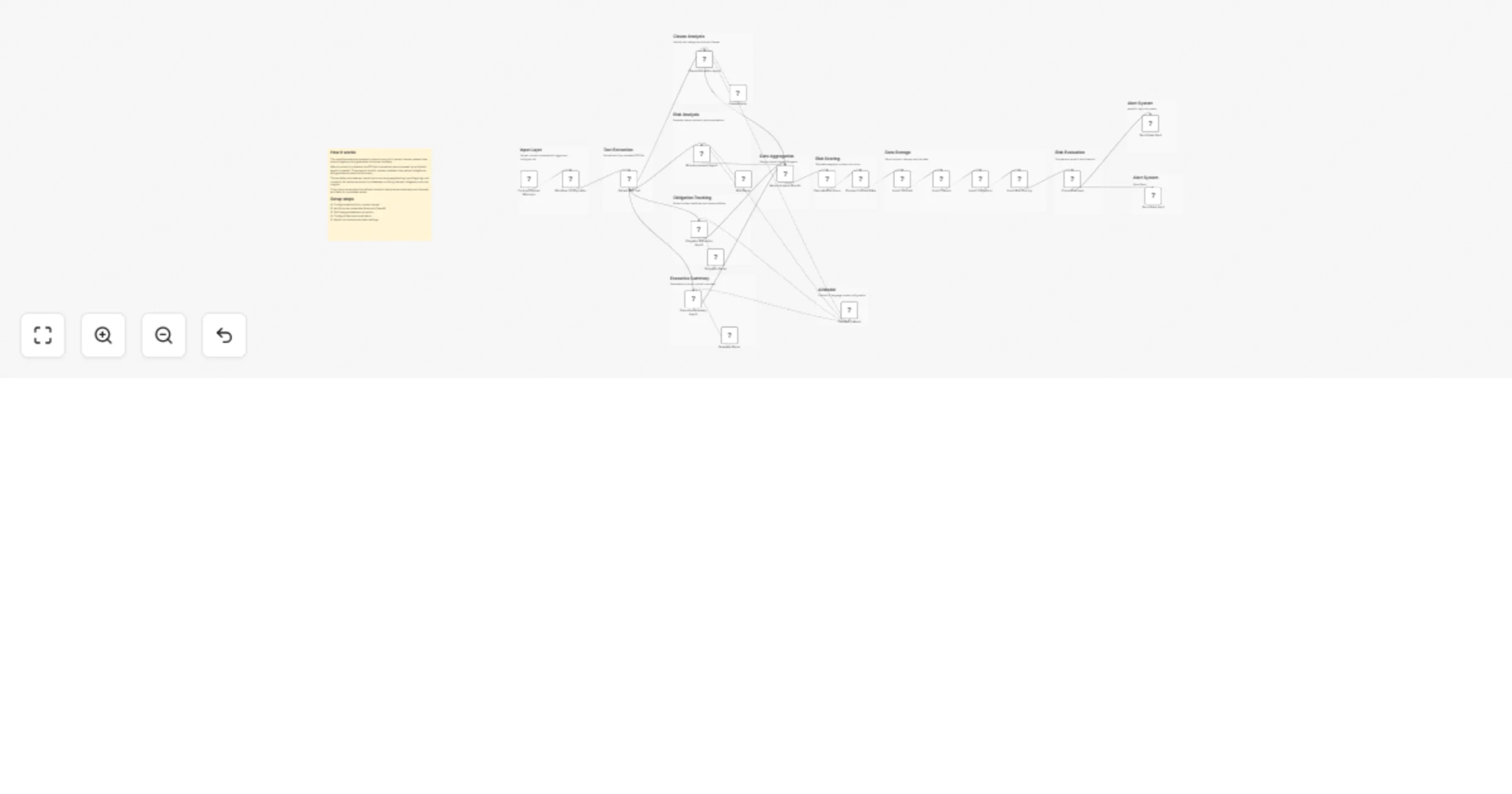
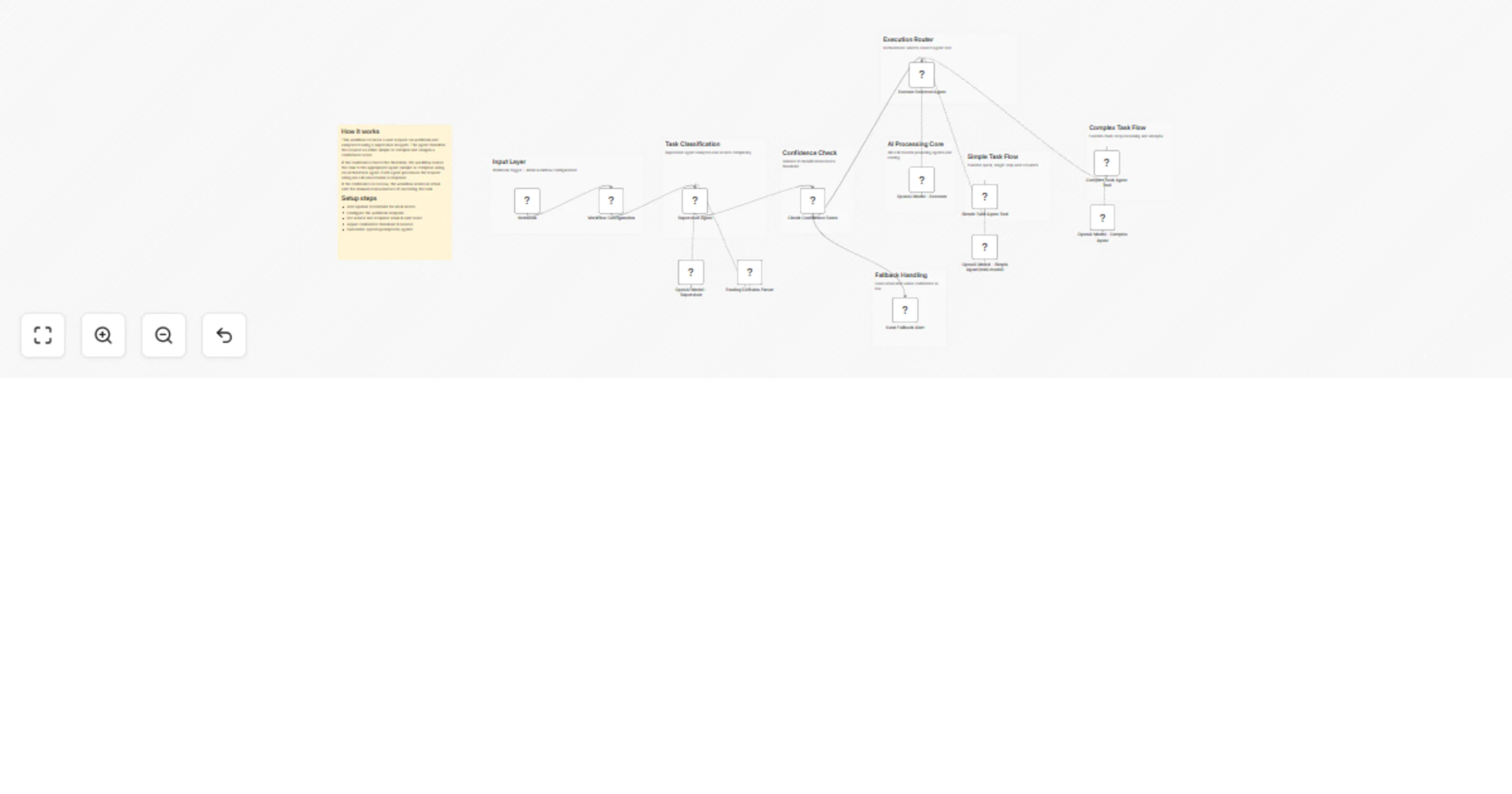
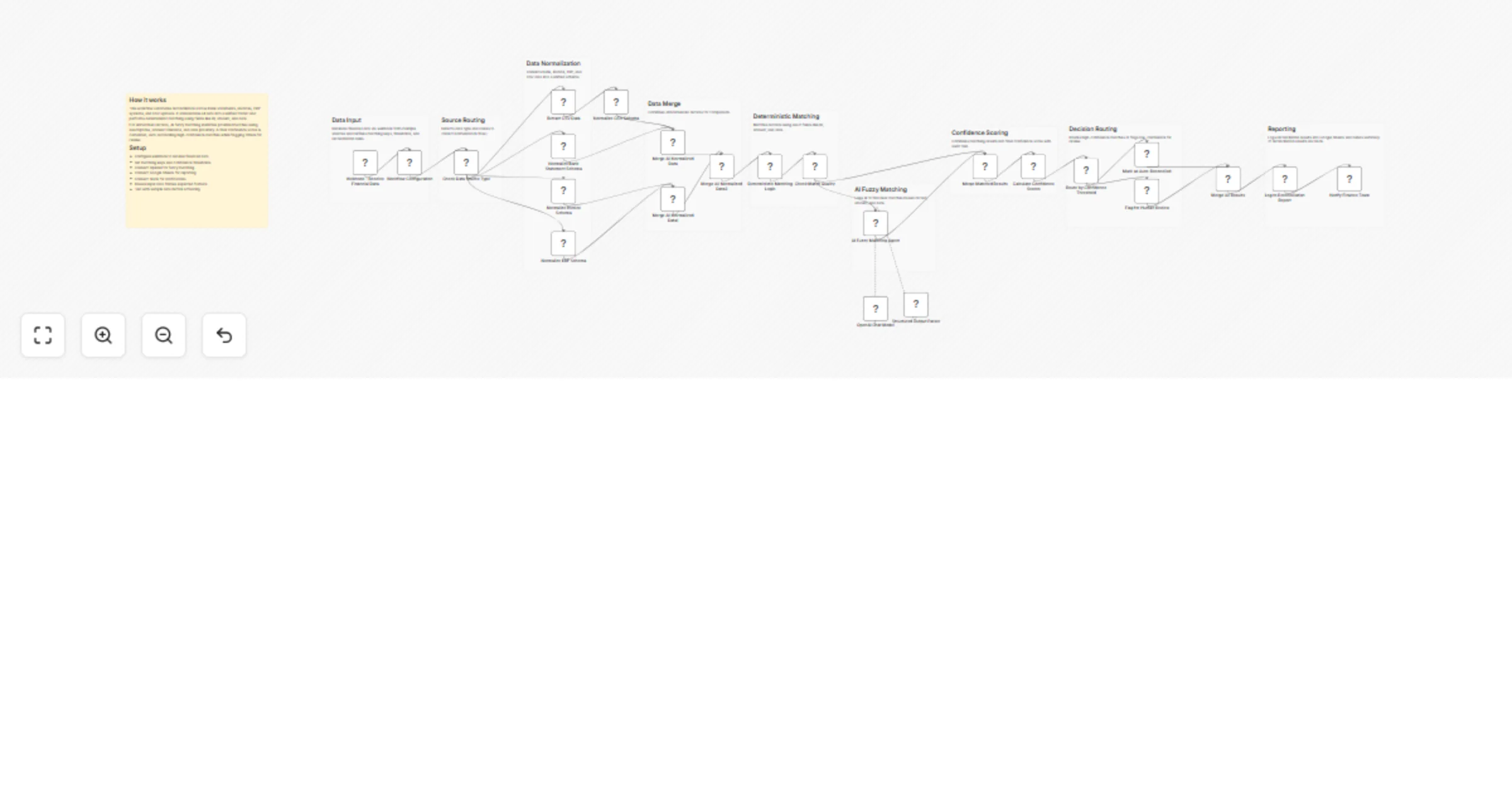
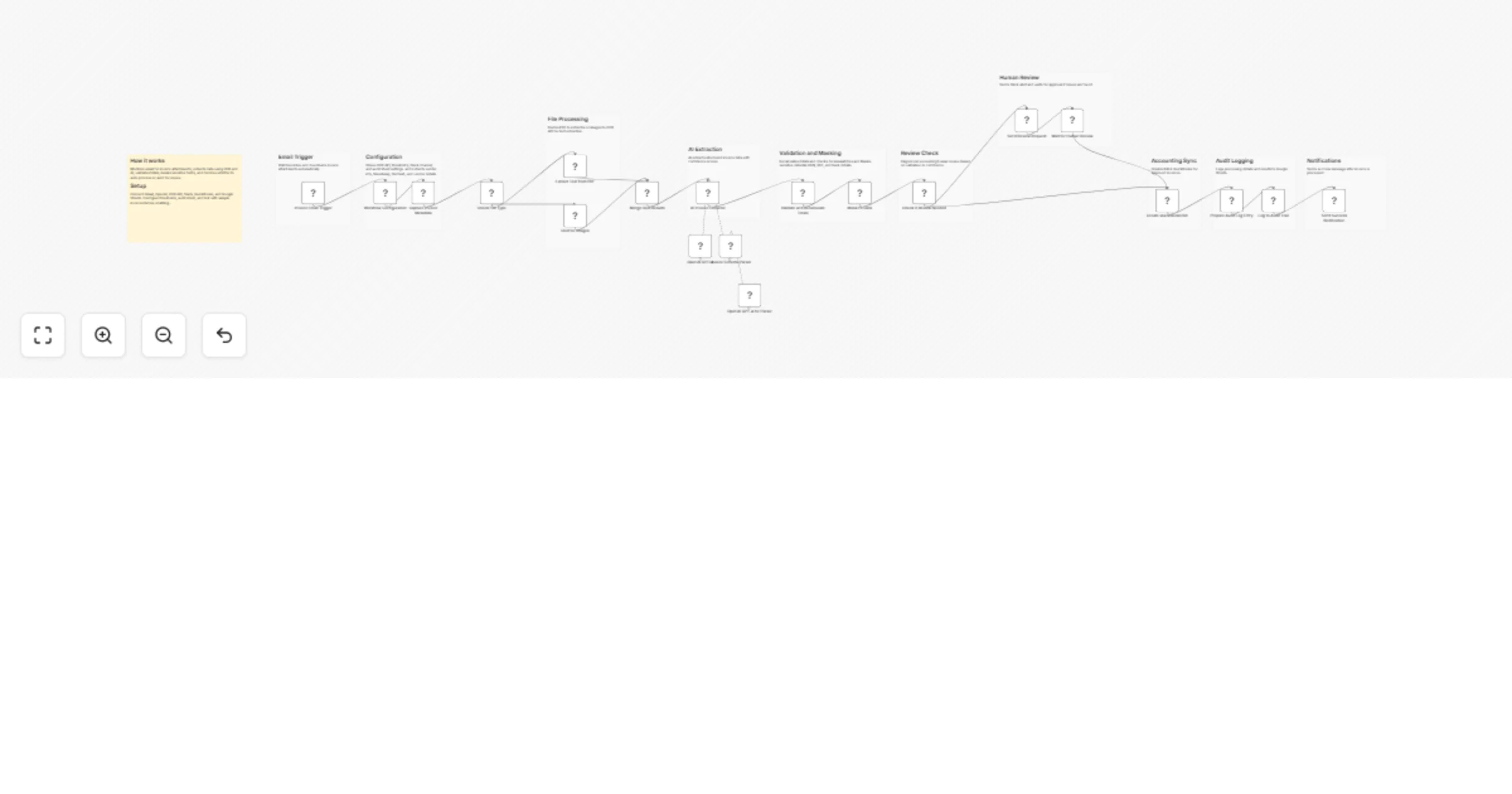
## 📖 Description ### 🔹 How it works This workflow introduces an **AI + Human-in-the-Loop pipeline** for employee timesheet management. It combines the power of **Google Drive, AI (OCR + LLM), and Gmail** with a **human review step** to ensure accuracy and compliance. 1. **AI-Powered File Discovery** - Scans a Google Drive folder for new or updated timesheet files (PDF, Word, Excel, Images). 2. **AI Data Extraction** - Uses OCR and LLM (Mistral) to intelligently read and extract structured data. - Supports **multiple formats**: PDF, Word (DOC/DOCX), Excel (XLS/XLSX), and Image files (JPG, PNG, scanned documents). - Creates clean JSON with file details and timesheet logs (date, hours worked, tasks, notes). 3. **Smart Data Formatting** - Converts AI output into a **clear HTML summary table** for easy review. - Flags potential anomalies (missing hours, duplicate dates, irregular entries). 4. **Human-in-the-Loop Verification** - Sends an approval email via Gmail containing: - File metadata - AI-generated HTML summary - JSON attachment of raw extracted data - HR/Managers review the summary and **approve/reject** before final actions occur. 5. **Post-Approval Automation** *(optional)* - Approved records can be saved in a separate Google Drive folder. - Employees or HR receive confirmation emails. --- ## ⚙️ Set up steps 1. **Connect Credentials** - Add Google Drive and Gmail credentials in n8n. - Configure Mistral (or any LLM) API credentials. 2. **Configure Google Drive** - In the “Search files and folders” node, replace the `folderId` with your company’s timesheet folder ID. 3. **Customize Extraction Schema** - Sticky notes explain how JSON output is structured. - Adapt it for your organization’s needs (e.g., overtime, project codes). 4. **Set Up Human Verification Emails** - Update Gmail node recipients to your HR or approval team. - Customize the email body (AI summary + JSON file attached). 5. **Activate & Test** - Enable the workflow. - Upload a sample timesheet to trigger the AI + human verification loop. --- ⚡ **Result:** A robust **AI + Human-in-the-Loop workflow** that reduces repetitive data entry, prevents payroll errors, and gives HR full confidence before final approval.

R
ResilNext
Document Extraction
20 Sep 2025
286
0
Workflow preview: Human-in-the-loop post designer with Mistral AI, ImageKit, and LinkedIn publishing
Free advanced

Human-in-the-loop post designer with Mistral AI, ImageKit, and LinkedIn publishing

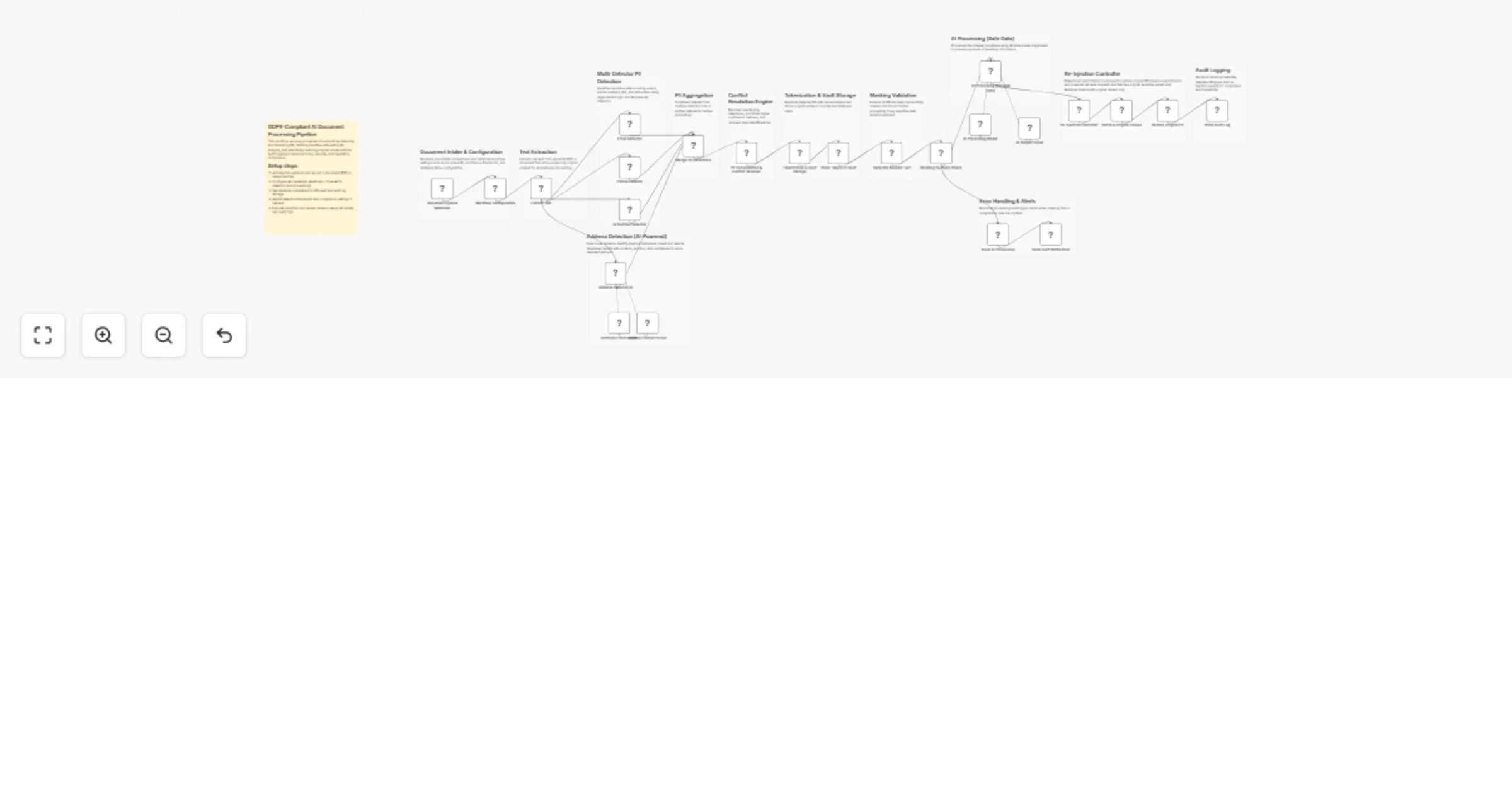
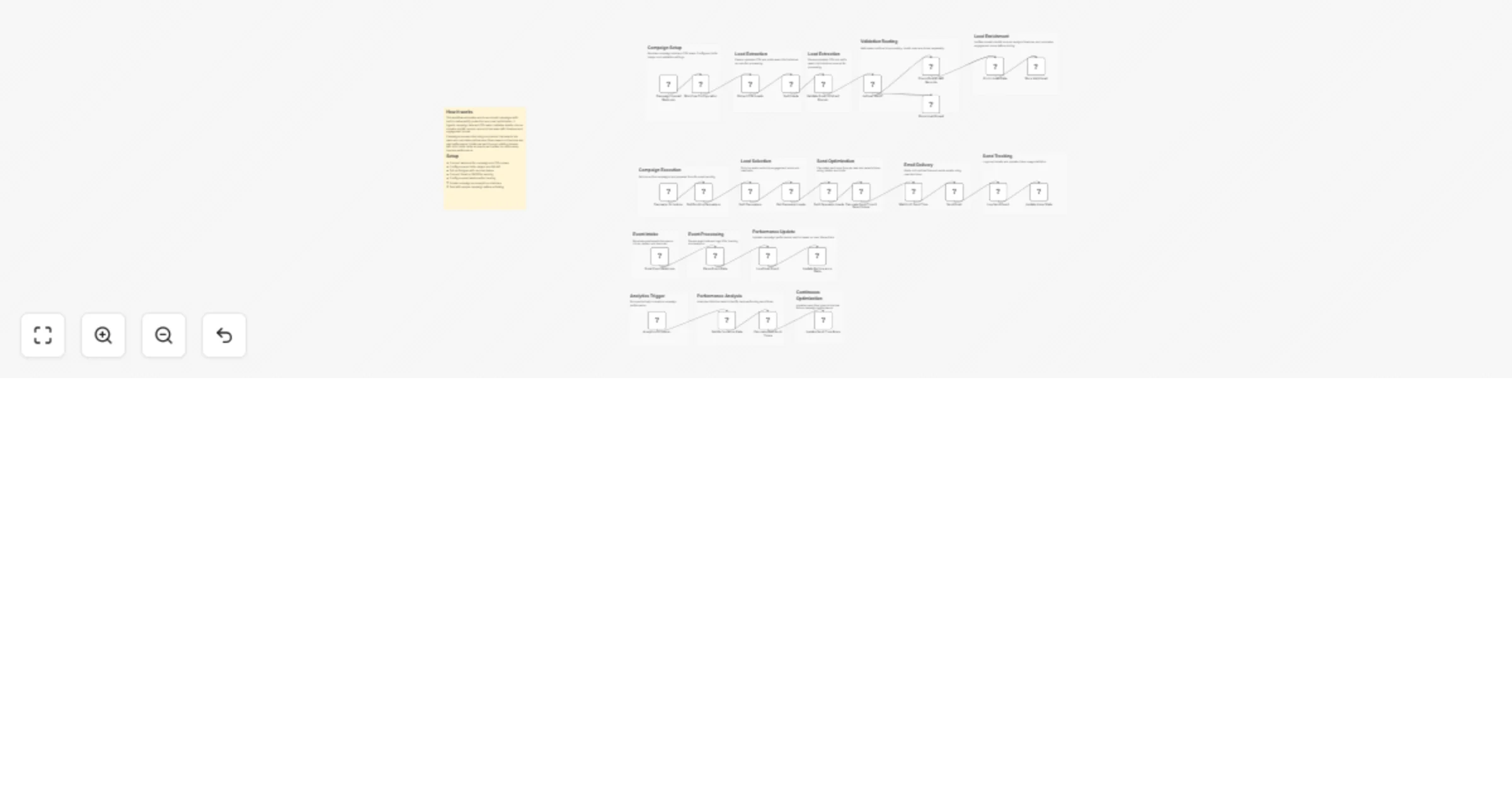
## 📋 Description This n8n workflow streamlines AI-powered post creation with image banners, includes manual approval steps, and publishes to LinkedIn — all dynamically. It uses ImageKit.io to edit images, stores them on S3, and generates and revises posts through a Mistral AI Agent with human review. ## 🧠 How it Works (High-Level) 🔄 Triggered via incoming chat message 🧠 AI drafts a post and adds image instructions 🖼️ ImageKit API adds text overlay to image ☁️ Image is uploaded to S3 for public use 🧑‍⚖️ Human approval step via email 🔁 Optional revision loop 📢 Publishes approved content to LinkedIn ## 🛠️ Setup Requirements 🔑 API key for ImageKit.io 🧠 AI model via Mistral (or substitute like OpenAI) 📩 Email setup for Approval node ☁️ AWS S3 Bucket access 🔗 LinkedIn credentials for posting

R
ResilNext
Content Creation
20 Jul 2025
568
0
Workflow preview: Generate social media hashtags from Twitter & YouTube trends with Mistral AI
Free advanced

Generate social media hashtags from Twitter & YouTube trends with Mistral AI

*This workflow contains community nodes that are only compatible with the self-hosted version of n8n.* ## Description This workflow automatically collects daily trending topics from Twitter and YouTube, filters them for relevance, and uses an AI model (such as Mistral Cloud or another OpenAI-compatible API) to generate engaging social media hashtags. The final results, including source platform and date, are saved into a connected Google Sheet for easy access, tracking, or team collaboration. Ideal for content creators, marketers, and social media managers, this automation eliminates the manual effort of trend research and hashtag writing by combining real-time scraping with LLM-powered generation. The result is a scalable, daily strategy tool to stay aligned with what’s trending across major platforms. --- ## How It Works 1. **Daily Trigger** - Starts the workflow automatically on a daily schedule. 2. **Trend Scraping** - Scrapes current trending content from Twitter and YouTube using the [Crawl and Scrape community node](https://www.npmjs.com/package/n8n-nodes-crawl-and-scrape). 3. **Filtering & Slicing** - Removes irrelevant or duplicate entries and limits each platform’s list to top-performing trends. 4. **Merge Trends** - Combines Twitter and YouTube trends into a single dataset. 5. **AI Hashtag Generation** - Sends each trend topic to an AI model to generate relevant hashtags. 6. **Output to Google Sheets** - Loops through AI results and writes them to a Google Sheet, including trend, platform, hashtags, and timestamp. --- ## Setup Instructions **Estimated time:** 10–15 minutes ### Prerequisites - A self-hosted instance of n8n (required for community nodes) - API key for Mistral Cloud or any OpenAI-compatible LLM - Google Sheets account connected via OAuth2 credentials - Twitter and YouTube trend URLs (or scraping logic for target regions) --- #### Template Image: ![Screenshot 339.png](fileId:1842) #### Example: Crawl and Scrape Node for Twitter Trends You can use the following configuration in the Crawl and Scrape node to extract Twitter trends from [Trends24]((https://trends24.in/)) ``` { "parameters": { "url": "https://trends24.in/", "selectors": [ { "label": "Twitter Trends", "selector": ".trend-card__list li a", "type": "text" } ] }, "name": "Scrape Twitter Trends", "type": "n8n-nodes-crawl-and-scrape.crawlAndScrape", "typeVersion": 1, "position": [300, 200] } ``` ### Google Sheet Column Format ```plaintext Column A: Generated Hashtags![Screenshot 339.png](fileId:1842)

R
ResilNext
Content Creation
20 Jul 2025
641
0
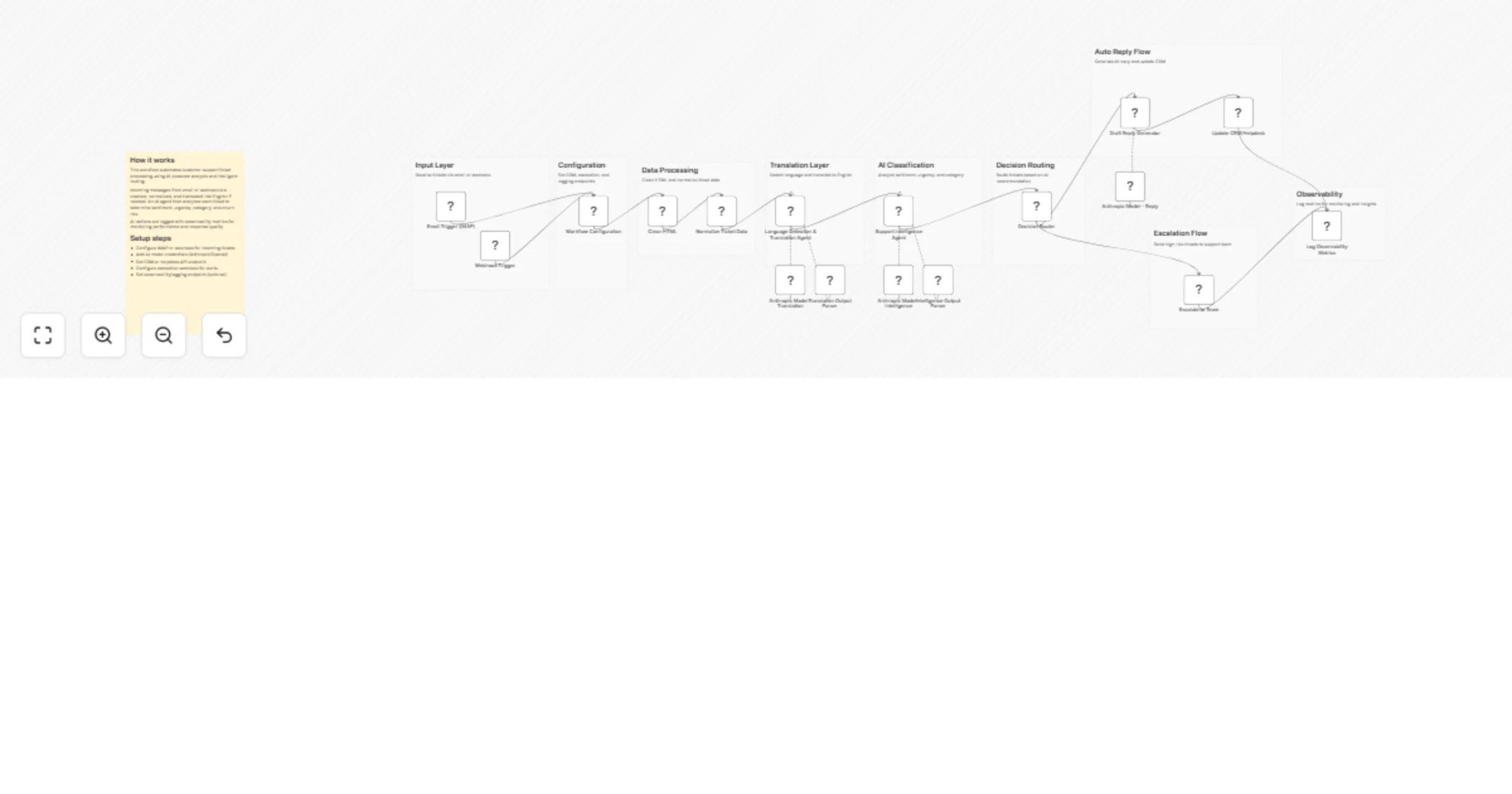
Workflow preview: Automated email classification & response system with Groq AI and Pinecone
Free advanced

Automated email classification & response system with Groq AI and Pinecone

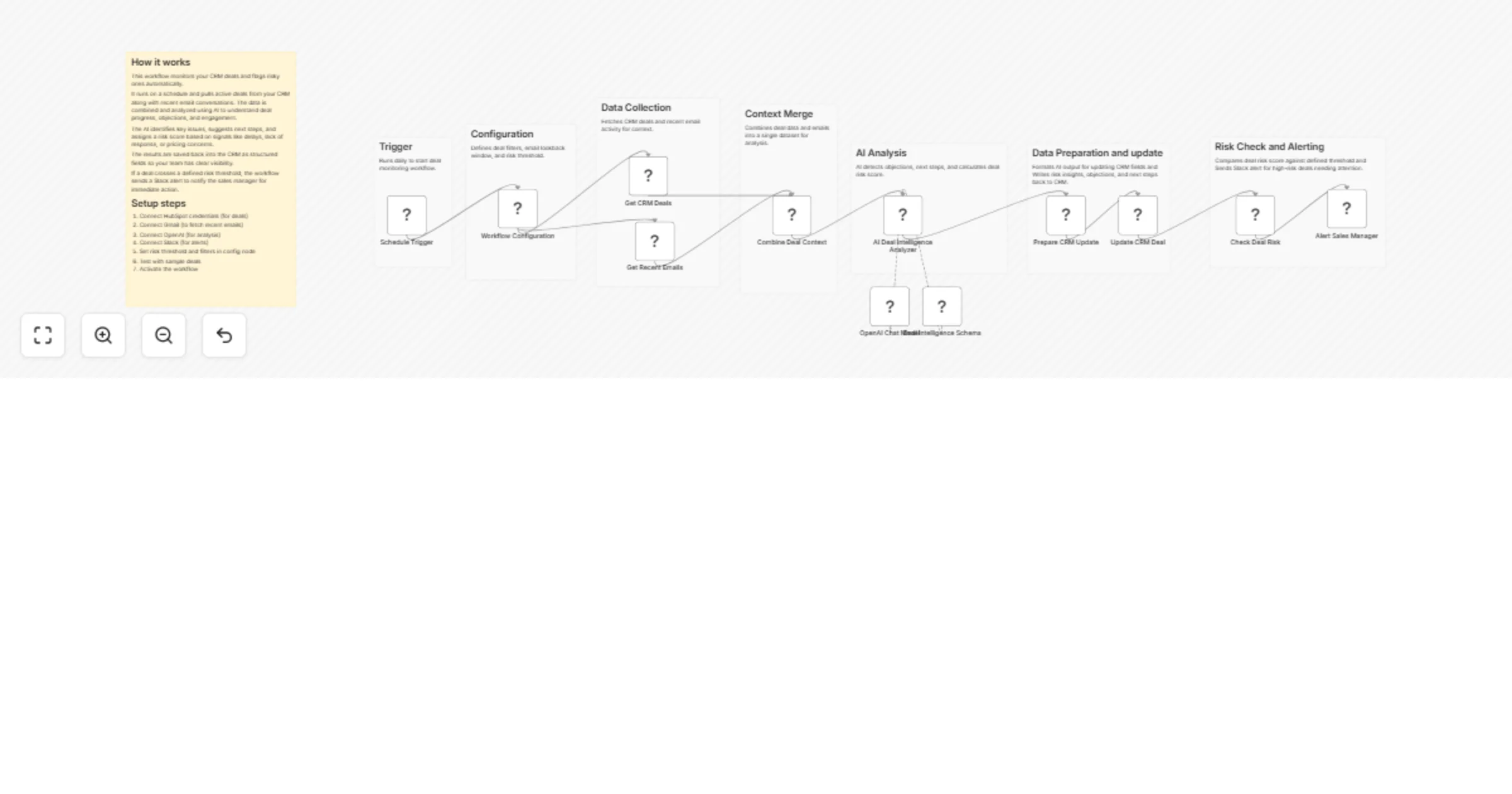
📝 Description This workflow helps automatically classify incoming emails using a combination of conditional logic and minimal AI-based classification. The system checks email content, performs sentiment analysis, uses OpenAI for categorization, and routes emails accordingly — with smart but efficient use of LLMs and AI Agents. ⚙️ How it works Trigger: An IMAP Email Trigger initiates the workflow upon receiving a new email. Code Block: Parses essential data from the email. Switch Node: Routes emails based on classification. LLM Chain: Processes specific email cases (e.g., inquiries or complaints). AI Agent (Minimal): Used only when other methods cannot determine intent. Email Responses: Sends tailored replies or routes to support/sales teams accordingly. Sentiment Analysis: Assists with tone evaluation for better response routing. 🧩 Set up steps Estimated setup time: 10–15 minutes You’ll need: An IMAP-compatible email account OpenAI or any compatible LLM provider Pinecone (optional, for vector memory) SMTP credentials for sending email Replace placeholder credentials in sticky notes before running.

R
ResilNext
Ticket Management
20 Jul 2025
566
0