Block 1 - Campaign Upload Webhook
- Type / Role
- n8n-nodes-base.webhook - webhook
- Config choices
- Version 2.1


 Early Deal
Overview This workflow automates bulk email campaigns with built in validation, deliverability protection, and smart send time optimization. It processes CSV leads, validates emails, enriches data,...
n8n-nodes-base.webhook, n8n-nodes-base.set, n8n-nodes-base.extractfromfile, n8n-nodes-base.splitout, n8n-nodes-base.code, n8n-nodes-base.if, n8n-nodes-base.httprequest, n8n-nodes-base.postgres
This workflow is cataloged by N8N Workflows and links back to its original n8n.io source page by ResilNext.
Original n8n.io sourceThis workflow automates bulk email campaigns with built-in validation, deliverability protection, and smart send-time optimization.
It processes CSV leads, validates emails, enriches data, and schedules campaigns intelligently. Emails are sent using controlled inbox rotation, while engagement tracking and analytics continuously improve performance.
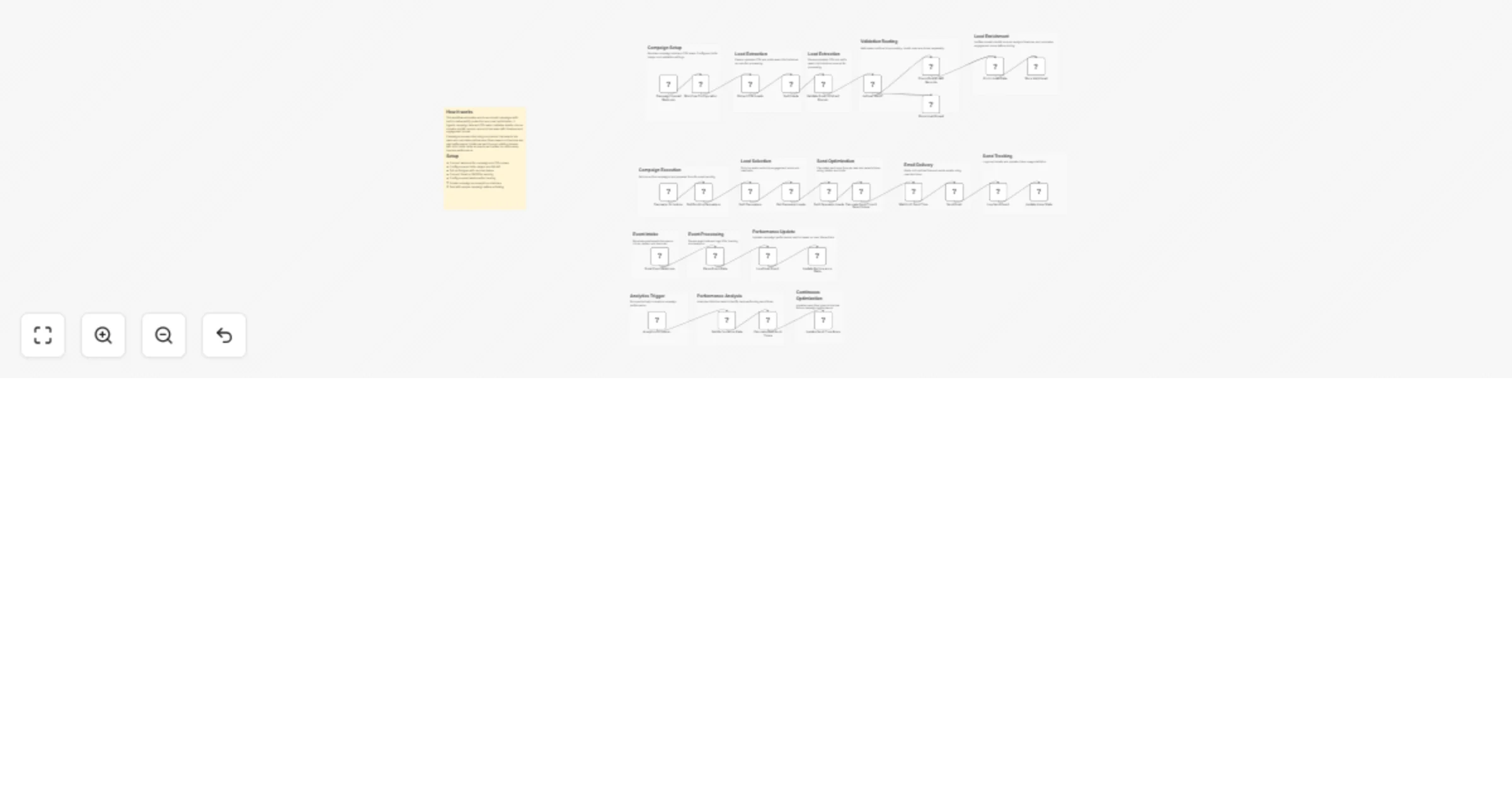
Campaign Input Receives campaign data and CSV leads via webhook.
Lead Processing Extracts CSV data, splits leads, and validates email format.
Domain & Quality Checks Verifies domains using MX records and filters invalid leads.
Lead Enrichment Adds timezone, domain type, and engagement score for better targeting.
Lead Storage Stores valid leads and separates invalid ones for tracking.
Campaign Execution Scheduler fetches active campaigns and selects top leads.
Send Optimization Calculates best send time per lead based on timezone and historical performance, while selecting inboxes within sending limits.
Email Delivery Waits until optimal time and sends emails using selected inbox.
Tracking & Logging Logs sent emails and updates inbox usage statistics.
Event Tracking Captures opens, clicks, replies, and bounces via webhook.
Performance Analytics Updates campaign stats and analyzes engagement trends.
Continuous Optimization Updates send-time rules to improve future campaign performance.
This catalog entry is organized from the workflow JSON. The node-level section below shows the executable blocks available for review before importing the template.
Showing the first 24 of 45 workflow blocks. Download the JSON for the full node graph.
| Workflow | Send bulk email campaigns with Gmail/SMTP and Postgres reputation-safe timing |
|---|---|
| Complexity | advanced |
| Nodes | 45 |
| Categories | Social Media |
| Author | ResilNext |
| Published | 23 Mar 2026 |
Use the JSON export at /data/workflows/14275/14275.json as the source template for this automation.
Open n8n, import the downloaded JSON, and review each node before activating the workflow.
Replace placeholder credentials, API keys, webhook URLs, account IDs, and environment-specific values with your own settings.
Run the workflow manually or in a staging workspace, inspect node output, and confirm downstream systems receive the expected data.
Enable the workflow only after testing, then monitor executions, errors, and rate limits during the first production runs.
Review imported nodes carefully before activation. This catalog entry is intended to help you inspect the workflow structure, understand required services, and find related templates faster.
Node names, credentials, schedules, webhook paths, and external service limits may need adjustment for your workspace.
Overview This workflow automates bulk email campaigns with built in validation, deliverability protection, and smart send time optimization. It processes CSV leads, validates emails, enriches data,...
Review the workflow JSON, configure any required credentials in n8n, and test the automation in a safe workspace before using it in production.
Yes. Use the block-by-block analysis and the downloadable JSON to inspect each node, then adjust credentials, prompts, schedules, filters, or destinations for your Social Media use case.