Block 1 - Document Upload Form
- Type / Role
- n8n-nodes-base.formTrigger - formTrigger
- Config choices
- Version 2.3


 Early Deal
Overview This workflow implements a complete Retrieval Augmented Generation (RAG) knowledge assistant with built in document ingestion, conversational AI, and automated analytics using n8n, OpenAI,...
n8n-nodes-base.formtrigger, n8n-nodes-base.set, n8n-nodes-base.datatable, @n8n/n8n-nodes-langchain.textsplitterrecursivecharactertextsplitter, @n8n/n8n-nodes-langchain.documentdefaultdataloader, @n8n/n8n-nodes-langchain.embeddingsopenai, @n8n/n8n-nodes-langchain.vectorstorepinecone, @n8n/n8n-nodes-langchain.chattrigger
This workflow is cataloged by N8N Workflows and links back to its original n8n.io source page by ResilNext.
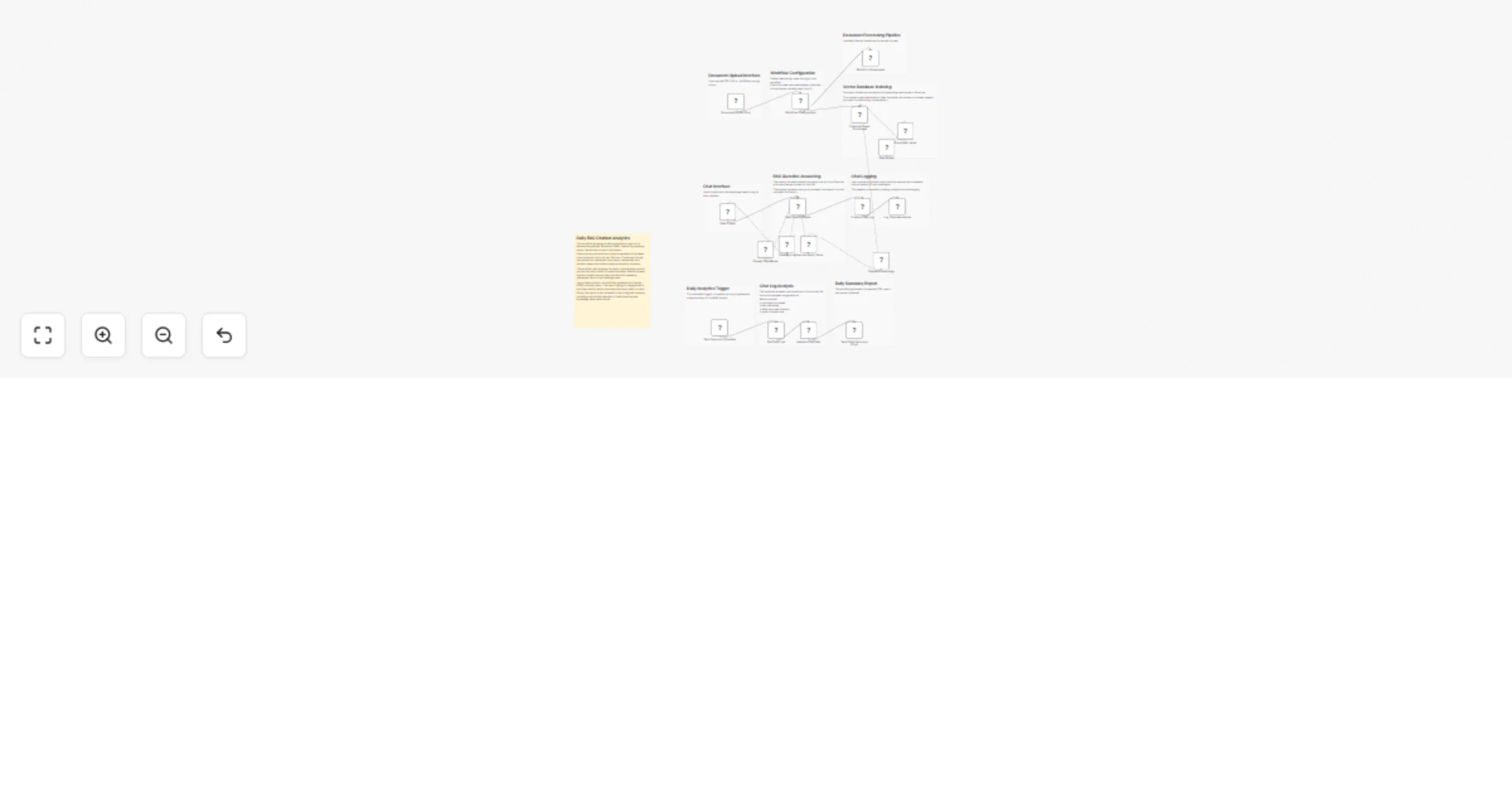
Original n8n.io sourceThis workflow implements a complete Retrieval-Augmented Generation (RAG) knowledge assistant with built-in document ingestion, conversational AI, and automated analytics using n8n, OpenAI, and Pinecone.
The system allows users to upload documents, automatically convert them into embeddings, query the knowledge base through a chat interface, and receive daily reports about chatbot performance and document usage.
Instead of manually searching through documentation, users can ask questions in natural language and receive answers grounded in the uploaded files. The workflow retrieves the most relevant document chunks from a vector database and provides them to the language model as context, ensuring accurate and source-based responses.
In addition to answering questions, the workflow records all chat interactions and generates daily usage analytics. These reports summarize chatbot activity, highlight the most referenced documents, and identify failed lookups where information could not be found.
This architecture is useful for teams building internal knowledge assistants, documentation chatbots, AI support tools, or searchable company knowledge bases powered by Retrieval-Augmented Generation.
form_responseschat_logsAllow employees to search internal documentation using natural language questions.
Provide instant answers from support manuals, product documentation, or help center articles.
Turn large document collections into an AI-powered searchable knowledge system.
Enable support teams to quickly retrieve answers from company knowledge repositories.
Monitor chatbot usage, identify missing documentation, and understand which files are most valuable to users.
form_responseschat_logsThis catalog entry is organized from the workflow JSON. The node-level section below shows the executable blocks available for review before importing the template.
Showing the first 24 of 29 workflow blocks. Download the JSON for the full node graph.
| Workflow | Build a document-upload RAG chatbot with OpenAI, Pinecone and daily analytics |
|---|---|
| Complexity | advanced |
| Nodes | 29 |
| Categories | Internal Wiki, AI RAG |
| Author | ResilNext |
| Published | 14 Mar 2026 |
Use the JSON export at /data/workflows/14041/14041.json as the source template for this automation.
Open n8n, import the downloaded JSON, and review each node before activating the workflow.
Replace placeholder credentials, API keys, webhook URLs, account IDs, and environment-specific values with your own settings.
Run the workflow manually or in a staging workspace, inspect node output, and confirm downstream systems receive the expected data.
Enable the workflow only after testing, then monitor executions, errors, and rate limits during the first production runs.
Review imported nodes carefully before activation. This catalog entry is intended to help you inspect the workflow structure, understand required services, and find related templates faster.
Node names, credentials, schedules, webhook paths, and external service limits may need adjustment for your workspace.
Overview This workflow implements a complete Retrieval Augmented Generation (RAG) knowledge assistant with built in document ingestion, conversational AI, and automated analytics using n8n, OpenAI,...
Review the workflow JSON, configure any required credentials in n8n, and test the automation in a safe workspace before using it in production.
Yes. Use the block-by-block analysis and the downloadable JSON to inspect each node, then adjust credentials, prompts, schedules, filters, or destinations for your Internal Wiki, AI RAG use case.