Scrape LinkedIn B2B leads with Apify and GPT-4 and approve emails in Sheets
Workflow preview

$20/month : Unlimited workflows
2500 executions/month

THE #1 IN WEB SCRAPING
Scrape any website without limits
HOSTINGER  Early Deal
DISCOUNT 20% Try free
Early DealDISCOUNT 20%
Self-hosted n8n
Unlimited workflows - from $4.99/mo

#1 hub for scraping, AI & automation
6000+ actors - $5 credits/mo
Overview
What this workflow does
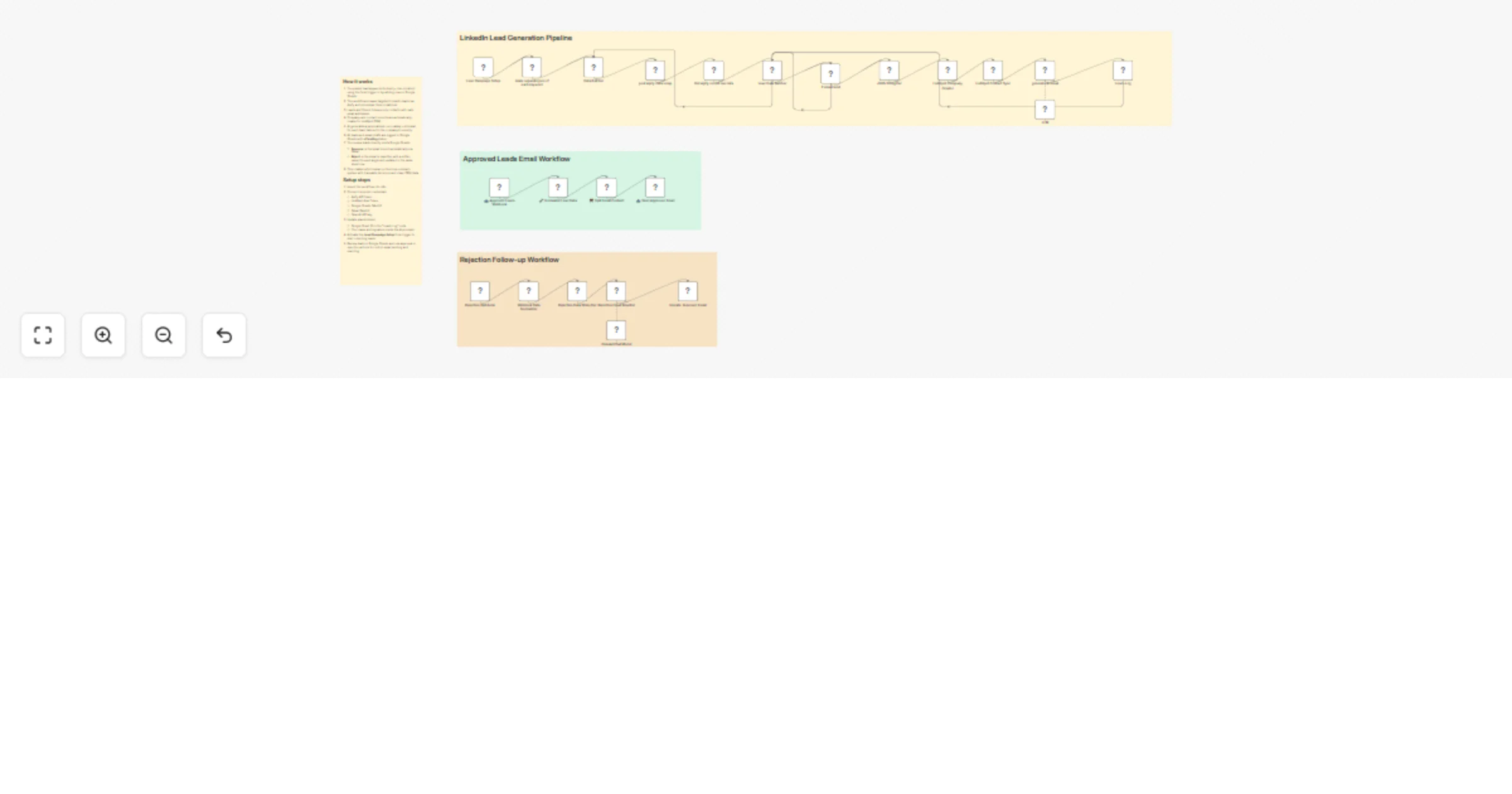
Fully production-ready B2B lead outreach pipeline that:
- Takes industry keywords from a form trigger (or you can manually add rows to Google Sheets)
- Scrapes targeted LinkedIn leads using Apify (peakydev~leads-scraper-ppe actor)
- Filters for valid emails
- Automatically creates company + contact records in HubSpot CRM
- Generates highly personalized, non-salesy cold emails using GPT (tailored to the company’s industry)
- Logs every lead to Google Sheets with "Pending" status
- Waits for human approval or rejection — triggered directly from Google Sheets via two webhooks:
- Approve (via button/script in sheet) → sends the email via Gmail
- Reject (via button/script in sheet) → automatically rewrites a softer, more value-focused version with a different angle → updates the same row in the sheet
Why this is useful
Most outreach automations send emails blindly. This one gives you full control with a human-in-the-loop layer inside Google Sheets + automatic intelligent rewrite on rejection — which greatly improves reply rates, reduces spam complaints, and protects your sender reputation.
Ideal if you:
- Run outbound campaigns at reasonable scale
- Already live in Google Sheets for lead review
- Want clean HubSpot CRM records before sending anything
- Need traceable approval (who approved what, when)
- Often hear “too salesy” and want the AI to adapt automatically
How to use
- Import the workflow into n8n
- Connect the required credentials:
- Apify API token
- HubSpot App Token (Private App)
- Gmail OAuth2
- Google Sheets OAuth2
- OpenAI API key
- Replace placeholders:
- Your Google Sheet ID in the “Leads Log” node
- Your name & signature in the AI prompts
- Any test email addresses if needed
- Activate the main Form Trigger (
Lead Campaign Setup) to start campaigns - Review & act from Google Sheets:
- Leads appear in your sheet with "Pending" status
- Use simple buttons or a dropdown + Apps Script (code examples provided in workflow sticky notes) to trigger:
- Approve → POST to
/webhook/approved - Reject → POST to
/webhook/rejected
Required credentials
- Apify
- HubSpot (App Token)
- Gmail OAuth2
- Google Sheets OAuth2
- OpenAI
Once set up, you get a beautiful hybrid system: generate leads automatically → review & decide in familiar Google Sheets → one-click action → n8n handles sending or smart rewriting.
Enjoy — and feel free to share your reply rates or any tweaks you make after running a few campaigns! 🪄