Block 1 - Beer & Cig Farmer
- Type / Role
- n8n-nodes-base.httpRequest - httpRequest
- Config choices
- Version 1


 Early Deal
️ Heads up: this is satire. The "Hell Yeah!" workflow is a parody of "automate your whole life with AI agents" grindset content. The API endpoints are fictional and the function nodes are illustra...
n8n-nodes-base.httprequest, n8n-nodes-base.wait, n8n-nodes-base.function, n8n-nodes-base.cron, n8n-nodes-base.salesforce, n8n-nodes-base.telegram, n8n-nodes-base.facebookgraphapi, n8n-nodes-base.if
This workflow is cataloged by N8N Workflows and links back to its original n8n.io source page by Dylan Watkins.
Original n8n.io source⚠️ Heads up: this is satire. The "Hell Yeah!" workflow is a parody of "automate your whole life with AI agents" grindset content. The API endpoints are fictional and the function nodes are illustrative stubs. It's published as a template because the patterns underneath the joke — multi-channel social fan-out, marketplace scraping with follow-up sequences, CRM sync with chat alerts, cron-triggered daily chains — are genuinely useful starting points for n8n agencies building real lead-gen flows. Swap the jokes for your actual integrations and you've got a working skeleton.
How it works
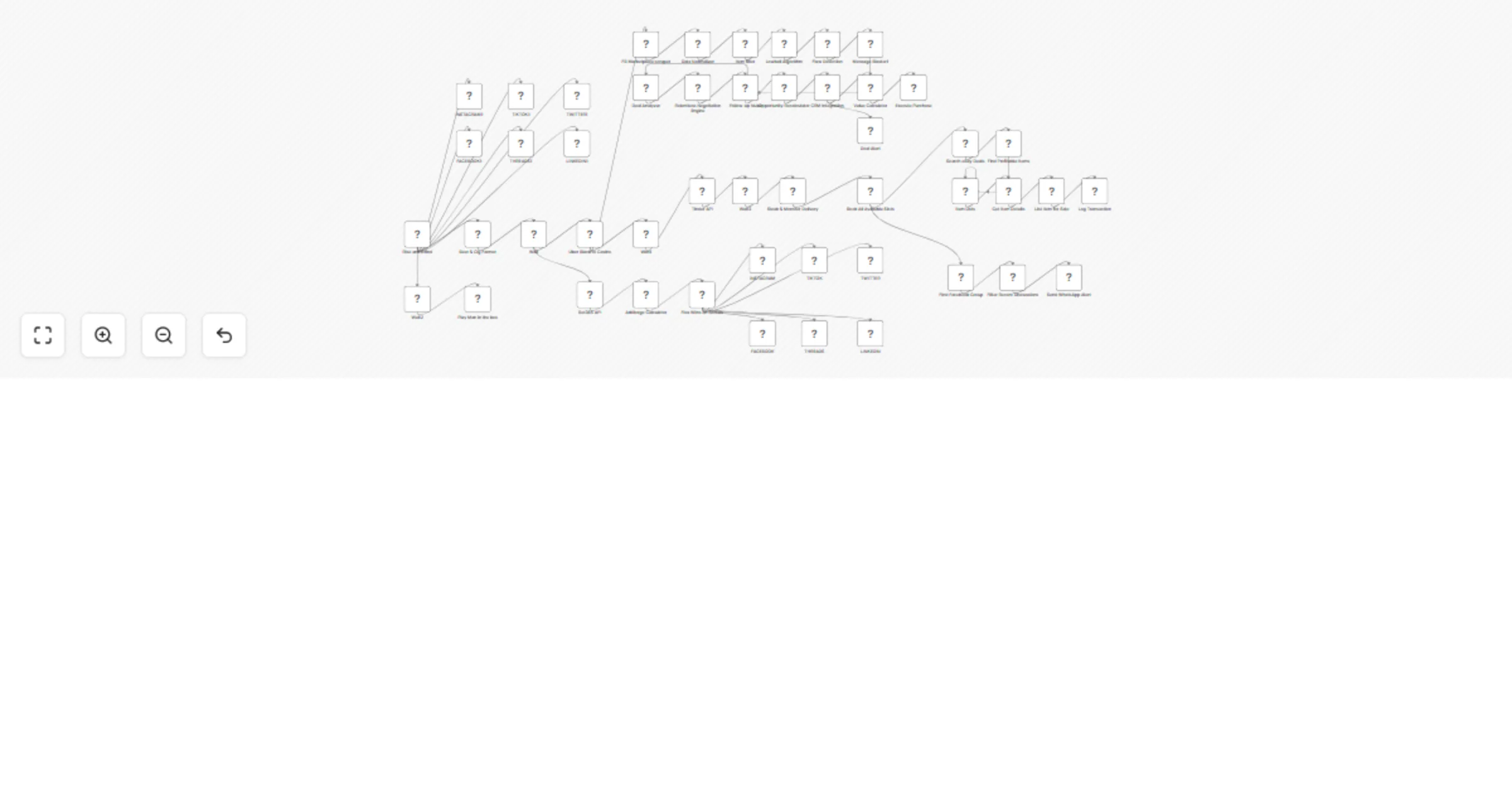
A Rise and Grind cron kicks off a parallel "daily lifestyle" routine every morning A gambling → flex chain runs arbitrage math against a fake sportsbook and fans the "wins" out to Instagram, TikTok, Facebook, Threads, LinkedIn, and Twitter in one blast (this is the reusable multi-channel social posting pattern) A Facebook Marketplace lowball engine scrapes listings, filters them, fires templated lowball offers, and runs a relentless follow-up sequence (reusable pattern: scraper → filter → outreach → nurture) An eBay arbitrage loop finds profitable items, relists them, and logs every transaction to Google Sheets A Salesforce + Telegram branch handles "deal alerts" — the standard CRM-sync-with-chat-notification pattern every agency ships Extra satirical branches (Tinder auto-booking, Uber Black to the casino, steak delivery, playing Alice in Chains) are there for the bit — delete or replace them
Set up steps
Takes about 15–20 minutes if you're just importing to read through the patterns Takes 1–2 hours if you're stripping out the satirical branches and wiring the reusable patterns (social fan-out, marketplace outreach, CRM+Telegram) to your real credentials Replace every fictional HTTP endpoint with your actual API before activating Add credentials for whichever real nodes you keep: Salesforce, Telegram, Google Sheets, WhatsApp, Facebook Graph Detailed notes for each section live in the sticky notes inside the workflow itself
This catalog entry is organized from the workflow JSON. The node-level section below shows the executable blocks available for review before importing the template.
Showing the first 24 of 49 workflow blocks. Download the JSON for the full node graph.
| Workflow | Automate social fan-out, marketplace outreach, and CRM alerts with Salesforce |
|---|---|
| Complexity | advanced |
| Nodes | 49 |
| Categories | Lead Generation |
| Author | Dylan Watkins |
| Published | 10 Apr 2026 |
Use the JSON export at /data/workflows/14984/14984.json as the source template for this automation.
Open n8n, import the downloaded JSON, and review each node before activating the workflow.
Replace placeholder credentials, API keys, webhook URLs, account IDs, and environment-specific values with your own settings.
Run the workflow manually or in a staging workspace, inspect node output, and confirm downstream systems receive the expected data.
Enable the workflow only after testing, then monitor executions, errors, and rate limits during the first production runs.
Review imported nodes carefully before activation. This catalog entry is intended to help you inspect the workflow structure, understand required services, and find related templates faster.
Node names, credentials, schedules, webhook paths, and external service limits may need adjustment for your workspace.
️ Heads up: this is satire. The "Hell Yeah!" workflow is a parody of "automate your whole life with AI agents" grindset content. The API endpoints are fictional and the function nodes are illustra...
Review the workflow JSON, configure any required credentials in n8n, and test the automation in a safe workspace before using it in production.
Yes. Use the block-by-block analysis and the downloadable JSON to inspect each node, then adjust credentials, prompts, schedules, filters, or destinations for your Lead Generation use case.