Block 1 - On form submission
- Type / Role
- n8n-nodes-base.formTrigger - formTrigger
- Config choices
- Version 2.5


 Early Deal
Description This n8n workflow automates a speed to lead system, capturing form submissions and quickly routing qualified leads to tools like Trello and Gmail for fast follow up. Good to Know Speed ...
n8n-nodes-base.formtrigger, @n8n/n8n-nodes-langchain.agent, @n8n/n8n-nodes-langchain.lmchatopenai, n8n-nodes-base.switch, n8n-nodes-base.slack, @n8n/n8n-nodes-langchain.outputparserstructured, n8n-nodes-base.set, n8n-nodes-base.gmail
This workflow is cataloged by N8N Workflows and links back to its original n8n.io source page by Raejan Vasquez.
Original n8n.io sourceThis n8n workflow automates a speed-to-lead system, capturing form submissions and quickly routing qualified leads to tools like Trello and Gmail for fast follow-up.
Speed-to-lead focuses on minimizing time from lead capture to sales engagement, boosting conversion rates.
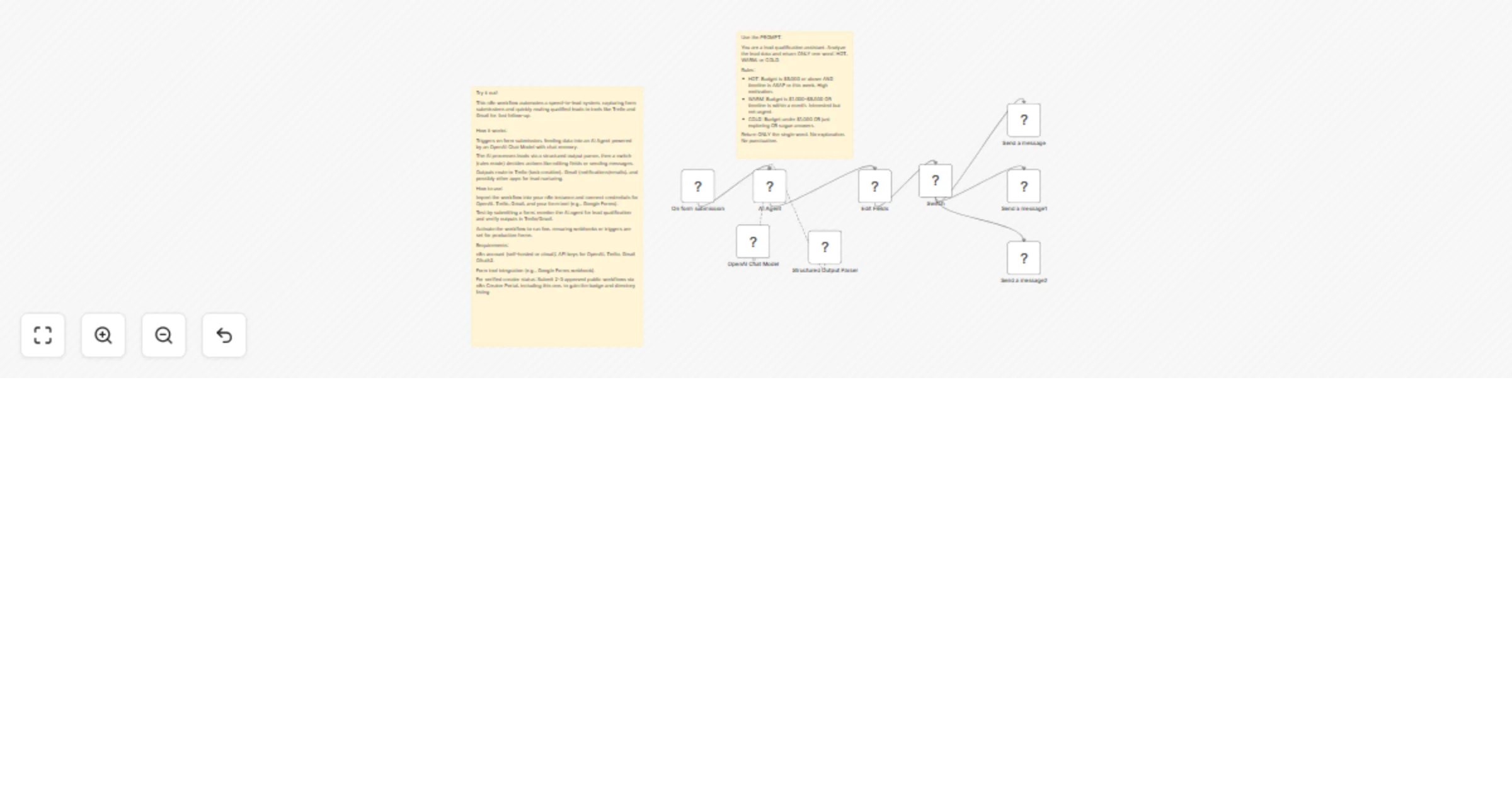
Triggers on form submission, feeding data into an AI Agent powered by an OpenAI Chat Model with chat memory.
The AI processes leads via a structured output parser, then a switch (rules mode) decides actions like editing fields or sending messages.
Outputs route to Trello (task creation), Gmail (notifications/emails), and possibly other apps for lead nurturing.
Import the workflow into your n8n instance and connect credentials for OpenAI, Trello, Gmail, and your form tool (e.g., Google Forms).
Test by submitting a form; monitor the AI agent for lead qualification and verify outputs in Trello/Gmail.
Activate the workflow to run live, ensuring webhooks or triggers are set for production forms
n8n account (self-hosted or cloud); API keys for OpenAI, Trello, Gmail OAuth2.
Form tool integration (e.g., Google Forms webhook).
For verified creator status: Submit 2-3 approved public workflows via n8n Creator Portal, including this one, to gain the badge and directory listing.
This catalog entry is organized from the workflow JSON. The node-level section below shows the executable blocks available for review before importing the template.
| Workflow | Qualify and route inbound leads with OpenAI, Trello, Slack and Gmail |
|---|---|
| Complexity | intermediate |
| Nodes | 11 |
| Categories | Lead Generation, AI Summarization |
| Author | Raejan Vasquez |
| Published | 13 Apr 2026 |
Use the JSON export at /data/workflows/15028/15028.json as the source template for this automation.
Open n8n, import the downloaded JSON, and review each node before activating the workflow.
Replace placeholder credentials, API keys, webhook URLs, account IDs, and environment-specific values with your own settings.
Run the workflow manually or in a staging workspace, inspect node output, and confirm downstream systems receive the expected data.
Enable the workflow only after testing, then monitor executions, errors, and rate limits during the first production runs.
Review imported nodes carefully before activation. This catalog entry is intended to help you inspect the workflow structure, understand required services, and find related templates faster.
Node names, credentials, schedules, webhook paths, and external service limits may need adjustment for your workspace.
Description This n8n workflow automates a speed to lead system, capturing form submissions and quickly routing qualified leads to tools like Trello and Gmail for fast follow up. Good to Know Speed ...
Review the workflow JSON, configure any required credentials in n8n, and test the automation in a safe workspace before using it in production.
Yes. Use the block-by-block analysis and the downloadable JSON to inspect each node, then adjust credentials, prompts, schedules, filters, or destinations for your Lead Generation, AI Summarization use case.