Collect YouTube channel stats & contact info with Google Sheets and SerpAPI
Workflow preview

$20/month : Unlimited workflows
2500 executions/month

THE #1 IN WEB SCRAPING
Scrape any website without limits
HOSTINGER  Early Deal
DISCOUNT 20% Try free
Early DealDISCOUNT 20%
Self-hosted n8n
Unlimited workflows - from $4.99/mo

#1 hub for scraping, AI & automation
6000+ actors - $5 credits/mo
Important notice
This workflow is provided as-is. Please review and test before using in production.
Overview
Workflow Overview
This advanced n8n automation is a powerful channel research and intelligence gathering tool designed to transform raw YouTube channel data into actionable insights. By intelligently connecting multiple APIs and data sources, this workflow:
Discovers Channel Metrics:
- Automatically retrieves channel statistics
- Captures detailed performance indicators
- Provides comprehensive channel intelligence
Performs Deep Analysis:
- Extracts recent video performance data
- Calculates engagement metrics
- Aggregates view count insights
Uncovers Contact Information:
- Attempts to retrieve public email addresses
- Provides direct outreach opportunities
- Enhances lead generation capabilities
Seamless Data Logging:
- Automatically updates Google Sheets
- Maintains a live intelligence dashboard
- Preserves historical channel data
Key Benefits
- 🤖 Full Automation: Continuous channel intelligence gathering
- 💡 Smart Analysis: Comprehensive performance insights
- 📊 Real-Time Tracking: Always-updated channel metrics
- 🔍 Lead Generation: Direct contact information extraction
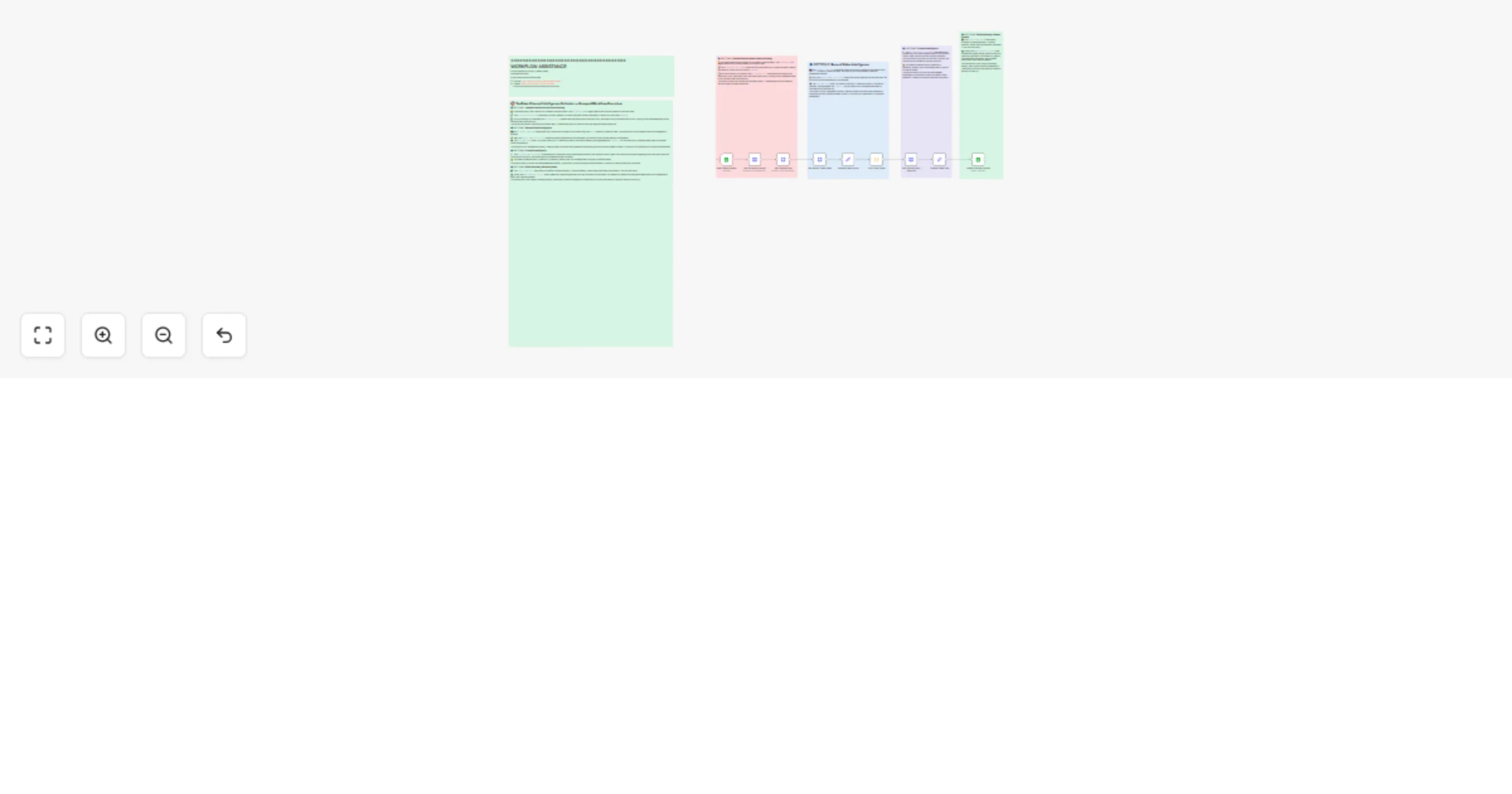
Workflow Architecture
🔹 Stage 1: Channel Identification
- Google Sheets Trigger: Detects new channel additions
- YouTube Data API: Fetches channel statistics
- Comprehensive Metric Collection:
- Subscriber count
- Total view metrics
- Channel overview
🔹 Stage 2: Video Performance Analysis
- Recent Video Retrieval: Fetches 5 latest uploads
- View Count Aggregation:
- Calculates total recent views
- Provides engagement snapshot
- Performance Insights: Measures content effectiveness
🔹 Stage 3: Contact Discovery
- SerpAPI Integration: Attempts email extraction
- Public Contact Information:
- Retrieves available email addresses
- Supports outreach and networking
🔹 Stage 4: Data Compilation
- Intelligent Data Formatting
- Google Sheets Update
- Live Intelligence Dashboard
Potential Use Cases
- Marketing Teams: Influencer research
- Sales Professionals: Lead qualification
- Content Strategists: Competitive analysis
- Recruitment Specialists: Talent scouting
- Business Development: Partnership identification
Setup Requirements
YouTube Data API
- Google Cloud API credentials
- Configured API access
SerpAPI Account
- API key for email extraction
- Web scraping permissions
Google Sheets
- Connected Google account
- Prepared tracking spreadsheet
- Appropriate sharing settings
n8n Installation
- Cloud or self-hosted instance
- Workflow configuration
- API credential management
Future Enhancement Suggestions
- 🤖 AI-powered channel scoring
- 📊 Advanced trend analysis
- 🔔 Automated alert system
- 🌐 Multi-platform channel tracking
- 🧠 Machine learning insights generation
Technical Considerations
- Implement robust error handling
- Use exponential backoff for API calls
- Maintain flexible data extraction strategies
- Ensure compliance with platform terms of service
Ethical Guidelines
- Respect content creator privacy
- Use data for legitimate research
- Maintain transparent data collection practices
- Provide opt-out mechanisms
Connect With Me
Ready to unlock YouTube channel insights?
📧 Email: [email protected]
🎥 YouTube: @YaronBeen
💼 LinkedIn: Yaron Been
Transform your channel research with intelligent, automated workflows!