Scrape Shopify store leads with ScraperCity and push verified contacts to HubSpot CRM
Workflow preview

$20/month : Unlimited workflows
2500 executions/month

THE #1 IN WEB SCRAPING
Scrape any website without limits
HOSTINGER  Early Deal
DISCOUNT 20% Try free
Early DealDISCOUNT 20%
Self-hosted n8n
Unlimited workflows - from $4.99/mo

#1 hub for scraping, AI & automation
6000+ actors - $5 credits/mo
Overview
Who is this for
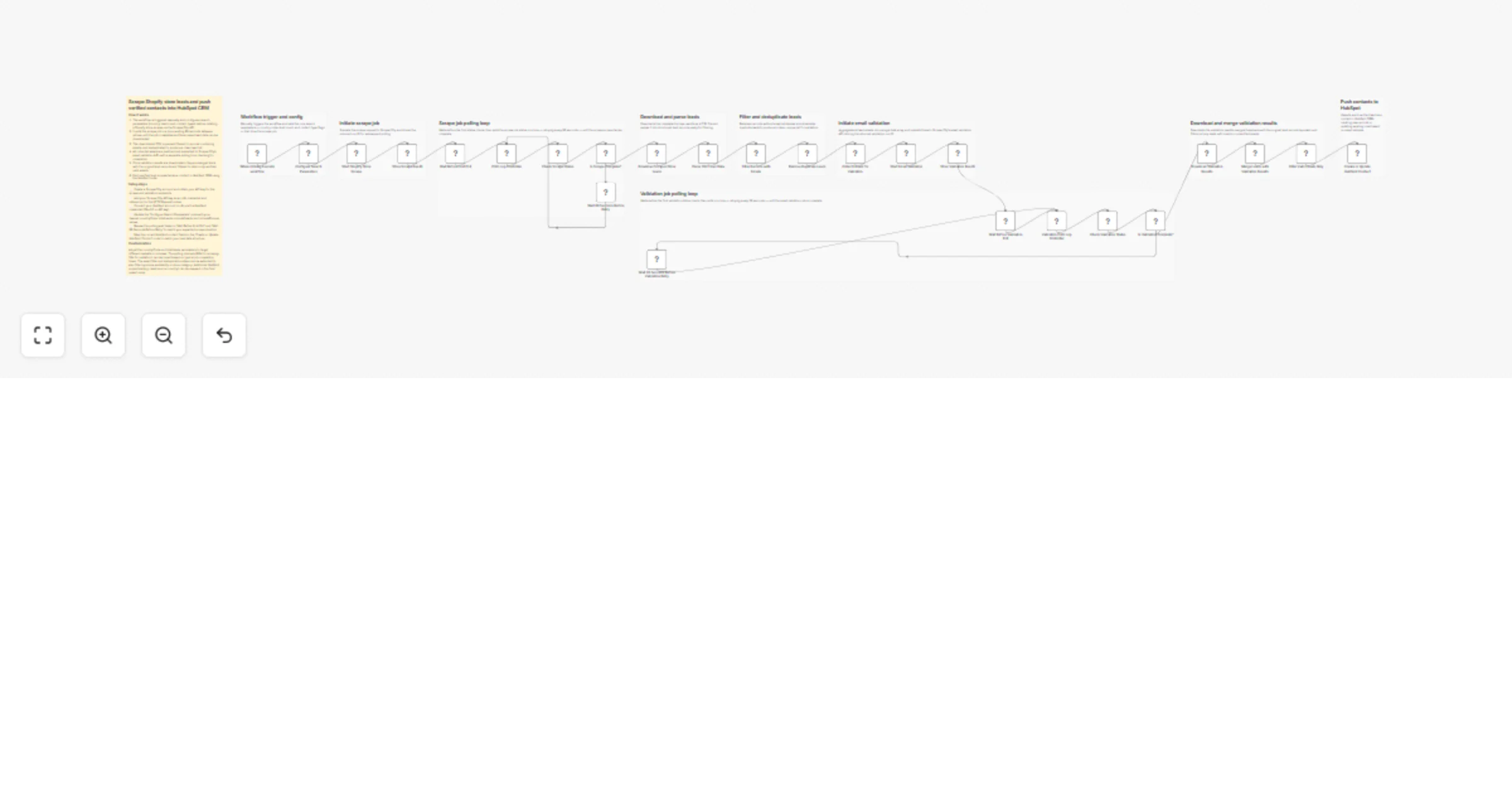
This workflow is built for digital agencies and sales teams that sell services to ecommerce brands. If you prospect Shopify store owners and want a repeatable, automated pipeline from discovery to CRM -- this template handles the entire process.
How it works
- A configuration node lets you set your target country, lead volume, and filters before anything runs.
- ScraperCity's store-leads API scrapes live Shopify stores and returns emails, phone numbers, and social profiles.
- The workflow polls for job completion every 60 seconds, then downloads and parses the CSV results.
- All harvested emails are sent in bulk to ScraperCity's email-validator API, which checks deliverability, MX records, and catch-all status.
- Only contacts with valid or acceptable email status pass through a filter node.
- Duplicate records are removed before each verified lead is created or updated as a contact in HubSpot CRM.
How to set up
- Create a ScraperCity account at app.scrapercity.com and copy your API key.
- In n8n, create an HTTP Header Auth credential named "ScraperCity API Key" with the header name "Authorization" and value "Bearer YOUR_KEY".
- Connect your HubSpot account using the HubSpot App Token credential.
- Open the Configure Search Parameters node and set your target country code and lead volume.
Requirements
- ScraperCity account (app.scrapercity.com) -- store-leads and email-validator products
- HubSpot account with a private app token
- n8n instance (cloud or self-hosted)
How to customize the workflow
- Change
countryCodein the config node to target any market (GB, AU, CA, etc.) - Adjust
totalLeadsto control scrape volume per run - Add a filter node after email validation to restrict to specific domains or revenue signals
- Swap HubSpot for another CRM by replacing the final node with a Salesforce, Pipedrive, or Airtable node