Qualify inbound leads with Vapi voice AI and log results to Google Sheets
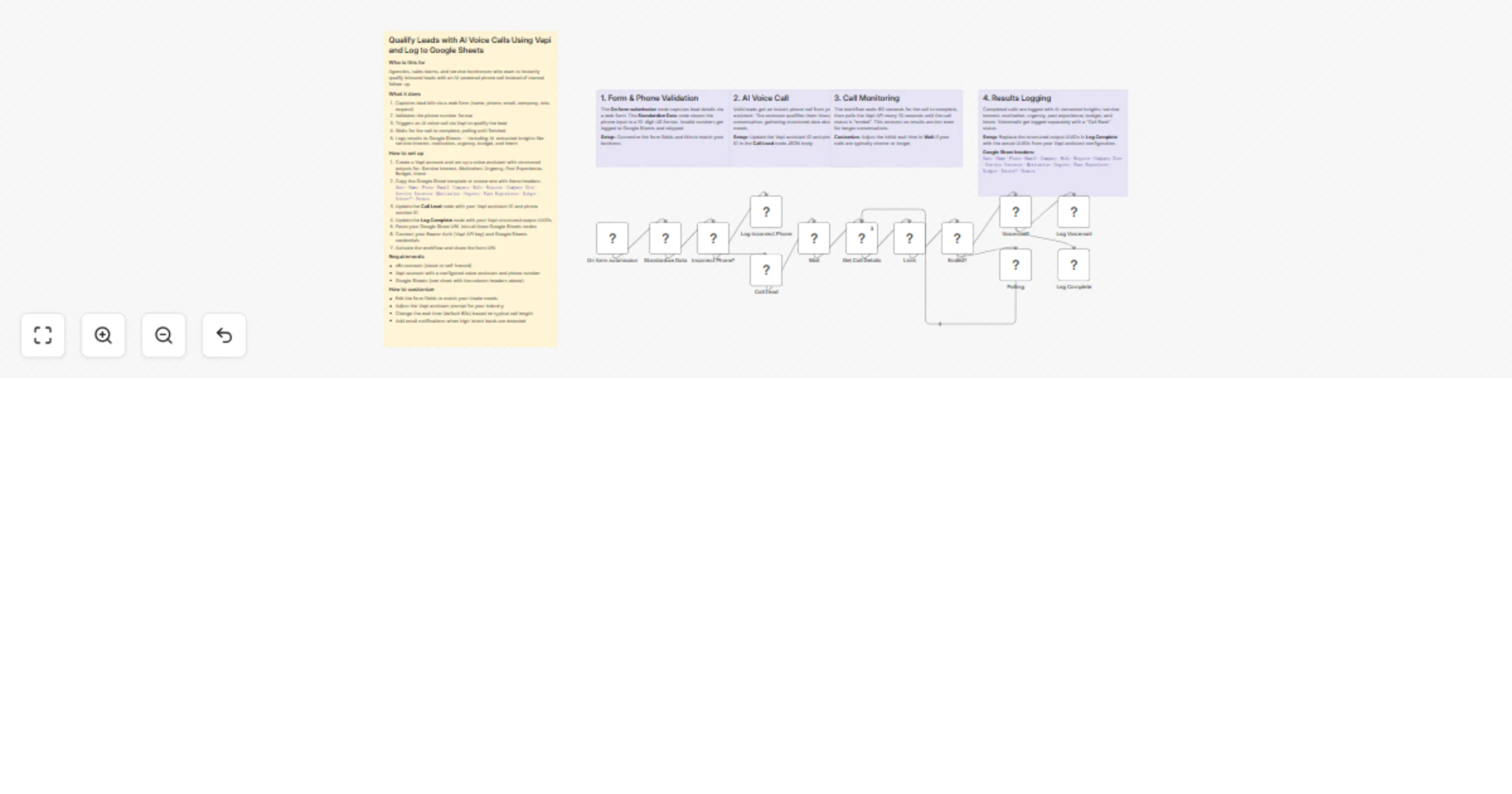
Workflow preview

$20/month : Unlimited workflows
2500 executions/month

THE #1 IN WEB SCRAPING
Scrape any website without limits
HOSTINGER  Early Deal
DISCOUNT 20% Try free
Early DealDISCOUNT 20%
Self-hosted n8n
Unlimited workflows - from $4.99/mo

#1 hub for scraping, AI & automation
6000+ actors - $5 credits/mo
Overview
Who is this for
Agencies, sales teams, and service businesses who want to instantly qualify inbound leads with an AI-powered phone call — no manual follow-up needed.
What it does
This workflow captures leads via a web form, validates their phone number, and immediately triggers an AI voice call through Vapi. The AI assistant qualifies the lead through a natural conversation, extracting structured data about service interest, motivation, urgency, budget, and intent. Everything gets logged to Google Sheets.
- Captures lead info via a web form (name, phone, email, company, role, request, company size)
- Validates the phone number format (US 10-digit) and logs invalid numbers separately
- Calls the lead instantly via Vapi AI voice assistant
- Polls until the call completes, handling voicemails and completed calls differently
- Logs results to Google Sheets with AI-extracted qualification insights
How to set up
- Create a Vapi account and configure a voice assistant with structured outputs for: Service Interest, Motivation, Urgency, Past Experience, Budget, Intent
- Create a Google Sheet with these headers:
Date·Name·Phone·Email·Company·Role·Request·Company Size·Service Interest·Motivation·Urgency·Past Experience·Budget·Intent?·Status - Replace
YOUR_VAPI_ASSISTANT_IDandYOUR_VAPI_PHONE_NUMBER_IDin the Call Lead node's JSON body - Replace the
YOUR_*_UUIDplaceholders in the Log Complete node with your Vapi structured output UUIDs - Paste your Google Sheet URL into all three Google Sheets nodes
- Connect Bearer Auth (Vapi API key) and Google Sheets credentials
- Activate the workflow and share the form URL
Requirements
- n8n account (cloud or self-hosted)
- Vapi account with a configured voice assistant and phone number
- Google Sheets (one sheet with the column headers above)
How to customize
- Edit the form fields to match your intake needs
- Adjust the Vapi assistant prompt for your industry and qualification criteria
- Change the initial wait time (default 60s) based on your typical call length
- Add email or Slack notifications when high-intent leads are detected