Monitor Clutch categories for new agencies with BrowserAct, Gemini, and Slack
Workflow preview

$20/month : Unlimited workflows
2500 executions/month

THE #1 IN WEB SCRAPING
Scrape any website without limits
HOSTINGER  Early Deal
DISCOUNT 20% Try free
Early DealDISCOUNT 20%
Self-hosted n8n
Unlimited workflows - from $4.99/mo

#1 hub for scraping, AI & automation
6000+ actors - $5 credits/mo
Overview
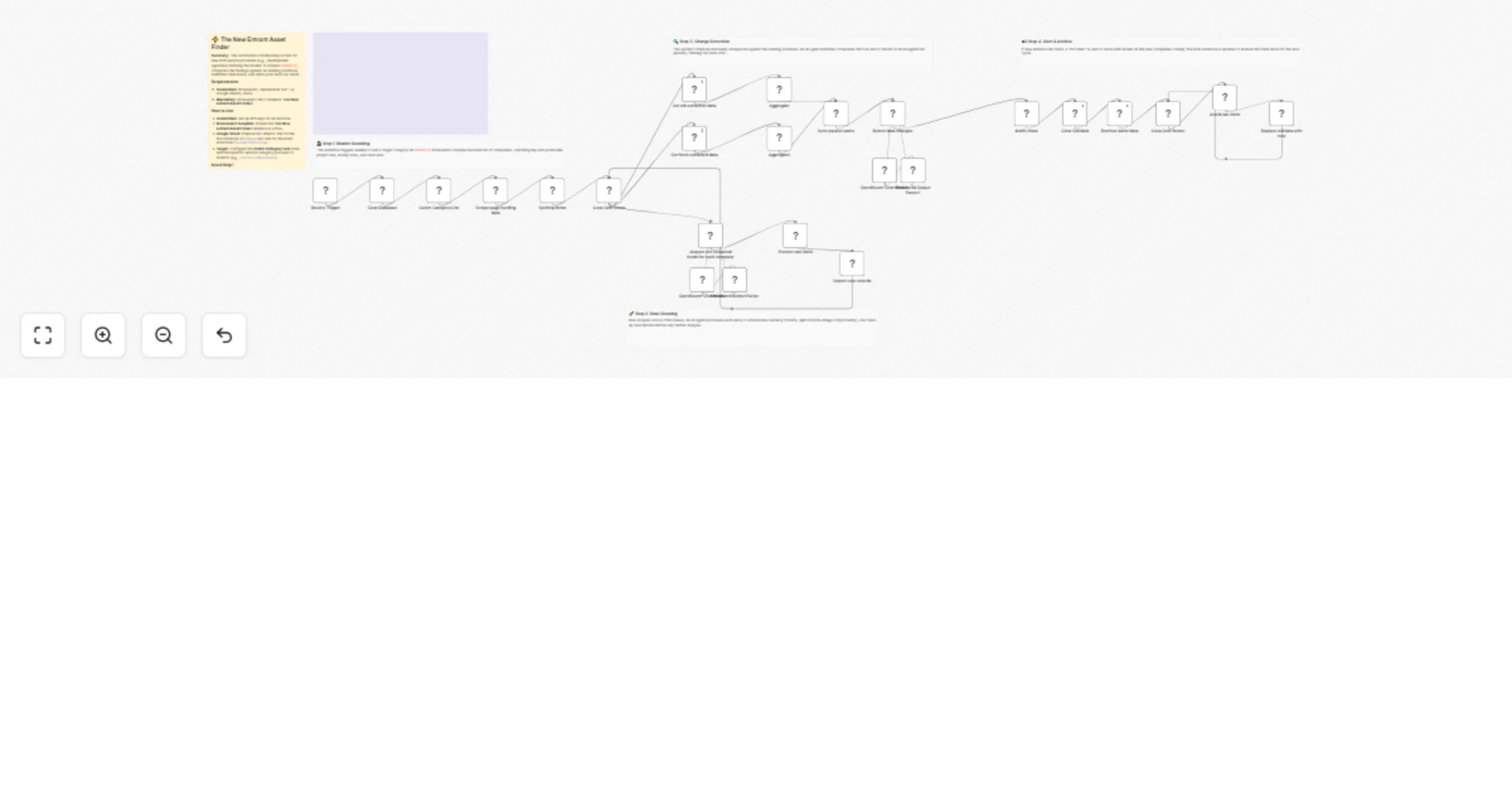
Monitor Clutch categories for new agencies to Slack With BrowserAct and Gemini
Introduction
This workflow automates the discovery of new B2B service providers entering the market. It scrapes a specific category on Clutch.co weekly, standardizes the data using AI, and compares it against a historical database to identify only the fresh "new entrants." These leads are then sent to Slack as a "Hot Alert."
Target Audience
Sales Development Representatives (SDRs), partnership managers, and lead generation agencies looking for new agencies or service providers before their competitors find them.
How it works
- Scheduling: A Weekly Trigger initiates the scan to ensure regular monitoring of the market.
- Targeting: A Set node defines the specific Clutch category URL to monitor (e.g.,
https://clutch.co/developers). - Data Extraction: The BrowserAct node runs the "The New Entrant Asset Finder" template. It navigates to the target category and scrapes the current list of companies.
- Data Cleaning: An AI Agent (using OpenRouter/Gemini) processes the raw scraped data. It fixes formatting issues, such as converting "$10,000+" to integers and splitting "City, Country" strings into separate fields.
- Staging: The cleaned data is written to a temporary "Second Extraction" sheet in Google Sheets.
- Change Detection: The workflow retrieves the previous week's data ("Database") and the current week's data. A second AI Agent compares the two lists to identify companies that exist in the new scan but not the old one.
- Notification: If new companies are found, a Slack node posts a formatted alert with details like "Company Name," "Rate," and "Website."
- Database Update: The workflow clears the old database and replaces it with the latest scan, establishing a new baseline for the next week's comparison.
How to set up
- Configure Credentials: Connect your BrowserAct, OpenRouter, Google Sheets, and Slack accounts in n8n.
- Prepare BrowserAct: Ensure the The New Entrant Asset Finder template is active in your BrowserAct library.
- Prepare Google Sheet: Create a Google Sheet with two tabs:
Database (First Extarction)Second Extraction
- Define Target: Open the Clutch Category Link node and paste the URL of the Clutch category you want to track.
- Configure IDs: Update the Google Sheets nodes to point to your specific spreadsheet file and the respective tabs mentioned above.
Google Sheet Headers
To use this workflow, ensure your Google Sheet tabs use the following headers:
company_namewebsite_urlmin_project_value_usdhourly_rate_lowhourly_rate_highemployees_rangecitycountryshort_description
Requirements
- BrowserAct Account: Required for scraping. Template: The New Entrant Asset Finder.
- OpenRouter Account: Required for cleaning data and detecting changes.
- Google Sheets: Acts as the historical database.
- Slack Account: Used for receiving lead alerts.
How to customize the workflow
- Change the Source: Modify the Clutch Category Link and the BrowserAct template to scrape a different directory, such as G2, Capterra, or Upwork.
- Filter Logic: Update the system prompt in the Detect data changes AI node to only alert on companies with a specific hourly rate (e.g., >$100/hr) or employee count.
- Enrichment: Add a Clearbit or Apollo node after the change detection step to find email addresses for the new companies before sending them to Slack.
Need Help?
- How to Find Your BrowserAct API Key & Workflow ID
- How to Connect n8n to BrowserAct
- How to Use & Customize BrowserAct Templates