Madame AI Team | Kai
Workflows by Madame AI Team | Kai
Transform articles into kids’ audiobooks and comics with Telegram, BrowserAct, Gemini and ElevenLabs
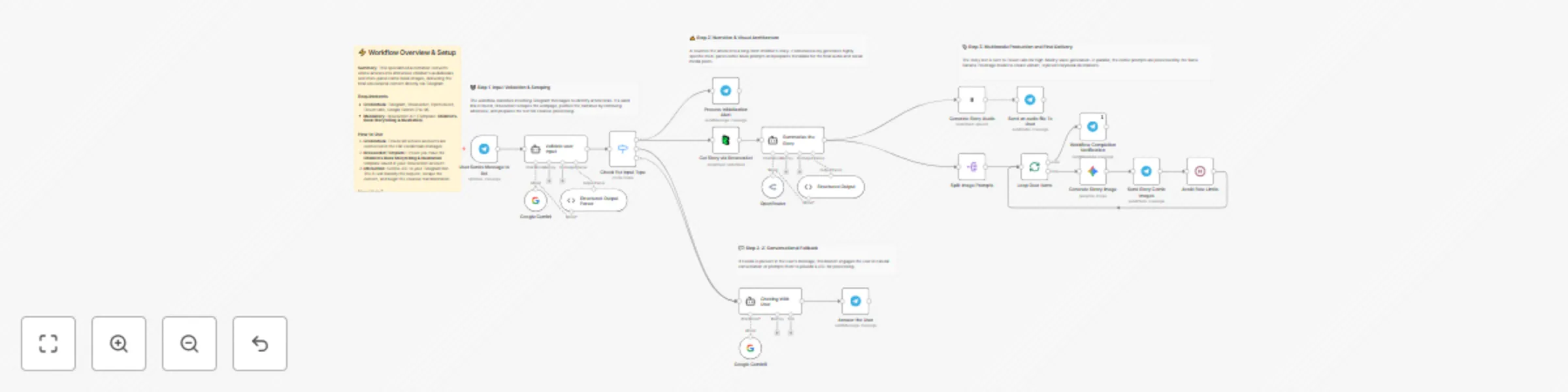
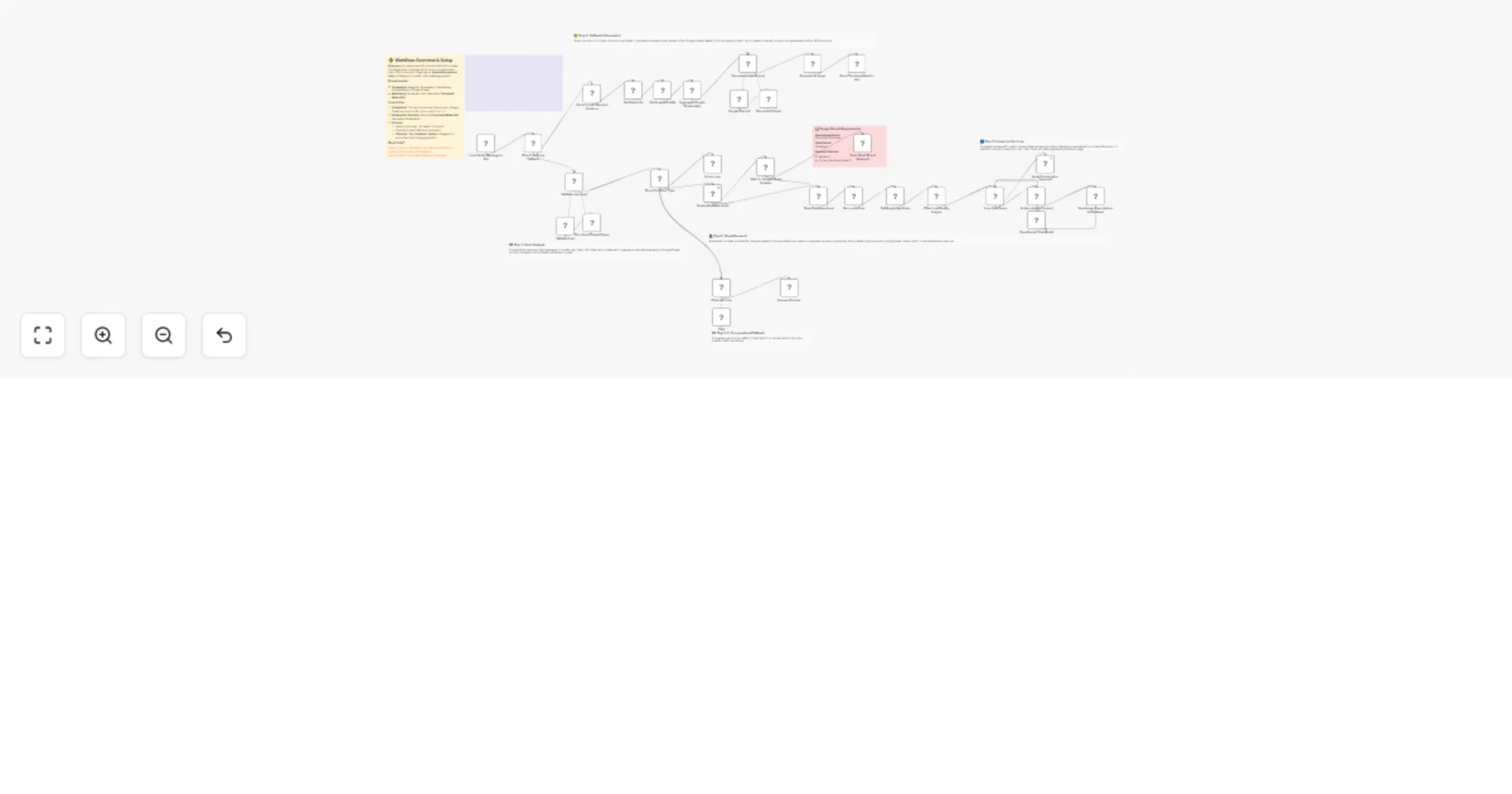
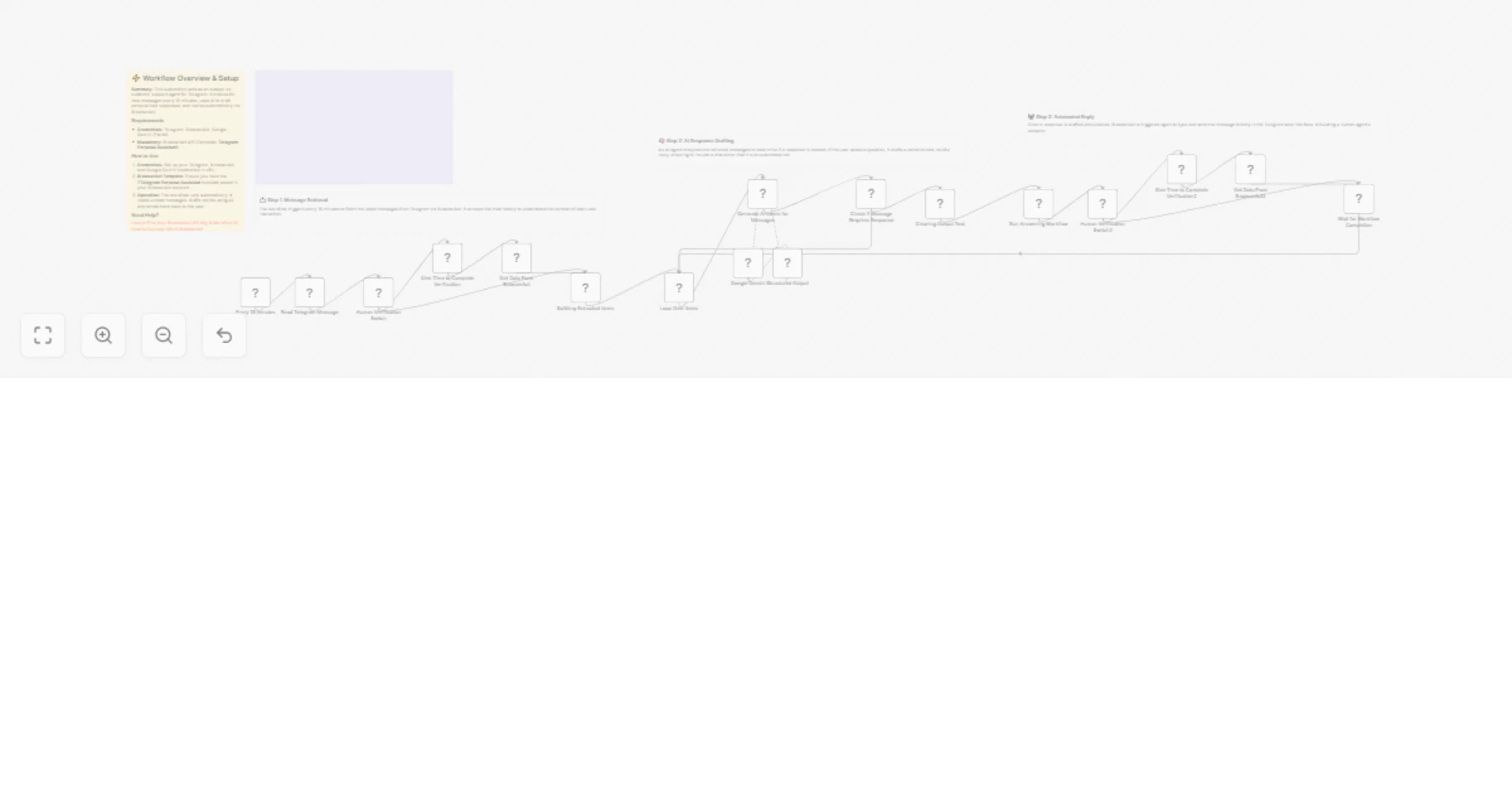
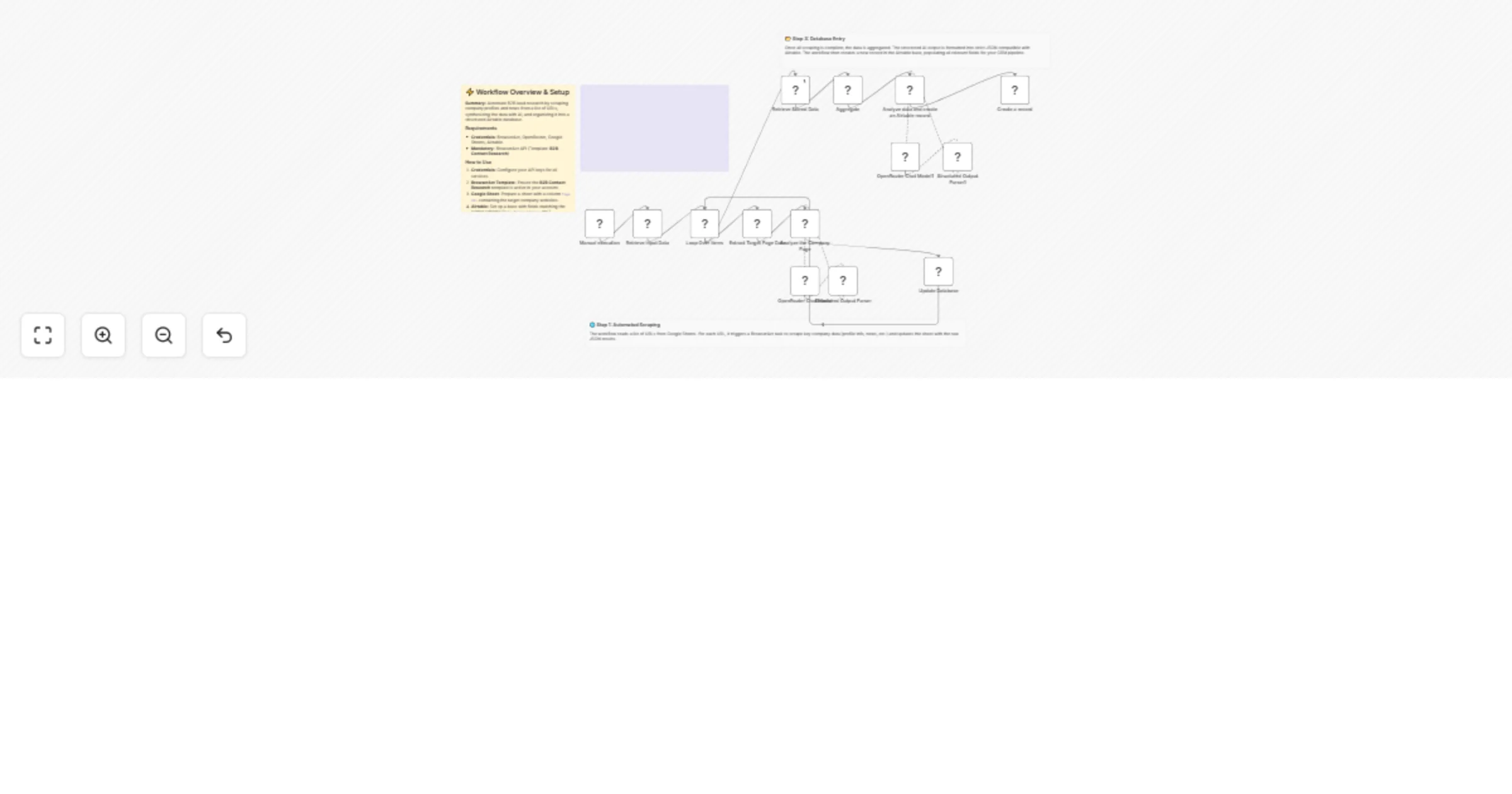
# Transform articles into children's audiobooks and comics via Telegram & BrowserAct This workflow acts as an AI Storyteller. Send an article link to your Telegram bot, and it will rewrite the content into an engaging children's story, generate a multi-panel comic book visualization, produce a narrated audiobook using ElevenLabs, and deliver the entire multimedia package back to your chat. ## Target Audience Parents, educators, and content creators looking to repurpose existing articles into kid-friendly, engaging formats. ## How it works 1. **Analyze Intent**: The workflow receives a message via **Telegram**. An **AI Agent** classifies it: is it a casual chat or a story request (a link)? 2. **Fetch Content**: If a link is detected, **BrowserAct** scrapes the text from the target webpage. 3. **Creative Production**: A "Scriptwriter" AI Agent (using OpenRouter/Gemini) rewrites the article into a whimsical children's story, generates scene descriptions for a comic book, and drafts a social media caption. 4. **Generate Audio**: **ElevenLabs** converts the story text into a narrated MP3 file. 5. **Generate Visuals**: The workflow loops through the AI-generated scene descriptions, using **Google Gemini** to create comic book-style images for each part of the story. 6. **Deliver**: The bot sends the audiobook, the comic panels, and the story text to your **Telegram** chat. ## How to set up 1. **Configure Credentials**: Connect your **Telegram**, **BrowserAct**, **ElevenLabs**, **Google Gemini**, and **OpenRouter** accounts in n8n. 2. **Prepare BrowserAct**: Ensure the **Children’s Book Storytelling & Illustration** template is saved in your BrowserAct account. 3. **Configure Telegram**: Ensure your bot is created via BotFather and the API token is added to the Telegram credentials. 4. **Select Voice**: Open the **Convert text to speech** node and choose a suitable narrator voice from ElevenLabs. 5. **Activate**: Turn on the workflow. 6. **Test**: Send an article link to your bot to start the storytelling process. ## Requirements * **BrowserAct** account with the **Children’s Book Storytelling & Illustration** template. * **ElevenLabs** account. * **Telegram** account (Bot Token). * **Google Gemini** & **OpenRouter** accounts. ## How to customize the workflow 1. **Change Art Style**: Modify the system prompt in the **Scriptwriter** agent to request a different visual style (e.g., "Watercolor," "Pixel Art," or "Disney Style"). 2. **Adjust Story Tone**: Update the **Scriptwriter** prompt to change the target age group or genre (e.g., "Spooky Ghost Story" or "Sci-Fi Adventure"). 3. **Add PDF Export**: Add a **PDF** node to compile the text and images into a downloadable eBook file. ## Need Help? * [How to Find Your BrowserAct API Key & Workflow ID](https://www.youtube.com/watch?v=pDjoZWEsZlE) * [How to Connect n8n to BrowserAct](https://www.youtube.com/watch?v=RoYMdJaRdcQ) * [How to Use & Customize BrowserAct Templates](https://www.youtube.com/watch?v=CPZHFUASncY)
Sync Shopify products to WooCommerce with Gemini, BrowserAct and Slack
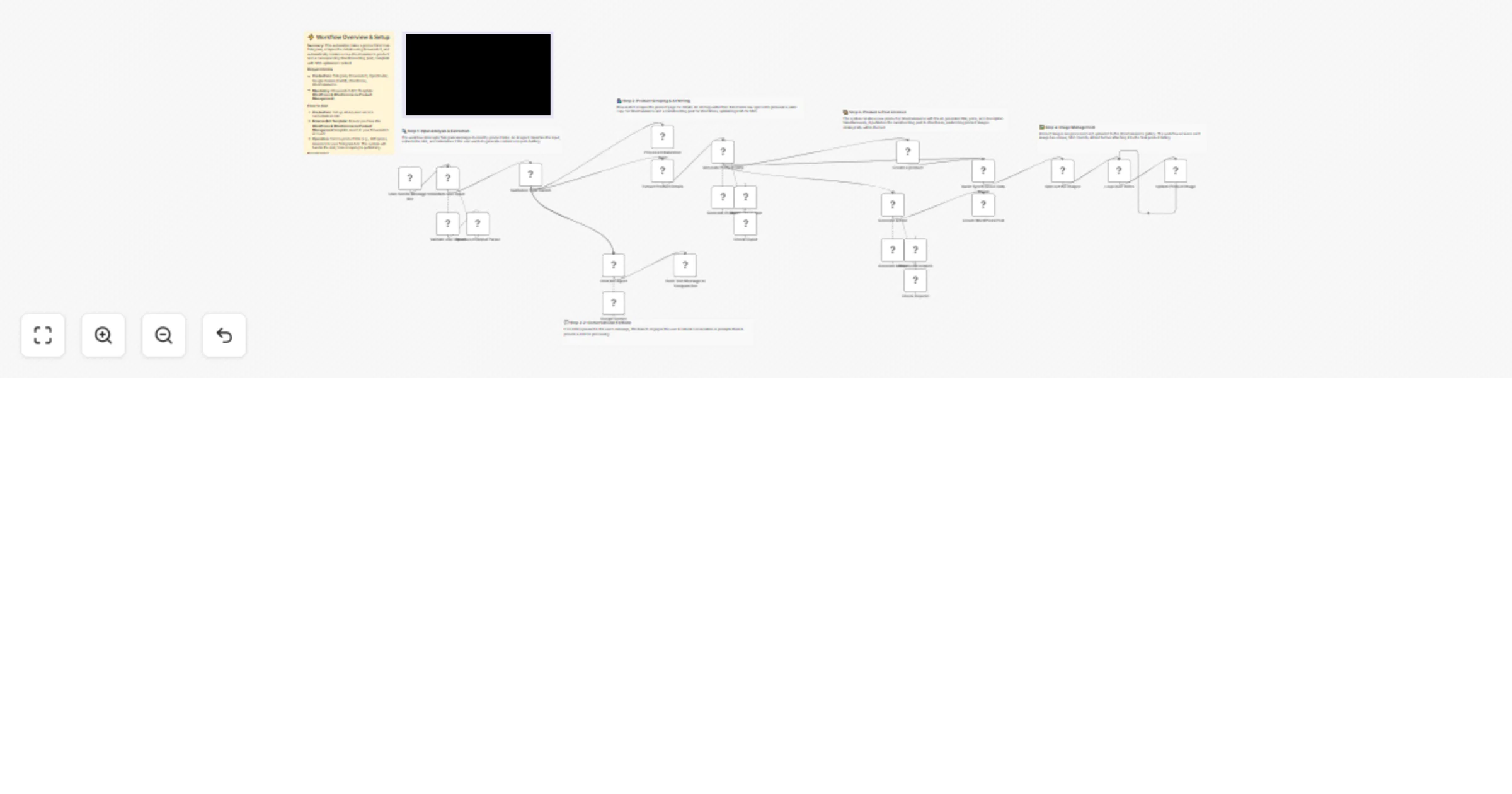
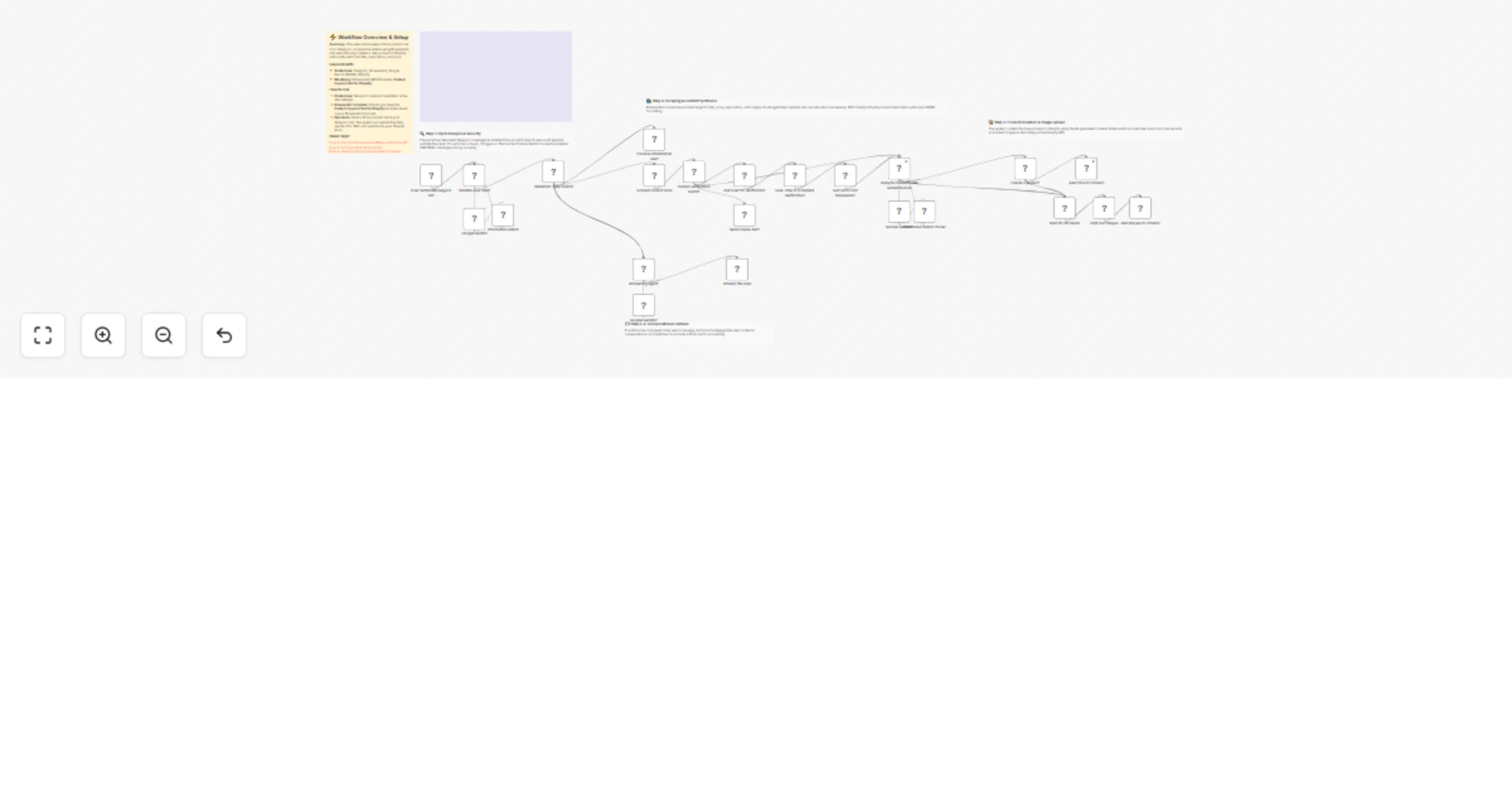
# Sync Shopify products to WooCommerce with AI enhancement This workflow automates the process of synchronizing your Shopify catalog to WooCommerce, enriching product data along the way. It uses AI to identify the best external sources (like Amazon or G2) for additional product details, scrapes that data using BrowserAct, synthesizes a high-converting description, and then pushes the enhanced product to your WooCommerce store. ## Target Audience Dropshippers, e-commerce store owners managing multiple storefronts, and digital marketers looking to automate product data enrichment. ## How it works 1. **Fetch Products**: The workflow starts by retrieving all products from your **Shopify** store. 2. **Classify & Research**: An **AI Agent** analyzes each product title to determine the best source for external data (e.g., physical goods -> Amazon, software -> G2). 3. **Scrape Data**: **BrowserAct** executes a background task to scrape the target site for specifications, reviews, and images. 4. **Enhance Content**: A second **AI Agent** (acting as a copywriter) processes the scraped data to write a compelling HTML description, generate a logical SKU, and format image lists. 5. **Sync to WooCommerce**: The workflow checks if the product already exists in **WooCommerce** via SKU check. If not, it creates a new product with the enriched data. 6. **Error Handling**: If product creation fails, a notification is sent to **Slack**. ## How to set up 1. **Configure Credentials**: Connect your **Shopify**, **WooCommerce**, **Slack**, **BrowserAct**, and **Google Gemini** accounts in n8n. 2. **Prepare BrowserAct**: Ensure the **Shopify to WooCommerce Multi-Store Sync** template is saved in your BrowserAct account. 3. **Configure Notifications**: Open the **Notify user** and **Send Error** nodes to select your preferred Slack channel. 4. **Activate**: Run the workflow manually to start the sync. ## Requirements * **BrowserAct** account with the **Shopify to WooCommerce Multi-Store Sync** template. * **Shopify** account (Access Token). * **WooCommerce** account (API Key/Secret). * **Google Gemini** account. * **Slack** account. ## How to customize the workflow 1. **Filter Products**: Add logic after the "Get many products" node to only sync specific collections or tags. 2. **Change AI Persona**: Modify the system prompt in the **Create Product** agent to change the tone of the product descriptions (e.g., more technical vs. more salesy). 3. **Add More Sources**: Update the **Analyze the Products** agent to include other data sources like eBay or Best Buy. ## Need Help? * [How to Find Your BrowserAct API Key & Workflow ID](https://www.youtube.com/watch?v=pDjoZWEsZlE) * [How to Connect n8n to BrowserAct](https://www.youtube.com/watch?v=RoYMdJaRdcQ) * [How to Use & Customize BrowserAct Templates](https://www.youtube.com/watch?v=CPZHFUASncY) --- ### Workflow Guidance and Showcase Video * #### [One-Click Shopify to WooCommerce Sync with n8n & AI 🛒](https://youtu.be/Ad-Wy9bNVGw)
Find jobs on Indeed via Telegram using BrowserAct and Gemini
# Find specific jobs on Indeed using Telegram, BrowserAct & Gemini This workflow transforms your Telegram bot into an intelligent job hunting assistant. Simply tell the bot what you are looking for (e.g., "Marketing Manager in Austin"), and it will automatically scrape real-time job listings from Indeed, format them into a clean, easy-to-read list, and send them directly to your chat. ## Target Audience Job seekers, recruiters, and career coaches who want to automate the job search process. ## How it works 1. **Receive Request**: You send a message to your Telegram bot describing the job you want (e.g., "I need a Python developer job in London"). 2. **Extract Parameters**: An **AI Agent** analyzes your message to extract the key details: `Job Role` and `Location`. If you don't specify a location, it defaults to a preset value (e.g., "Brooklyn"). 3. **Scrape Indeed**: **BrowserAct** executes a background task to search Indeed.com using your specific criteria and extracts relevant job data (Title, Company, Pay, Link). 4. **Format Data**: A second **AI Agent** processes the raw job list. It cleans up the text, adds emojis for readability, and formats the output into Telegram-friendly HTML. 5. **Deliver Alerts**: The workflow splits the formatted list into individual messages (to respect character limits) and sends them to your **Telegram** chat. ## How to set up 1. **Configure Credentials**: Connect your **Telegram**, **BrowserAct**, **Google Gemini**, and **OpenRouter** accounts in n8n. 2. **Prepare BrowserAct**: Ensure the **Indeed Smart Job Scout** template is saved in your BrowserAct account. 3. **Configure Telegram**: Create a bot via BotFather and add the API token to your Telegram credentials. 4. **Activate**: Turn on the workflow. 5. **Test**: Send a message like "Find marketing jobs in Chicago" to your bot. ## Requirements * **BrowserAct** account with the **Indeed Smart Job Scout** template. * **Telegram** account (Bot Token). * **Google Gemini** account. * **OpenRouter** account (or compatible LLM credentials). ## How to customize the workflow 1. **Change Default Location**: Edit the system prompt in the **Analyze user Input** agent to change the fallback location from "Brooklyn" to your preferred city. 2. **Filter Results**: Add logic to the **Generate response** agent to filter out jobs with low ratings or missing salary info. 3. **Add More Boards**: Update the BrowserAct template to scrape LinkedIn or Glassdoor in addition to Indeed. ## Need Help? * [How to Find Your BrowserAct API Key & Workflow ID](https://www.youtube.com/watch?v=pDjoZWEsZlE) * [How to Connect n8n to BrowserAct](https://www.youtube.com/watch?v=RoYMdJaRdcQ) * [How to Use & Customize BrowserAct Templates](https://www.youtube.com/watch?v=CPZHFUASncY) --- ### Workflow Guidance and Showcase Video * #### [Indeed Smart Job Scout: The Ultimate n8n Workflow for Job Channels](https://youtu.be/X8GQS8nF9j0)
Create an AI image remix and design bot for Telegram with BrowserAct and Gemini
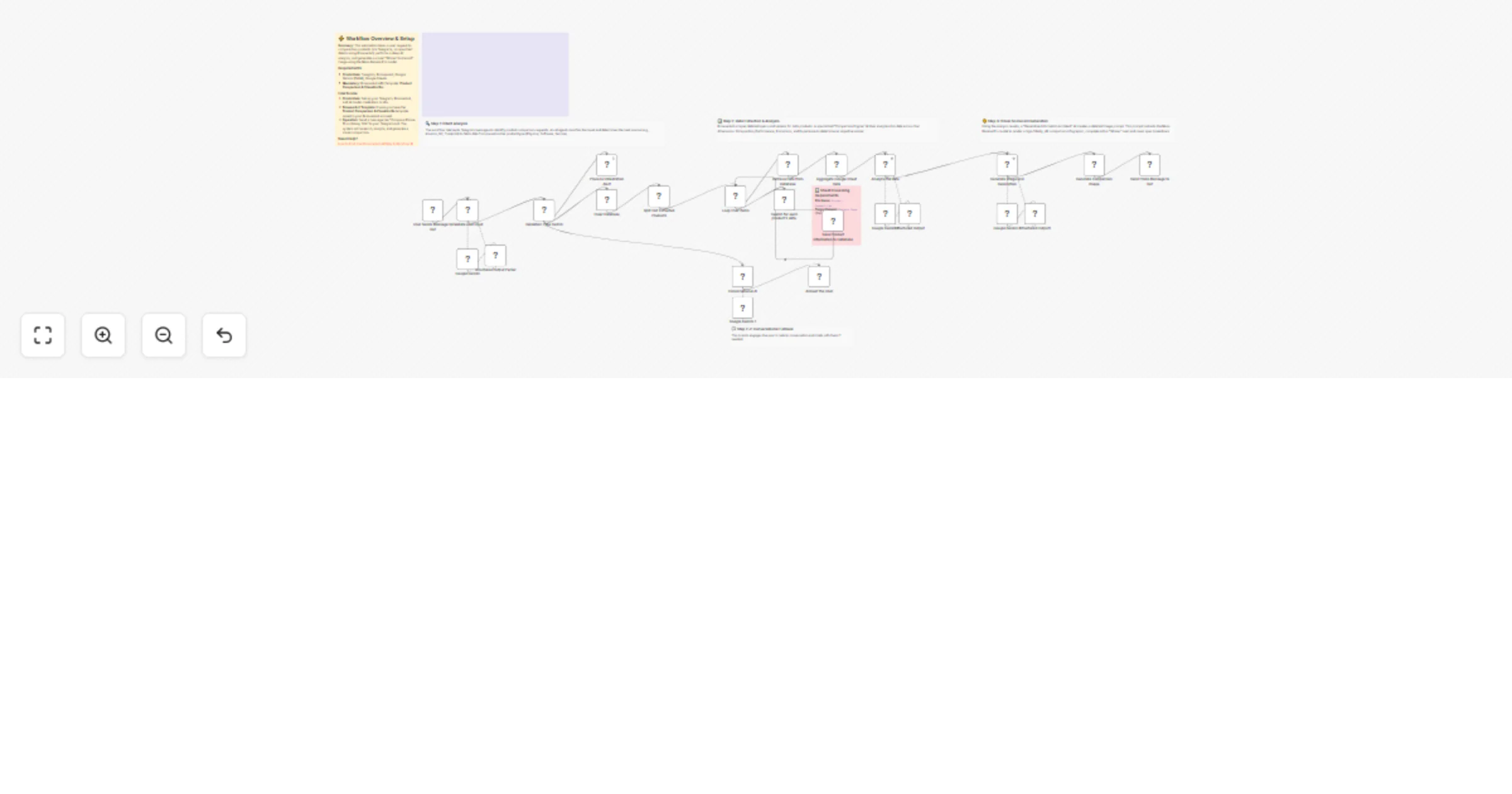
# AI Image Remix & Design Bot for Telegram with BrowserAct & Gemini This workflow transforms your Telegram bot into an intelligent creative assistant. It can chat conversationally, fetch trending image prompts from PromptHero for inspiration, or perform a deep "remix" of any photo you upload by analyzing its composition and regenerating it with high-fidelity prompt engineering. ## Target Audience Digital artists, designers, content creators, and hobbyists looking for AI-assisted inspiration and image generation. ## How it works 1. **Traffic Control**: The workflow starts with a **Telegram Trigger** and immediately splits traffic: new messages go one way, while interactive button clicks (like "Regenerate") go another. 2. **Intent Classification**: An **AI Agent** analyzes text inputs to decide if the user wants to "Chat" (small talk) or "Start" a creative session (fetch inspiration). 3. **Inspiration Mode**: If "Start" is detected, **BrowserAct** scrapes trending prompts from PromptHero and saves them to a Google Sheet. 4. **Visual Forensics**: If the user uploads an image, an **AI Vision Agent** (using OpenRouter/Gemini) analyzes it in extreme detail (lighting, composition, subjects) and saves the description. 5. **Master Prompt Engineering**: Specialized AI Agents expand these inputs (either scraped prompts or image descriptions) into massive, detailed prompts using the "Rule of Multiplication." 6. **Production**: **Google Gemini** generates the new image, which is sent back to Telegram with interactive buttons to "Regenerate" or move to the "Next" idea. ## ⚠️ Complex Workflow This workflow is complex. Please **proceed using the tutorial video**. ## How to set up 1. **Configure Credentials**: Connect your **Telegram**, **Google Sheets**, **BrowserAct**, **Google Gemini**, and **OpenRouter** accounts in n8n. 2. **Prepare BrowserAct**: Ensure the **Image Remix & Design Bot** template is saved in your BrowserAct account. 3. **Setup Google Sheet**: Create a Google Sheet with four tabs: `PromptHero`, `Current State`, `UserImage`, and `Current Image`. 4. **Connect Sheet**: Open all **Google Sheets** nodes in the workflow and paste your spreadsheet ID. 5. **Configure Telegram**: Ensure your bot is created via BotFather and the API token is added to the Telegram credentials. 6. **Activate**: Turn on the workflow. ## Requirements * **BrowserAct** account with the **Image Remix & Design Bot** template. * **Telegram** account (Bot Token). * **Google Sheets** account. * **Google Gemini** account. * **OpenRouter** account (or compatible LLM credentials). ## How to customize the workflow 1. **Change Art Style**: Modify the system prompt in the **Generate Image** agents to enforce a specific style (e.g., "Cyberpunk," "Watercolor," or "Photorealistic"). 2. **Add More Sources**: Update the **BrowserAct** template to scrape prompts from other sites like Civitai or Midjourney feed. 3. **Switch Image Model**: Replace the Gemini image generation node with **Stable Diffusion** or **DALL-E 3** if you prefer different aesthetics. ## Need Help? * [How to Find Your BrowserAct API Key & Workflow ID](https://www.youtube.com/watch?v=pDjoZWEsZlE) * [How to Connect n8n to BrowserAct](https://www.youtube.com/watch?v=RoYMdJaRdcQ) * [How to Use & Customize BrowserAct Templates](https://www.youtube.com/watch?v=CPZHFUASncY) --- ### Workflow Guidance and Showcase Video * #### [How To create stateful n8n Workflows | AI Image Remix Bot with n8n & BrowserAct & Telegram 🎨](https://youtu.be/GqeKd9aYjW4)
Monitor competitor ad activity via Telegram with BrowserAct and Gemini
# Monitor competitor ad activity via Telegram using BrowserAct & Gemini Turn your Telegram bot into a covert marketing intelligence tool. This workflow allows you to send a company name to a bot, which then scrapes active ad campaigns, analyzes the strategy using AI, and delivers a strategic verdict directly to your chat. ## Target Audience Digital marketers, dropshippers, e-commerce business owners, and ad agencies looking to track competitor activity without manual searching. ## How it works 1. **Receive Command**: The workflow starts when you send a message to your Telegram bot (e.g., "Check ads for Nike" or "Spy on Higgsfield"). 2. **Extract Brand**: An **AI Agent** (using Google Gemini) processes the natural language text to extract the specific company or brand name. 3. **Scrape Ad Data**: A **BrowserAct** node executes a background task (using the "Competitor Ad Activity Monitor" template) to search ad libraries (like Facebook or Google) for active campaigns. 4. **Analyze Strategy**: A second **AI Agent** acts as a "Senior Marketing Analyst." It reviews the scraped data to count active ads, identify key hooks, and determine if the competitor is scaling or inactive. 5. **Deliver Report**: The bot sends a formatted HTML scorecard to **Telegram**, including the ad count, best ad copy, and a strategic verdict (e.g., "ADVERTISE NOW" or "WAIT"). ## How to set up 1. **Configure Credentials**: Connect your **Telegram**, **BrowserAct**, and **Google Gemini** accounts in n8n. 2. **Prepare BrowserAct**: Ensure the **Competitor Ad Activity Monitor** template is saved in your BrowserAct account. 3. **Configure Telegram**: Ensure your bot is created via BotFather and the API token is added to the Telegram credentials. 4. **Activate**: Turn on the workflow. 5. **Test**: Send a company name to your bot to generate a report. ## Requirements * **BrowserAct** account with the **Competitor Ad Activity Monitor** template. * **Telegram** account (Bot Token). * **Google Gemini** account. ## How to customize the workflow 1. **Adjust Analysis Logic**: Modify the system prompt in the **Generate response** agent to change how the "Verdict" is calculated (e.g., prioritize video ads over image ads). 2. **Add More Sources**: Update the BrowserAct template to scrape TikTok Creative Center or LinkedIn Ads. 3. **Change Output**: Replace the Telegram output with a **Slack** or **Discord** node to send reports to a team channel. ## Need Help? * [How to Find Your BrowserAct API Key & Workflow ID](https://www.youtube.com/watch?v=pDjoZWEsZlE) * [How to Connect n8n to BrowserAct](https://www.youtube.com/watch?v=RoYMdJaRdcQ) * [How to Use & Customize BrowserAct Templates](https://www.youtube.com/watch?v=CPZHFUASncY) --- ### Workflow Guidance and Showcase Video * #### [Automated Ad Intelligence: How to Outsmart Your Competitors (n8n + BrowserAct)](https://youtu.be/ZV8ERteG_04)
Track AI search rankings from Perplexity via BrowserAct to Google Sheets and Slack
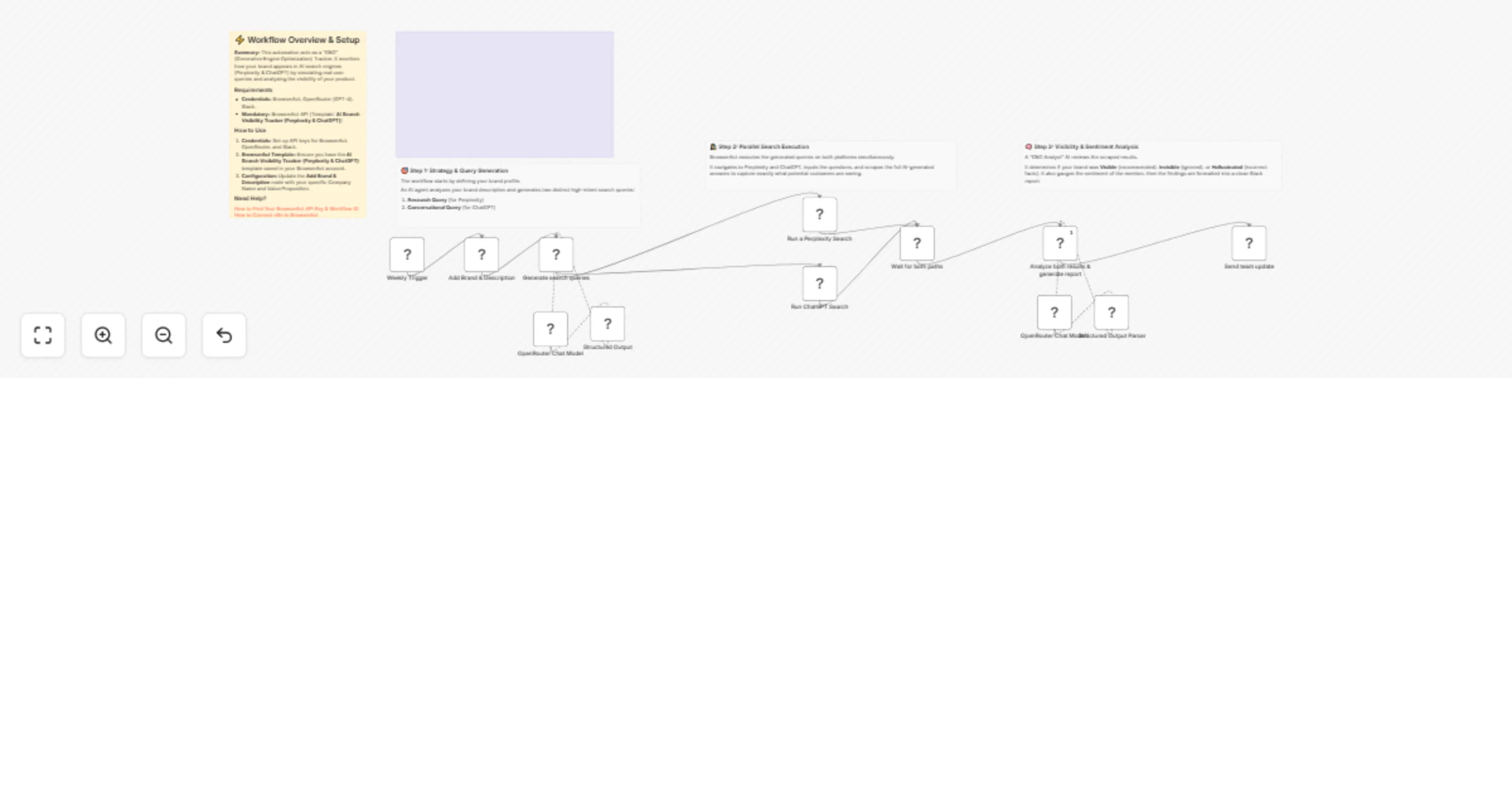
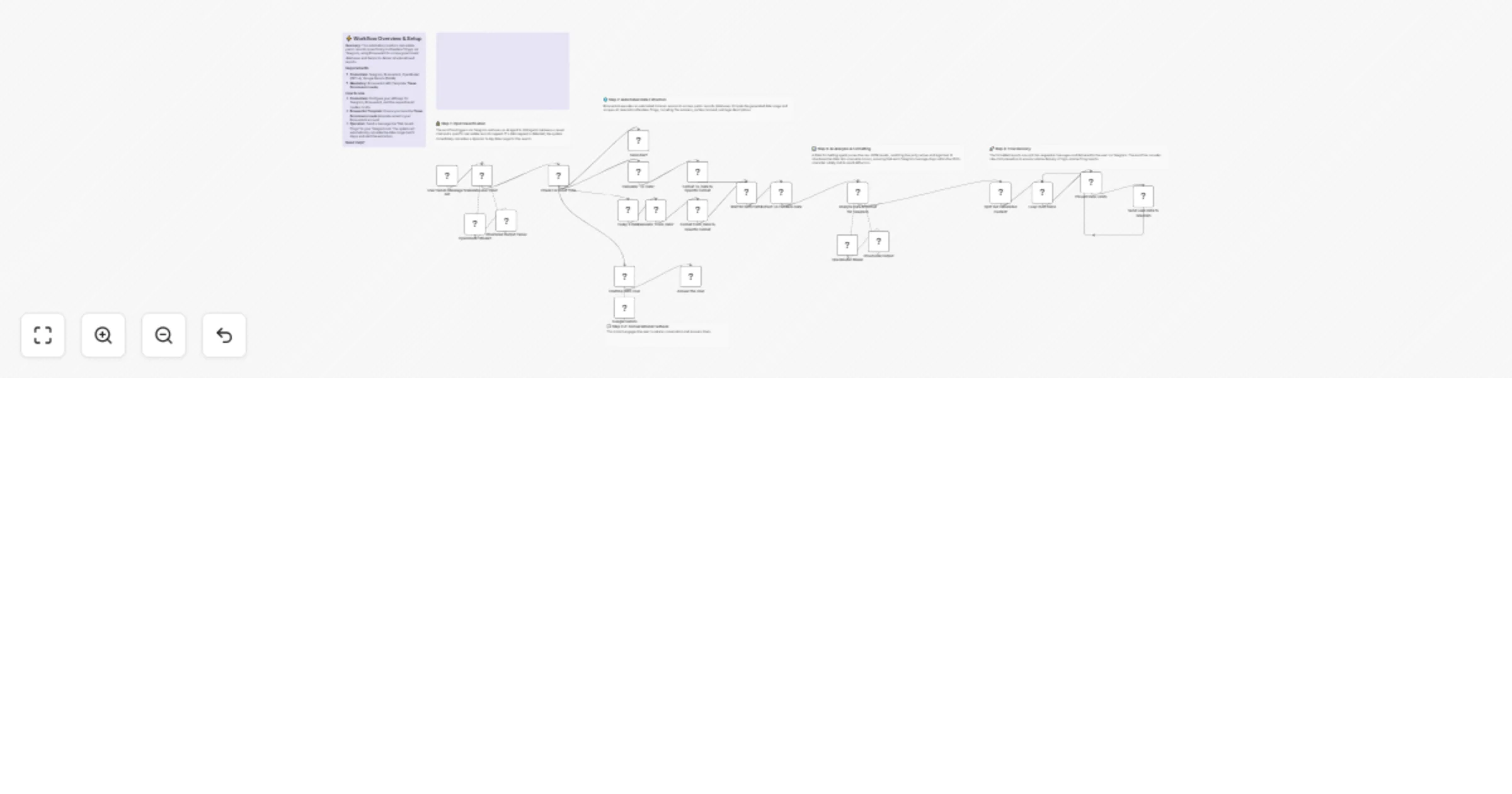
# Track AI search rankings from Perplexity to Google Sheets and Slack This workflow automates Generative Engine Optimization (GEO) tracking by monitoring how your company appears in AI search results. It generates strategic queries, simulates searches on AI engines like Perplexity via BrowserAct, logs the responses for historical tracking, and delivers a graded performance report to Slack. ## Target Audience SEO specialists, brand managers, marketing directors, and growth teams focusing on AI visibility and reputation management. ## How it works 1. **Initialize Tracking**: The workflow runs on a schedule, creates a new dated tab in your **Google Sheet**, and fetches your company details (Name and Category). 2. **Generate Strategy**: An **AI Agent** (using OpenRouter/Gemini) generates three specific search queries: * *Discovery*: Broad category search (e.g., "Best CRM for startups"). * *Comparison*: Direct competitor face-off (e.g., "Pipedrive vs Salesforce"). * *Validation*: Specific fact-checking (e.g., "Is Pipedrive good for visual pipelines?"). 3. **Simulate Searches**: **BrowserAct** executes these queries on an AI answer engine (like Perplexity) to capture the real-time AI response. 4. **Log Data**: The workflow loops through the results and saves the raw AI answers to the daily **Google Sheet**. 5. **Analyze & Report**: A second **AI Agent** reviews the saved data, grades the visibility (Green/Yellow/Red), and sends a summarized "GEO Scorecard" to **Slack**. ## How to set up 1. **Configure Credentials**: Connect your **Google Sheets**, **Slack**, **BrowserAct**, and **OpenRouter** accounts in n8n. 2. **Prepare BrowserAct**: Ensure the **GEO Results & Rank Tracking** template is saved in your BrowserAct account. 3. **Setup Google Sheet**: Create a Google Sheet with a tab named `Main Sheet`. Add headers: `Company name` and `Worknig category`. Fill in row 2 with your details. 4. **Select Spreadsheet**: Open the **Create sheet**, **add headers**, **Get Company data**, **Retrieve Stored Data**, and **Store Extracted Data** nodes to select your specific spreadsheet. 5. **Configure Notification**: Open the **Send Message to Team on Slack** node and select your target Slack channel. ## Google Sheet Headers **Tab 1: Main Sheet** (Input) * Company name * Working Category **Tab 2+: [Date]** (Generated automatically by the workflow) * Search * Result ## Requirements * **BrowserAct** account with the **GEO Results & Rank Tracking** template. * **Google Sheets** account. * **Slack** account. * **OpenRouter** account (or compatible LLM credentials). ## How to customize the workflow 1. **Change the AI Engine**: Modify the **BrowserAct** template to search on ChatGPT or Google Gemini instead of Perplexity. 2. **Adjust Grading Logic**: Update the system prompt in the **Company data analyzer** node to change how the AI scores the results (e.g., focus more on sentiment than ranking). 3. **Expand Reporting**: Add an **Email** node to send a weekly summary of the Google Sheet data to stakeholders. ## Need Help? * [How to Find Your BrowserAct API Key & Workflow ID](https://www.youtube.com/watch?v=pDjoZWEsZlE) * [How to Connect n8n to BrowserAct](https://www.youtube.com/watch?v=RoYMdJaRdcQ) * [How to Use & Customize BrowserAct Templates](https://www.youtube.com/watch?v=CPZHFUASncY) --- ### Workflow Guidance and Showcase Video * #### [Master GEO: Track Your AI Search Rankings with n8n & Perplexity 🌍](https://youtu.be/intc38qZ-68)
Track new box office releases with BrowserAct, Google Sheets, OpenRouter and Telegram
# Track new box office releases from BrowserAct to Google Sheets & Telegram This workflow acts as an automated movie tracker that monitors box office data, filters out movies you have already seen or tracked, and sends formatted updates to your Telegram. It leverages BrowserAct for scraping and an AI Agent to deduplicate entries against your database and format the content for delivery. ## Target Audience Movie enthusiasts, cinema news channel administrators, and data analysts tracking entertainment trends. ## How it works 1. **Fetch Data**: The workflow runs on a schedule (e.g., every 15 minutes) to fetch the latest movie data using **BrowserAct**. 2. **Load Context**: It retrieves your existing movie history from **Google Sheets** to identify which titles are already tracked. 3. **AI Processing**: An **AI Agent** (powered by OpenRouter) compares the new list against the existing database to remove duplicates. It then formats the valid new entries, extracting stats like "Opening Weekend" and generating an HTML-formatted Telegram post. 4. **Update Database**: The workflow appends the new movie details (Budget, Cast, Links) to **Google Sheets**. 5. **Notify**: It sends the pre-formatted HTML message directly to your **Telegram** chat. ## How to set up 1. **Configure Credentials**: Connect your **BrowserAct**, **Google Sheets**, **OpenRouter**, and **Telegram** accounts in n8n. 2. **Prepare BrowserAct**: Ensure the **Box Office Trifecta** template is saved in your BrowserAct account. 3. **Setup Google Sheet**: Create a new Google Sheet with the required headers (listed below). 4. **Select Spreadsheet**: Open the **Get row(s) in sheet** and **Append row in sheet** nodes to select your specific spreadsheet. 5. **Configure Notification**: Open the **Send a text message** node and enter your Telegram Chat ID (e.g., `@channelname` or a numeric ID). ## Google Sheet Headers To use this workflow, create a Google Sheet with the following headers: * Name * Budget * Opening_Weekend * Gross_Worldwide * Cast * Link * Summary ## Requirements * **BrowserAct** account with the **Box Office Trifecta** template. * **Google Sheets** account. * **OpenRouter** account (or credentials for a compatible LLM like Gemini or Claude). * **Telegram** Bot Token. ## How to customize the workflow 1. **Adjust Filtering Logic**: Modify the system prompt in the **Scriptwriter** node to change how movies are filtered (e.g., only track movies with a budget over $100M). 2. **Change Output Channel**: Replace the Telegram node with a **Discord** or **Slack** node if you prefer those platforms. 3. **Enrich Data**: Add an **HTTP Request** node to fetch the movie poster image and send it as a photo message instead of just text. ## Need Help? * [How to Find Your BrowserAct API Key & Workflow ID](https://www.youtube.com/watch?v=pDjoZWEsZlE) * [How to Connect n8n to BrowserAct](https://www.youtube.com/watch?v=RoYMdJaRdcQ) * [How to Use & Customize BrowserAct Templates](https://www.youtube.com/watch?v=CPZHFUASncY) --- ### Workflow Guidance and Showcase Video * #### [Automated Box Office Movie Channel: n8n, IMDb & Telegram 🎬](https://youtu.be/OFuBm6epqdY)
Curate daily tech news for Slack and Telegram using BrowserAct and OpenRouter
# Curate daily tech news for Slack and Telegram using BrowserAct & OpenRouter This workflow automates the creation and delivery of a professional morning tech briefing. It scrapes headlines from major sources like *The Verge* and *Product Hunt*, uses parallel AI agents to format the content specifically for Telegram (HTML) and Slack (Markdown), and broadcasts the updates to your team or community channels. ## Target Audience Product managers, development teams, community managers, and tech enthusiasts who want a consolidated daily news digest without manual curation. ## How it works 1. **Daily Trigger**: A **Schedule Trigger** starts the workflow every morning at 10:00 AM. 2. **Fetch News**: A **BrowserAct** node executes a background task to scrape the latest headlines and links from defined sources (default: The Verge and Product Hunt). 3. **Parallel Formatting**: The data splits into two paths: * **Telegram Path**: The "Telegram Master" AI Agent formats the news into clean HTML, adding emojis and ensuring links work within Telegram's API constraints. * **Slack Path**: The "Slack Master" AI Agent formats the same news into Slack-compatible Markdown, prioritizing developer tools and using Slack-specific syntax. 4. **Smart Splitting**: Both AI agents automatically split the content into multiple message parts if the text exceeds the character limits of the respective platforms. 5. **Broadcast**: The workflow iterates through the generated message parts and sends them sequentially to **Telegram** and **Slack**. ## How to set up 1. **Configure Credentials**: Connect your **BrowserAct**, **OpenRouter** (for AI models), **Telegram**, and **Slack** accounts in n8n. 2. **Prepare BrowserAct**: Ensure the **Automated Multi-Site Morning Brief** template is saved in your BrowserAct account. 3. **Configure Channels**: * Open the **Send a text message** (Telegram) node and enter your Chat ID. * Open the **Send a message** (Slack) node and select your target channel. 4. **Activate**: Turn on the workflow to start receiving daily briefs. ## Requirements * **BrowserAct** account with the **Automated Multi-Site Morning Brief** template. * **OpenRouter** account (or credentials for a specific LLM like Claude or Gemini). * **Telegram** Bot Token. * **Slack** account. ## How to customize the workflow 1. **Add News Sources**: Update the **BrowserAct** node inputs to scrape different websites (e.g., Hacker News, TechCrunch). 2. **Change AI Persona**: Modify the system prompts in the **Telegram Master** or **Slack Master** nodes to change the tone from "Professional" to "Casual" or "Sarcastic." 3. **Add More Platforms**: Duplicate one of the formatting branches to create a version for **Discord** or **Microsoft Teams**. ## Need Help? * [How to Find Your BrowserAct API Key & Workflow ID](https://www.youtube.com/watch?v=pDjoZWEsZlE) * [How to Connect n8n to BrowserAct](https://www.youtube.com/watch?v=RoYMdJaRdcQ) * [How to Use & Customize BrowserAct Templates](https://www.youtube.com/watch?v=CPZHFUASncY) --- ### Workflow Guidance and Showcase Video * #### [Keep Your Team Updated Automatically 🌅 n8n Morning Brief Workflow](https://youtu.be/MIvUFkpobvc)
Create curated industry trend reports from Medium to Google Docs with Claude via OpenRouter and BrowserAct
# Create curated industry trend reports from Medium to Google Docs This workflow automates the process of market research by generating high-quality, curated digests of Medium articles for specific topics. It scrapes recent content, uses AI to filter out spam and duplicates, categorizes the stories into readable buckets, and compiles everything into a formatted Google Doc report. ## Target Audience Content marketers, market researchers, product managers, and investors looking to track industry trends without reading through noise. ## How it works 1. **Schedule**: The workflow runs on a defined schedule (e.g., daily or weekly) via the **Schedule Trigger**. 2. **Define Source**: A **Set** node defines the specific Medium tag URL to track (e.g., `/tag/artificial-intelligence`). 3. **Scrape Content**: **BrowserAct** visits the target Medium page and scrapes the latest article titles, authors, and summaries. 4. **Analyze & Filter**: An **AI Agent** (powered by Claude via OpenRouter) analyzes the raw feed. It removes duplicates, filters out spam/clickbait, and categorizes high-quality stories into buckets (e.g., "Must Reads," "Engineering," "Wealth"). 5. **Create Report**: A **Google Docs** node creates a new document using the digest title generated by the AI. 6. **Build Document**: The workflow loops through the analyzed items, appending headers and body text to the Google Doc section by section. 7. **Notify Team**: A **Slack** node sends a message to your chosen channel confirming the report is ready. ## How to set up 1. **Configure Credentials**: Connect your **BrowserAct**, **Google Docs**, **Slack**, and **OpenRouter** accounts in n8n. 2. **Prepare BrowserAct**: Ensure the **Automated Industry Trend Scraper & Outline Creator** template is saved in your BrowserAct account. 3. **Set Target Topic**: Open the **Target Page** node and replace the `Target_Medium_Link` with the Medium tag archive you wish to track (e.g., `https://medium.com/tag/bitcoin/archive`). 4. **Configure Notification**: Open the **Send a message** node (Slack) and select the channel where you want to receive alerts. 5. **Activate**: Turn the workflow on. ## Requirements * **BrowserAct** account with the **Automated Industry Trend Scraper & Outline Creator** template. * **Google Docs** account. * **Slack** account. * **OpenRouter** account (or any compatible LLM credentials). ## How to customize the workflow 1. **Adjust the AI Persona**: Modify the system prompt in the **Analyzer & Script writer** node to change the categorization buckets (e.g., change "Engineering" to "Marketing Strategies"). 2. **Change the Output Destination**: Replace the Google Docs nodes with **Notion** or **Airtable** nodes if you prefer a database format over a document. 3. **Add Email Delivery**: Add a **Gmail** or **Outlook** node at the end to email the finished Google Doc link directly to stakeholders. ## Need Help? * [How to Find Your BrowserAct API Key & Workflow ID](https://www.youtube.com/watch?v=pDjoZWEsZlE) * [How to Connect n8n to BrowserAct](https://www.youtube.com/watch?v=RoYMdJaRdcQ) * [How to Use & Customize BrowserAct Templates](https://www.youtube.com/watch?v=CPZHFUASncY) --- ### Workflow Guidance and Showcase Video * #### [Stop Writing Outlines! Use This AI Trend Scraper (BrowserAct + n8n + Gemini)](https://youtu.be/XUpmdpucNzg)
Generate audio documentaries from web articles with ElevenLabs and BrowserAct
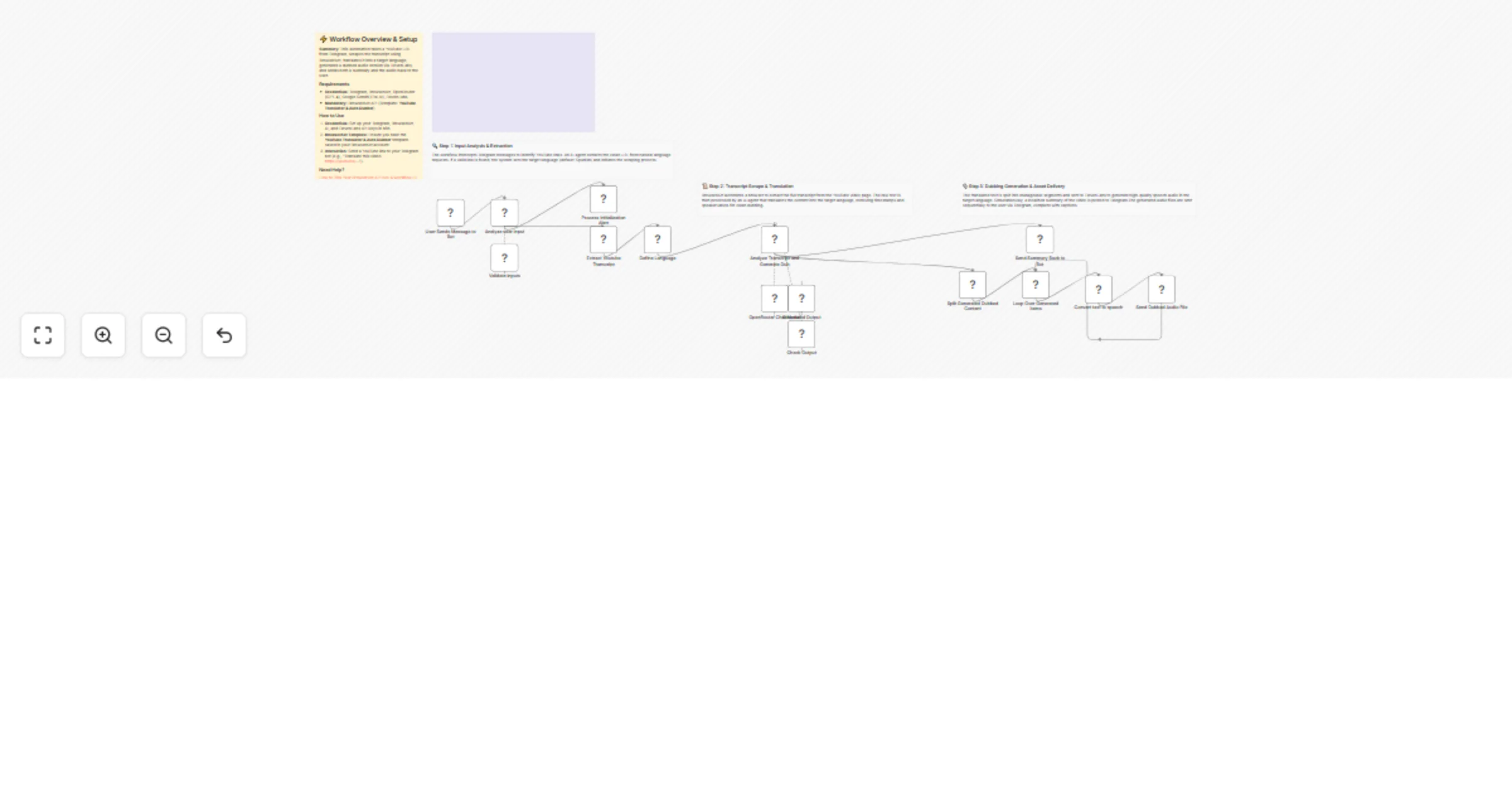
# Generate audio documentaries from web articles to Telegram with ElevenLabs & BrowserAct This workflow transforms any web article or blog post into a high-production-value audio documentary. It automates the entire production chain—from scraping content and writing an engaging narrative script to generating realistic voiceovers—delivering a listenable MP3 file directly to your Telegram chat. ## Target Audience Commuters, podcast enthusiasts, content creators, and researchers who prefer listening to content over reading. ## How it works 1. **Analyze Intent**: The workflow receives a message via **Telegram**. An **AI Agent** (using Google Gemini) classifies the input to determine if it is a casual chat or a request to process a URL. 2. **Scrape Content**: If a valid link is detected, **BrowserAct** executes a background task to visit the webpage and extract the raw text. 3. **Write Script**: A **Scriptwriter Agent** (using Claude via OpenRouter) converts the dry article text into a dramatic, narrative-driven script optimized for audio, including cues for pacing and tone. 4. **Generate Audio**: **ElevenLabs** synthesizes the script into high-fidelity speech using a specific voice model (e.g., "Liam"). 5. **Deliver Output**: The workflow sends the generated MP3 file and a formatted HTML summary caption back to the user on **Telegram**. ## How to set up 1. **Configure Credentials**: Connect your **Telegram**, **ElevenLabs**, **OpenRouter**, **Google Gemini**, and **BrowserAct** accounts in n8n. 2. **Prepare BrowserAct**: Ensure the **AI Summarization & Eleven Labs Podcast Generation** template is saved in your BrowserAct account. 3. **Select Voice**: Open the **Convert text to speech** node and select your preferred **ElevenLabs** voice model. 4. **Configure Model**: Open the **OpenRouter** node to confirm the model selection (e.g., Claude Haiku) or switch to a different LLM for scriptwriting. 5. **Activate**: Turn on the workflow and send a link to your Telegram bot to test it. ## Requirements * **BrowserAct** account with the **AI Summarization & Eleven Labs Podcast Generation** template. * **ElevenLabs** account. * **OpenRouter** account (or access to an LLM like Claude). * **Google Gemini** account. * **Telegram** account (Bot Token). ## How to customize the workflow 1. **Change the Persona**: Modify the system prompt in the **Scriptwriter** node to change the narrative style (e.g., from "Documentary Host" to "Comedian" or "News Anchor"). 2. **Switch Output Channel**: Replace the Telegram output node with a **Google Drive** or **Dropbox** node to archive the generated audio files for a podcast feed. 3. **Multi-Voice Support**: Add logic to split the script into multiple parts and use different **ElevenLabs** voices to simulate a conversation between two hosts. ## Need Help? * [How to Find Your BrowserAct API Key & Workflow ID](https://docs.browseract.com) * [How to Connect n8n to BrowserAct](https://www.youtube.com/watch?v=RoYMdJaRdcQ) * [How to Use & Customize BrowserAct Templates](https://www.youtube.com/watch?v=CPZHFUASncY) --- ### Workflow Guidance and Showcase Video * #### [How to Build an AI Podcast Generator: n8n, BrowserAct & Eleven Labs](https://youtu.be/YuxjfB87F0E)
Generate visual resumes from Telegram using Google Gemini and BrowserAct
# Generate visual resumes from Telegram inputs using Google Gemini This workflow transforms text-based resume data into visually stunning images by leveraging Google Gemini's reasoning and vision capabilities. It autonomously analyzes the candidate's profile, selects an appropriate design template based on their industry, and renders a high-quality resume image directly in Telegram. ## Target Audience Job seekers, career coaches, resume writers, and recruitment agencies looking to automate design generation. ## How it works 1. **Classify Input**: The workflow starts with a **Telegram** trigger. A **Google Gemini** agent analyzes the incoming message to determine if it is a casual chat or a resume generation request. 2. **Fetch Context**: If it is a resume request, a **BrowserAct** node triggers a workflow (using the "AI Resume Replicant" template) to fetch necessary external context or data. 3. **Ingest Designs (Optional)**: If a reference image is provided, **CloudConvert** standardizes the file, and **Google Gemini Vision** reverse-engineers the layout and style, saving the "Visual DNA" to **Google Sheets**. 4. **Draft Blueprint**: The "Resume Writer" AI agent selects a stored design template that matches the candidate's industry (e.g., "Corporate" for Finance, "Creative" for Design) and maps the text content to the layout. 5. **Generate Prompt**: A "Visualizer" AI agent converts the structured blueprint into a highly detailed natural language prompt for image generation. 6. **Render & Deliver**: **Google Gemini** generates the final resume image, which is then sent back to the user via **Telegram**. ## How to set up 1. **Configure Credentials**: Connect your **Telegram**, **Google Gemini**, **Google Sheets**, **CloudConvert**, and **BrowserAct** accounts in n8n. 2. **Prepare BrowserAct**: Ensure the **AI Resume Replicant** template is saved in your BrowserAct account. 3. **Setup Google Sheet**: Create a new Google Sheet with the required header (listed below). 4. **Connect Sheet**: Open the **Google Sheets** nodes (Clear, Get, Append) and select your new spreadsheet. 5. **Configure Telegram**: Ensure your Telegram Bot is connected to the Trigger and Message nodes. ## Google Sheet Headers To use this workflow, create a Google Sheet with the following header: * Resume Details ## Requirements * **BrowserAct** account (Template: **AI Resume Replicant**). * **Google Gemini** account. * **Telegram** account (Bot Token). * **CloudConvert** account. * **Google Sheets** account. ## How to customize the workflow 1. **Refine Design Logic**: Modify the system prompt in the "Resume Writer" agent to change how the AI matches industries to design styles (e.g., force specific colors for specific roles). 2. **Change Output Format**: Replace the **Telegram** response node with a **Google Drive** node to save the generated images as PDF or PNG files instead of sending them. 3. **Switch Image Model**: Update the "Generate an image" node to use a different image generation model if preferred (e.g., OpenAI DALL-E). ## Need Help? * [How to Find Your BrowserAct API Key & Workflow ID](https://www.youtube.com/watch?v=pDjoZWEsZlE) * [How to Connect n8n to BrowserAct](https://www.youtube.com/watch?v=RoYMdJaRdcQ) * [How to Use & Customize BrowserAct Templates](https://www.youtube.com/watch?v=CPZHFUASncY) --- ### Workflow Guidance and Showcase Video * #### [I Built a Resume Bot that CLONES Any Template! 🤖 (BrowserAct + n8n + Gemini Tutorial)](https://youtu.be/TnObYpgHXSs)
Scrape physician profiles from BrowserAct into Google Sheets and notify Slack
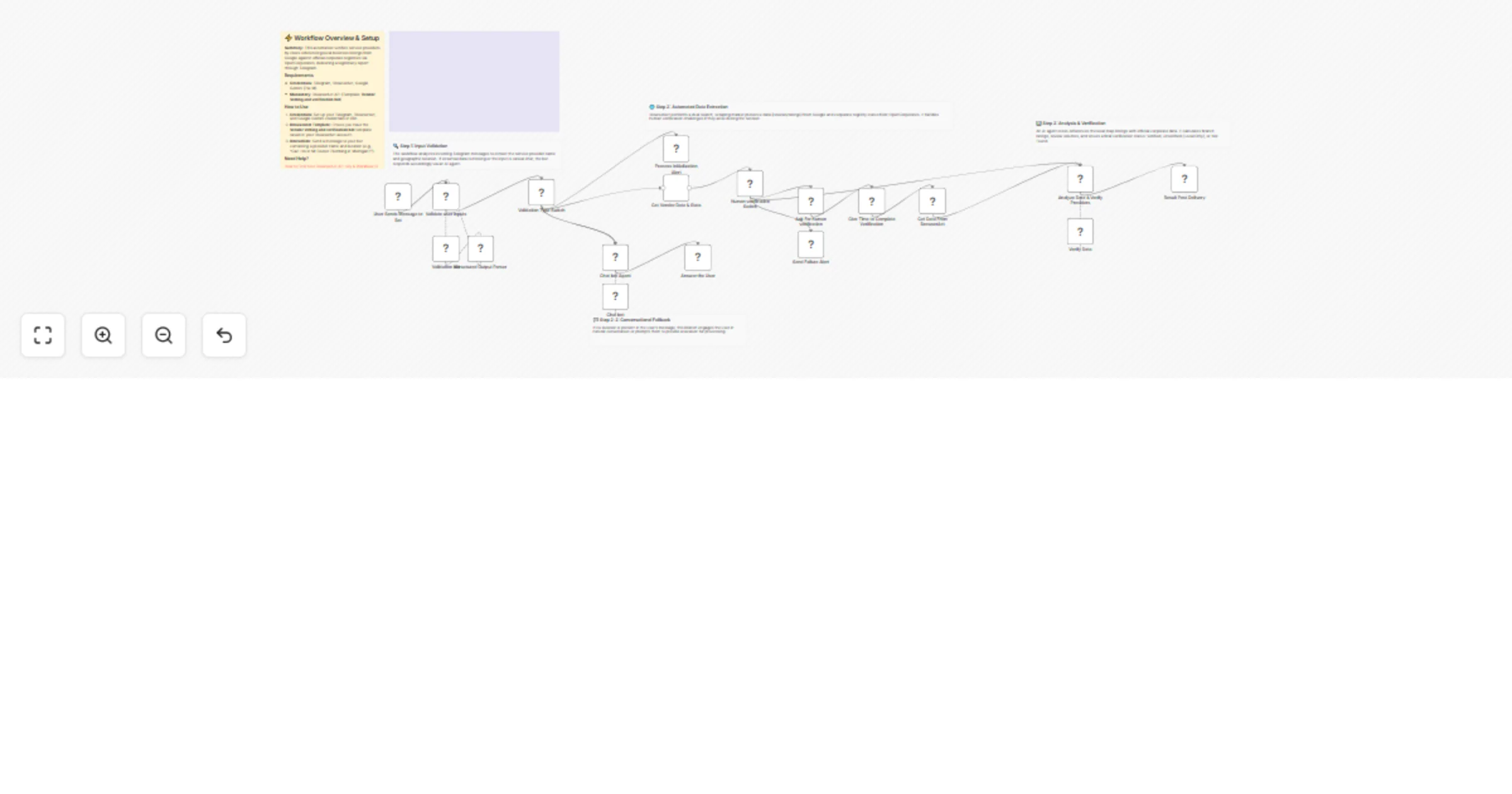
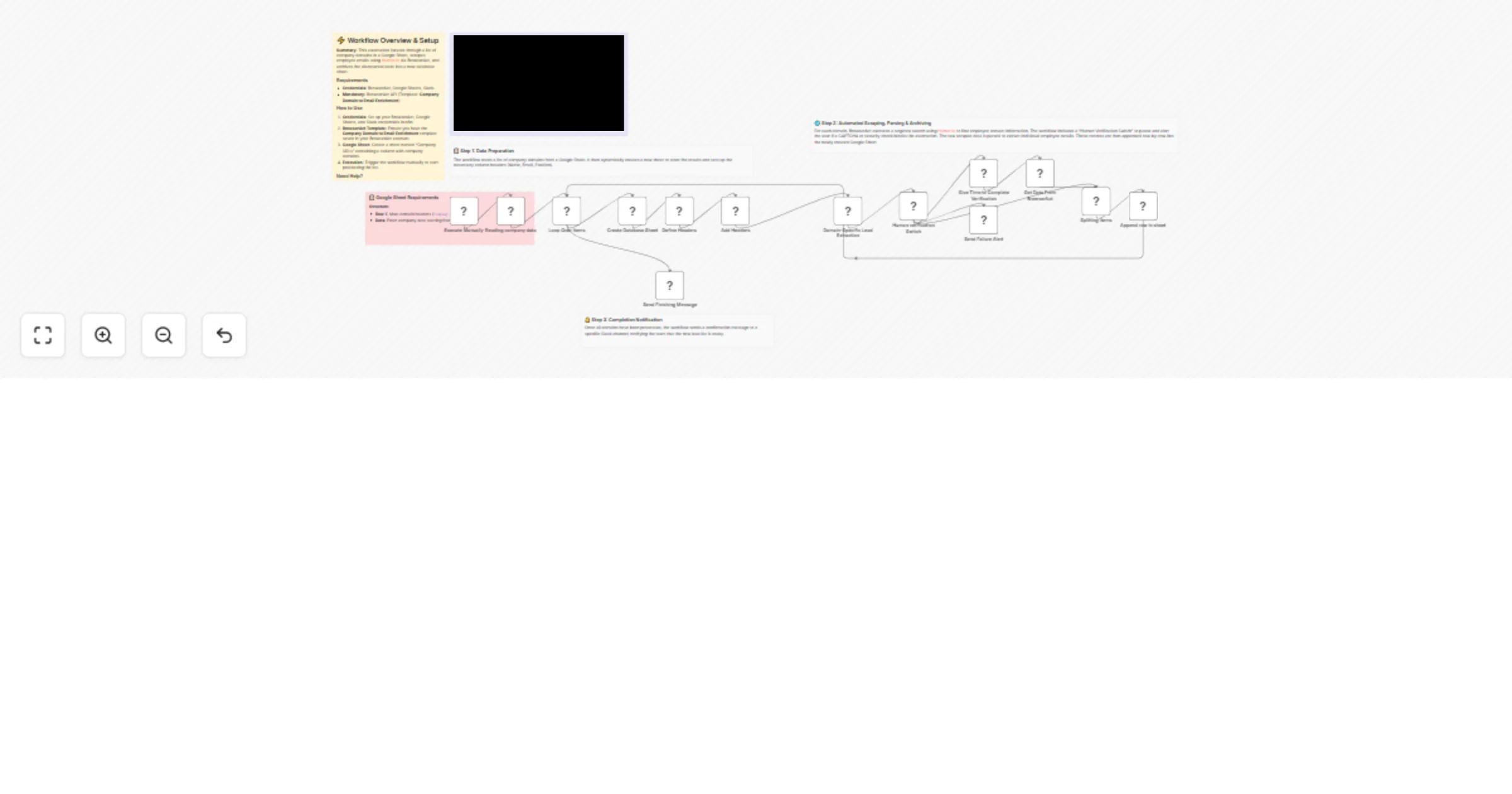
# Scrape physician profiles from BrowserAct to Google Sheets This workflow automates the process of building a targeted database of healthcare providers by scraping physician details for a specific location and syncing them to your records. It leverages BrowserAct to extract data from healthcare directories and ensures your database stays clean by preventing duplicate entries. ## Target Audience Medical recruiters, pharmaceutical sales representatives, lead generation specialists, and healthcare data analysts. ## How it works 1. **Define Location**: The workflow starts by setting the target `Location` and `State` in a Set node. 2. **Scrape Data**: A **BrowserAct** node executes a task (using the "Physician Profile Enricher" template) to search a healthcare directory (e.g., Healow) for doctors matching the criteria. 3. **Parse JSON**: A **Code** node takes the raw string output from the scraper and parses it into individual JSON objects. 4. **Update Database**: The workflow uses a **Google Sheets** node to append new records or update existing ones based on the physician's name, preventing duplicates. 5. **Notify Team**: A **Slack** node sends a message to a specific channel to confirm the batch job has finished successfully. ## How to set up 1. **Configure Credentials**: Connect your **BrowserAct**, **Google Sheets**, and **Slack** accounts in n8n. 2. **Prepare BrowserAct**: Ensure the **Physician Profile Enricher** template is saved in your BrowserAct account. 3. **Setup Google Sheet**: Create a new Google Sheet with the required headers (listed below). 4. **Select Spreadsheet**: Open the **Google Sheets** node and select your newly created file and sheet. 5. **Set Variables**: Open the **Define Location** node and input your target `Location` (City) and `State`. 6. **Configure Notification**: Open the **Slack** node and select the channel where you want to receive alerts. ## Google Sheet Headers To use this workflow, create a Google Sheet with the following headers: * Name * Specialty * Address ## Requirements * **BrowserAct** account with the **Physician Profile Enricher** template. * **Google Sheets** account. * **Slack** account. ## How to customize the workflow 1. **Change the Data Source**: Modify the BrowserAct template to scrape a different directory (e.g., Zocdoc or WebMD) and update the Google Sheet columns accordingly. 2. **Switch Notifications**: Replace the Slack node with a **Microsoft Teams**, **Discord**, or **Email** node to suit your team's communication preferences. 3. **Enrich Data**: Add an **AI Agent** node after the Code node to format addresses or research the specific clinics listed. ## Need Help? * [How to Find Your BrowserAct API Key & Workflow ID](https://docs.browseract.com) * [How to Connect n8n to BrowserAct](https://www.youtube.com/watch?v=RoYMdJaRdcQ) * [How to Use & Customize BrowserAct Templates](https://www.youtube.com/watch?v=CPZHFUASncY) --- ### Workflow Guidance and Showcase Video * #### [Automate Medical Lead Gen: Scrape Healow to Google Sheets & Slack](https://www.youtube.com/watch?v=DZ_Jq_b2-Ww)
Synchronizing WooCommerce inventory and creating products with Google Gemini AI and BrowserAct
 ## Synchronize WooCommerce Inventory & Create Products with Gemini AI & BrowserAct ### This sophisticated n8n template automates **WooCommerce inventory management** by scraping supplier data, updating existing products, and intelligently creating new ones with AI-formatted descriptions. This workflow is essential for e-commerce operators, dropshippers, and inventory managers who need to ensure their product pricing and stock levels are synchronized with multiple third-party suppliers, minimizing overselling and maximizing profit. --- ### **Self-Hosted Only** This Workflow uses a community contribution and is designed and tested for **self-hosted n8n instances** only. --- ### How it works * The workflow is typically run by a **Schedule Trigger** (though a Manual Trigger is also shown) to check stock automatically. * It reads a list of **suppliers** and their inventory page URLs from a central **Google Sheet**. * The workflow **loops** through each supplier: * A **BrowserAct** node scrapes the current **stock and price** data from the supplier's inventory page. * A **Code** node parses this bulk data into individual product items. * It then **loops** through each individual product found. * The workflow checks **WooCommerce** to see if the product already exists based on its name. * **If the product exists:** It proceeds to update the existing product's price and stock quantity. * **If the product DOES NOT exist:** * An **If** node checks if the missing product's category matches a predefined type (optional filtering). * If it passes the filter, a **second BrowserAct** workflow scrapes detailed product attributes from a dedicated product page (e.g., DigiKey). * An **AI Agent (Gemini)** transforms these attributes into a specific, styled **HTML table** for the product description. * Finally, the product is created in **WooCommerce** with all scraped details and the AI-generated description. * **Error Handling:** Multiple **Slack** nodes are configured to alert your team immediately if any scraping task fails or if the product update/creation process encounters an issue. **Note:** This workflow does not support image uploads for new products. To enable this functionality, you must modify both the n8n and BrowserAct workflows. --- ### Requirements * **BrowserAct** API account for web scraping * **BrowserAct** n8n Community Node -> ([n8n Nodes BrowserAct](https://www.npmjs.com/package/n8n-nodes-browseract-workflows)) * **BrowserAct** templates named **“WooCommerce Inventory & Stock Synchronization”** and **“WooCommerce Product Data Reconciliation”** * **Google Sheets** credentials for the supplier list * **WooCommerce** credentials for product management * **Google Gemini** account for the AI Agent * **Slack** credentials for error alerts --- ### Need Help? * #### [How to Find Your BrowseAct API Key & Workflow ID](https://www.youtube.com/watch?v=pDjoZWEsZlE) * #### [How to Connect n8n to Browseract](https://www.youtube.com/watch?v=RoYMdJaRdcQ) * #### [How to Use & Customize BrowserAct Templates](https://www.youtube.com/watch?v=CPZHFUASncY) * #### [How to Use the BrowserAct N8N Community Node](https://youtu.be/j0Nlba2pRLU) --- ### Workflow Guidance and Showcase * #### [STOP Overselling! Auto-Sync WooCommerce Inventory from ANY Supplier](https://youtu.be/khLtyM2ktoU)
Scrape & import shoe products to Shopify with BrowserAct (with variants & images)
 ## Scrape & Import Products to Shopify from Any Site (with Variants & Images)-(Optimized for shoes) ### This advanced n8n template automates e-commerce operations by scraping product data (including variants and images) from any URL and creating fully detailed products in your Shopify store. This workflow is essential for dropshippers, e-commerce store owners, and anyone looking to quickly import product catalogs from specific websites into their Shopify store. --- ### **Self-Hosted Only** This Workflow uses a community contribution and is designed and tested for **self-hosted n8n instances** only. --- ### How it works * The workflow reads a list of product page URLs from a **Google Sheet**. Your sheet, with its columns for **Product Name** and **Product Link**, acts as a **database for your workflow**. * The **Loop Over Items** node processes products one URL at a time. * Two **BrowserAct** nodes run sequentially to scrape all product details, including the `Name`, `price`, `description`, `sizes`, and `image links`. * A custom **Code** node transforms the raw scraped data (where fields like sizes might be a single string) into a structured JSON format with clean lists for `sizes` and `images`. * The **Shopify** node creates the base product entry using the main details. * The workflow then uses a series of nodes (**Set Option** and **Add Option** via HTTP Request) to dynamically add **product options** (e.g., "Shoe Size") to the new product. * The workflow intelligently uses **HTTP Request** nodes to perform two crucial bulk tasks: 1. Create a unique **variant** for each available size, including a custom SKU. 2. Upload all associated **product images** from their external URLs to the product. * A final **Slack** notification confirms the batch has been processed. --- ### Requirements * **BrowserAct** API account for web scraping * **BrowserAct** "**Bulk Product Scraping From (URLs) and uploading to Shopify (Optimized for shoe - NIKE -> Shopify)**" Template * **BrowserAct** n8n Community Node -> ([n8n Nodes BrowserAct](https://www.npmjs.com/package/n8n-nodes-browseract-workflows)) * **Google Sheets** credentials for the input list * **Shopify** credentials (API Access Token) to create and update products, variants, and images * **Slack** credentials (optional) for notifications --- ### Need Help? * #### [How to Find Your BrowseAct API Key & Workflow ID](https://www.youtube.com/watch?v=pDjoZWEsZlE) * #### [How to Connect n8n to Browseract](https://www.youtube.com/watch?v=RoYMdJaRdcQ) * #### [How to Use & Customize BrowserAct Templates](https://www.youtube.com/watch?v=CPZHFUASncY) * #### [How to Use the BrowserAct N8N Community Node](https://youtu.be/j0Nlba2pRLU) --- ### Workflow Guidance and Showcase * #### [Automate Shoe Scraping to Shopify Using n8n, BrowserAct & Google Sheets](https://youtu.be/HPPJNlcMB3I)
Scrape detailed GitHub profiles to Google Sheets using BrowserAct
 ## Scrape Detailed GitHub Profiles to Google Sheets Using BrowserAct ### This template is a sophisticated **data enrichment** and **reporting tool** that scrapes detailed GitHub user profiles and organizes the information into dedicated, structured reports within a Google Sheet. This workflow is essential for technical recruiters, talent acquisition teams, and business intelligence analysts who need to dive deep into a pre-qualified list of developers to understand their recent activity, repositories, and technical footprint. --- ### **Self-Hosted Only** This Workflow uses a community contribution and is designed and tested for **self-hosted n8n instances** only. --- ### How it works * The workflow is triggered **manually** but can be started by a Schedule Trigger or by integrating directly with a candidate sourcing workflow (like the "Source Top GitHub Contributors" template). * A **Google Sheets** node reads a list of target GitHub user profile URLs from a master candidate sheet. * The **Loop Over Items** node processes each user one by one. * A **Slack** notification is sent at the beginning of the loop to announce that the scraping process has started for the user. * A **BrowserAct** node visits the user's GitHub profile URL and scrapes all available data, including **profile info**, **repositories**, and **social links**. * A custom **Code** node (labeled **"Code in JavaScript"**) performs a critical task: it cleans, fixes, and consolidates the complex, raw scraped data into a single, clean JSON object. * The workflow then dynamically manages your output. It **creates a new sheet** dedicated to the user (named after them) and **clears** it to ensure a fresh report every time. * The consolidated data is separated into three paths: main profile data, links, and repositories. * Three final **Google Sheets** nodes then **append** the structured data to the user's dedicated sheet, creating a clear, multi-section report (User Data, User Links, User Repositories). --- ### Requirements * **BrowserAct** API account for web scraping * **BrowserAct** "**Scraping GitHub Users Activity & Data**" Template * **BrowserAct** "** Source Top GitHub Contributors by Language & Location**" Template Output * **BrowserAct** n8n Community Node -> ([n8n Nodes BrowserAct](https://www.npmjs.com/package/n8n-nodes-browseract-workflows)) * **Google Sheets** credentials for input (candidate list) and structured output (individual user sheets) * **Slack** credentials for sending notifications --- ### Need Help? * #### [How to Find Your BrowseAct API Key & Workflow ID](https://www.youtube.com/watch?v=pDjoZWEsZlE) * #### [How to Connect n8n to Browseract](https://www.youtube.com/watch?v=RoYMdJaRdcQ) * #### [How to Use & Customize BrowserAct Templates](https://www.youtube.com/watch?v=CPZHFUASncY) * #### [How to Use the BrowserAct N8N Community Node](https://youtu.be/j0Nlba2pRLU) --- ### Workflow Guidance and Showcase * #### [GitHub Data Mining: Extracting User Profiles & Repositories with N8N](https://youtu.be/YjINoZgqx0M)
Monitor Shopify stores for new products with BrowserAct and Slack alerts
 ## Automated E-commerce Store Monitoring for New Products Using BrowserAct ### This n8n template is an advanced competitive intelligence tool that automatically monitors competitor E-commerce/Shopify stores and alerts you the moment they launch a new product. This workflow is essential for e-commerce store owners, product strategists, and marketing teams who need real-time insight into what their competitors are selling. --- ### **Self-Hosted Only** This Workflow uses a community contribution and is designed and tested for **self-hosted n8n instances** only. --- ### How it works * The workflow runs on a **Schedule Trigger** to check for new products automatically (e.g., daily). * A **Google Sheets** node fetches your master list of competitor store links from a central sheet. * The workflow **loops** through each competitor one by one. * For each competitor, a **Google Sheets** node first creates a dedicated tracking sheet (if one doesn't exist) to store their product list history. * A **BrowserAct** node then scrapes the competitor's current product list from their live website. * The scraped data is saved to the competitor's dedicated tracking sheet. * The workflow then fetches the *newly scraped list* and the *previously stored list* of products. * A custom **Code** node (labeled "Compare Datas") performs a difference check to reliably detect if any new products have been added. * If a new product is detected, an **If** node triggers an immediate **Slack** alert to your team, providing real-time competitive insight. --- ### Requirements * **BrowserAct** API account for web scraping * **BrowserAct** "**Competitors Shopify Website New Product Monitor**" Template * **BrowserAct** n8n Community Node -> ([n8n Nodes BrowserAct](https://www.npmjs.com/package/n8n-nodes-browseract-workflows)) * **Google Sheets** credentials for storing and managing data * **Slack** credentials for sending alerts --- ### Need Help? * #### [How to Find Your BrowseAct API Key & Workflow ID](https://www.youtube.com/watch?v=pDjoZWEsZlE) * #### [How to Connect n8n to Browseract](https://www.youtube.com/watch?v=RoYMdJaRdcQ) * #### [How to Use & Customize BrowserAct Templates](https://www.youtube.com/watch?v=CPZHFUASncY) * #### [How to Use the BrowserAct N8N Community Node](https://youtu.be/j0Nlba2pRLU) --- ### Workflow Guidance and Showcase * #### [Automatically Track Competitor Products | n8n & Google Sheets Template](https://youtu.be/Gsj6IlyxdY0)
Scrape & summarize Product Hunt feedback with BrowserAct & Gemini AI
 ## Product Hunt Launch Monitor - Scraping & Summarization of Product Hunt Feedbacks ### This n8n template provides automated competitive intelligence by scraping and summarizing Product Hunt launch feedback with a specialized AI analyst. This workflow is essential for product managers, marketing teams, and founders who need to quickly gather and distill actionable insights from competitor launches to inform their own product strategy and positioning. --- ### **Self-Hosted Only** This Workflow uses a community contribution and is designed and tested for **self-hosted n8n instances** only. --- ### How it works * The workflow can be triggered **manually** but is designed to be easily switched to a **Schedule Trigger** for continuous competitive monitoring. * A **Google Sheet** node fetches a list of product names you wish to monitor, which the workflow processes in a loop. * A **BrowserAct** node then initiates a web scraping task to collect all the public comments from the specified Product Hunt launch page. * An **AI Agent**, powered by **Google Gemini**, acts as a competitive intelligence analyst, processing the raw comments. * The AI distills the feedback into a structured format, providing a concise **Summary**, pinpointing key **Positive** and **Negative** feedback, and generating **Recommendations** for a similar product to be successful. * The structured analysis is saved to a **Google Sheet** for easy review and tracking. * Finally, a **Slack** notification confirms that the Product Hunt results have been processed and updated. --- ### Requirements * **BrowserAct** API account for web scraping * **BrowserAct** "**Product Hunt Launch Monitor**" Template * **BrowserAct** n8n Community Node -> ([n8n Nodes BrowserAct](https://www.npmjs.com/package/n8n-nodes-browseract-workflows)) * **Gemini** account for the AI Agent * **Google Sheets** credentials for input and saving the analysis * **Slack** credentials for sending notifications --- ### Need Help? * #### [How to Find Your BrowseAct API Key & Workflow ID](https://www.youtube.com/watch?v=pDjoZWEsZlE) * #### [How to Connect n8n to Browseract](https://www.youtube.com/watch?v=RoYMdJaRdcQ) * #### [How to Use & Customize BrowserAct Templates](https://www.youtube.com/watch?v=CPZHFUASncY) * #### [How to Use the BrowserAct N8N Community Node](https://youtu.be/j0Nlba2pRLU) --- ### Workflow Guidance and Showcase * #### [Steal Your Competitor's Weaknesses (Product Hunt + BrowserAct + n8n)](https://youtu.be/87327LGJYi8)
Real-time MAP enforcement & price violation alerts using Google Sheets, BrowserAct & Slack
## Real-Time MAP Enforcement & Price Violation Alerts using BrowserAct & slack ### This n8n template automates MAP (Minimum Advertised Price) enforcement by monitoring reseller websites and alerting you instantly to price violations and stock issues. This workflow is essential for brand owners, manufacturers, and compliance teams who need to proactively monitor their distribution channels and enforce pricing policies. --- ### How it works * The workflow runs on a **Schedule Trigger** (e.g., hourly) to continuously monitor product prices. * A **Google Sheets** node fetches your list of resellers, product URLs, and the official **MAP price** (`AP_Price`). * The **Loop Over Items** node ensures that each reseller's product is checked individually. * A pair of **BrowserAct** nodes navigate to the reseller's product page and reliably scrape the current live price. * A series of **If** nodes check for violations: * The first check (`If1`) looks for "NoData," signaling that the product is **Out of Stock**, and sends a specific **Slack** alert. * The second check (`If`) compares the scraped price to your MAP price, triggering a detailed **Slack** alert if a **MAP violation** is found. * The workflow loops back to check the next reseller on the list. --- ### Requirements * **BrowserAct** API account for web scraping * **BrowserAct** "**MAP (Minimum Advertised Price) Violation Alerts**" Template * **BrowserAct** n8n Community Node -> ([n8n Nodes BrowserAct](https://www.npmjs.com/package/n8n-nodes-browseract-workflows)) * **Google Sheets** credentials for your price list * **Slack** credentials for sending alerts --- ### Need Help? * #### [How to Find Your BrowseAct API Key & Workflow ID](https://www.youtube.com/watch?v=pDjoZWEsZlE) * #### [How to Connect n8n to Browseract](https://www.youtube.com/watch?v=RoYMdJaRdcQ) * #### [How to Use & Customize BrowserAct Templates](https://www.youtube.com/watch?v=CPZHFUASncY) * #### [How to Use the BrowserAct N8N Community Node](https://youtu.be/j0Nlba2pRLU) --- ### Workflow Guidance and Showcase * #### [I Built a Bot to Catch MAP Violators (n8n + BrowserAct Workflow)](https://youtu.be/ys6OZ7W3oww)
Automate job posting across multiple boards with Google Sheets and BrowserAct
 ## Post Jobs to Multiple Boards from Google Sheets using BrowerAct ### This powerful n8n template turns a Google Sheet into a control panel for automating job postings across multiple job boards. This workflow is perfect for HR teams, recruiters, and hiring managers who want to streamline their hiring process by posting jobs to multiple boards from a single source of truth. --- ### **Self-Hosted Only** This Workflow uses a community contribution and is designed and tested for **self-hosted n8n instances** only. --- ### How it works * The workflow is triggered in two ways: **manually** (to batch-post all "Ready to Post" jobs) or **automatically** via a **Google Sheets Trigger** when a single row is updated. * An **If** node filters for jobs marked with the status 'Ready to Post'. * A **BrowserAct** node takes the job details (title, description, logins, target URL) and runs an automation to post the job on the specified board. * An **If** node checks if the posting was successful. If it fails, a **Slack** alert is sent. * A **Code** node parses the successful result from BrowserAct to get the status and live URL. * The workflow **Updates the row in Google Sheets** with the `Live_URL` and changes the `Status` to 'Posted'. * A final **Slack** message is sent to a channel to confirm the successful posting. --- ### Requirements * **BrowserAct** API account for automated posting * **BrowserAct** "**Automated Job Posting to Niche Job Site (Custom Site)**" Template | User needs to customize the workflow based on the target site. * **BrowserAct** n8n Community Node -> ([n8n Nodes BrowserAct](https://www.npmjs.com/package/n8n-nodes-browseract-workflows)) * **Google Sheets** credentials * **Slack** credentials for sending notifications --- ### Need Help? * #### [How to Find Your BrowseAct API Key & Workflow ID](https://www.youtube.com/watch?v=pDjoZWEsZlE) * #### [How to Connect n8n to Browseract](https://www.youtube.com/watch?v=RoYMdJaRdcQ) * #### [How to Use & Customize BrowserAct Templates](https://www.youtube.com/watch?v=CPZHFUASncY) * #### [How to Use the BrowserAct N8N Community Node](https://youtu.be/j0Nlba2pRLU)
Source top GitHub talent by language & location with Gemini AI and BrowserAct
 ## AI-Powered Top GitHub Talent Sourcing (by Language & Location) to Google Sheet ### This n8n template is a powerful talent sourcing engine that finds, analyzes, and scores GitHub contributors using a custom AI formula. This workflow is ideal for technical recruiters, hiring managers, and team leads who want to build a pipeline of qualified candidates based on specific technical skills and location. --- ### **Self-Hosted Only** This Workflow uses a community contribution and is designed and tested for **self-hosted n8n instances** only. --- ### How it works * The workflow runs on a **Schedule Trigger** (e.g., hourly) to constantly find new candidates. * A **BrowserAct** node ("Run a workflow task") initiates a scraping job on GitHub based on your criteria (e.g., "Python" developers in "Berlin"). * A second **BrowserAct** node ("Get details") waits for the scraping to complete. If the job fails, a **Slack** alert is sent. * A **Code** node processes the raw scraped data, splitting the list of developers into individual items. * An **AI Agent**, powered by **Google Gemini**, analyzes each profile. It scores their resume/summary and calculates a final weighted `FinalScore` based on their followers, repositories, and resume quality. * The structured and scored candidate data is then saved to a **Google Sheet**, using the "Name" column to prevent duplicates. * A final **Slack** message is sent to notify you that the GitHub contributors list has been successfully updated. --- ### Requirements * **BrowserAct** API account for web scraping * **BrowserAct** "**Source Top GitHub Contributors by Language & Location**" Template * **BrowserAct** n8n Community Node -> ([n8n Nodes BrowserAct](https://www.npmjs.com/package/n8n-nodes-browseract-workflows)) * **Gemini** account for the AI Agent * **Google Sheets** credentials for saving leads * **Slack** credentials for sending notifications --- ### Need Help? * #### [How to Find Your BrowseAct API Key & Workflow ID](https://www.youtube.com/watch?v=pDjoZWEsZlE) * #### [How to Connect n8n to Browseract](https://www.youtube.com/watch?v=RoYMdJaRdcQ) * #### [How to Use & Customize BrowserAct Templates](https://www.youtube.com/watch?v=CPZHFUASncY) * #### [How to Use the BrowserAct N8N Community Node](https://youtu.be/j0Nlba2pRLU) --- ### Workflow Guidance and Showcase * #### [Automate Talent Sourcing: Find GitHub Devs with n8n & Browseract](https://youtu.be/TnhnXunNMMU)
Automated B2B lead generation: Google Maps to Sheets with BrowserAct & Telegram
 ## Automated B2B Lead Generation from Google Maps to Google Sheets using BrowserAct ### This n8n template automates local lead generation by scraping Google Maps for businesses, saving them to Google Sheets, and notifying you in real-time via Telegram. This workflow is perfect for sales teams, marketing agencies, and local B2B services looking to build targeted lead lists automatically. --- ### **Self-Hosted Only** This Workflow uses a community contribution and is designed and tested for **self-hosted n8n instances** only. --- ### How it works * The workflow is triggered **manually**. You can set the `Location`, `Bussines_Category`, and number of leads (`Extracted_Data`) in the first BrowserAct node. * A **BrowserAct** node ("Run a workflow task") initiates the scraping job on Google Maps using your specified criteria. * A second **BrowserAct** node ("Get details of a workflow task") pauses the workflow and waits for the scraping task to be 100% complete. * A **Code** node takes the raw JSON string output from the scraper and correctly parses it, splitting the data into individual items (one for each business). * A **Google Sheets** node appends or updates each lead into your spreadsheet, matching on the "Name" column to prevent duplicate entries. * Finally, a **Telegram** node sends a message with the new lead's details to your specified chat, providing instant notification. --- ### Requirements * **BrowserAct** API account for web scraping * **BrowserAct** "**Google Maps Local Lead Finder**" Template * **BrowserAct** n8n Community Node -> ([n8n Nodes BrowserAct](https://www.npmjs.com/package/n8n-nodes-browseract-workflows)) * **Google Sheets** credentials for saving leads * **Telegram** credentials for sending notifications ### Need Help? * #### [How to Find Your BrowseAct API Key & Workflow ID](https://www.youtube.com/watch?v=pDjoZWEsZlE) * #### [How to Connect n8n to Browseract](https://www.youtube.com/watch?v=RoYMdJaRdcQ) * #### [How to Use & Customize BrowserAct Templates](https://www.youtube.com/watch?v=CPZHFUASncY) * #### [How to Use the BrowserAct N8N Community Node](https://youtu.be/j0Nlba2pRLU) --- ### Workflow Guidance and Showcase * #### [AUTOMATE Local Lead Generation: Google Maps to Sheets & Telegram with n8n](https://youtu.be/--hqPhb83kg)
Automate YP.com directory scraping to Google Sheets using BrowserAct
 ## Automate Directory Scraping to Google Sheets using BrowserAct ### This n8n template helps you generate local business leads by automatically scraping online directories and saving the results directly to a spreadsheet. This workflow is perfect for sales teams, marketing agencies, or anyone looking to build a list of local business leads by scraping online directories like YP.com. --- ### **Self-Hosted Only** This Workflow uses a community contribution and is designed and tested for **self-hosted n8n instances** only. --- ### How it works * The workflow is triggered **manually**. You can set the `business_category` and `city_location` inputs in the "Run a workflow task" node. * A **BrowserAct** node initiates the web scraping task on your BrowserAct account using the template specified. * A second **BrowserAct** node ("Get details of a workflow task") patiently waits for the scraping job to finish before allowing the workflow to proceed. * A **Code** node takes the raw output from the scraper (which is a single JSON string) and correctly parses it, splitting the data into individual items for each business. * Finally, a **Google Sheets** node appends or updates each business as a new row in your spreadsheet, matching on "Company Name" to prevent duplicates. --- ### Requirements * **BrowserAct** API account for web scraping * **BrowserAct** "**Online Directory Lead Scraper (YP.com)**" Template * **BrowserAct** n8n Community Node -> ([n8n Nodes BrowserAct](https://www.npmjs.com/package/n8n-nodes-browseract-workflows)) * **Google Sheets** credentials for saving the leads --- ### Need Help? * #### [How to Find Your BrowseAct API Key & Workflow ID](https://www.youtube.com/watch?v=pDjoZWEsZlE) * #### [How to Connect n8n to Browseract](https://www.youtube.com/watch?v=RoYMdJaRdcQ) * #### [How to Use & Customize BrowserAct Templates](https://www.youtube.com/watch?v=CPZHFUASncY) * #### [How to Use the BrowserAct N8N Community Node](https://youtu.be/j0Nlba2pRLU) --- ### Workflow Guidance and Showcase * #### [STOP Manual Leads! Automate Lead Gen with BrowserAct & n8n](https://www.youtube.com/watch?v=W9BHL7vok6c)
Find & qualify funded leads with BrowserAct & Gemini
 ## Find & Qualify Funded Leads with BrowserAct & Gemini ### This n8n template helps you find new investment leads by automatically scraping articles for funding announcements and analyzing them with an AI Agent. This workflow is ideal for venture capitalists, sales teams, or market researchers who need to automatically track and compile lists of recently funded companies. --- ### **Self-Hosted Only** This Workflow uses a community contribution and is designed and tested for **self-hosted n8n instances** only. --- ### How it works * The workflow is triggered **manually** but can be set to a **Cron** node to run on a schedule. * A **Google Sheet** node loads a list of keywords (e.g., "Series A," "Series B") and geographic locations to search for. * The workflow loops through each keyword, initiating **BrowserAct** web scraping tasks to collect relevant articles. * A second set of **BrowserAct** nodes patiently monitors the scraping jobs, waiting for them to complete before proceeding. * Once all articles are collected, they are merged and fed into an **AI Agent** node, powered by **Google Gemini**. * The AI Agent processes the articles to identify companies that recently received funding, extracting the **Company Name**, the **Field of Investment**, and the source **URL**. * A **Code** node transforms the AI's JSON output into a clean, itemized format. * An **If** node filters out any entries where no company was found, ensuring data quality. * The qualified leads are automatically added or updated in a **Google Sheet**, matching by "Company" to prevent duplicates. * Finally, a **Slack** message is sent to a channel to notify your team that the lead list has been updated. --- ### Requirements * **BrowserAct** API account for web scraping * **BrowserAct** n8n Community Node -> ([n8n Nodes BrowserAct](https://www.npmjs.com/package/n8n-nodes-browseract-workflows)) * **BrowserAct** "**Funding Announcement to Lead List (TechCrunch)**" Template (or a similar scraping workflow) * **Gemini** account for the AI Agent * **Google Sheets** credentials for input and output * **Slack** credentials for sending notifications --- ### Need Help? * #### [How to Find Your BrowseAct API Key & Workflow ID](https://www.youtube.com/watch?v=pDjoZWEsZlE) * #### [How to Connect n8n to Browseract](https://www.youtube.com/watch?v=RoYMdJaRdcQ) * #### [How to Use & Customize BrowserAct Templates](https://www.youtube.com/watch?v=CPZHFUASncY) * #### [How to Use the BrowserAct n8n Community Node](https://youtu.be/j0Nlba2pRLU) --- ### Workflow Guidance and Showcase * #### [How to Automatically Find Leads from Funding News (n8n Workflow Tutorial)](https://youtu.be/zMO_1EC1RVM)
Aggregate Twitter/X content to Telegram channel with BrowserAct & Google Gemini
## Automate social media content aggregation to a Telegram channel ### This n8n template automatically aggregates and analyzes key updates from your social media platforms Home Page, delivering them as curated posts to a Telegram channel. This workflow is perfect for **digital marketers, brand managers, or data analysts and Busy people,** seeking to monitor real-time trends and competitor activity without manual effort. --- ### How it works * The workflow is triggered automatically on a schedule to aggregate the latest social media posts. * A series of **If** and **Wait** nodes monitor the data processing job until the full data is ready. * An **AI Agent**, powered by **Google Gemini**, refines the content by summarizing posts and removing duplicates. * An **If** node checks for an image in the post to decide if a photo or a text message should be sent. * Finally, the curated posts are sent to your Telegram channel as rich media messages. --- ### How to use 1. **Set up BrowserAct Template:** In your **BrowserAct** account, set up **“Twitter/X Content Aggregation”** template. 2. **Set up Credentials:** Add your credentials for **BrowserAct** In Run Node , **Google Gemini** in Agent Node, and **Telegram** in Send Node. 3. **Add Workflow ID:** Change the `workflow_id` value inside the **HTTP Request** inside the **Run Node**, to match the one from your BrowserAct workflow. 4. **Activate Workflow:** To enable the automated schedule, simply activate the workflow. --- ### Requirements * **BrowserAct** API account * **BrowserAct** **“Twitter/X Content Aggregation”** Template * **Gemini** account * **Telegram** credentials --- ### customizing this workflow This workflow provides a powerful foundation for social media monitoring. You could: * Replace the Telegram node with an email or Slack node to send notifications to a different platform. * Add more detailed prompts to the AI Agent for more specific analysis or summarization. * customize BrowserAct Workflow to reach your desire. --- ### Need Help ? * #### [How to Find Your BrowseAct API Key & Workflow ID](https://www.youtube.com/watch?v=pDjoZWEsZlE) * #### [How to Connect n8n to Browseract](https://www.youtube.com/watch?v=RoYMdJaRdcQ) * #### [How to Use & Customize BrowserAct Templates](https://www.youtube.com/watch?v=CPZHFUASncY) --- ### Workflow Guidance and Showcase * #### [Automate Your Social Media: Get All X/Twitter Updates Directly in Telegram!](https://youtu.be/6CXe6k9vihk)