Get multimodal AI dating advice on Telegram with Google Gemini and Sheets
Workflow preview

$20/month : Unlimited workflows
2500 executions/month

THE #1 IN WEB SCRAPING
Scrape any website without limits
HOSTINGER  Early Deal
DISCOUNT 20% Try free
Early DealDISCOUNT 20%
Self-hosted n8n
Unlimited workflows - from $4.99/mo

#1 hub for scraping, AI & automation
6000+ actors - $5 credits/mo
Overview
Rizz AI: The Multimodal Dating Assistant 💘
Rizz AI is not just a chatbot; it's a full-featured, AI-powered CRM for your dating life.
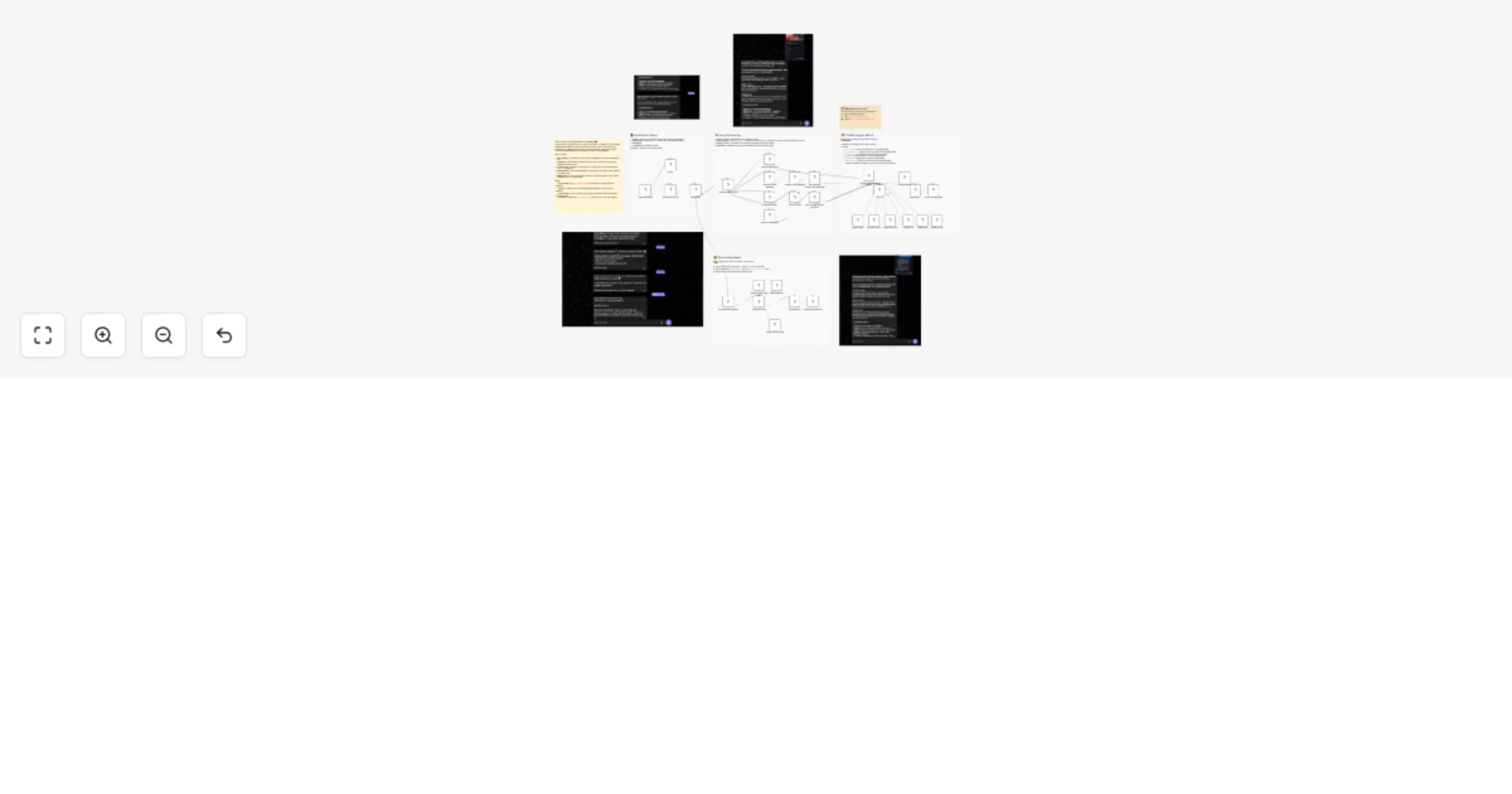
Built entirely in n8n, this workflow turns Telegram into a powerful "Wingman" that helps you craft the perfect reply, remember details about your matches, and optimize your dating strategy using Google Gemini 1.5 Pro.

🔥 Key Features
- 👁️ Multimodal Vision: Send a screenshot of a Tinder/Hinge profile or a WhatsApp chat, and the AI will analyze the text, subtext, and vibe to give you tactical advice.
- 🗣️ Audio Analysis: Forward voice notes, and the AI will transcribe and analyze the tone to tell you if they are interested.
- 🧠 Long-Term Memory: Remembers details about specific matches (e.g., "Sofia likes sushi") so you don't ask the same thing twice.
- 📊 Lead Management (CRM): Automatically tracks matching stage, interest level, and next steps in Google Sheets.
- 🎨 Personalized Style: Adapts advice to your specific "Rizz Style" (e.g., Mystery, Direct, Funny) defined in your profile.

🛠️ How It Works
- Ingest: You send text, audio, or images to your private Telegram Bot.
- Process: The workflow routes the input through Gemini Vision (for images) or Whisper/Gemini (for audio).
- Retrieve: It queries your Google Sheet to see if this person is a new lead or an existing match.
- Reason: The AI Agent (with tools) decides the best move: suggesting a reply, logging a red flag, or scheduling a date.
- Respond: You receive 3 draft options to copy-paste directly into your dating app.
📋 Setup Instructions
1. Google Sheets (Database)
- Make a copy of the Rizz AI Database Template.
- Share/Connect your Google Drive credential in n8n.
- Update the Sheet ID in the
Get Rizzler Profileand other Sheet nodes.
2. Telegram Bot
- Talk to @BotFather on Telegram to create a new bot.
- Copy the API Token into the Telegram Trigger and Send Message nodes.
3. Google Gemini
- Get a free API Key from Google AI Studio.
- Connect it to the Google Gemini Chat Model node.

💡 Need Assistance?
If you’d like help customizing or extending this workflow, feel free to reach out:
- 📧 Email: [email protected]
- 🔗 LinkedIn: John Alejandro Silva Rodríguez