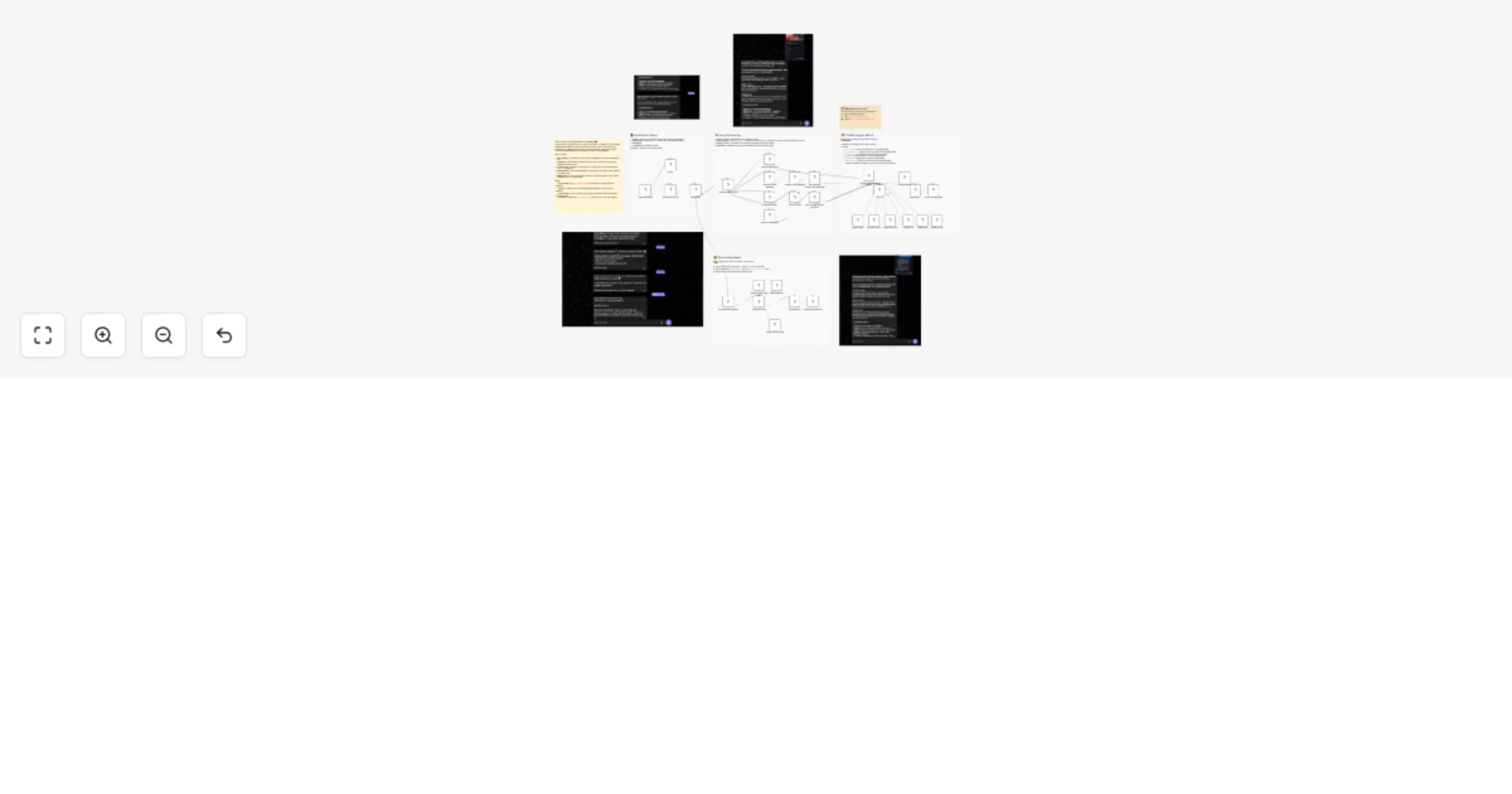
Get multimodal AI dating advice on Telegram with Google Gemini and Sheets

Workflow preview

Workflow preview
100%
Get multimodal AI dating advice on Telegram with Google Gemini and Sheets preview
Open on n8n.io

1. Workflow Overview

Rizz AI: The Multimodal Dating Assistant Rizz AI is not just a chatbot; it's a full featured, AI powered CRM for your dating life . Built entirely in n8n, this workflow turns Telegram into a pow...

Best for

  • Lead Nurturing automation workflows
  • AI Chatbot automation workflows
  • advanced n8n builders looking for reusable templates

Tools used

n8n-nodes-base.telegram, n8n-nodes-base.set, @n8n/n8n-nodes-langchain.googlegemini, @n8n/n8n-nodes-langchain.lmchatgooglegemini, @n8n/n8n-nodes-langchain.memorybufferwindow, n8n-nodes-base.code, n8n-nodes-base.telegramtrigger, n8n-nodes-base.googlesheets

Source and attribution

This workflow is cataloged by N8N Workflows and links back to its original n8n.io source page by John Alejandro SIlva.

Original n8n.io source

1.1 Workflow description

Title
Get multimodal AI dating advice on Telegram with Google Gemini and Sheets
Workflow name
Get multimodal AI dating advice on Telegram with Google Gemini and Sheets

Rizz AI: The Multimodal Dating Assistant 💘

Rizz AI is not just a chatbot; it's a full-featured, AI-powered CRM for your dating life.

Built entirely in n8n, this workflow turns Telegram into a powerful "Wingman" that helps you craft the perfect reply, remember details about your matches, and optimize your dating strategy using Google Gemini 1.5 Pro.

🔥 Key Features

  • 👁️ Multimodal Vision: Send a screenshot of a Tinder/Hinge profile or a WhatsApp chat, and the AI will analyze the text, subtext, and vibe to give you tactical advice.
  • 🗣️ Audio Analysis: Forward voice notes, and the AI will transcribe and analyze the tone to tell you if they are interested.
  • 🧠 Long-Term Memory: Remembers details about specific matches (e.g., "Sofia likes sushi") so you don't ask the same thing twice.
  • 📊 Lead Management (CRM): Automatically tracks matching stage, interest level, and next steps in Google Sheets.
  • 🎨 Personalized Style: Adapts advice to your specific "Rizz Style" (e.g., Mystery, Direct, Funny) defined in your profile.

🛠️ How It Works

  1. Ingest: You send text, audio, or images to your private Telegram Bot.
  2. Process: The workflow routes the input through Gemini Vision (for images) or Whisper/Gemini (for audio).
  3. Retrieve: It queries your Google Sheet to see if this person is a new lead or an existing match.
  4. Reason: The AI Agent (with tools) decides the best move: suggesting a reply, logging a red flag, or scheduling a date.
  5. Respond: You receive 3 draft options to copy-paste directly into your dating app.

📋 Setup Instructions

1. Google Sheets (Database)
  • Make a copy of the Rizz AI Database Template.
  • Share/Connect your Google Drive credential in n8n.
  • Update the Sheet ID in the Get Rizzler Profile and other Sheet nodes.
2. Telegram Bot
  • Talk to @BotFather on Telegram to create a new bot.
  • Copy the API Token into the Telegram Trigger and Send Message nodes.
3. Google Gemini
  • Get a free API Key from Google AI Studio.
  • Connect it to the Google Gemini Chat Model node.

💡 Need Assistance?

If you’d like help customizing or extending this workflow, feel free to reach out:

1.2 Logical Blocks

This catalog entry is organized from the workflow JSON. The node-level section below shows the executable blocks available for review before importing the template.

2. Block-by-Block Analysis

Block 1 - Download Voice Message

Type / Role
n8n-nodes-base.telegram - telegram
Config choices
Version 1.2

Block 2 - get_message (text)

Type / Role
n8n-nodes-base.set - set
Config choices
Version 3.4

Block 3 - Analyze image

Type / Role
@n8n/n8n-nodes-langchain.googleGemini - googleGemini
Config choices
Version 1

Block 4 - Analyze voice message

Type / Role
@n8n/n8n-nodes-langchain.googleGemini - googleGemini
Config choices
Version 1

Block 5 - get_message (Audio/Video message)

Type / Role
n8n-nodes-base.set - set
Config choices
Version 3.4

Block 6 - get_message (Media message)

Type / Role
n8n-nodes-base.set - set
Config choices
Version 3.4

Block 7 - Typing…

Type / Role
n8n-nodes-base.telegram - telegram
Config choices
Version 1.2

Block 8 - get_error_message1

Type / Role
n8n-nodes-base.set - set
Config choices
Version 3.4

Block 9 - Send a text message

Type / Role
n8n-nodes-base.telegram - telegram
Config choices
Version 1.2

Block 10 - Google Gemini Chat Model

Type / Role
@n8n/n8n-nodes-langchain.lmChatGoogleGemini - lmChatGoogleGemini
Config choices
Version 1

Block 11 - Simple Memory

Type / Role
@n8n/n8n-nodes-langchain.memoryBufferWindow - memoryBufferWindow
Config choices
Version 1.3

Block 12 - MarkdownV2

Type / Role
n8n-nodes-base.code - code
Config choices
Version 2

Block 13 - Telegram Trigger

Type / Role
n8n-nodes-base.telegramTrigger - telegramTrigger
Config choices
Version 1.2

Block 14 - Download Image

Type / Role
n8n-nodes-base.telegram - telegram
Config choices
Version 1.2

Block 15 - Send a text message3

Type / Role
n8n-nodes-base.telegram - telegram
Config choices
Version 1.2

Block 16 - Google Gemini Chat Model3

Type / Role
@n8n/n8n-nodes-langchain.lmChatGoogleGemini - lmChatGoogleGemini
Config choices
Version 1

Block 17 - MarkdownV1

Type / Role
n8n-nodes-base.code - code
Config choices
Version 2

Block 18 - Get Rizzler Profile

Type / Role
n8n-nodes-base.googleSheets - googleSheets
Config choices
Version 4.7

Block 19 - Registered?

Type / Role
n8n-nodes-base.if - if
Config choices
Version 2.2

Block 20 - Register Agent

Type / Role
@n8n/n8n-nodes-langchain.agent - agent
Config choices
Version 2.2

Block 21 - get_message (register)

Type / Role
n8n-nodes-base.set - set
Config choices
Version 3.4

Block 22 - create_rizzler_profile

Type / Role
n8n-nodes-base.googleSheetsTool - googleSheetsTool
Config choices
Version 4.7

Block 23 - search_leads

Type / Role
n8n-nodes-base.googleSheetsTool - googleSheetsTool
Config choices
Version 4.7

Block 24 - get_lead_history

Type / Role
n8n-nodes-base.googleSheetsTool - googleSheetsTool
Config choices
Version 4.7

Showing the first 24 of 41 workflow blocks. Download the JSON for the full node graph.

3. Summary Table

Workflow Get multimodal AI dating advice on Telegram with Google Gemini and Sheets
Complexity advanced
Nodes 41
Categories Lead Nurturing, AI Chatbot
Author John Alejandro SIlva
Published 17 Feb 2026

4. Reproducing the Workflow from Scratch

  1. 1. Download the workflow JSON

    Use the JSON export at /data/workflows/13446/13446.json as the source template for this automation.

  2. 2. Import the template into n8n

    Open n8n, import the downloaded JSON, and review each node before activating the workflow.

  3. 3. Configure credentials and variables

    Replace placeholder credentials, API keys, webhook URLs, account IDs, and environment-specific values with your own settings.

  4. 4. Test with sample data

    Run the workflow manually or in a staging workspace, inspect node output, and confirm downstream systems receive the expected data.

  5. 5. Activate and monitor

    Enable the workflow only after testing, then monitor executions, errors, and rate limits during the first production runs.

5. General Notes & Resources

Review imported nodes carefully before activation. This catalog entry is intended to help you inspect the workflow structure, understand required services, and find related templates faster.

Node names, credentials, schedules, webhook paths, and external service limits may need adjustment for your workspace.

Frequently asked questions

What does Get multimodal AI dating advice on Telegram with Google Gemini and Sheets do?

Rizz AI: The Multimodal Dating Assistant Rizz AI is not just a chatbot; it's a full featured, AI powered CRM for your dating life . Built entirely in n8n, this workflow turns Telegram into a pow...

What do I need before importing this workflow?

Review the workflow JSON, configure any required credentials in n8n, and test the automation in a safe workspace before using it in production.

Can I customize this workflow?

Yes. Use the block-by-block analysis and the downloadable JSON to inspect each node, then adjust credentials, prompts, schedules, filters, or destinations for your Lead Nurturing, AI Chatbot use case.