J

John Alejandro SIlva

3
Workflows

Workflows by John Alejandro SIlva
Workflow preview: Cheaper, faster, accurate answers with memory summarization & dynamic routing!
Free advanced

Cheaper, faster, accurate answers with memory summarization & dynamic routing!

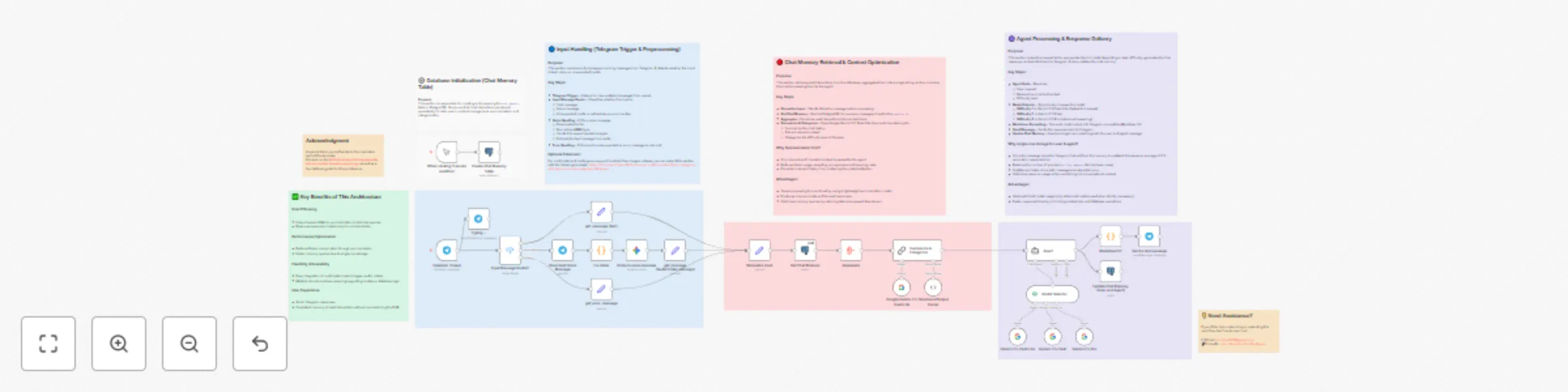
# 🤖💬 Smart Telegram AI Assistant with Memory Summarization & Dynamic Model Selection > **Optimize your AI workflows, cut costs, and get faster, more accurate answers.** --- ## 📋 Description Tired of expensive AI calls, slow responses, or bots that forget your context? This **Telegram AI Assistant template** is designed to **optimize cost, speed, and precision** in your AI-powered conversations. By combining **PostgreSQL chat memory**, **AI summarization**, and **dynamic model selection**, this workflow ensures you only pay for what you really need. Simple queries get routed to lightweight models, while complex requests automatically trigger more advanced ones. The result? **Smarter context, lower costs, and better answers.** This template is perfect for anyone who wants to: - ⚡ **Save money** by using cheaper models for easy tasks. - 🧠 **Keep context relevant** with AI-powered summarization. - ⏱️ **Respond faster** thanks to optimized chat memory storage. - 💬 **Deliver better answers** directly inside Telegram. --- ### ✨ Key Benefits - 💸 **Cost Optimization**: Automatically routes simple requests to Gemini Flash Lite and reserves Gemini Pro only for complex reasoning. - 🧠 **Smarter Context**: Summarization ensures only the most relevant chat history is used. - ⏱️ **Faster Workflows**: Storing user + agent messages in a single row reduces DB queries by half and saves ~0.3s per response. - 🎤 **Voice Message Support**: Convert Telegram voice notes to text and reply intelligently. - 🛡️ **Error-Proof Formatting**: Safe MarkdownV2 ensures Telegram-ready answers. --- ## 💼 Use Case This template is for **anyone who needs an AI chatbot on Telegram** that balances **cost, performance, and intelligence**. - Customer support teams can **reduce expenses** by using lightweight models for FAQs. - Freelancers and consultants can **offer faster AI-powered chats** without losing context. - Power users can **handle voice + text seamlessly** while keeping conversations memory-aware. Whether you’re scaling a business or just want a smarter assistant, this workflow adapts to your needs and budget. --- ## 💬 Example Interactions - **Quick Q&A** → Routed to Gemini Flash Lite for fast, low-cost answers. - **Complex problem-solving** → Sent to Gemini Pro for in-depth reasoning. - **Voice messages** → Automatically transcribed, summarized, and answered. - **Long conversations** → Context is summarized, ensuring precise and efficient replies. --- ## 🔑 Required Credentials - **Telegram Bot API** (Bot Token) - **PostgreSQL** (Database connection) - **Google Gemini API** (Flash Lite, Flash, Pro) --- ## ⚙️ Setup Instructions 1. 🗄️ **Create the PostgreSQL table** (`chat_memory`) from the Gray section SQL. 2. 🔌 Configure the **Telegram Trigger** with your bot token. 3. 🤖 Connect your **Gemini API credentials**. 4. 🗂️ Set up PostgreSQL nodes with your DB details. 5. ▶️ Activate the workflow and start chatting with your AI-powered Telegram bot. --- ## 🏷 Tags `telegram` `ai-assistant` `chatbot` `postgresql` `summarization` `memory` `gemini` `dynamic-routing` `workflow-optimization` `cost-saving` `voice-to-text` --- ## 🙏 Acknowledgement A special thank you to Davide for the inspiration behind this template. His work on the [**AI Orchestrator that dynamically selects models based on input type**](https://n8n.io/workflows/7004-ai-orchestrator-dynamically-selects-models-based-on-input-type/) served as a foundational guide for this architecture. --- ## 💡 Need Assistance? Want to customize this workflow for your business or project? Let’s connect: 📧 Email: [[email protected]](mailto:[email protected]) 🔗 LinkedIn: [John Alejandro Silva Rodríguez](https://www.linkedin.com/in/john-alejandro-silva-rodriguez-48093526b/)

J
John Alejandro SIlva
AI Chatbot
26 Aug 2025
1211
0
Workflow preview: Nutrition tracker & meal logger with Telegram, Gemini AI and Google Sheets
Free advanced

Nutrition tracker & meal logger with Telegram, Gemini AI and Google Sheets

# 🤖🥗 Telegram Nutrition AI Assistant (Alternative to Cal AI App) > AI-powered nutrition assistant for Telegram — log meals, set goals, and get personalized daily reports with Google Sheets integration. ## 📋 Description This n8n template creates a **Telegram-based Nutrition AI Assistant** 🥑🔥 designed as an **open-source alternative to the Cal AI mobile app**. It allows users to interact with an AI agent via text, voice, or images to track meals, calculate macros, and monitor nutrition goals directly from Telegram. The system integrates **Google Sheets** as the database, handling both user profiles and meal logs, while leveraging **Gemini AI** for natural conversation, food recognition, and daily progress reports. ## ✨ Key Features * 💬 **Multi-input support**: Text, voice messages (transcribed), and food images (AI analysis). * 📊 **Macro calculation**: Automatic estimation of calories, proteins, carbs, and fats. * 📝 **User-friendly registration**: Simple onboarding without storing personal health data (no weight/height required). * 🎯 **Goal tracking**: Users can set and update calorie and protein targets. * 📈 **Daily reports**: Personalized progress messages with visual progress bars. * 🗂 **Google Sheets integration**: * `Profile` table for user targets. * `Meals` table for food logs. * 🔄 **Advanced n8n nodes**: Includes use of `Merge`, `Subworkflow`, and `Code` nodes for data processing and report generation. ## 💡 Acknowledgment Inspired by the Cal AI concept 💡 — this template demonstrates how to reproduce its main functionality with **n8n, Telegram, and AI agents** as a flexible, open-source automation workflow. ## 🏷 Tags * `telegram` * `ai-assistant` * `nutrition` * `meal-tracking` * `google-sheets` * `food-logging` * `voice-transcription` * `image-analysis` * `daily-reports` * `n8n-template` * `merge-node` * `subworkflow-node` * `code-node` * `telegram-trigger` * `google-gemini` ## 💼 Use Case Use this template if you want to: * 🥗 Log meals using **text, images, or voice messages**. * 📊 Track nutrition goals (calories, proteins) with daily progress updates. * 🤖 Provide a **chat-based nutrition assistant** without building a full app. * 🗂 Store structured nutrition data in **Google Sheets** for easy access and analysis. ## 💬 Example User Interactions * 📸 User sends a photo of a meal → AI analyzes the food and logs calories/macros. * 🎤 User sends a voice message → AI transcribes and logs the meal. * ⌨️ User types “report” → AI returns a daily nutrition summary with progress bars. * 🥅 User says “update my protein goal” → AI updates profile in Google Sheets. ## 🔑 Required Credentials * Telegram Bot API (Bot Token) * Google Sheets API credentials * AI Provider API (Google Gemini or compatible LLM) ## ⚙️ Setup Instructions 1. 🗂 Create two Google Sheets tables: * **Profile**: `User_ID, Name, Calories_target, Protein_target` * **Meals**: `User_ID, Date, Meal_description, Calories, Proteins, Carbs, Fats` 2. 🔌 Configure the Telegram Trigger with your bot token. 3. 🤖 Connect your AI provider credentials (Gemini recommended). 4. 📑 Connect Google Sheets with your credentials. 5. ▶️ Deploy the workflow in n8n. 6. 🎯 Start interacting with your nutrition assistant via Telegram. ## 📌 Extra Notes * 🟩 **Green section**: Handles Telegram trigger and user check. * 🟥 **Red section**: Registers new users and sets goals. * 🟦 **Blue section**: Processes text, voice, and images. * 🟨 **Yellow section**: Generates nutrition reports. * 🟪 **Purple section**: Main AI agent controlling tools and logic. --- ## 💡 Need Assistance? If you’d like help customizing or extending this workflow, feel free to reach out: 📧 Email: [[email protected]](mailto:[email protected]) 🔗 LinkedIn: [John Alejandro Silva Rodríguez](https://www.linkedin.com/in/john-alejandro-silva-rodriguez-48093526b/)

J
John Alejandro SIlva
AI Chatbot
23 Aug 2025
31796
0
Workflow preview: Process multiple media files in Telegram with Gemini AI & PostgreSQL database
Free advanced

Process multiple media files in Telegram with Gemini AI & PostgreSQL database

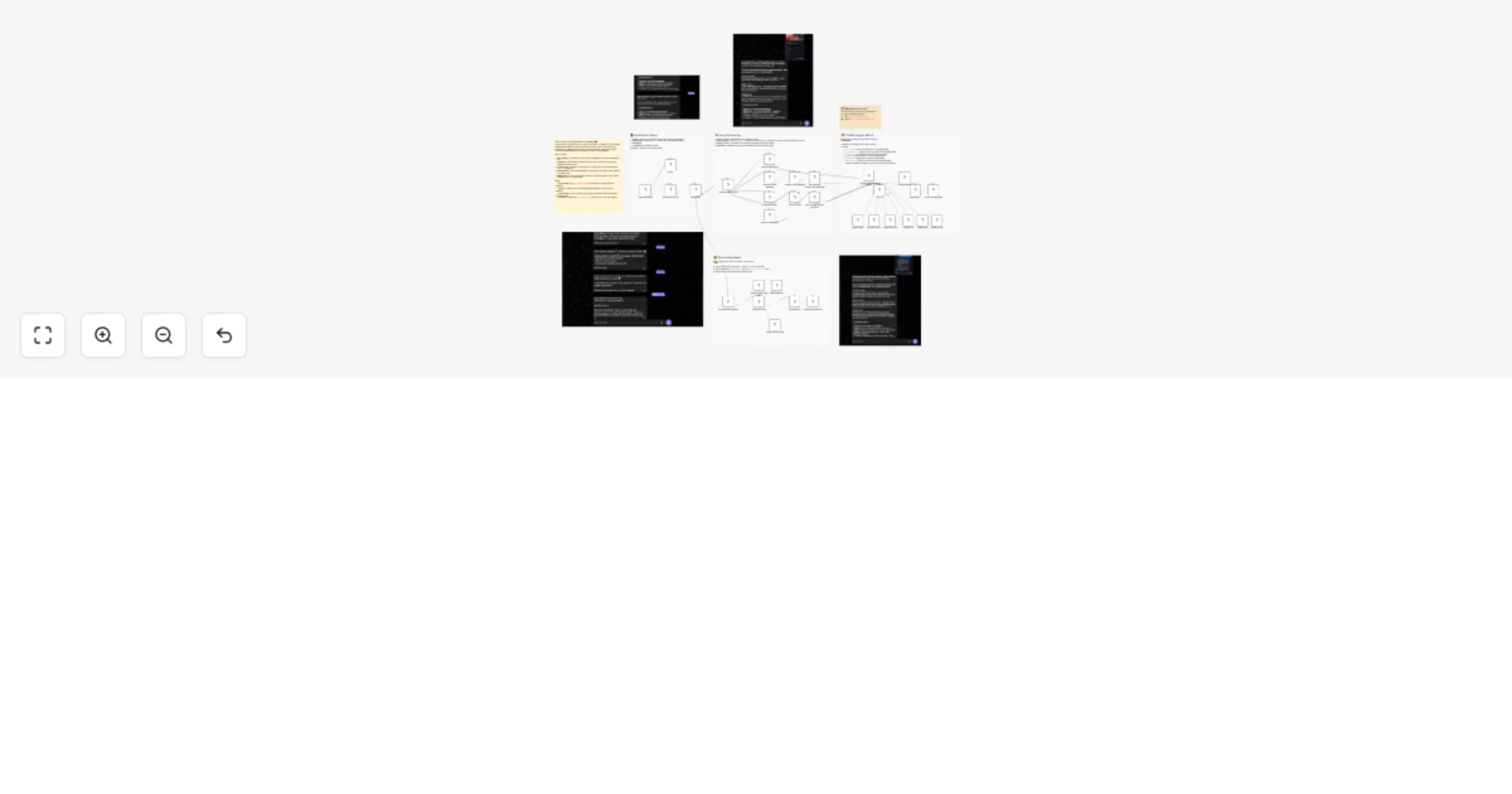
# 🤖📨 Telegram AI Assistant with Multi-File Media Group Handling, Smart File Processing & PostgreSQL Integration > **AI-powered Telegram bot for text, voice, video, documents & media — with database-driven grouping and Telegram-safe formatting.** --- ## 📋 Description This n8n template creates a **next-generation Telegram AI assistant** 🧠💬 capable of handling **text messages, media files, and documents** with advanced processing, PostgreSQL integration, and AI-powered responses. It is designed to **solve Telegram’s media group challenge** 📦 — when multiple files are sent together, they are stored, processed, and combined into one coherent AI-generated reply. ### ✨ Key Features - 📂 **Multi-file media group management** with PostgreSQL: - `media_group` - `media_queue` - `chat_histories` - 📑 **Document parsing** for CSV, HTML, ICS, JSON, ODS, PDF (with AI fallback), RTF, TXT, XML, and spreadsheets. - 🎤 **Voice & video transcription** for AI analysis. - 🖼️ **Image, audio, and video description** for richer AI context. - 🛡️ **Telegram-safe MarkdownV2 formatting** with auto-splitting for messages over 4096 chars. - ⚠️ **Error fallback** for unsupported file types. --- ## 💡 Acknowledgment A huge thank you to **Ezema Gingsley Chibuzo** 🙌 for the inspiration of the first version of this workflow: [Create a Multi-Modal Telegram Support Bot with GPT-4 and Supabase RAG](https://n8n.io/workflows/5589-create-a-multi-modal-telegram-support-bot-with-gpt-4-and-supabase-rag/) Your pioneering work laid the foundation for this improved, **database-powered multi-modal assistant** 🚀 --- ## 🏷 Tags `telegram` `ai-assistant` `postgresql` `multi-file` `media-group` `file-processing` `voice-transcription` `document-parser` `pdf-extraction` `markdown-formatting` `n8n-template` --- ## 💼 Use Case Use this template if you need an AI-powered Telegram bot that can: - 📦 Handle **multiple files sent in a single message** (albums, multiple PDFs, etc.). - 🧾 Extract & analyze **content from many file formats**. - 🎙️ Transcribe **voice and video messages**. - 🗂️ Maintain **chat memory** for contextual AI answers. - 🛡️ Avoid **Telegram formatting errors** and length limit issues. This workflow automates the full chain: **Receive → Process → AI Analysis → Telegram-safe Reply**. --- ## 💬 Example User Interactions - **📄 Multiple PDFs with a caption** → AI extracts and summarizes all PDFs in one combined reply. - **🎤 Voice message** → AI transcribes and replies with a contextual answer. - **📊 CSV or spreadsheet file** → AI parses and summarizes the data. - **🖼️ Multiple images** → AI describes each image and replies in a single message. --- ## 🔑 Required Credentials - **Telegram Bot API** (Bot Token) - **PostgreSQL** (Connection credentials) - **AI Provider API** (OpenAI, Google Gemini, or compatible LLM) --- ## ⚙️ Setup Instructions 1. 🗄️ **Create the PostgreSQL tables** (Gray section SQL): - `media_group` - `media_queue` - `chat_histories` 2. 🔌 Configure the **Telegram Trigger** with your bot token. 3. 🤖 Connect your **AI provider** credentials. 4. 🗂️ Set up **PostgreSQL** credentials in the database nodes. 5. ▶️ Deploy the workflow in n8n. 6. 🎯 Start sending messages and files to your bot. --- ## 📌 Extra Notes - ✅ **Green section** ensures only one trigger per media group. - 📌 **Yellow section** guarantees captions and files are stored in the correct sequence. - ✨ **Purple section** formats AI output to be Telegram-safe and split if needed. - 🧠 AI prompt is **not fixed**, allowing full customization. --- ## 💡 Need Assistance? If you’d like help customizing or extending this workflow, feel free to reach out: 📧 Email: [[email protected]](mailto:[email protected]) 🔗 LinkedIn: [John Alejandro Silva Rodríguez](https://www.linkedin.com/in/john-alejandro-silva-rodriguez-48093526b/)

J
John Alejandro SIlva
Support Chatbot
16 Aug 2025
8737
0