Block 1 - Descargar Media
- Type / Role
- n8n-nodes-evolution-api.evolutionApi - evolutionApi
- Config choices
- Version 1


 Early Deal
Human like Evolution API Agent with Redis & PostgreSQL This production ready template builds a sophisticated AI Agent using Evolution API that mimics human interaction patterns. Unlike standard ...
n8n-nodes-evolution-api.evolutionapi, n8n-nodes-base.set, n8n-nodes-base.switch, n8n-nodes-base.redis, n8n-nodes-base.noop, n8n-nodes-base.if, n8n-nodes-base.wait, @n8n/n8n-nodes-langchain.lmchatgooglegemini
This workflow is cataloged by N8N Workflows and links back to its original n8n.io source page by John Alejandro SIlva.
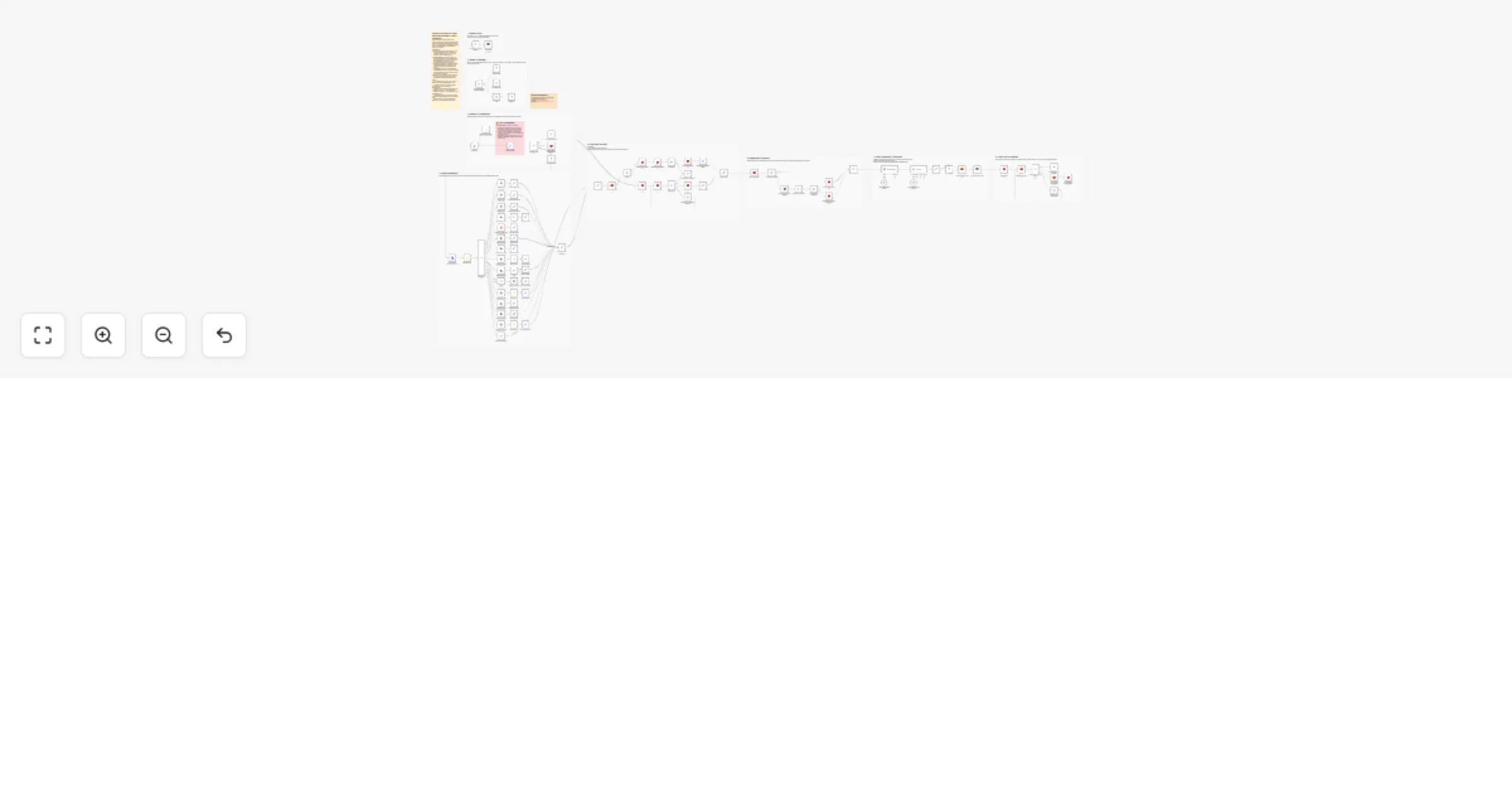
Original n8n.io sourceThis production-ready template builds a sophisticated AI Agent using Evolution API that mimics human interaction patterns. Unlike standard chatbots that reply instantly to every incoming message, this workflow uses a Smart Redis Buffering System. It waits for the user to finish typing their full thought (text, audio, or image albums) before processing, creating a natural, conversational flow.
It features a Hybrid Memory Architecture: active conversations are cached in Redis for ultra-low latency, while the complete chat history is securely stored in PostgreSQL. To optimize token usage and maintain long-term coherence, a Context Refiner Agent summarizes the conversation history before the Main AI generates a response.
To use this workflow, you must configure the Evolution API correctly:
Settings > Community Nodes in n8n and install n8n-nodes-evolution-api.chat_history table in PostgreSQL (columns must match the Insert node).wait_buffer: Seconds to wait for the user to stop typing (e.g., 5s).wait_conversation: Seconds to keep the cache alive (e.g., 300s).max_chat_history: Number of past messages to retrieve.If you’d like help customizing or extending this workflow, feel free to reach out:
📧 Email: [email protected] 🔗 LinkedIn: John Alejandro Silva Rodríguez
This catalog entry is organized from the workflow JSON. The node-level section below shows the executable blocks available for review before importing the template.
Showing the first 24 of 103 workflow blocks. Download the JSON for the full node graph.
| Workflow | Create a human-like Evolution API WhatsApp agent with Redis, PostgreSQL and Gemini |
|---|---|
| Complexity | advanced |
| Nodes | 103 |
| Categories | Support Chatbot, AI RAG |
| Author | John Alejandro SIlva |
| Published | 15 Feb 2026 |
Use the JSON export at /data/workflows/13407/13407.json as the source template for this automation.
Open n8n, import the downloaded JSON, and review each node before activating the workflow.
Replace placeholder credentials, API keys, webhook URLs, account IDs, and environment-specific values with your own settings.
Run the workflow manually or in a staging workspace, inspect node output, and confirm downstream systems receive the expected data.
Enable the workflow only after testing, then monitor executions, errors, and rate limits during the first production runs.
Review imported nodes carefully before activation. This catalog entry is intended to help you inspect the workflow structure, understand required services, and find related templates faster.
Node names, credentials, schedules, webhook paths, and external service limits may need adjustment for your workspace.
Human like Evolution API Agent with Redis & PostgreSQL This production ready template builds a sophisticated AI Agent using Evolution API that mimics human interaction patterns. Unlike standard ...
Review the workflow JSON, configure any required credentials in n8n, and test the automation in a safe workspace before using it in production.
Yes. Use the block-by-block analysis and the downloadable JSON to inspect each node, then adjust credentials, prompts, schedules, filters, or destinations for your Support Chatbot, AI RAG use case.