Generate Google Maps lead lists with SerpApi, Google Gemini and Sheets
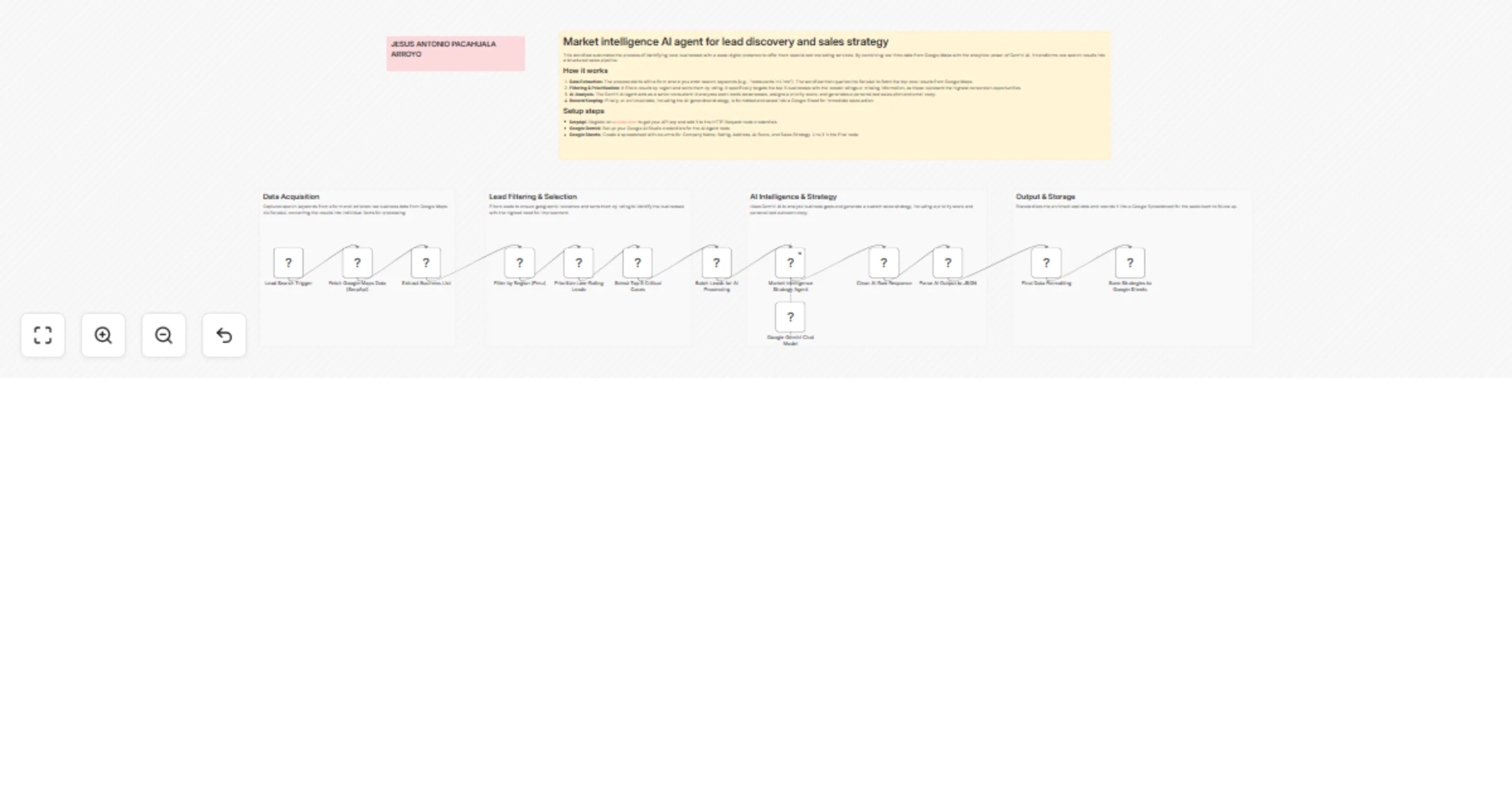
Workflow preview

$20/month : Unlimited workflows
2500 executions/month

THE #1 IN WEB SCRAPING
Scrape any website without limits
HOSTINGER  Early Deal
DISCOUNT 20% Try free
Early DealDISCOUNT 20%
Self-hosted n8n
Unlimited workflows - from $4.99/mo

#1 hub for scraping, AI & automation
6000+ actors - $5 credits/mo
Overview
This workflow automates the process of identifying local businesses with a weak digital presence to offer them specialized marketing services. By combining real-time data from Google Maps with the analytical power of Gemini AI, it transforms raw search results into a structured sales pipeline.
How it works
- Data Extraction: The process starts with a form where you enter search keywords (e.g., "restaurants in Lima"). The workflow then queries the SerpApi to fetch the top local results from Google Maps.
- Filtering & Prioritization: It filters results by region and sorts them by rating. It specifically targets the top 5 businesses with the lowest ratings or missing information, as these represent the highest conversion opportunities.
- AI Analysis: The Gemini AI agent acts as a senior consultant. It analyzes each lead's weaknesses, assigns a priority score, and generates a personalized sales pitch and email copy.
- Record Keeping: Finally, all enriched data, including the AI-generated strategy, is formatted and saved into a Google Sheet for immediate sales action.
Setup steps
- SerpApi: Register at serpapi.com to get your API key and add it to the HTTP Request node credentials.
- Google Gemini: Set up your Google AI Studio credentials for the AI Agent node.
- Google Sheets: Create a spreadsheet with columns for Company Name, Rating, Address, AI Score, and Sales Strategy. Link it in the final node.