Automated meeting attendance tagging for Zoom Webinars with KlickTipp
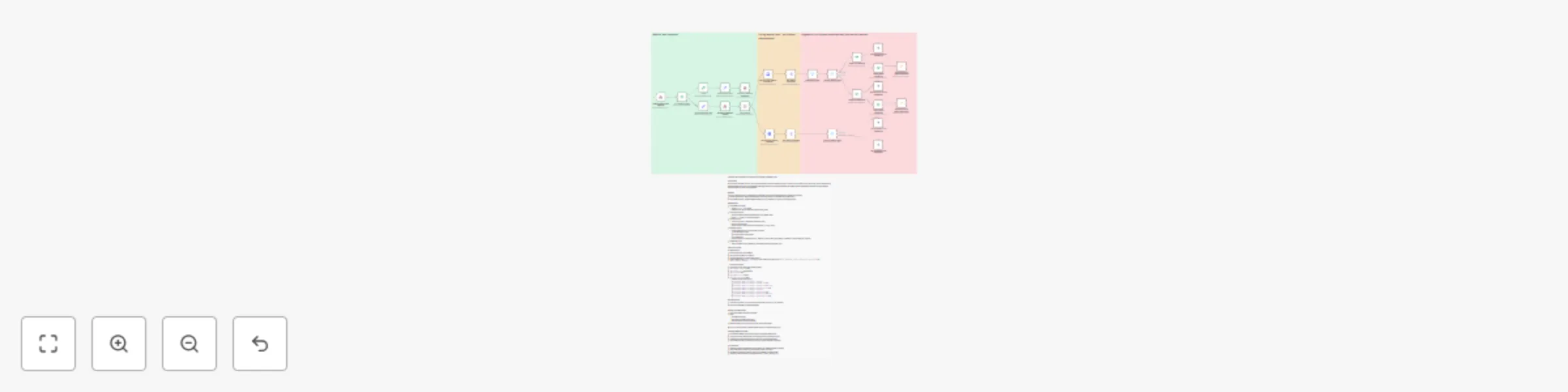
Workflow preview


 Early Deal
DISCOUNT 20%

Important notice
This workflow is provided as-is. Please review and test before using in production.
Overview
Community Node Disclaimer: This workflow uses KlickTipp community nodes.
Introduction
This workflow listens to Zoom webinar.ended events, validates the webhook (HMAC), fetches the past webinar details/participants, and tags each participant in KlickTipp based on attendance thresholds (e.g., ≥90%, ≥60%). It supports routing by webinar topic (Anfänger vs. Experten) so you can run differentiated follow-ups automatically.
Benefits
- Hands-off segmentation based on real attendance
- Accurate follow-ups (full, partial, or no attendance)
- Scales to multiple webinars with simple rule extensions
Key Features
- Webhook validation for Zoom URL registration (HMAC SHA256)
- Zoom API calls to retrieve past webinar & participants by UUID
- Routing by webinar name (Beginner/Expert)
- Attendance thresholds via IF nodes (≥90% full, 60–89% partial)
- KlickTipp tagging for engagement-driven campaigns
Tags (KlickTipp Setup)
- Zoom webinar E-Mail Zustellung für Anfänger
- Zoom webinar E-Mail Zustellung für Anfänger attended
- Zoom webinar E-Mail Zustellung für Anfänger attended fully
- Zoom webinar E-Mail Zustellung für Anfänger not attended
- Zoom webinar E-Mail Zustellung für Experten
- Zoom webinar E-Mail Zustellung für Experten attended
- Zoom webinar E-Mail Zustellung für Experten attended fully
- Zoom webinar E-Mail Zustellung für Experten not attended
Important Note
This workflow is based on the companion workflow “Automate Webinar Registration with Zoom & KlickTipp Form Integration”.
➡️ Both workflows must be activated together for the automations to function correctly.
In KlickTipp you should:
- Create a landing page for webinar registration.
- Set up an email campaign for invitations and follow-ups.
- Manually create the necessary tags based on list above
Testing & Deployment
- End a Zoom webinar tied to this flow.
- Confirm the webhook triggers and participants are fetched.
- Verify the correct attendance tags appear on contacts in KlickTipp.
> 💡 Tip: Use test emails and tweak duration to simulate different attendance bands.
Customization
- Adjust thresholds (e.g., 80% for “full”) in IF nodes.
- Duplicate routing/tag blocks to support more webinar topics.
- Add error handling (e.g., retries or alerts) for API edge cases.
Resources: