Automate Zendesk Support replies with GPT-4o-mini, Google Sheets & Gmail
Workflow preview


 Early Deal
DISCOUNT 20%

Important notice
This workflow is provided as-is. Please review and test before using in production.
Overview
Description
This workflow automates Zendesk ticket handling with AI-powered auto-replies. It pulls in new support tickets, checks against a Google Sheets FAQ database, and generates accurate responses using GPT-4o-mini. If the question matches an FAQ, the system replies with the predefined answer; otherwise, it drafts a polite, professional custom response. Finally, the workflow formats and sends the reply via Gmail, ensuring customers always receive quick and reliable support.
What This Template Does (Step-by-Step)
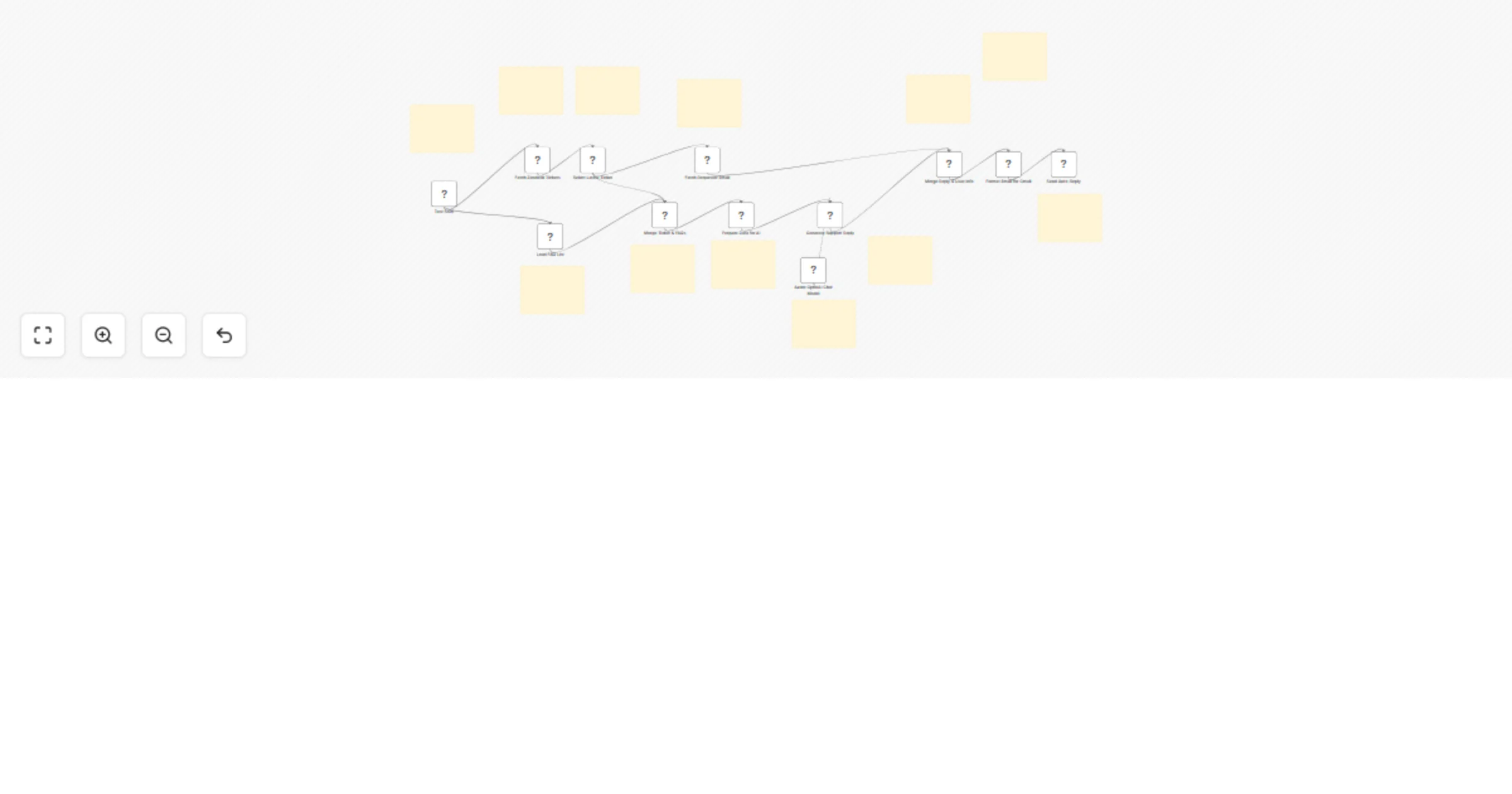
🎫 Fetch Latest Zendesk Ticket Retrieves and filters tickets, keeping only the most recent one. 📋 Load FAQ Knowledge Base (Google Sheets) Provides predefined answers for common support queries. 🔀 Merge Ticket + FAQs Combines ticket details and FAQ list into one clean dataset. 🧹 Prepare Data for AI Restructures merged data into JSON with two sections: ticket + faqs. 🤖 Generate Support Reply (Azure OpenAI GPT-4o-mini)
- If ticket matches FAQ → sends exact predefined answer.
- If no match → crafts a polite AI-generated reply. 📧 Fetch Requester Email (Zendesk) Resolves requester_id into a usable customer email. 🔗 Merge Reply + User Info Joins AI reply with customer’s email into one dataset. 📝 Format for Gmail Creates a ready-to-send JSON: to, subject, body. 📨 Send Auto-Reply (Gmail) Delivers the response directly to the customer’s inbox.
Prerequisites
- Zendesk account & API credentials
- Google Sheet with FAQ list (questions + answers)
- n8n instance (cloud or self-hosted)
- Azure OpenAI API key (GPT-4o-mini)
- Gmail API credentials (for reply delivery) 1
Step-by-Step Setup
- Connect Zendesk API → Pull latest tickets.
- Configure Google Sheets → Load FAQ dataset.
- Merge both streams (ticket + FAQs) → Prepare JSON.
- Use LLM (Azure OpenAI GPT-4o-mini) → Match against FAQ or generate AI response.
- Fetch Requester Email from Zendesk.
- Merge AI reply + email address.
- Format structured JSON for Gmail.
- Send final email via Gmail OAuth2.
Customization Ideas
⚡ Add Slack/Teams notification for each reply sent. 📊 Log all ticket + AI replies into Airtable/Notion for tracking. 🎨 Personalize tone of AI responses (friendly, formal, technical). 📂 Add auto-tagging in Zendesk (e.g., “AI handled” vs “FAQ match”). 🔁 Extend workflow to escalate unresolved queries to human agents.
Key Benefits
✅ Always-on support replies — no waiting time ✅ Accurate FAQ answers + fallback to AI-generated responses ✅ Seamless Gmail integration for customer communication ✅ Reduces manual ticket load on agents ✅ Fully customizable for tone, logging, and escalation
Perfect For
🎯 Customer support teams handling repetitive queries 📈 Growing startups needing scalable support 🤖 Businesses wanting AI + FAQ hybrid support 📩 Any company using Zendesk + Gmail for customer service