Block 1 - Azure OpenAI Chat Model
- Type / Role
- @n8n/n8n-nodes-langchain.lmChatAzureOpenAi - lmChatAzureOpenAi
- Config choices
- Version 1


 Early Deal
This workflow is provided as-is. Please review and test before using in production.
Description This workflow automates Zendesk ticket handling with AI powered auto replies. It pulls in new support tickets, checks against a Google Sheets FAQ database, and generates accurate respon...
@n8n/n8n-nodes-langchain.lmchatazureopenai, n8n-nodes-base.stickynote, n8n-nodes-base.manualtrigger, n8n-nodes-base.zendesk, n8n-nodes-base.code, n8n-nodes-base.googlesheets, n8n-nodes-base.merge, @n8n/n8n-nodes-langchain.chainllm
This workflow is cataloged by N8N Workflows and links back to its original n8n.io source page by Rahul Joshi.
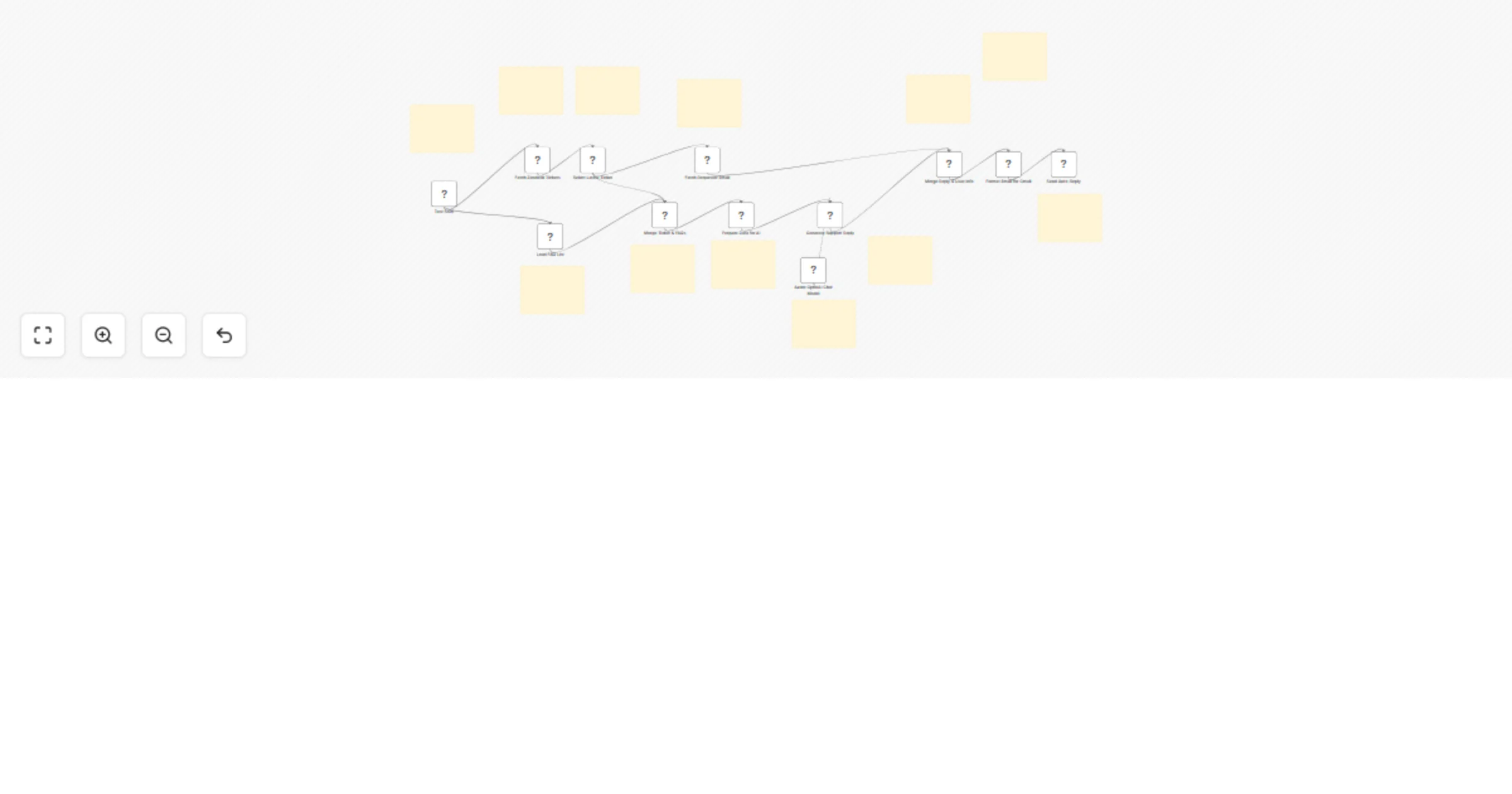
Original n8n.io sourceThis workflow automates Zendesk ticket handling with AI-powered auto-replies. It pulls in new support tickets, checks against a Google Sheets FAQ database, and generates accurate responses using GPT-4o-mini. If the question matches an FAQ, the system replies with the predefined answer; otherwise, it drafts a polite, professional custom response. Finally, the workflow formats and sends the reply via Gmail, ensuring customers always receive quick and reliable support.
🎫 Fetch Latest Zendesk Ticket Retrieves and filters tickets, keeping only the most recent one. 📋 Load FAQ Knowledge Base (Google Sheets) Provides predefined answers for common support queries. 🔀 Merge Ticket + FAQs Combines ticket details and FAQ list into one clean dataset. 🧹 Prepare Data for AI Restructures merged data into JSON with two sections: ticket + faqs. 🤖 Generate Support Reply (Azure OpenAI GPT-4o-mini)
⚡ Add Slack/Teams notification for each reply sent. 📊 Log all ticket + AI replies into Airtable/Notion for tracking. 🎨 Personalize tone of AI responses (friendly, formal, technical). 📂 Add auto-tagging in Zendesk (e.g., “AI handled” vs “FAQ match”). 🔁 Extend workflow to escalate unresolved queries to human agents.
✅ Always-on support replies — no waiting time ✅ Accurate FAQ answers + fallback to AI-generated responses ✅ Seamless Gmail integration for customer communication ✅ Reduces manual ticket load on agents ✅ Fully customizable for tone, logging, and escalation
🎯 Customer support teams handling repetitive queries 📈 Growing startups needing scalable support 🤖 Businesses wanting AI + FAQ hybrid support 📩 Any company using Zendesk + Gmail for customer service
This catalog entry is organized from the workflow JSON. The node-level section below shows the executable blocks available for review before importing the template.
| Workflow | Automate Zendesk Support replies with GPT-4o-mini, Google Sheets & Gmail |
|---|---|
| Complexity | advanced |
| Nodes | 24 |
| Categories | Support Chatbot, AI Chatbot |
| Author | Rahul Joshi |
| Published | 19 Sept 2025 |
Use the JSON export at /data/workflows/8744/8744.json as the source template for this automation.
Open n8n, import the downloaded JSON, and review each node before activating the workflow.
Replace placeholder credentials, API keys, webhook URLs, account IDs, and environment-specific values with your own settings.
Run the workflow manually or in a staging workspace, inspect node output, and confirm downstream systems receive the expected data.
Enable the workflow only after testing, then monitor executions, errors, and rate limits during the first production runs.
Review imported nodes carefully before activation. This catalog entry is intended to help you inspect the workflow structure, understand required services, and find related templates faster.
Node names, credentials, schedules, webhook paths, and external service limits may need adjustment for your workspace.
Description This workflow automates Zendesk ticket handling with AI powered auto replies. It pulls in new support tickets, checks against a Google Sheets FAQ database, and generates accurate respon...
Review the workflow JSON, configure any required credentials in n8n, and test the automation in a safe workspace before using it in production.
Yes. Use the block-by-block analysis and the downloadable JSON to inspect each node, then adjust credentials, prompts, schedules, filters, or destinations for your Support Chatbot, AI Chatbot use case.