Automate employee onboarding and Google Workspace account creation with Gmail, Google Sheets, PDFBro and Google Gemini
Workflow preview


 Early Deal
DISCOUNT 20%

Overview
📺 Watch the Video Demo
For a visual walkthrough of this automation in action, check out the tutorial below:
🚀 Workflow Overview
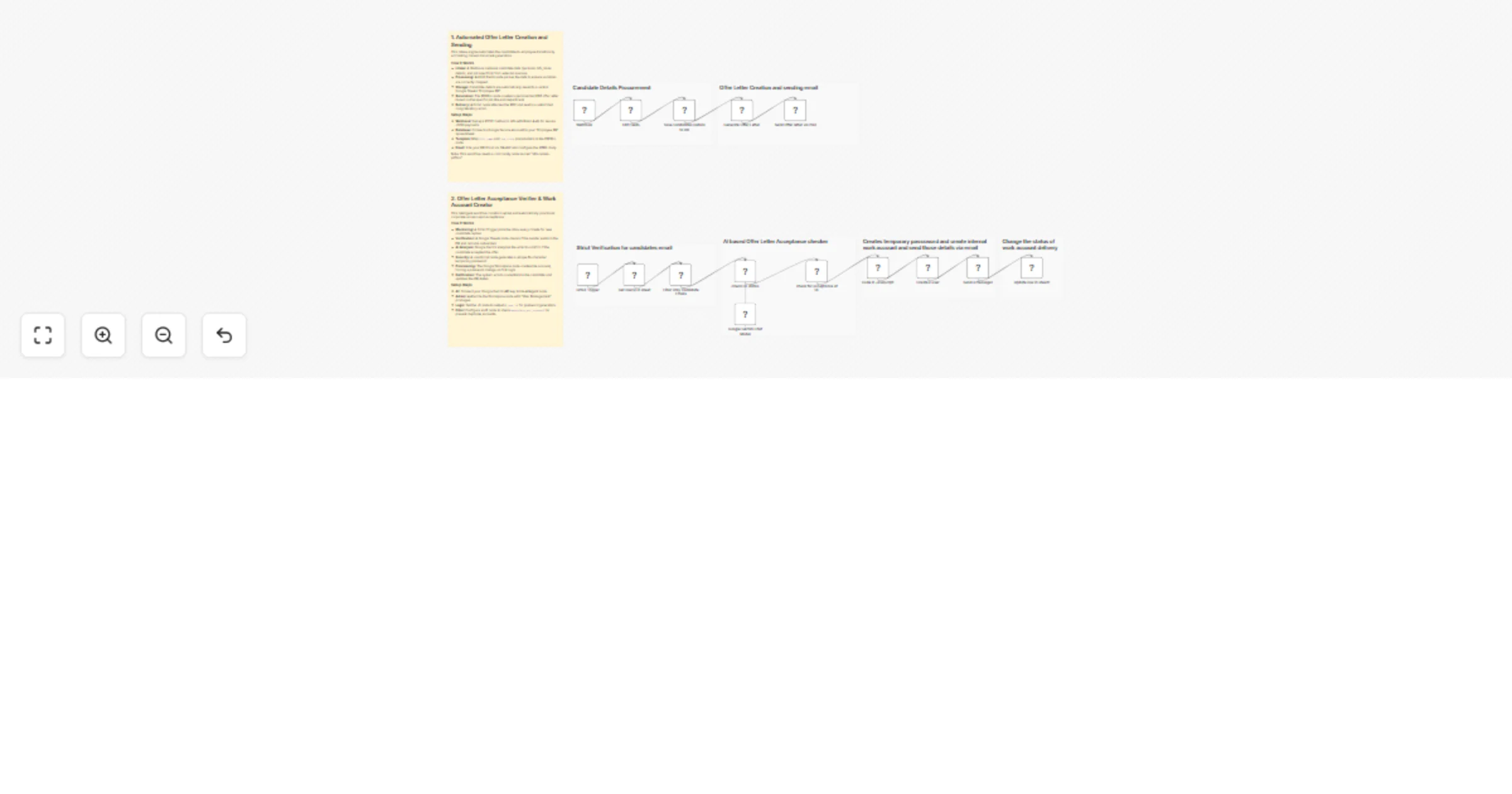
This n8n workflow creates a fully automated end-to-end recruitment and onboarding engine. It streamlines two critical phases of HR operations:
- Offer Letter Generation: Automatically generating and emailing a PDF offer letter when candidate data is received.
- Onboarding & Provisioning: Detecting candidate acceptance via email, provisioning a corporate Google Workspace account, and securely delivering credentials.
⚙️ Phase 1: Candidate Intake & Offer Letter Generation
Triggered via Webhook
This section handles the initial processing of a successful candidate.
1. Data Ingestion & Formatting
- Webhook (
POST): The workflow starts when candidate data (personal info, job details, bank info) is posted to the webhook URL. - Edit Fields: Cleanups and extracts key data points (Full Name, Address, Job Title, Manager Name, etc.) to ensure they are ready for document generation.
2. Database Entry
- Google Sheets (Save Candidates Details):
- Acts as the "Employee DB".
- Records all candidate details including emergency contacts and bank info.
- Sets an initial status flag
workplace_acc_created?to "no".
3. Document Generation
- PDFBro (Generate Offer Letter):
- Dynamically creates a PDF offer letter.
- Populates the template with the candidate's name, address, job title, department, and salary frequency.
4. Delivery
- Gmail (Send Offer Letter):
- Sends an email to the candidate's personal address.
- Attaches the generated PDF offer letter.
- Subject: "Offer Letter" | Body includes a congratulatory message.
🤖 Phase 2: Acceptance Verification & IT Provisioning
Triggered via Gmail Polling
This section runs periodically to check if the candidate has accepted the job offer.
1. Intelligent Monitoring
- Gmail Trigger: Polls the HR inbox every minute for new emails.
- Google Sheets (Lookup): Checks if the sender's email exists in the "Employee DB".
- Filter: Ensures the workflow only proceeds if:
- The email is from a known candidate.
- The candidate has not yet been onboarded (
workplace_acc_created?is not "yes").
2. AI-Powered Analysis
- Google Gemini (AI Agent):
- Reads the email subject and body.
- Prompt: "Check if the mail is an acceptance of offer letter... respond with 'yes' if it is an acceptance."
- This eliminates false positives (e.g., a candidate asking a question about the salary isn't mistakenly onboarded).
3. Account Provisioning (If Accepted)
If the AI confirms the email is an acceptance ("Yes"):
- JavaScript Code: Generates a secure, random 16-character temporary password (timestamp + random string).
- Google Workspace Admin (Create User):
- Creates a new internal email account (e.g.,
[email protected]). - Sets the temporary password.
- Security: Forces the user to change their password upon first login (
changePasswordAtNextLogin: true).
4. Credential Delivery & Sync
Gmail (Send Credentials):
Sends a beautifully formatted HTML email to the new employee's personal address.
Contains their new Work Email and Temporary Password.
Includes a "Log In to Workplace" button.
Google Sheets (Update Status):
Updates the candidate's row in the DB.
Sets
workplace_acc_created?to "yes" to prevent duplicate account creation in the future.
🛠️ Prerequisites & Credentials Needed
To use this workflow, you will need to configure the following credentials in n8n:
- Google Workspace Admin: For creating users (requires Admin SDK API access).
- Google Gemini (PaLM) API: For the AI analysis of emails.
- Google Drive/Sheets: Service account access to read/write the Employee DB.
- Gmail (OAuth2): To read incoming replies and send outgoing emails.
- PDFBro: a free community node for creating PDF offer letter.