Block 1 - OpenAI Chat Model
- Type / Role
- @n8n/n8n-nodes-langchain.lmChatOpenAi - lmChatOpenAi
- Config choices
- Version 1.2


 Early Deal
AI Resume Screening Workflow using Gmail, OpenAI (GPT 4 Turbo) & Slack This workflow automatically fetches resumes from Gmail, extracts text from PDF attachments, analyzes candidate profiles using ...
@n8n/n8n-nodes-langchain.lmchatopenai, n8n-nodes-base.stickynote, n8n-nodes-base.gmail, n8n-nodes-base.function, n8n-nodes-base.if, n8n-nodes-base.splitinbatches, n8n-nodes-base.extractfromfile, @n8n/n8n-nodes-langchain.agent
This workflow is cataloged by N8N Workflows and links back to its original n8n.io source page by WeblineIndia.
Original n8n.io sourceThis workflow automatically fetches resumes from Gmail, extracts text from PDF attachments, analyzes candidate profiles using AI, and shortlists qualified candidates by sending their details to Slack. It significantly reduces manual effort in resume screening and speeds up hiring decisions.
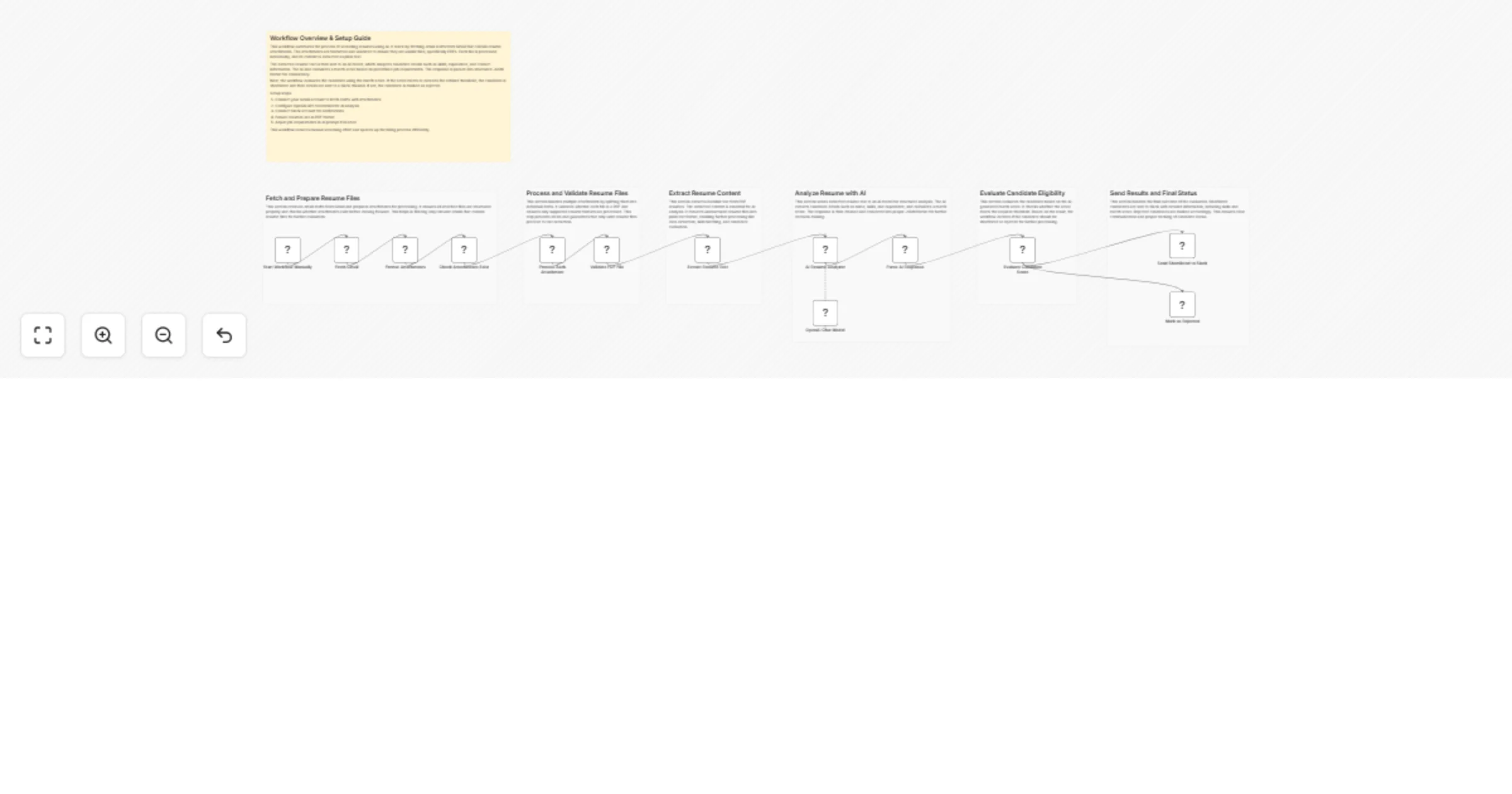
This workflow automates the resume screening process by integrating Gmail, AI, and Slack into a seamless pipeline. It starts by fetching emails containing resume attachments, then processes and validates these files to ensure only PDF resumes are analyzed.
Once validated, the workflow extracts text from each resume and sends it to an AI model. The AI evaluates candidate details such as skills, experience, and contact information, and calculates a match score based on predefined job requirements.
Finally, the workflow determines whether a candidate should be shortlisted or rejected. Shortlisted candidates are instantly shared on Slack with complete details, enabling faster hiring decisions and reducing manual screening effort.
Use the Start Workflow Manually node to initiate the workflow.
Connect your Gmail account in the Fetch Gmail node. Ensure emails contain resume attachments.
The workflow formats and checks attachments. Only emails with attachments proceed further.
Ensure resumes are in PDF format. Non-PDF files are ignored automatically.
The Extract Resume Text node converts PDF resumes into plain text.
Add your OpenAI credentials in the OpenAI Chat Model node. Customize job requirements inside the AI Resume Analyzer node prompt.
Candidates are scored based on:
If score ≥ 70 → Sent to Slack as shortlisted. Else → Marked as rejected
Run manually or activate for continuous use.
AI Resume Analyzer - Modify job requirements (skills, experience, location). Adjust scoring logic or threshold
Evaluate Candidate Score - Change minimum score (default: 70)
Slack Node - Customize message format. Change Slack channel
Gmail Node - Add filters (labels, subjects, senders)
Extract Resume Text - Extend for other file formats if needed
There can be many more use cases depending on hiring workflows and business needs.
| Issue | Possible Cause | Solution |
|---|---|---|
| No emails fetched | Gmail not connected or incorrect filters | Reconnect Gmail and check filters |
| Attachments not processed | Emails don’t contain attachments | Ensure resumes are attached |
| PDF not detected | Incorrect file type | Ensure resumes are in PDF format |
| AI response parsing error | Invalid JSON from AI | Check prompt and enforce strict JSON |
| No Slack message | Slack credentials or channel issue | Verify Slack connection and channel ID |
| Low-quality matches | Incorrect job requirements | Update AI prompt with accurate criteria |
If you need assistance setting up this workflow or customizing it for your business needs, we’re here to help.
Whether you want to:
Feel free to reach out to our n8n workflow development experts at WeblineIndia for expert support and tailored workflow development.
👉 Let us help you automate smarter and scale faster.
This catalog entry is organized from the workflow JSON. The node-level section below shows the executable blocks available for review before importing the template.
| Workflow | Screen resumes with GPT-4 Turbo from Gmail and send shortlisted to Slack |
|---|---|
| Complexity | advanced |
| Nodes | 20 |
| Categories | HR, AI Summarization |
| Author | WeblineIndia |
| Published | 07 Apr 2026 |
Use the JSON export at /data/workflows/14856/14856.json as the source template for this automation.
Open n8n, import the downloaded JSON, and review each node before activating the workflow.
Replace placeholder credentials, API keys, webhook URLs, account IDs, and environment-specific values with your own settings.
Run the workflow manually or in a staging workspace, inspect node output, and confirm downstream systems receive the expected data.
Enable the workflow only after testing, then monitor executions, errors, and rate limits during the first production runs.
Review imported nodes carefully before activation. This catalog entry is intended to help you inspect the workflow structure, understand required services, and find related templates faster.
Node names, credentials, schedules, webhook paths, and external service limits may need adjustment for your workspace.
AI Resume Screening Workflow using Gmail, OpenAI (GPT 4 Turbo) & Slack This workflow automatically fetches resumes from Gmail, extracts text from PDF attachments, analyzes candidate profiles using ...
Review the workflow JSON, configure any required credentials in n8n, and test the automation in a safe workspace before using it in production.
Yes. Use the block-by-block analysis and the downloadable JSON to inspect each node, then adjust credentials, prompts, schedules, filters, or destinations for your HR, AI Summarization use case.