Automate employee onboarding and Google Workspace account creation with Gmail, Google Sheets, PDFBro and Google Gemini

Workflow preview

Workflow preview
100%
Automate employee onboarding and Google Workspace account creation with Gmail, Google Sheets, PDFBro and Google Gemini preview
Open on n8n.io

1. Workflow Overview

Watch the Video Demo For a visual walkthrough of this automation in action, check out the tutorial below: https://youtu.be/vX 0vv7OUXc Workflow Overview This n...

Best for

  • HR automation workflows
  • AI Summarization automation workflows
  • advanced n8n builders looking for reusable templates

Tools used

n8n-nodes-base.webhook, n8n-nodes-base.set, n8n-nodes-pdfbro.pdfbro, n8n-nodes-base.gmailtrigger, @n8n/n8n-nodes-langchain.lmchatgooglegemini, n8n-nodes-base.googlesheets, n8n-nodes-base.gmail, n8n-nodes-base.code

Source and attribution

This workflow is cataloged by N8N Workflows and links back to its original n8n.io source page by iamvaar.

Original n8n.io source

1.1 Workflow description

Title
Automate employee onboarding and Google Workspace account creation with Gmail, Google Sheets, PDFBro and Google Gemini
Workflow name
Automate employee onboarding and Google Workspace account creation with Gmail, Google Sheets, PDFBro and Google Gemini

📺 Watch the Video Demo

For a visual walkthrough of this automation in action, check out the tutorial below:

https://youtu.be/vX-0vv7OUXc


🚀 Workflow Overview

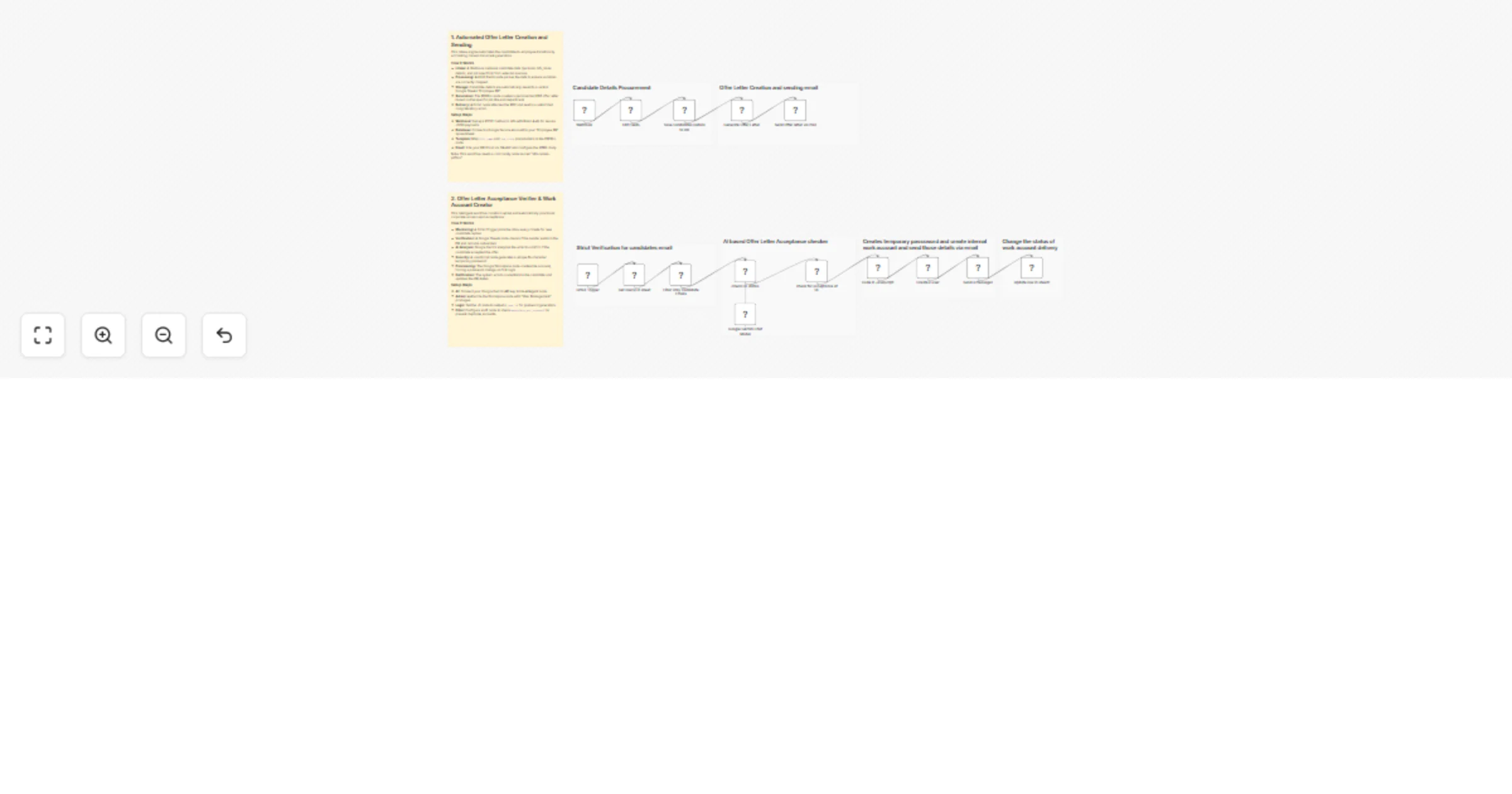
This n8n workflow creates a fully automated end-to-end recruitment and onboarding engine. It streamlines two critical phases of HR operations:

  1. Offer Letter Generation: Automatically generating and emailing a PDF offer letter when candidate data is received.
  2. Onboarding & Provisioning: Detecting candidate acceptance via email, provisioning a corporate Google Workspace account, and securely delivering credentials.

⚙️ Phase 1: Candidate Intake & Offer Letter Generation

Triggered via Webhook

This section handles the initial processing of a successful candidate.

1. Data Ingestion & Formatting

  • Webhook (POST): The workflow starts when candidate data (personal info, job details, bank info) is posted to the webhook URL.
  • Edit Fields: Cleanups and extracts key data points (Full Name, Address, Job Title, Manager Name, etc.) to ensure they are ready for document generation.

2. Database Entry

  • Google Sheets (Save Candidates Details):
  • Acts as the "Employee DB".
  • Records all candidate details including emergency contacts and bank info.
  • Sets an initial status flag workplace_acc_created? to "no".

3. Document Generation

  • PDFBro (Generate Offer Letter):
  • Dynamically creates a PDF offer letter.
  • Populates the template with the candidate's name, address, job title, department, and salary frequency.

4. Delivery

  • Gmail (Send Offer Letter):
  • Sends an email to the candidate's personal address.
  • Attaches the generated PDF offer letter.
  • Subject: "Offer Letter" | Body includes a congratulatory message.

🤖 Phase 2: Acceptance Verification & IT Provisioning

Triggered via Gmail Polling

This section runs periodically to check if the candidate has accepted the job offer.

1. Intelligent Monitoring

  • Gmail Trigger: Polls the HR inbox every minute for new emails.
  • Google Sheets (Lookup): Checks if the sender's email exists in the "Employee DB".
  • Filter: Ensures the workflow only proceeds if:
  • The email is from a known candidate.
  • The candidate has not yet been onboarded (workplace_acc_created? is not "yes").

2. AI-Powered Analysis

  • Google Gemini (AI Agent):
  • Reads the email subject and body.
  • Prompt: "Check if the mail is an acceptance of offer letter... respond with 'yes' if it is an acceptance."
  • This eliminates false positives (e.g., a candidate asking a question about the salary isn't mistakenly onboarded).

3. Account Provisioning (If Accepted)

If the AI confirms the email is an acceptance ("Yes"):

  • JavaScript Code: Generates a secure, random 16-character temporary password (timestamp + random string).
  • Google Workspace Admin (Create User):
  • Creates a new internal email account (e.g., [email protected]).
  • Sets the temporary password.
  • Security: Forces the user to change their password upon first login (changePasswordAtNextLogin: true).

4. Credential Delivery & Sync

  • Gmail (Send Credentials):

  • Sends a beautifully formatted HTML email to the new employee's personal address.

  • Contains their new Work Email and Temporary Password.

  • Includes a "Log In to Workplace" button.

  • Google Sheets (Update Status):

  • Updates the candidate's row in the DB.

  • Sets workplace_acc_created? to "yes" to prevent duplicate account creation in the future.


🛠️ Prerequisites & Credentials Needed

To use this workflow, you will need to configure the following credentials in n8n:

  1. Google Workspace Admin: For creating users (requires Admin SDK API access).
  2. Google Gemini (PaLM) API: For the AI analysis of emails.
  3. Google Drive/Sheets: Service account access to read/write the Employee DB.
  4. Gmail (OAuth2): To read incoming replies and send outgoing emails.
  5. PDFBro: a free community node for creating PDF offer letter.

1.2 Logical Blocks

This catalog entry is organized from the workflow JSON. The node-level section below shows the executable blocks available for review before importing the template.

2. Block-by-Block Analysis

Block 1 - Webhook

Type / Role
n8n-nodes-base.webhook - webhook
Config choices
Version 2.1

Block 2 - Edit Fields

Type / Role
n8n-nodes-base.set - set
Config choices
Version 3.4

Block 3 - Generate Offer Letter

Type / Role
n8n-nodes-pdfbro.pdfBro - pdfBro
Config choices
Version 1

Block 4 - Gmail Trigger

Type / Role
n8n-nodes-base.gmailTrigger - gmailTrigger
Config choices
Version 1.3

Block 5 - Google Gemini Chat Model

Type / Role
@n8n/n8n-nodes-langchain.lmChatGoogleGemini - lmChatGoogleGemini
Config choices
Version 1

Block 6 - Get row(s) in sheet

Type / Role
n8n-nodes-base.googleSheets - googleSheets
Config choices
Version 4.7

Block 7 - Send a message1

Type / Role
n8n-nodes-base.gmail - gmail
Config choices
Version 2.2

Block 8 - Code in JavaScript

Type / Role
n8n-nodes-base.code - code
Config choices
Version 2

Block 9 - Update row in sheet1

Type / Role
n8n-nodes-base.googleSheets - googleSheets
Config choices
Version 4.7

Block 10 - check OL status

Type / Role
@n8n/n8n-nodes-langchain.agent - agent
Config choices
Version 3.1

Block 11 - check for acceptance of OL

Type / Role
n8n-nodes-base.if - if
Config choices
Version 2.3

Block 12 - Send Offer letter via mail

Type / Role
n8n-nodes-base.gmail - gmail
Config choices
Version 2.2

Block 13 - Save Candidates Details to DB

Type / Role
n8n-nodes-base.googleSheets - googleSheets
Config choices
Version 4.7

Block 14 - Filter Only Candidate Emails

Type / Role
n8n-nodes-base.if - if
Config choices
Version 2.3

Block 15 - Sticky Note

Type / Role
n8n-nodes-base.stickyNote - stickyNote
Config choices
Version 1

Block 16 - Sticky Note1

Type / Role
n8n-nodes-base.stickyNote - stickyNote
Config choices
Version 1

Block 17 - Sticky Note2

Type / Role
n8n-nodes-base.stickyNote - stickyNote
Config choices
Version 1

Block 18 - Sticky Note3

Type / Role
n8n-nodes-base.stickyNote - stickyNote
Config choices
Version 1

Block 19 - Sticky Note4

Type / Role
n8n-nodes-base.stickyNote - stickyNote
Config choices
Version 1

Block 20 - Sticky Note5

Type / Role
n8n-nodes-base.stickyNote - stickyNote
Config choices
Version 1

Block 21 - Create a user

Type / Role
n8n-nodes-base.gSuiteAdmin - gSuiteAdmin
Config choices
Version 1

Block 22 - Sticky Note6

Type / Role
n8n-nodes-base.stickyNote - stickyNote
Config choices
Version 1

Block 23 - Sticky Note7

Type / Role
n8n-nodes-base.stickyNote - stickyNote
Config choices
Version 1

3. Summary Table

Workflow Automate employee onboarding and Google Workspace account creation with Gmail, Google Sheets, PDFBro and Google Gemini
Complexity advanced
Nodes 23
Categories HR, AI Summarization
Author iamvaar
Published 01 Feb 2026

4. Reproducing the Workflow from Scratch

  1. 1. Download the workflow JSON

    Use the JSON export at /data/workflows/13145/13145.json as the source template for this automation.

  2. 2. Import the template into n8n

    Open n8n, import the downloaded JSON, and review each node before activating the workflow.

  3. 3. Configure credentials and variables

    Replace placeholder credentials, API keys, webhook URLs, account IDs, and environment-specific values with your own settings.

  4. 4. Test with sample data

    Run the workflow manually or in a staging workspace, inspect node output, and confirm downstream systems receive the expected data.

  5. 5. Activate and monitor

    Enable the workflow only after testing, then monitor executions, errors, and rate limits during the first production runs.

5. General Notes & Resources

Review imported nodes carefully before activation. This catalog entry is intended to help you inspect the workflow structure, understand required services, and find related templates faster.

Node names, credentials, schedules, webhook paths, and external service limits may need adjustment for your workspace.

Frequently asked questions

What does Automate employee onboarding and Google Workspace account creation with Gmail, Google Sheets, PDFBro and Google Gemini do?

Watch the Video Demo For a visual walkthrough of this automation in action, check out the tutorial below: https://youtu.be/vX 0vv7OUXc Workflow Overview This n...

What do I need before importing this workflow?

Review the workflow JSON, configure any required credentials in n8n, and test the automation in a safe workspace before using it in production.

Can I customize this workflow?

Yes. Use the block-by-block analysis and the downloadable JSON to inspect each node, then adjust credentials, prompts, schedules, filters, or destinations for your HR, AI Summarization use case.