Weekly business & home task planner with Notion, email digests and Telegram
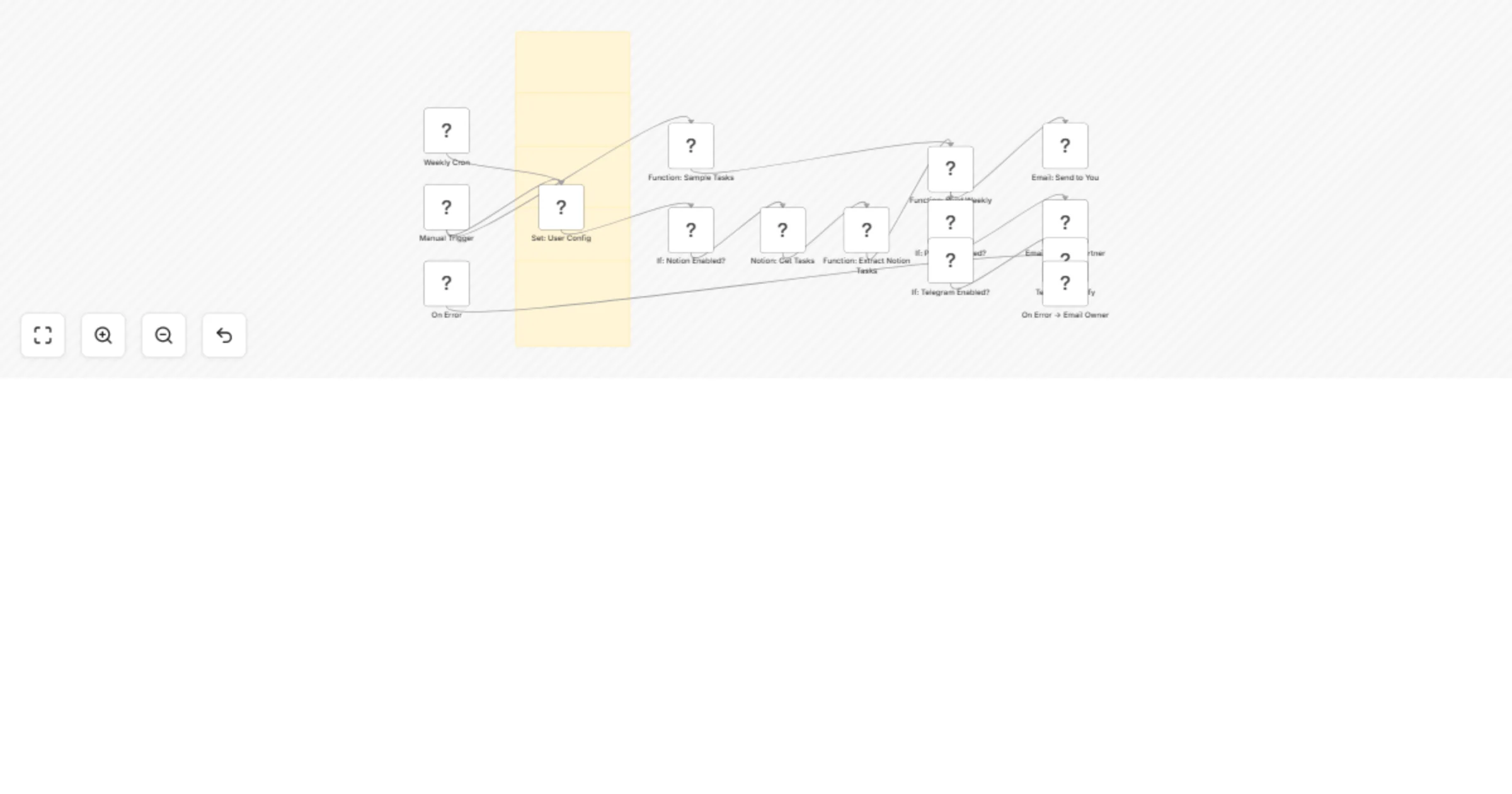
Workflow preview


 Early Deal
DISCOUNT 20%

Important notice
This workflow is provided as-is. Please review and test before using in production.
Overview
🪄Weekly Home & Business Task Planner with Notion DB and n8n Email Digests One calm Sunday email that aligns your business priorities and household rhythm—deep-work blocks, gentle home resets, and optional Notion import. Automate with grace. Scale with power.
✨ Concise Description
Design your week with intention in minutes. This n8n workflow collects your Business + Home tasks (optionally from Notion), generates a soft but decisive weekly plan, and emails it to you (and your partner if you’d like). It also suggests protected deep-work blocks and can send a Telegram ping. Import, fill 3 fields, hit Manual Trigger—done.
🧰 Full Description
What it does
- Runs on Sundays 17:00 (customizable) or Manual Trigger
- Pulls tasks from Notion (optional) or uses the built-in sample list
- Builds a single, elegant email with sections for Business, Home, and Protected Focus (2× two-hour deep-work blocks by default)
- Optionally CCs your partner and sends a Telegram confirmation
Perfect for Women founders, creators, and homemakers who want a weekly plan that respects both the business and the home—without decision fatigue.
Why it works
- Reduces mental load with a single ritual and a single email
- Protects your focus windows while honoring household anchors
- “Soft power” tone that’s motivating, not overwhelming
What’s included
- Workflow JSON:
Weekly_Rhythm_Planner_v1.json(submission-friendly stickies) - Quick Start (PDF): 5–minute setup
- Implementation Checklist (PDF)
- Troubleshooting (PDF)
- Notion Tasks CSV template
- README (what’s inside + defaults)
Requirements
- Email credentials (SMTP/Gmail)
- Optional: Notion database for tasks (CSV provided), Telegram bot + chat ID
Setup in 3 steps
- Import JSON → open Set: User Config
- Fill
FROM_EMAIL,EMAIL_TO_SELF(and partner if desired) - Attach credentials → Manual Trigger to preview → enable Weekly Cron
Customization toggles
ENABLE_NOTION,ENABLE_PARTNER,ENABLE_TELEGRAMDAYS_AHEAD(default 7),DEEP_WORK_BLOCKS(default 2)CRON_EXPRESSION&CRON_TIMEZONE
FAQ
- Do I need Notion? No—sample tasks are built in.
- Can I change the send time? Yes—edit the Cron node or
CRON_EXPRESSION. - Is my data safe? Credentials live in n8n; no secrets in the JSON.
Motto Automate with grace. Scale with power.