Block 1 - Sticky Note
- Type / Role
- n8n-nodes-base.stickyNote - stickyNote
- Config choices
- Version 1


 Early Deal
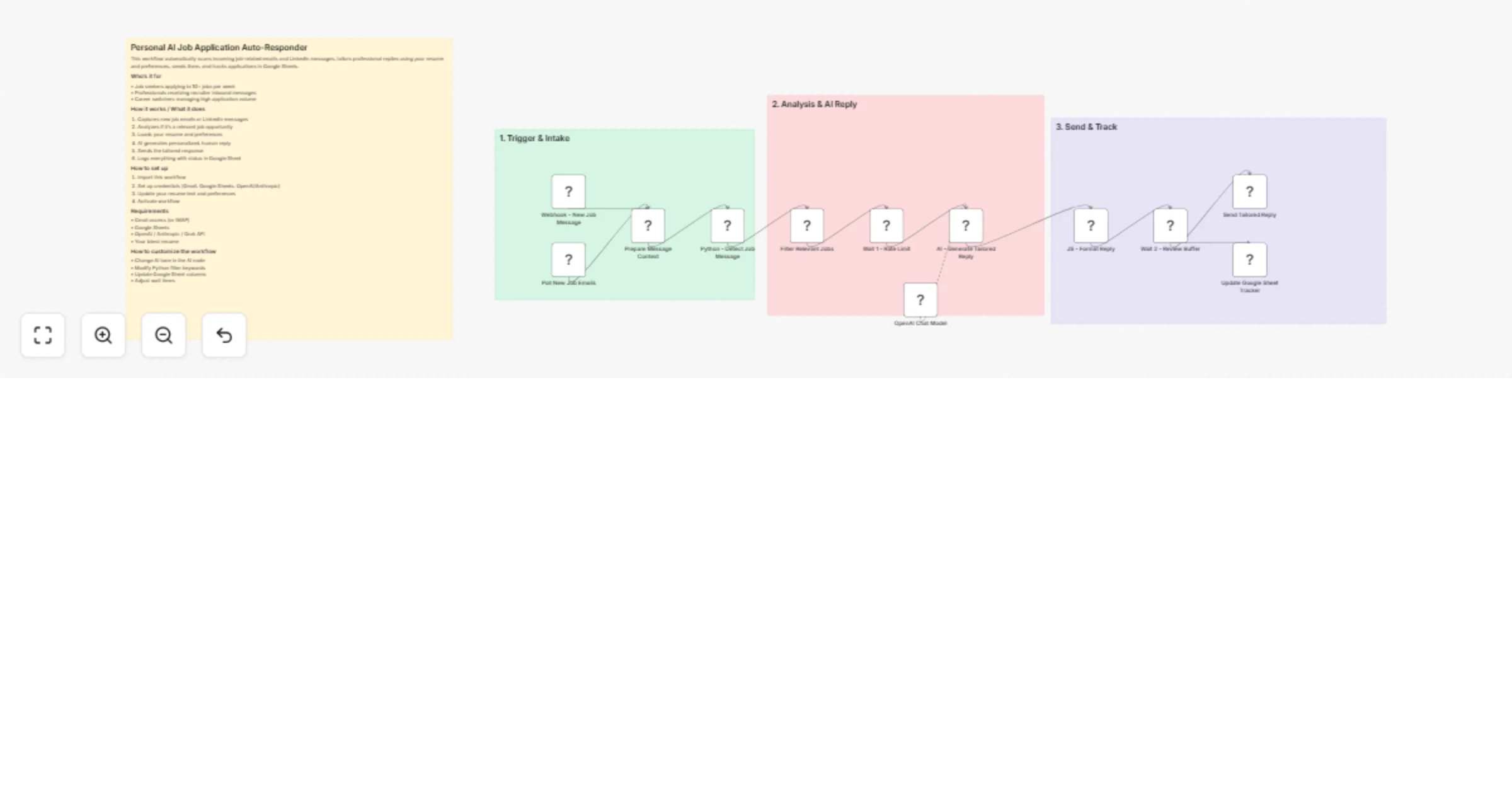
Automatically scans incoming job emails and LinkedIn messages, intelligently detects genuine opportunities, and sends personalized, professional replies using your resume and preferences. It extrac...
n8n-nodes-base.stickynote, n8n-nodes-base.webhook, n8n-nodes-base.scheduletrigger, n8n-nodes-base.set, n8n-nodes-base.code, n8n-nodes-base.filter, n8n-nodes-base.wait, @n8n/n8n-nodes-langchain.agent
This workflow is cataloged by N8N Workflows and links back to its original n8n.io source page by Oneclick AI Squad.
Original n8n.io sourceAutomatically scans incoming job emails and LinkedIn messages, intelligently detects genuine opportunities, and sends personalized, professional replies using your resume and preferences.
It extracts job details, crafts human-sounding responses with AI, sends them instantly, and maintains a complete tracking sheet in Google Sheets with status and follow-up dates. Perfect for active job seekers who want to reply faster and smarter without spending hours writing tailored applications.
• Job seekers applying to 10+ jobs per week • Professionals receiving recruiter inbound messages • Career switchers managing high application volume
• Gmail access (or IMAP) • Google Sheets • OpenAI / Anthropic / Grok API • Your latest resume
• Change AI tone in the AI node • Modify Python filter keywords • Update Google Sheet columns • Adjust wait times
This catalog entry is organized from the workflow JSON. The node-level section below shows the executable blocks available for review before importing the template.
| Workflow | Auto-respond to job opportunities with Gmail, LinkedIn, GPT-4.1-mini and Google Sheets |
|---|---|
| Complexity | advanced |
| Nodes | 16 |
| Categories | Personal Productivity, AI Chatbot |
| Author | Oneclick AI Squad |
| Published | 08 Apr 2026 |
Use the JSON export at /data/workflows/14924/14924.json as the source template for this automation.
Open n8n, import the downloaded JSON, and review each node before activating the workflow.
Replace placeholder credentials, API keys, webhook URLs, account IDs, and environment-specific values with your own settings.
Run the workflow manually or in a staging workspace, inspect node output, and confirm downstream systems receive the expected data.
Enable the workflow only after testing, then monitor executions, errors, and rate limits during the first production runs.
Review imported nodes carefully before activation. This catalog entry is intended to help you inspect the workflow structure, understand required services, and find related templates faster.
Node names, credentials, schedules, webhook paths, and external service limits may need adjustment for your workspace.
Automatically scans incoming job emails and LinkedIn messages, intelligently detects genuine opportunities, and sends personalized, professional replies using your resume and preferences. It extrac...
Review the workflow JSON, configure any required credentials in n8n, and test the automation in a safe workspace before using it in production.
Yes. Use the block-by-block analysis and the downloadable JSON to inspect each node, then adjust credentials, prompts, schedules, filters, or destinations for your Personal Productivity, AI Chatbot use case.