Block 1 - Sticky Note
- Type / Role
- n8n-nodes-base.stickyNote - stickyNote
- Config choices
- Version 1


 Early Deal
AI Nutrition Tracker with Webhook, OpenAI, Google Sheets & Slack Alerts This workflow is an AI powered nutrition and fitness tracking system built in n8n . It receives user input via webhook, analy...
n8n-nodes-base.stickynote, n8n-nodes-base.webhook, n8n-nodes-base.googlesheets, n8n-nodes-base.if, @n8n/n8n-nodes-langchain.agent, @n8n/n8n-nodes-langchain.lmchatopenai, n8n-nodes-base.code, n8n-nodes-base.slack
This workflow is cataloged by N8N Workflows and links back to its original n8n.io source page by WeblineIndia.
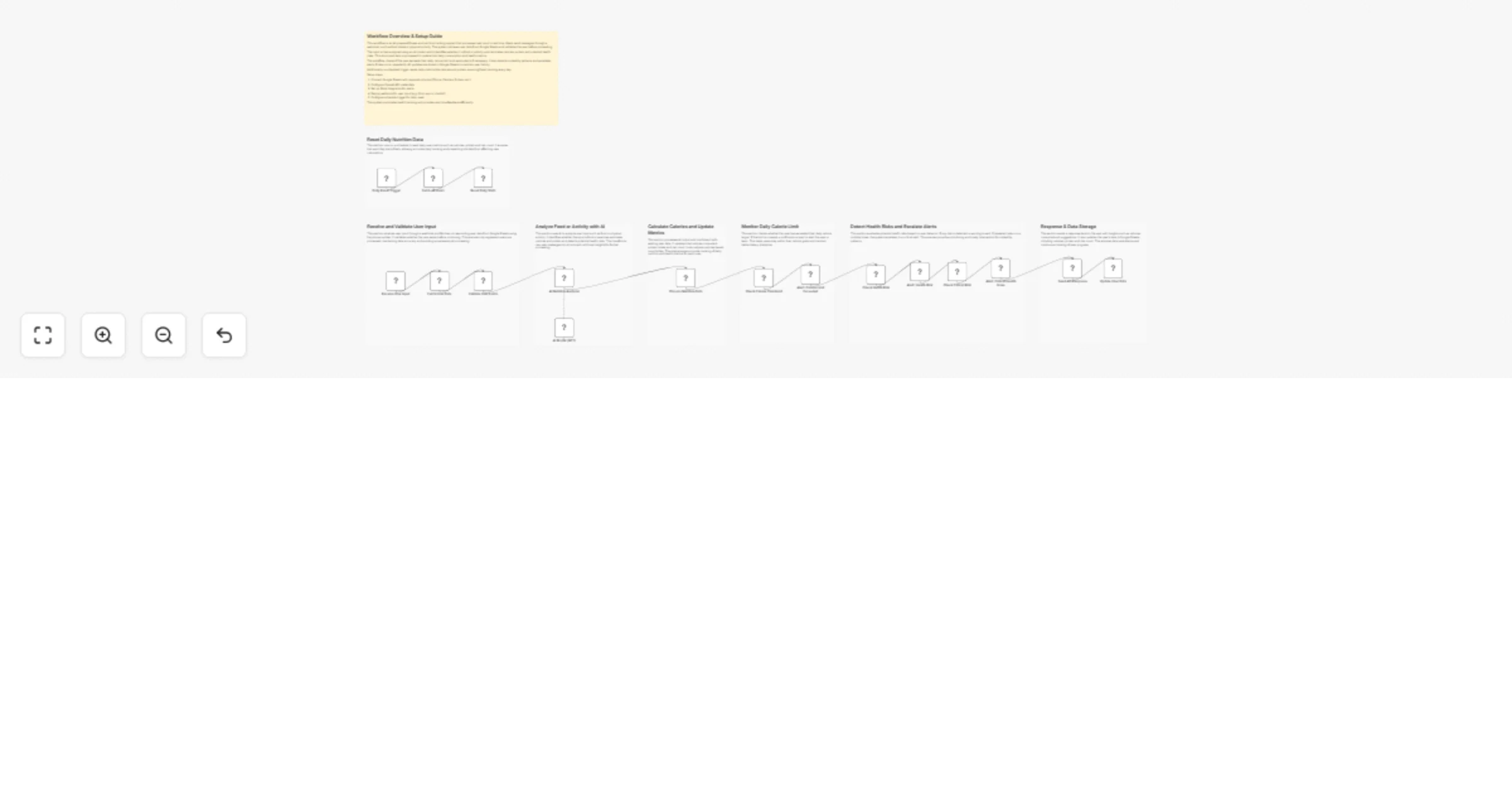
Original n8n.io sourceThis workflow is an AI-powered nutrition and fitness tracking system built in n8n. It receives user input via webhook, analyzes food or activity using AI, updates daily calorie and protein intake in Google Sheets and sends alerts via Slack when limits or risks are detected. It also resets daily metrics automatically using a scheduled trigger.
This workflow automates real-time nutrition tracking by processing user input such as food consumption or physical activities. When a user sends a message through a webhook, the system fetches their profile data from Google Sheets and validates their existence before continuing.
The input is then analyzed using an AI model that classifies it as food or activity. Based on this classification, it estimates calories, protein intake, calories burned and identifies potential health risks. The processed data is combined with existing user metrics to maintain an updated daily summary.
Additionally, the workflow monitors calorie thresholds and risk patterns. If a user exceeds their daily calorie target or shows unhealthy behavior patterns, alerts are sent to Slack. A scheduled process resets all users’ daily metrics, ensuring accurate tracking for each new day.
NamePhone (used as unique identifier)GoalDaily_Calorie_TargetConsumed_CaloriesProteinLast_MealStatusRisk_Count/diet-input)Phone column with incoming webhook data (body.phone).NEW_DAY.| Issue | Possible Cause | Solution |
|---|---|---|
| Webhook not receiving data | Incorrect webhook URL | Verify webhook path and method |
| User not found | Phone mismatch in Sheets | Ensure phone format matches input |
| AI response parsing fails | Invalid JSON from AI | Adjust prompt to enforce strict JSON |
| Slack alerts not sent | Incorrect Slack credentials | Reconnect Slack API |
| Data not updating in Sheets | Column mapping issue | Verify matching column (Phone) |
| Calories not updating | Parsing or logic issue | Check code node calculations |
| Daily reset not working | Schedule trigger configuration | Verify interval settings |
If you need assistance setting up this workflow, customizing AI logic or building advanced automation features, our n8n development team at WeblineIndia is here to help.
We specialize in:
📩 Reach out to WeblineIndia to accelerate your automation journey and build powerful, production-ready workflows tailored to your needs.
This catalog entry is organized from the workflow JSON. The node-level section below shows the executable blocks available for review before importing the template.
Showing the first 24 of 25 workflow blocks. Download the JSON for the full node graph.
| Workflow | Track nutrition and fitness via webhook with OpenAI, Google Sheets and Slack alerts |
|---|---|
| Complexity | advanced |
| Nodes | 25 |
| Categories | Personal Productivity, AI Chatbot |
| Author | WeblineIndia |
| Published | 07 Apr 2026 |
Use the JSON export at /data/workflows/14858/14858.json as the source template for this automation.
Open n8n, import the downloaded JSON, and review each node before activating the workflow.
Replace placeholder credentials, API keys, webhook URLs, account IDs, and environment-specific values with your own settings.
Run the workflow manually or in a staging workspace, inspect node output, and confirm downstream systems receive the expected data.
Enable the workflow only after testing, then monitor executions, errors, and rate limits during the first production runs.
Review imported nodes carefully before activation. This catalog entry is intended to help you inspect the workflow structure, understand required services, and find related templates faster.
Node names, credentials, schedules, webhook paths, and external service limits may need adjustment for your workspace.
AI Nutrition Tracker with Webhook, OpenAI, Google Sheets & Slack Alerts This workflow is an AI powered nutrition and fitness tracking system built in n8n . It receives user input via webhook, analy...
Review the workflow JSON, configure any required credentials in n8n, and test the automation in a safe workspace before using it in production.
Yes. Use the block-by-block analysis and the downloadable JSON to inspect each node, then adjust credentials, prompts, schedules, filters, or destinations for your Personal Productivity, AI Chatbot use case.