Validate GitHub configurations with GPT-4o-mini and log issues to sheets and Slack
Workflow preview

$20/month : Unlimited workflows
2500 executions/month

THE #1 IN WEB SCRAPING
Scrape any website without limits
HOSTINGER  Early Deal
DISCOUNT 20% Try free
Early DealDISCOUNT 20%
Self-hosted n8n
Unlimited workflows - from $4.99/mo

#1 hub for scraping, AI & automation
6000+ actors - $5 credits/mo
Important notice
This workflow is provided as-is. Please review and test before using in production.
Overview
📊 Description
Ensure your GitHub repositories stay configuration-accurate and documentation-compliant with this intelligent AI-powered validation workflow. 🤖 This automation monitors repository updates, compares configuration files against documentation references, detects inconsistencies, and alerts your team instantly—streamlining DevOps and compliance reviews. ⚡
What This Template Does
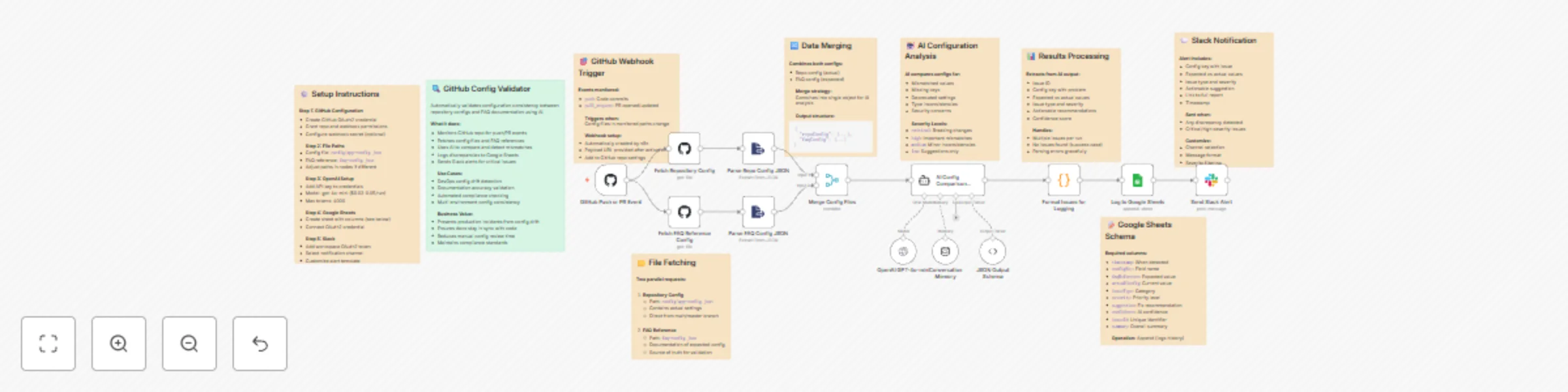
- Step 1: Triggers automatically on GitHub push or pull_request events. 🔄
- Step 2: Fetches both configuration files (config/app-config.json and faq-config.json) from the repository. 📂
- Step 3: Uses GPT-4o-mini to compare configurations and detect mismatches, missing keys, or deprecated fields. 🧠
- Step 4: Categorizes issues by severity—critical, high, medium, or low—and generates actionable recommendations. 🚨
- Step 5: Logs all discrepancies to Google Sheets for tracking and audit purposes. 📑
- Step 6: Sends Slack alerts summarizing key issues and linking to the full report. 💬
Key Benefits
✅ Prevents production incidents due to config drift ✅ Ensures documentation stays in sync with code changes ✅ Reduces manual review effort with AI-driven validation ✅ Improves team response with Slack-based alerts ✅ Maintains audit logs for compliance and traceability
Features
- Real-time GitHub webhook integration
- AI-powered config comparison using GPT-4o-mini
- Severity-based issue classification
- Automated Google Sheets logging
- Slack alerts with detailed issue context
- Error handling for malformed JSON or parsing issues
Requirements
- GitHub OAuth2 credentials with repo and webhook permissions
- OpenAI API key (GPT-4o-mini or compatible model)
- Google Sheets OAuth2 credentials
- Slack API token with chat:write permissions
Target Audience
- DevOps teams ensuring consistent configuration across environments
- Engineering leads maintaining documentation accuracy
- QA and Compliance teams tracking configuration changes and risks
Setup Instructions
- Create GitHub OAuth2 credentials and enable webhook access.
- Connect your OpenAI API key under credentials.
- Add your Google Sheets and Slack integrations.
- Update file paths (config/app-config.json and faq-config.json) if your repo uses different names.
- Activate the workflow — it will start validating on every push or PR. 🚀