Block 1 - Sticky Note4
- Type / Role
- n8n-nodes-base.stickyNote - stickyNote
- Config choices
- Version 1


 Early Deal
Your n8n Workflows Monitoring Best Practices Template Are you running critical processes in n8n and relying on hope that they finish successfully? Stop guessing and sta...
n8n-nodes-base.stickynote, n8n-nodes-base.manualtrigger, @watchflow/n8n-nodes-watchflow.watchflow, n8n-nodes-base.noop, n8n-nodes-base.errortrigger, n8n-nodes-base.set, n8n-nodes-base.splitout, n8n-nodes-base.if
This workflow is cataloged by N8N Workflows and links back to its original n8n.io source page by CustomJS.
Original n8n.io sourceAre you running critical processes in n8n and relying on hope that they finish successfully? Stop guessing and start monitoring.
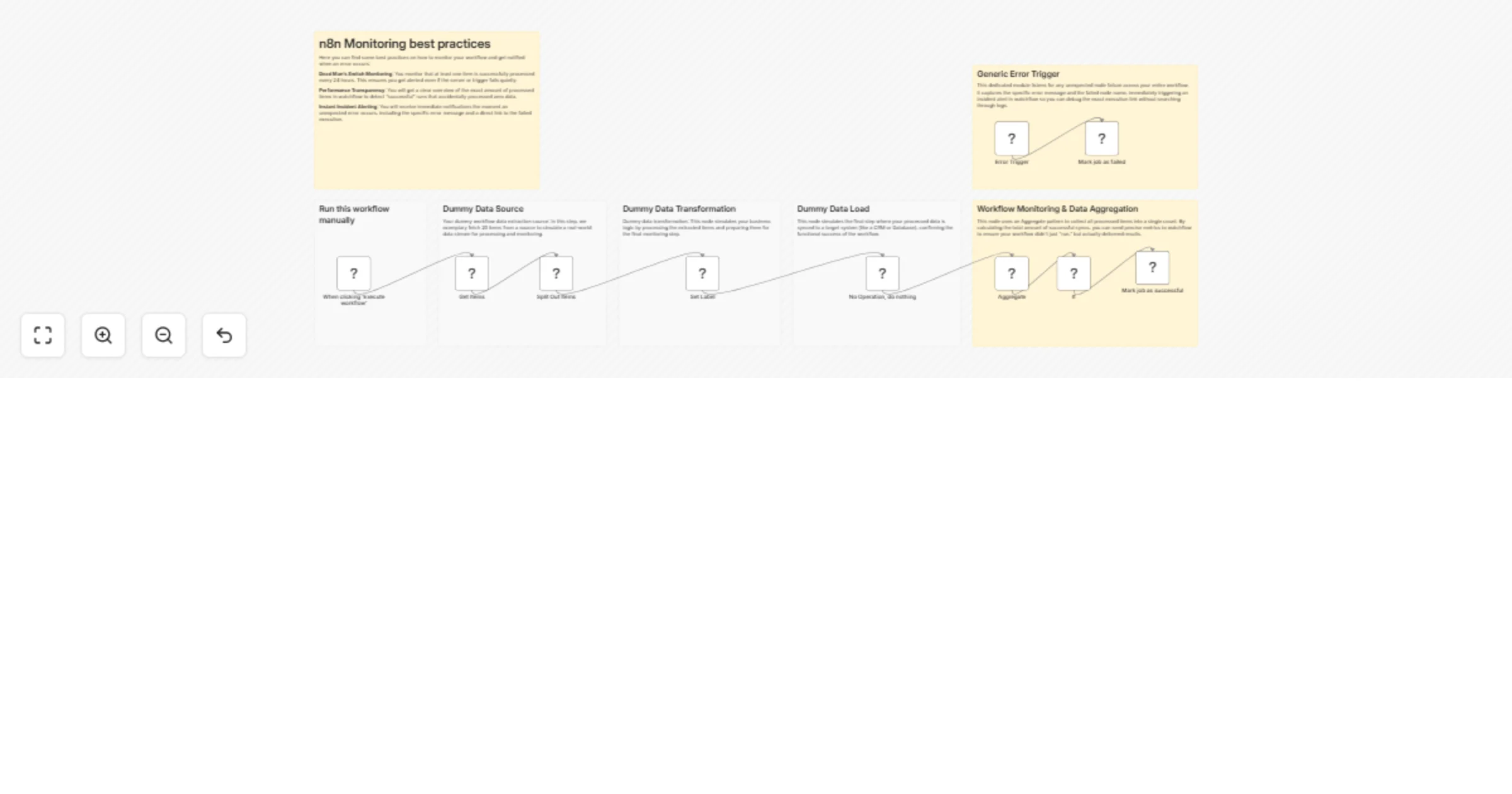
This template demonstrates best practices for monitoring your n8n workflows using the Watchflow node. It shows you exactly how to implement robust error catching, data aggregation, and dead man's switch logic to ensure your automation engine never fails silently.
For a deeper dive into these strategies, check out our guide on n8n Monitoring Use Cases.
Simply knowing a workflow ran isn't enough. Did it actually process any data? Did an API silently return zero results? Did a specific node crash without you noticing?
This template teaches you how to:
This template provides a clear, annotated example of a simulated workflow, paired with robust monitoring logic:
Aggregate node to count the exact number of successful items processed.Error Trigger node. Instead of configuring custom error-handling "Continue on Fail" logic for every single node, this trigger acts as a global safety net. If any node in the workflow fails unexpectedly, the Error Trigger automatically catches the failure event and intercepts critical execution data (such as the detailed error message, the execution ID, the workflow ID, and the exact node that failed).To deploy these best practices in your own environment, you'll need:
@watchflow/n8n-nodes-watchflow./v1/api to your base URL (e.g., https://n8n.yourdomain.com/v1/api).Copy these patterns into your daily automations. Whether you're syncing customer data, updating CRMs, or handling billing syncs, implementing these Watchflow Monitoring Best Practices will transform your n8n instance from a black box into a highly transparent, fully observable system.
This catalog entry is organized from the workflow JSON. The node-level section below shows the executable blocks available for review before importing the template.
| Workflow | Monitor n8n workflows with Watchflow dead man’s switch and error alerts |
|---|---|
| Complexity | advanced |
| Nodes | 17 |
| Categories | DevOps |
| Author | CustomJS |
| Published | 11 Apr 2026 |
Use the JSON export at /data/workflows/14988/14988.json as the source template for this automation.
Open n8n, import the downloaded JSON, and review each node before activating the workflow.
Replace placeholder credentials, API keys, webhook URLs, account IDs, and environment-specific values with your own settings.
Run the workflow manually or in a staging workspace, inspect node output, and confirm downstream systems receive the expected data.
Enable the workflow only after testing, then monitor executions, errors, and rate limits during the first production runs.
Review imported nodes carefully before activation. This catalog entry is intended to help you inspect the workflow structure, understand required services, and find related templates faster.
Node names, credentials, schedules, webhook paths, and external service limits may need adjustment for your workspace.
Your n8n Workflows Monitoring Best Practices Template Are you running critical processes in n8n and relying on hope that they finish successfully? Stop guessing and sta...
Review the workflow JSON, configure any required credentials in n8n, and test the automation in a safe workspace before using it in production.
Yes. Use the block-by-block analysis and the downloadable JSON to inspect each node, then adjust credentials, prompts, schedules, filters, or destinations for your DevOps use case.