Turn your website docs into a GPT-4.1-mini support chatbot with MrScraper and Pinecone
Workflow preview

$20/month : Unlimited workflows
2500 executions/month

THE #1 IN WEB SCRAPING
Scrape any website without limits
HOSTINGER  Early Deal
DISCOUNT 20% Try free
Early DealDISCOUNT 20%
Self-hosted n8n
Unlimited workflows - from $4.99/mo

#1 hub for scraping, AI & automation
6000+ actors - $5 credits/mo
Overview
Description
This n8n template turns any website or documentation portal into a fully functional AI-powered support chatbot — no manual copy-pasting, no static FAQs. It uses MrScraper to crawl and extract your site's content, OpenAI to generate embeddings, and Pinecone to store and retrieve that knowledge at chat time.
The result is a retrieval-augmented chatbot that answers questions using only your actual website content, always cites its sources, and never hallucinates policies or pricing.
How It Works
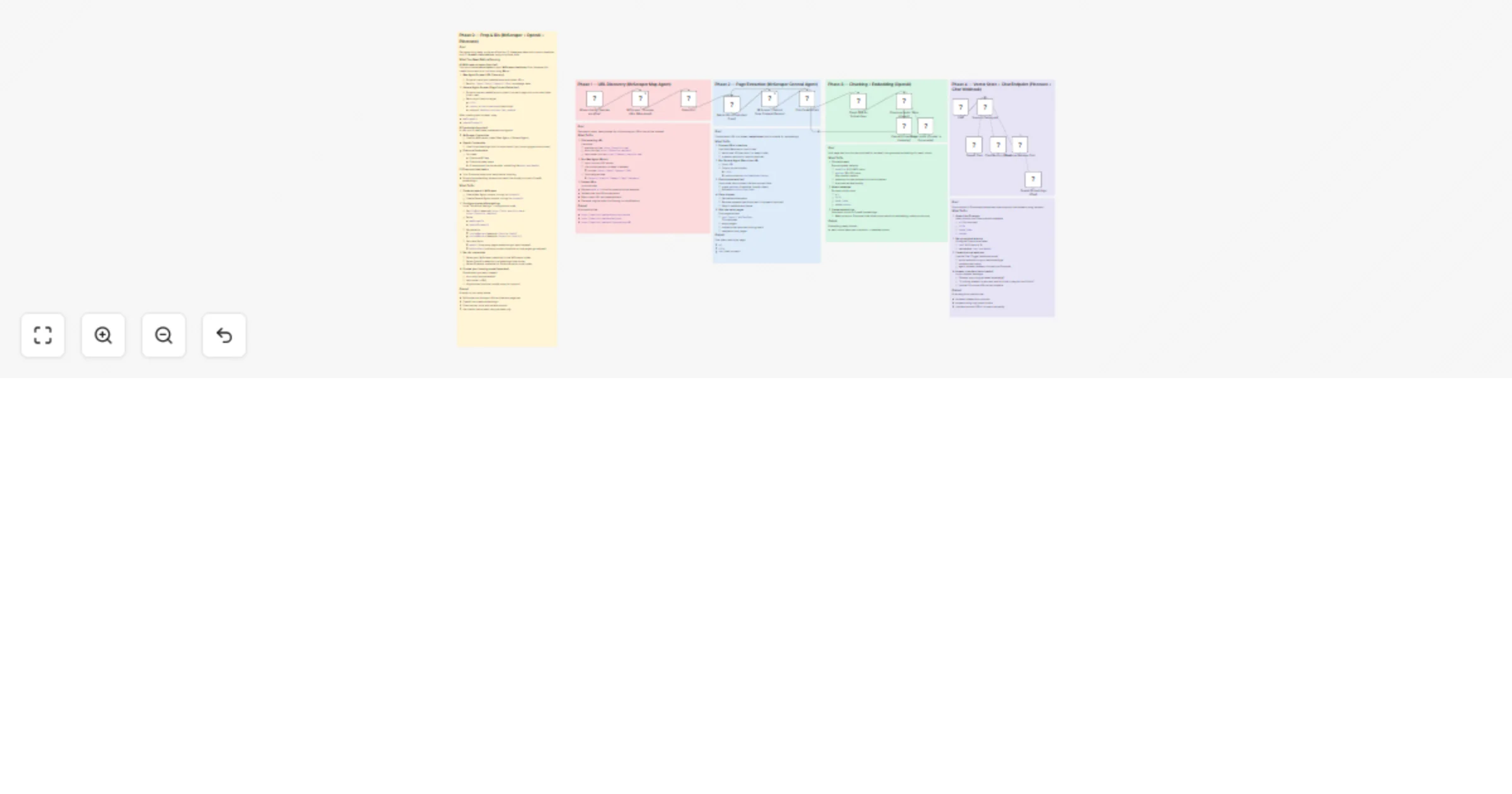
- Phase 1 – URL Discovery: The Map Agent crawls your target domain using include/exclude patterns to discover all relevant documentation or help center pages. It returns a clean, deduplicated list of URLs ready for content extraction.
- Phase 2 – Page Content Extraction: Each discovered URL is processed in controlled batches by the General Agent, which extracts the readable content (title + main text) from every page. Low-quality or near-empty pages are automatically filtered out.
- Phase 3 – Chunking & Embedding: Page text is split into overlapping chunks (default: ~1,100 chars with 180-char overlap) to preserve context at boundaries. Each chunk is sent to OpenAI Embeddings to generate a vector, then stored in Pinecone with metadata including the source URL, page title, and chunk index.
- Phase 4 – Chat Endpoint: A Chat Trigger exposes a webhook endpoint your website or widget can connect to. When a user asks a question, the Support Chat Agent queries Pinecone for the most relevant chunks and generates a grounded answer using GPT-4.1-mini — always with source URLs included and strict anti-hallucination rules enforced.
How to Set Up
- Create 2 scrapers in your MrScraper account:
- Map Agent Scraper (for crawling and discovering page URLs)
- General Agent Scraper (for extracting title + content from each page)
- Copy the
scraperIdfor each — you'll need these in n8n.
- Set up your Pinecone index:
- Create a Pinecone index with dimensions that match your chosen OpenAI embedding model (e.g. 1536 for
text-embedding-ada-002) - Choose a namespace (recommended format:
docs-yourdomain)
- Add your credentials in n8n:
- MrScraper API token
- OpenAI API key (used for both embeddings and the chat model)
- Pinecone API key
- Configure the Map Agent node:
- Set your target domain or docs root URL (e.g.
https://docs.yoursite.com) - Set
includePatternsto focus on relevant sections (e.g./docs/,/help/,/support/) - Optionally set
excludePatternsto skip noise (e.g./assets/,/tag/,/static/)
- Configure the General Agent node:
- Enter your General Agent
scraperId - Adjust the batch size in the SplitInBatches node (start with 1–5 to stay within rate limits)
- Configure the Pinecone nodes:
- Select your Pinecone index in both the Upsert and Retriever nodes
- Set the correct namespace in both nodes so indexing and retrieval use the same data
- Customise the chatbot system prompt:
- Edit the Support Chat Agent's system message to set the chatbot's name, tone, and rules
- Adjust
topKin the Pinecone Retriever (default: 8) based on how much context you want per answer
- Connect your chat widget or frontend to the Chat Trigger webhook URL generated by n8n
Requirements
- MrScraper account with API access enabled
- OpenAI account (for embeddings and GPT-4.1-mini chat)
- Pinecone account with an index created and ready
Good to Know
- The overlap between chunks (default 180 chars) is intentional — it prevents answers from being cut off at chunk boundaries and significantly improves retrieval quality.
- The chatbot is configured to cite 1–3 source URLs per answer, so users can always verify the information themselves.
- The anti-hallucination rules in the system prompt instruct the agent to say it can't find an answer rather than guess — making it safe to use for support, pricing, or policy questions.
- Re-indexing is as simple as re-running the workflow. Use a consistent Pinecone namespace and upsert mode to update existing vectors without duplicating them.
Customising This Workflow
- Swap the chat model: Replace GPT-4.1-mini with GPT-4o or another OpenAI model for higher-quality answers on complex queries.
- Scheduled re-indexing: Add a Schedule Trigger to automatically re-crawl and re-index your docs whenever content changes.
- Multiple knowledge bases: Use different Pinecone namespaces (e.g.
docs-product,docs-api) and route questions to the right namespace based on user intent. - Embed on your website: Connect the Chat Trigger webhook to any chat widget library to give your users a live support experience powered entirely by your own documentation.
- Multilingual support: Add a translation node before chunking to index content in multiple languages and serve a global audience.