Sync workflow schedules between Google Sheets and Google Calendar
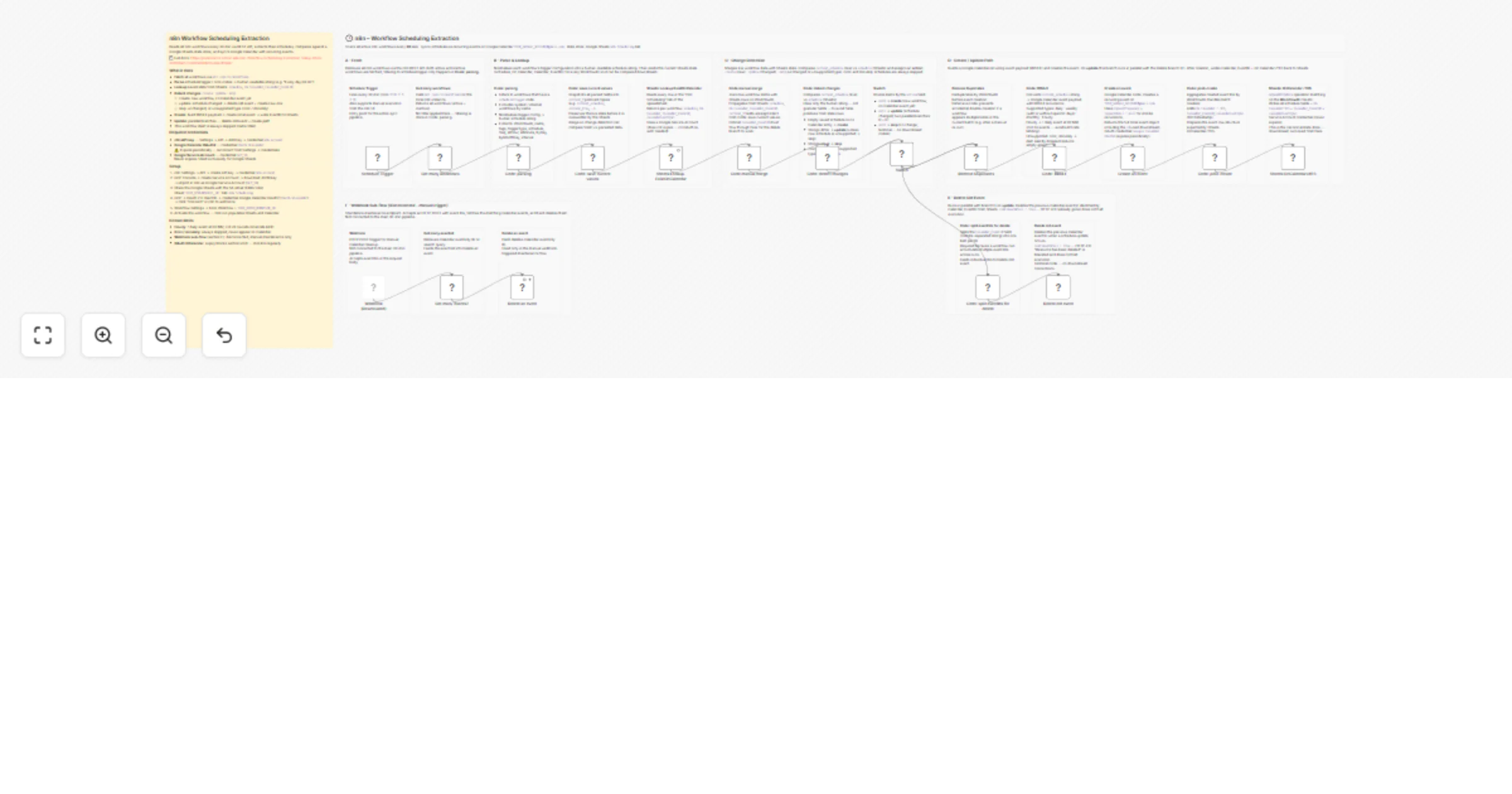
Workflow preview

$20/month : Unlimited workflows
2500 executions/month

THE #1 IN WEB SCRAPING
Scrape any website without limits
HOSTINGER  Early Deal
DISCOUNT 20% Try free
Early DealDISCOUNT 20%
Self-hosted n8n
Unlimited workflows - from $4.99/mo

#1 hub for scraping, AI & automation
6000+ actors - $5 credits/mo
Overview
Sync n8n Workflow Schedules to Google Calendar
Reads every workflow on your n8n instance every 30 minutes, extracts their schedule triggers, and keeps a matching recurring event on Google Calendar — one event per workflow, forever in sync.
How it works
Schedule Trigger (30 min)
 → GET /api/v1/workflows — fetch all workflows
 → Code: parsing — extract scheduleTrigger / cron nodes
 → Sheets: Lookup — read saved state (schedule, On Calendar, EventID)
 → Code: detect changes — create / update / skip
 ├─ create → build RRULE payload → Create event → write EventID to Sheets
 └─ update → delete old event (parallel) + create new event → write to Sheets
State is stored in a Google Sheets tab (n8n Scheduling). The sheet acts as the single source of truth between runs.
What gets a Calendar event
| Schedule type | Result |
|---|---|
| Daily | DAILY recurring event |
| Weekly (with or without specific days) | WEEKLY recurring event |
| Monthly | MONTHLY recurring event |
| Hourly | 1 DAILY event at 00:MM (not 24 — avoids GCal rate limit) |
| Cron / minutely | Skipped — not supported by Google Calendar RRULE |
| This workflow itself | Always skipped |
Prerequisites
- n8n instance with API enabled
- Google Cloud project with:
- Service Account (for Sheets — never expires)
- OAuth 2.0 client (for Google Calendar — expires periodically)
- A Google Sheets spreadsheet shared with the Service Account
- A Google Calendar to write events to
Credentials
| n8n credential type | Used for |
|---|---|
| n8n API | Reading the workflow list |
| Google Calendar OAuth2 API | Creating / deleting Calendar events |
| Google Service Account | Reading and writing the Sheets state store |
> ⚠️ The Google Calendar OAuth2 credential expires. Reconnect it from Settings → Credentials when Calendar nodes start failing.
Setup
Full step-by-step setup in documentation.md.
Known limits
- OAuth token expiry breaks sections D/E silently — set up the error workflow to get notified
- Hourly schedules map to a single daily event (label includes
ogni ora :MM) - The disconnected Webhook sub-flow (section F) is a manual maintenance utility — not part of the main pipeline