Block 1 - Schedule Trigger
- Type / Role
- n8n-nodes-base.scheduleTrigger - scheduleTrigger
- Config choices
- Version 1.3


 Early Deal
Sync n8n Workflow Schedules to Google Calendar Reads every workflow on your n8n instance every 30 minutes, extracts their schedule triggers, and keeps a matching recurring event on Google Calendar ...
n8n-nodes-base.scheduletrigger, n8n-nodes-base.code, n8n-nodes-base.googlecalendar, n8n-nodes-base.removeduplicates, n8n-nodes-base.googlesheets, n8n-nodes-base.n8n, n8n-nodes-base.webhook, n8n-nodes-base.switch
This workflow is cataloged by N8N Workflows and links back to its original n8n.io source page by Paolo Ronco.
Original n8n.io sourceReads every workflow on your n8n instance every 30 minutes, extracts their schedule triggers, and keeps a matching recurring event on Google Calendar — one event per workflow, forever in sync.
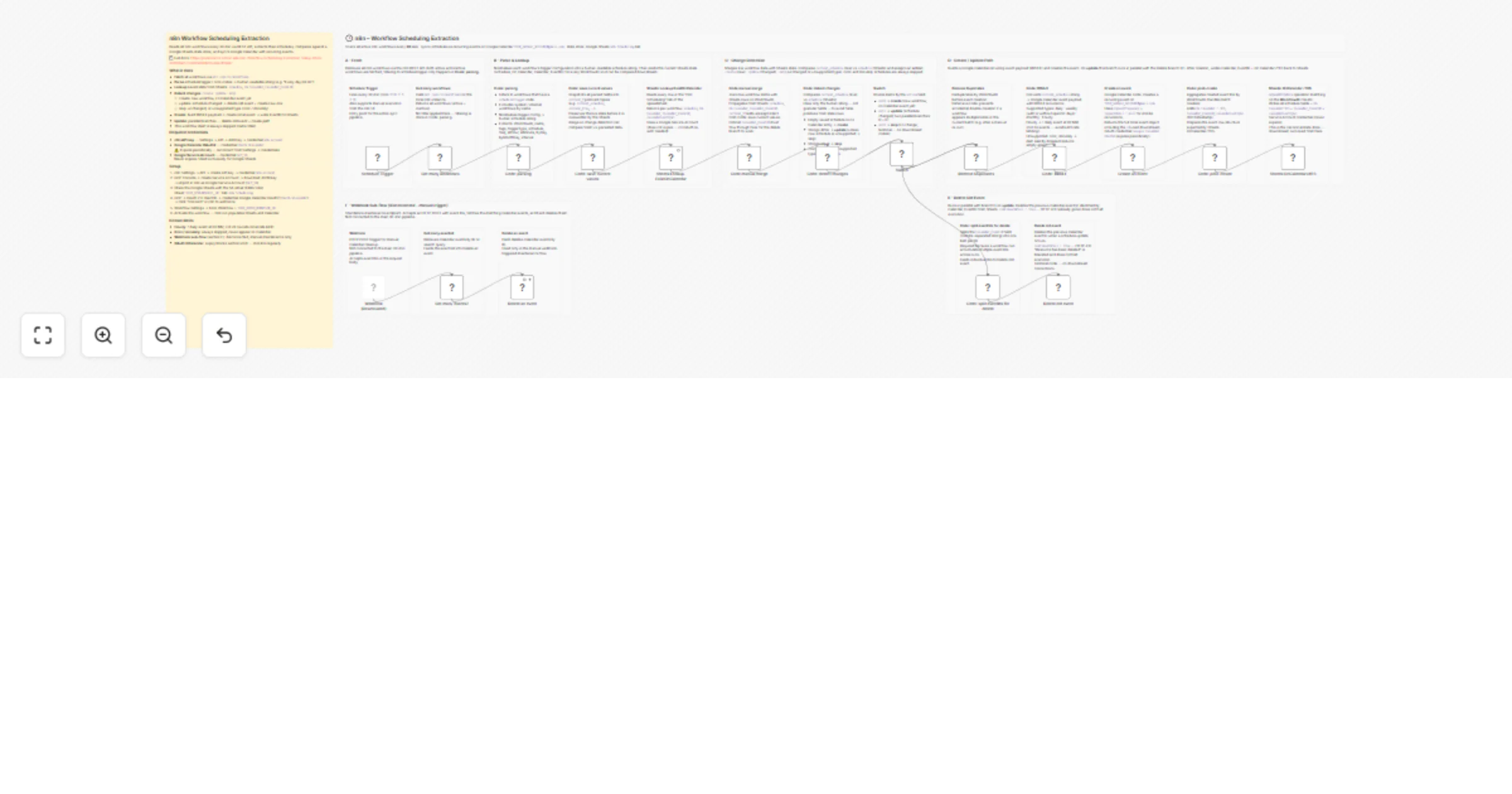
Schedule Trigger (30 min)
 → GET /api/v1/workflows — fetch all workflows
 → Code: parsing — extract scheduleTrigger / cron nodes
 → Sheets: Lookup — read saved state (schedule, On Calendar, EventID)
 → Code: detect changes — create / update / skip
 ├─ create → build RRULE payload → Create event → write EventID to Sheets
 └─ update → delete old event (parallel) + create new event → write to Sheets
State is stored in a Google Sheets tab (n8n Scheduling). The sheet acts as the single source of truth between runs.
| Schedule type | Result |
|---|---|
| Daily | DAILY recurring event |
| Weekly (with or without specific days) | WEEKLY recurring event |
| Monthly | MONTHLY recurring event |
| Hourly | 1 DAILY event at 00:MM (not 24 — avoids GCal rate limit) |
| Cron / minutely | Skipped — not supported by Google Calendar RRULE |
| This workflow itself | Always skipped |
| n8n credential type | Used for |
|---|---|
| n8n API | Reading the workflow list |
| Google Calendar OAuth2 API | Creating / deleting Calendar events |
| Google Service Account | Reading and writing the Sheets state store |
> ⚠️ The Google Calendar OAuth2 credential expires. Reconnect it from Settings → Credentials when Calendar nodes start failing.
Full step-by-step setup in documentation.md.
ogni ora :MM)This catalog entry is organized from the workflow JSON. The node-level section below shows the executable blocks available for review before importing the template.
Showing the first 24 of 44 workflow blocks. Download the JSON for the full node graph.
| Workflow | Sync workflow schedules between Google Sheets and Google Calendar |
|---|---|
| Complexity | advanced |
| Nodes | 44 |
| Categories | DevOps |
| Author | Paolo Ronco |
| Published | 27 Mar 2026 |
Use the JSON export at /data/workflows/14397/14397.json as the source template for this automation.
Open n8n, import the downloaded JSON, and review each node before activating the workflow.
Replace placeholder credentials, API keys, webhook URLs, account IDs, and environment-specific values with your own settings.
Run the workflow manually or in a staging workspace, inspect node output, and confirm downstream systems receive the expected data.
Enable the workflow only after testing, then monitor executions, errors, and rate limits during the first production runs.
Review imported nodes carefully before activation. This catalog entry is intended to help you inspect the workflow structure, understand required services, and find related templates faster.
Node names, credentials, schedules, webhook paths, and external service limits may need adjustment for your workspace.
Sync n8n Workflow Schedules to Google Calendar Reads every workflow on your n8n instance every 30 minutes, extracts their schedule triggers, and keeps a matching recurring event on Google Calendar ...
Review the workflow JSON, configure any required credentials in n8n, and test the automation in a safe workspace before using it in production.
Yes. Use the block-by-block analysis and the downloadable JSON to inspect each node, then adjust credentials, prompts, schedules, filters, or destinations for your DevOps use case.