Support student questions via LINE using Gemini, Google Drive, and Slack
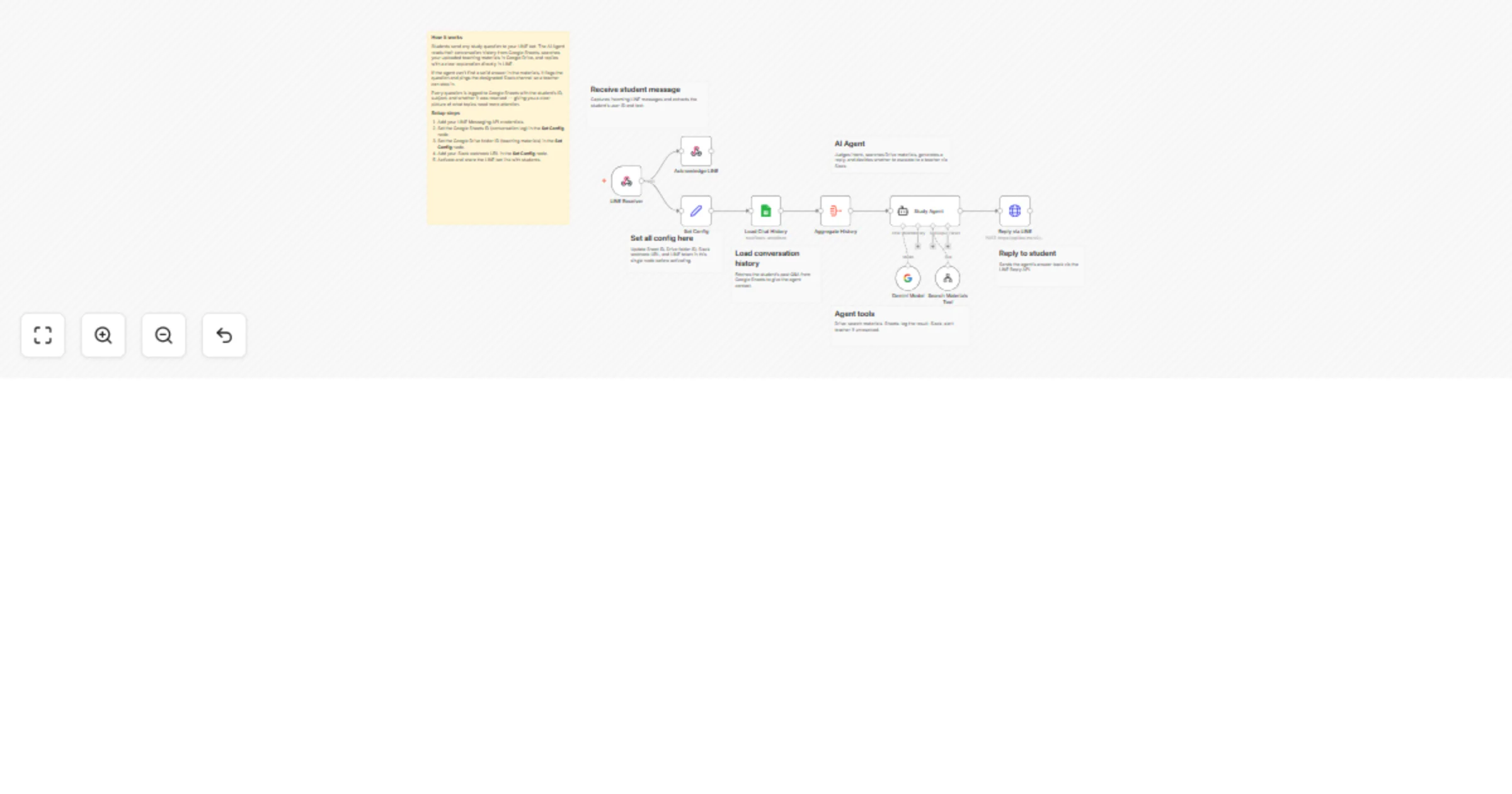
Workflow preview


 Early Deal
DISCOUNT 20%

Overview
Who is this for
This workflow is built for tutoring schools, cram schools, and independent teachers who want to offer students 24/7 Q&A support via LINE — Japan's most widely used messaging app. No coding knowledge is required to set it up.
What this workflow does
When a student sends a question on LINE, an AI Agent (powered by Gemini) reads the conversation history stored in Google Sheets, searches your teaching materials in Google Drive, and replies with a clear explanation directly in LINE. If the agent cannot find a confident answer — for example, the topic is not covered in the materials or the question is too complex — it automatically sends an escalation alert to a designated Slack channel so a teacher can follow up personally. The agent also logs every question and its resolution status to Google Sheets, giving teachers a running record of each student's weak points and question frequency.
How to set up
- Connect your LINE Messaging API credentials in n8n.
- Create a Google Sheet with columns: student ID, timestamp, question, answer, resolved (yes/no).
- Upload your teaching materials (PDF or text files) to a Google Drive folder.
- Set the Drive folder ID and Sheet ID in the Set Fields node.
- Add your Slack webhook URL for teacher escalation notifications.
- Activate the workflow and share the LINE bot link with students.
Requirements
LINE Messaging API channel (free tier works) Google Drive folder with study materials (PDF or .txt) Google Sheets spreadsheet for conversation history and progress tracking Slack incoming webhook URL Gemini API key (free tier available)
How to customize
You can swap Google Drive for a different file source, adjust the Gemini prompt in the AI Agent node to change the explanation style (e.g., simpler language for younger students), or add more Slack channels to route questions by subject. The escalation threshold can be tuned by editing the condition in the If node.