Store variables between workflow runs using data tables as a key-value store
Workflow preview


 Early Deal
DISCOUNT 20%

Overview
Store Variables Between Workflow Runs Using n8n's Built-In Data Tables (Key-Value Store)
Purpose
This workflow implements a simple key value store based on the built-in data tables feature in n8n – no external service needed.
What this is for
This is a workflow snippet which could be used to store a “last checked” timestamp or other variables between workflow runs.
Setup
- Self-deploying – no extra setup needed
- Just clone the template into your n8n instance and follow the instructions on the yellow sticky notes
How it works
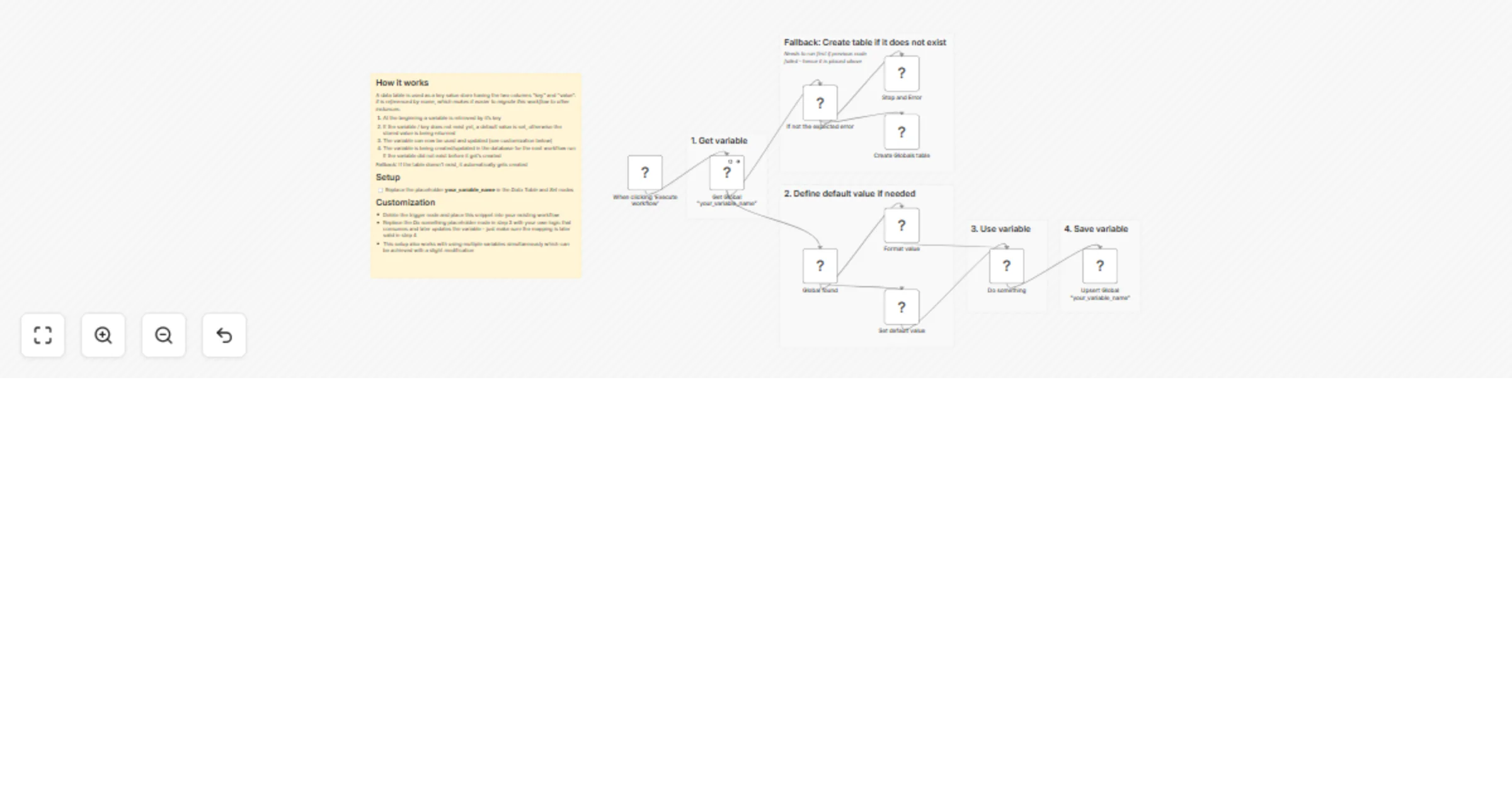
A data table is used as a key value store having the two columns “key” and “value”. It is referenced by name, which makes it easier to migrate this workflow to other instances.
- At the beginning a variable is retrieved by it’s key
- If the variable / key does not exist yet, a default value is set, otherwise the stored value is being returned
- The variable can now be used and updated (see customization below)
- The variable is being created/updated in the database for the next workflow run If the variable did not exist before it get’s created
Fallback: If the table doesn’t exist, it automatically gets created
Compatibility
- n8n Version 2.5.0 or above
- Cloud or Self-Hosted
Note: Please make sure to use this feature with care when storing passwords or access tokens since those can be exposed via the n8n API when querying past executions with their data or data tables directly. Those kind of data should preferably stored inside of credentials directly.