Skip trace people with ScraperCity and save contact details to Google Sheets
Workflow preview

$20/month : Unlimited workflows
2500 executions/month

THE #1 IN WEB SCRAPING
Scrape any website without limits
HOSTINGER  Early Deal
DISCOUNT 20% Try free
Early DealDISCOUNT 20%
Self-hosted n8n
Unlimited workflows - from $4.99/mo

#1 hub for scraping, AI & automation
6000+ actors - $5 credits/mo
Overview
Who is this for
This workflow is for skip tracers, real estate investors, debt collectors, and data brokers who need to find current contact details -- phone numbers, email addresses, and physical addresses -- for a list of people using only names, phone numbers, or email addresses as inputs.
How it works
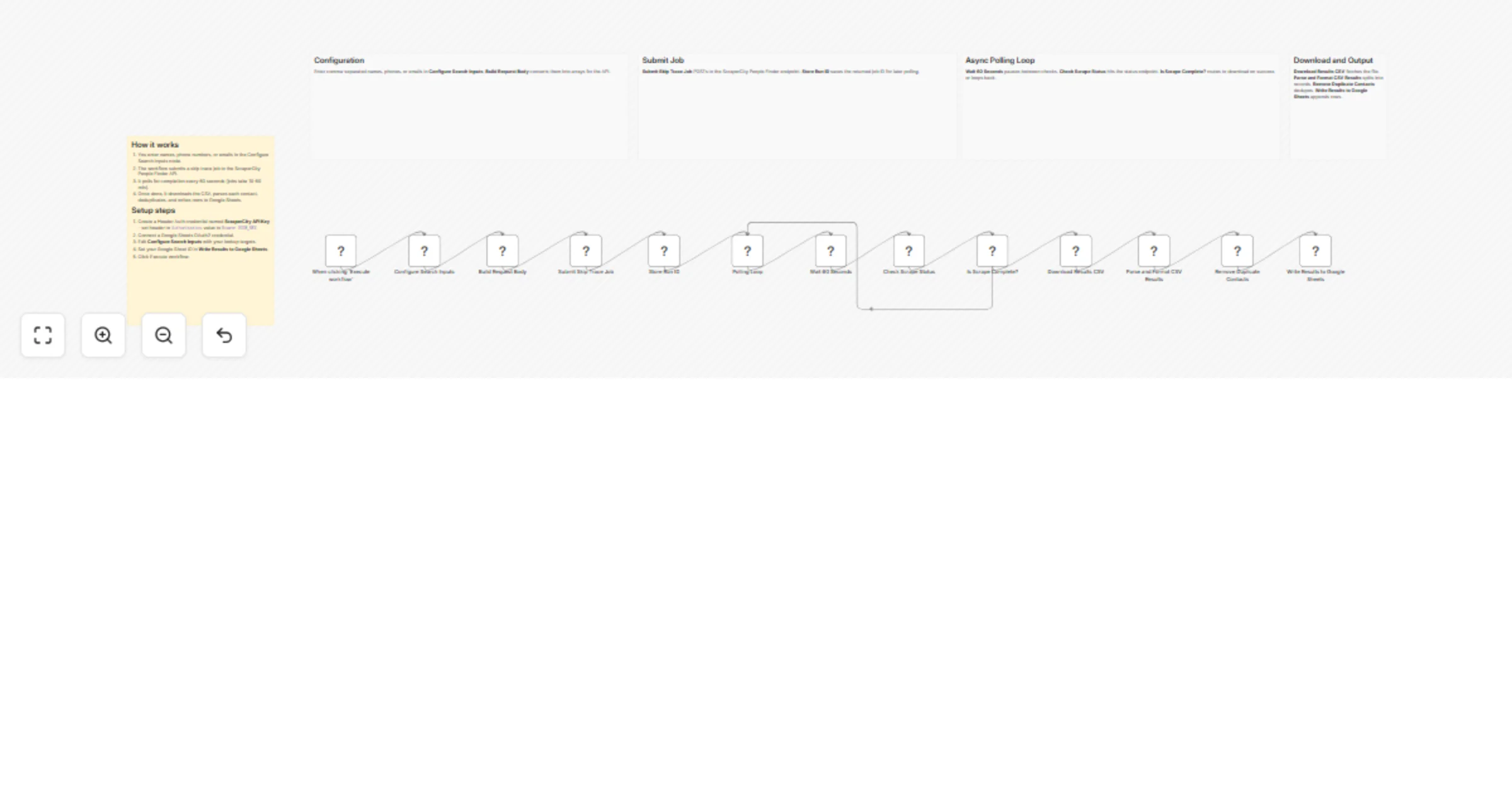
- A configuration node lets you define up to five people to search (by name, phone, or email).
- The workflow submits a skip trace job to the ScraperCity People Finder API and captures the returned run ID.
- A polling loop checks job status every 60 seconds until the scrape is marked SUCCEEDED (scrapes typically take 10--60 minutes).
- Once complete, the results CSV is downloaded, parsed, and deduplicated.
- Clean contact records are written row-by-row into a Google Sheet.
How to set up
- Create a ScraperCity account at app.scrapercity.com and copy your API key.
- In n8n, create a Header Auth credential named ScraperCity API Key with the header name
Authorizationand valueBearer YOUR_KEY. - Connect your Google Sheets OAuth2 credential.
- Open the Configure Search Inputs node and replace the sample names/phones/emails.
- Set your Google Sheet ID and sheet name in the Write Results to Google Sheets node.
- Click Execute workflow.
Requirements
- ScraperCity account (app.scrapercity.com)
- Google Sheets OAuth2 credential in n8n
How to customize the workflow
- Swap the manual trigger for a Schedule trigger to run nightly.
- Feed inputs from a Google Sheet instead of the Set node to process large lists.
- Add a Filter node after parsing to keep only records that have a verified phone number.