Search hardware inventory with Supabase vector RAG and Google Gemini
Workflow preview

$20/month : Unlimited workflows
2500 executions/month

THE #1 IN WEB SCRAPING
Scrape any website without limits
HOSTINGER  Early Deal
DISCOUNT 20% Try free
Early DealDISCOUNT 20%
Self-hosted n8n
Unlimited workflows - from $4.99/mo

#1 hub for scraping, AI & automation
6000+ actors - $5 credits/mo
Overview
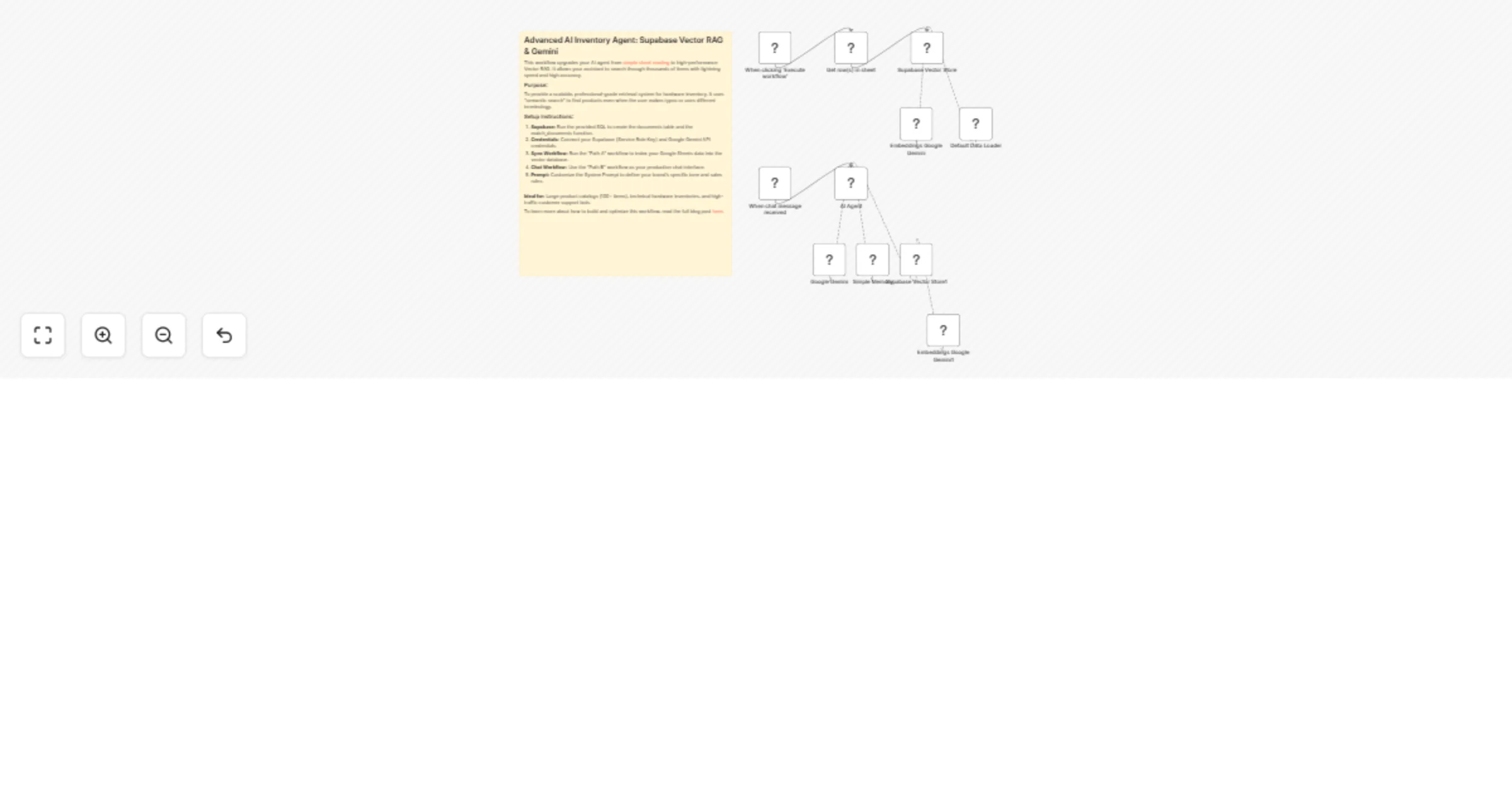
Advanced AI Inventory Agent: Supabase Vector RAG & Gemini
This workflow upgrades your AI agent from simple sheet reading to high-performance Vector RAG. It allows your assistant to search through thousands of items with lightning speed and high accuracy.
Purpose:
To provide a scalable, professional-grade retrieval system for hardware inventory. It uses "semantic search" to find products even when the user makes typos or uses different terminology.
Setup Instructions:
- Supabase: Run the provided SQL to create the documents table and the match_documents function.
- Credentials: Connect your Supabase (Service Role Key) and Google Gemini API credentials.
- Sync Workflow: Run the "Path A" workflow to index your Google Sheets data into the vector database.
- Chat Workflow: Use the "Path B" workflow as your production chat interface.
- Prompt: Customize the System Prompt to define your brand's specific tone and sales rules.
Ideal for: Large product catalogs (100+ items), technical hardware inventories, and high-traffic customer support bots.
To learn more about how to build and optimize this workflow, read the full blog post here.