Screen CVs against job descriptions with Gmail, easybits, Airtable and Slack
Workflow preview

$20/month : Unlimited workflows
2500 executions/month

THE #1 IN WEB SCRAPING
Scrape any website without limits
HOSTINGER  Early Deal
DISCOUNT 20% Try free
Early DealDISCOUNT 20%
Self-hosted n8n
Unlimited workflows - from $4.99/mo

#1 hub for scraping, AI & automation
6000+ actors - $5 credits/mo
Overview
How it works
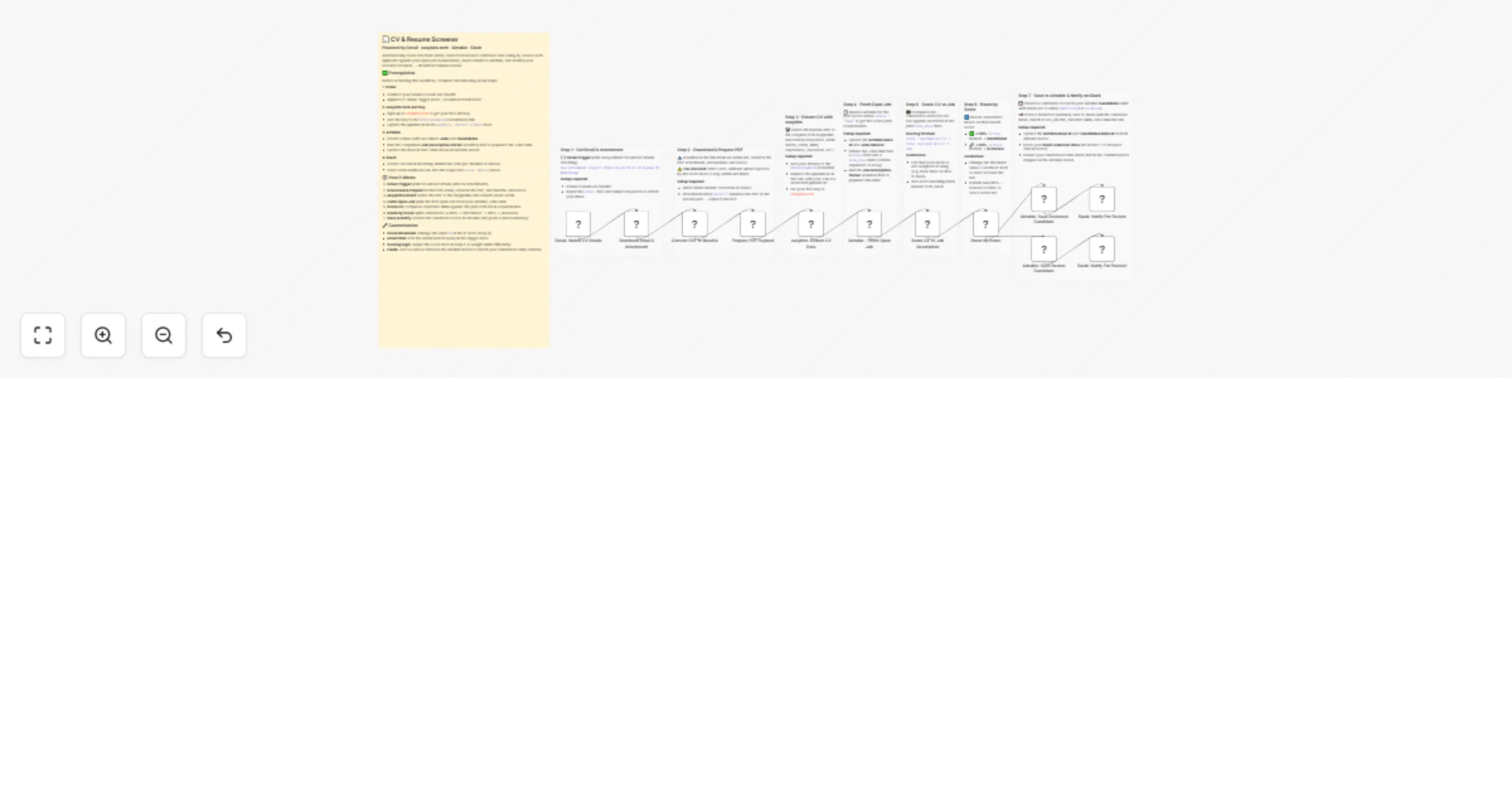
A CV arrives by email. easybits extracts structured candidate data from the PDF: same JSON schema every time, regardless of CV layout or language. The workflow then fetches the open job description from Airtable, compares the candidate's skills against the role requirements, calculates a match score, saves the candidate record, and sends a Slack notification flagged as shortlist or review.
What makes this different
The scoring is based on the actual job description, not a static keyword list. Upload a new job description, and the scoring updates automatically for every new CV.
Set up steps
- Create a free easybits.tech account and set up two pipelines: one for CV extraction, one for job description extraction. Copy the pipeline IDs.
- Add your Gmail OAuth2 credential in n8n
- Add your easybits API key as a Header Auth credential
- Add your Airtable personal access token — create two tables: Jobs and Candidates (schemas in sticky notes)
- Add your Slack webhook URL
- Run the Job Description Parser workflow first by emailing a job description PDF to your recruitment inbox
- Then activate the CV Screening workflow — it reads from the Jobs table automatically
Prerequisites
- easybits.tech account (free tier available)
- Gmail account with OAuth2 access
- Airtable account
- Slack workspace with incoming webhooks enabled
Setup time: approximately 20 to 30 minutes