Scan business cards from LINE with Gemini to Sheets, Slack, and Gmail
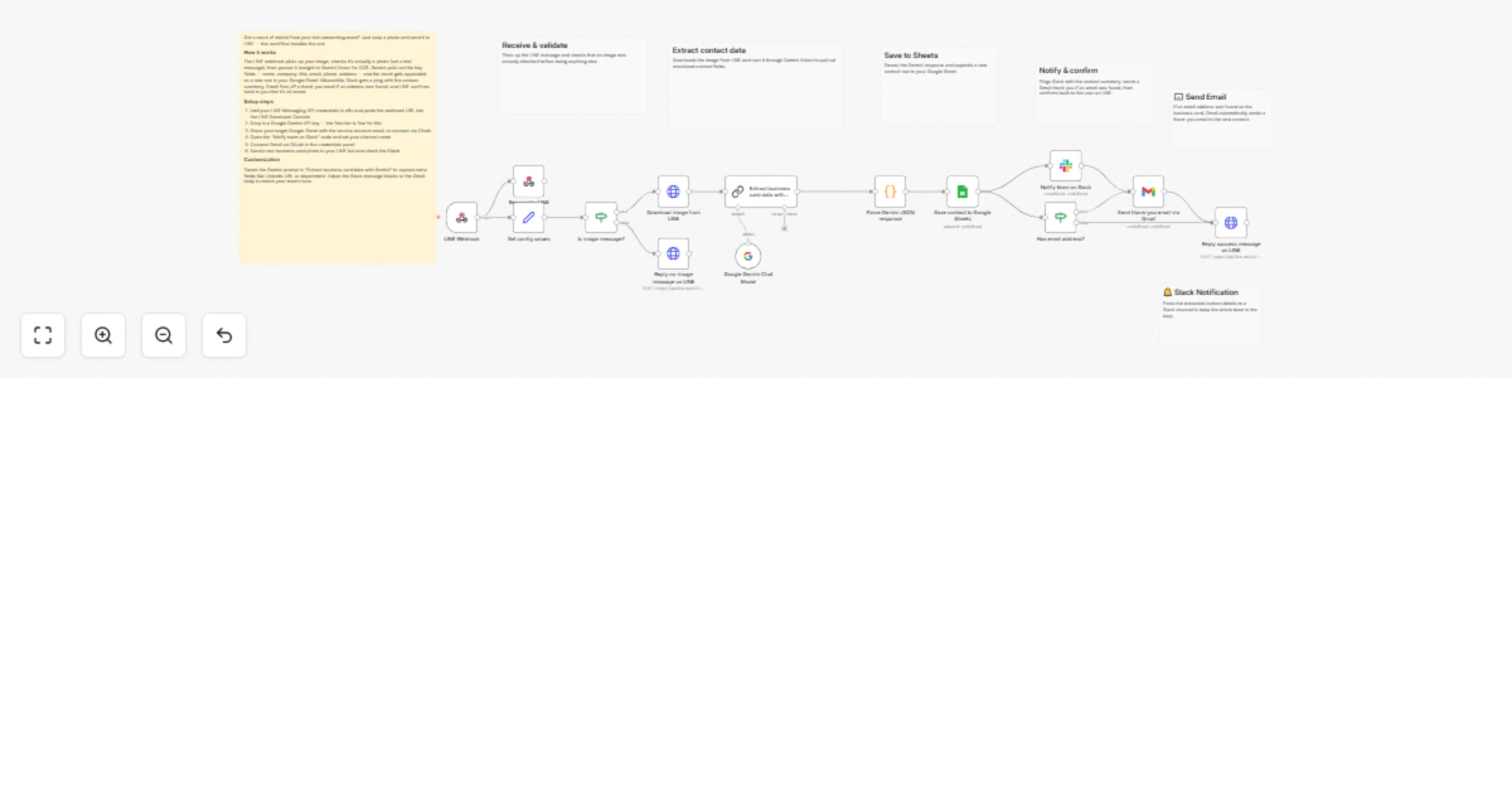
Workflow preview


 Early Deal
DISCOUNT 20%

Overview
Who is this for
This workflow is designed for sales professionals, account managers, and small business owners in Japan who frequently exchange business cards. Instead of manually entering contact details, you can instantly capture and store them by sending a photo to LINE.
What this workflow does
When a user sends a business card photo via LINE, the workflow uses Google Gemini Vision to extract key contact details — name, company, title, email, phone, and address — and saves them as a new row in Google Sheets. The team is notified in Slack, and a thank-you email is automatically sent to the new contact via Gmail. Finally, a confirmation message is sent back to the user on LINE.
How to set up
- Connect your LINE Messaging API credentials in n8n
- Set your LINE channel webhook URL in the LINE Developer Console
- Add your Google Gemini API key (free tier available)
- Share your target Google Sheet with the service account email
- Connect your Slack workspace and set the target channel
- Connect your Gmail account
Requirements
- LINE Messaging API account (free)
- Google Gemini API key (free tier)
- Google Sheets (any Google account)
- Slack workspace
- Gmail account
How to customize
Change the Gemini prompt in the "Extract card data" node to capture additional fields. Modify the Slack message format or Gmail template to match your team's tone.