Route AI queries cost‐efficiently with GPT‐4o‐mini, GPT‐4o and confidence scoring
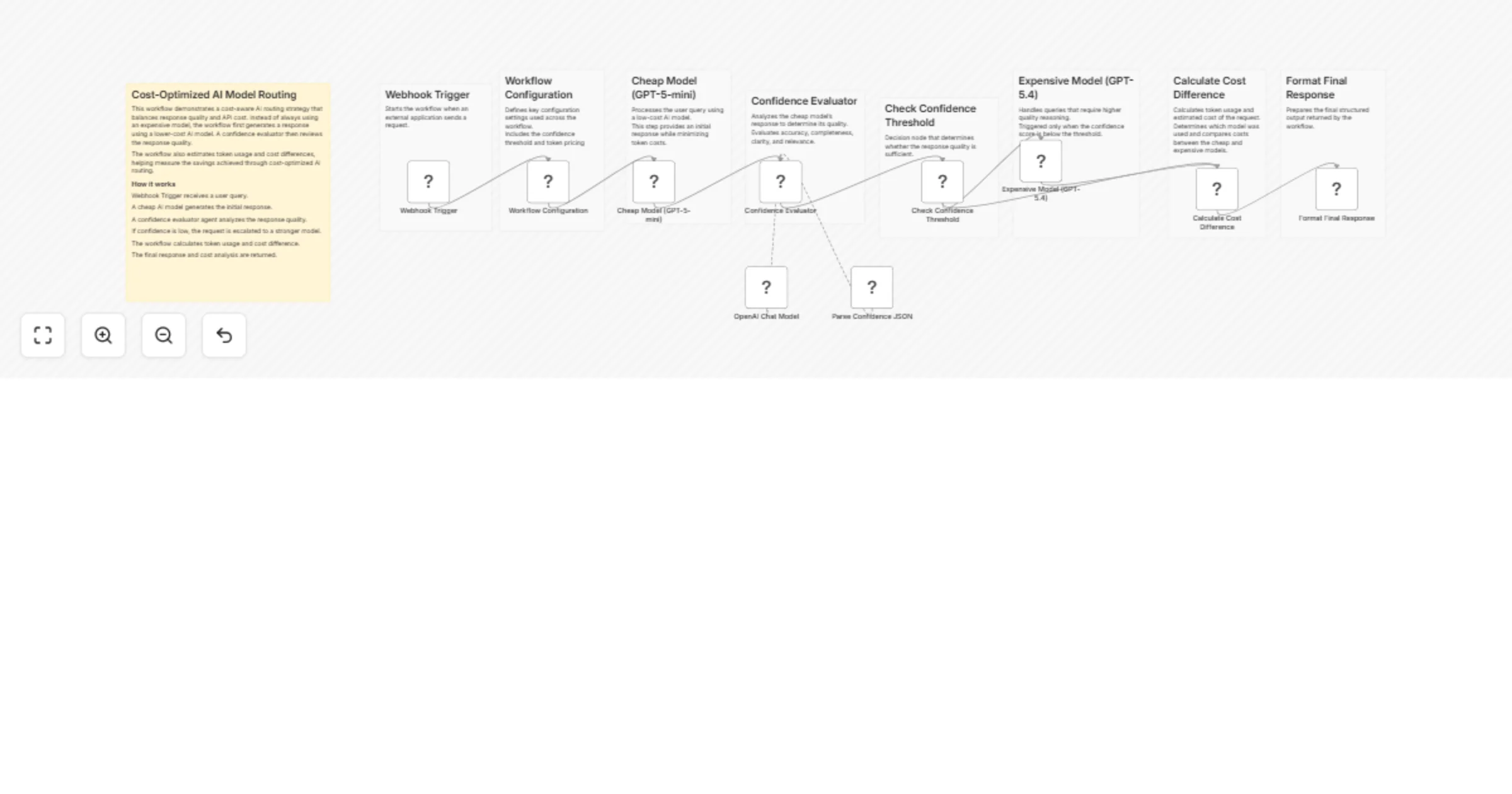
Workflow preview


 Early Deal
DISCOUNT 20%

Overview
This workflow implements a cost-optimized AI routing system using n8n. It intelligently decides whether a request should be handled by a low-cost model or escalated to a higher-quality model based on response confidence.
The goal is to minimize LLM usage costs while maintaining high answer quality.
A query is first processed by a cheaper model. The response is then evaluated by a confidence-scoring AI agent. If the response quality is insufficient, the workflow automatically escalates the request to a more capable model.
This approach is useful for building scalable AI systems where most queries can be answered cheaply, while complex queries still receive high-quality responses.
How It Works
- Webhook Trigger
- Receives a user query from an external application.
- Workflow Configuration
- Defines parameters such as:
- confidence threshold
- cheap model cost
- expensive model cost
- Cheap Model Response
- The query is first processed using
GPT-4o-minito minimize cost.
- Confidence Evaluation
- An AI agent analyzes the response quality.
- It evaluates accuracy, completeness, clarity, and relevance.
- Structured Output Parsing
- The evaluator returns structured data including:
- confidence score
- explanation
- escalation recommendation.
- Decision Logic
- If the confidence score is below the configured threshold, the workflow escalates the request.
- Expensive Model Escalation
- The query is reprocessed using
GPT-4ofor a higher-quality answer.
- Cost Calculation
- Token usage is analyzed to estimate:
- total cost
- cost difference between models.
- Final Response Formatting
- The workflow returns:
- AI response
- model used
- confidence score
- escalation status
- estimated cost.
Setup Instructions
Create an OpenAI credential in n8n.
Configure the following nodes:
Cheap Model (GPT-4o-mini)Expensive Model (GPT-4o)OpenAI Chat Modelused by the confidence evaluator agent.
- Adjust configuration values in the Workflow Configuration node:
confidenceThresholdcheapModelCostPer1kTokensexpensiveModelCostPer1kTokens
- Deploy the workflow and send requests to the Webhook URL.
Example webhook payload:
{
 "query": "Explain how photosynthesis works."
}