Retrieve a LinkedIn contact’s name from a profile URL with LinkUp
Workflow preview

$20/month : Unlimited workflows
2500 executions/month

THE #1 IN WEB SCRAPING
Scrape any website without limits
HOSTINGER  Early Deal
DISCOUNT 20% Try free
Early DealDISCOUNT 20%
Self-hosted n8n
Unlimited workflows - from $4.99/mo

#1 hub for scraping, AI & automation
6000+ actors - $5 credits/mo
Overview
Summary
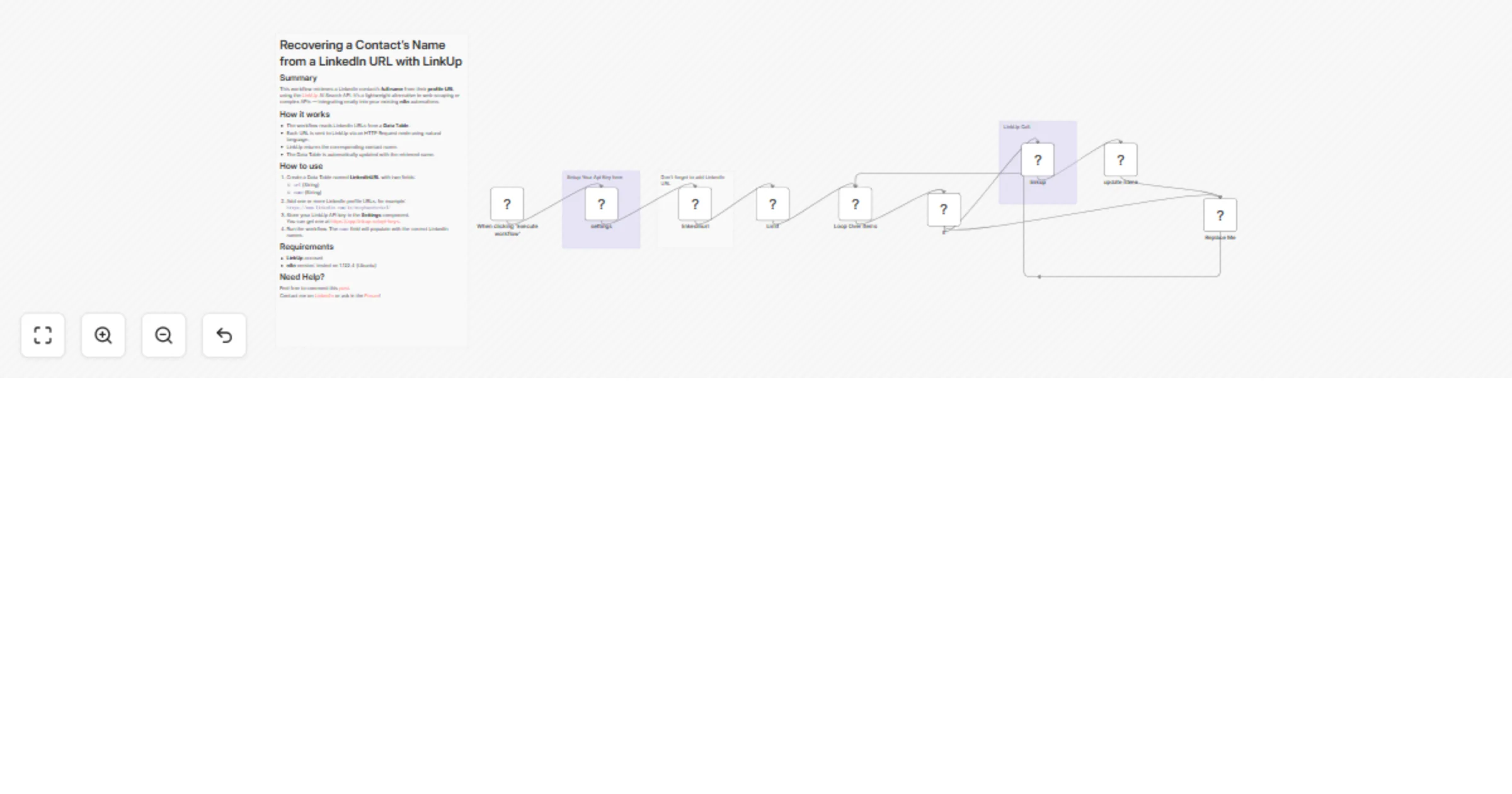
This workflow retrieves a LinkedIn contact’s full name from their profile URL using the LinkUp AI Search API. It’s a lightweight alternative to web scraping or complex APIs — integrating neatly into your existing n8n automations.
How it works
- The workflow reads LinkedIn URLs from a Data Table.
- Each URL is sent to LinkUp via an HTTP Request node using natural language.
- LinkUp returns the corresponding contact name.
- The Data Table is automatically updated with the retrieved name.
How to use
- Create a Data Table named LinkedInURL with two fields:
url(String)name(String)
- Add one or more LinkedIn profile URLs, for example:
https://www.linkedin.com/in/stephaneheckel/ - Store your LinkUp API key in the Settings component. You can get one at https://app.linkup.so/api-keys.
- Run the workflow. The
namefield will populate with the correct LinkedIn names.
Requirements
- LinkUp account
- n8n version: tested on 1.122.4 (Ubuntu)
Need Help?
Feel free to comment this post. Contact me on LinkedIn or ask in the Forum!