Recover missed calls with Twilio, Slack and Google Sheets
Workflow preview


 Early Deal
DISCOUNT 20%

Overview
Never lose an inbound lead because someone missed the phone.
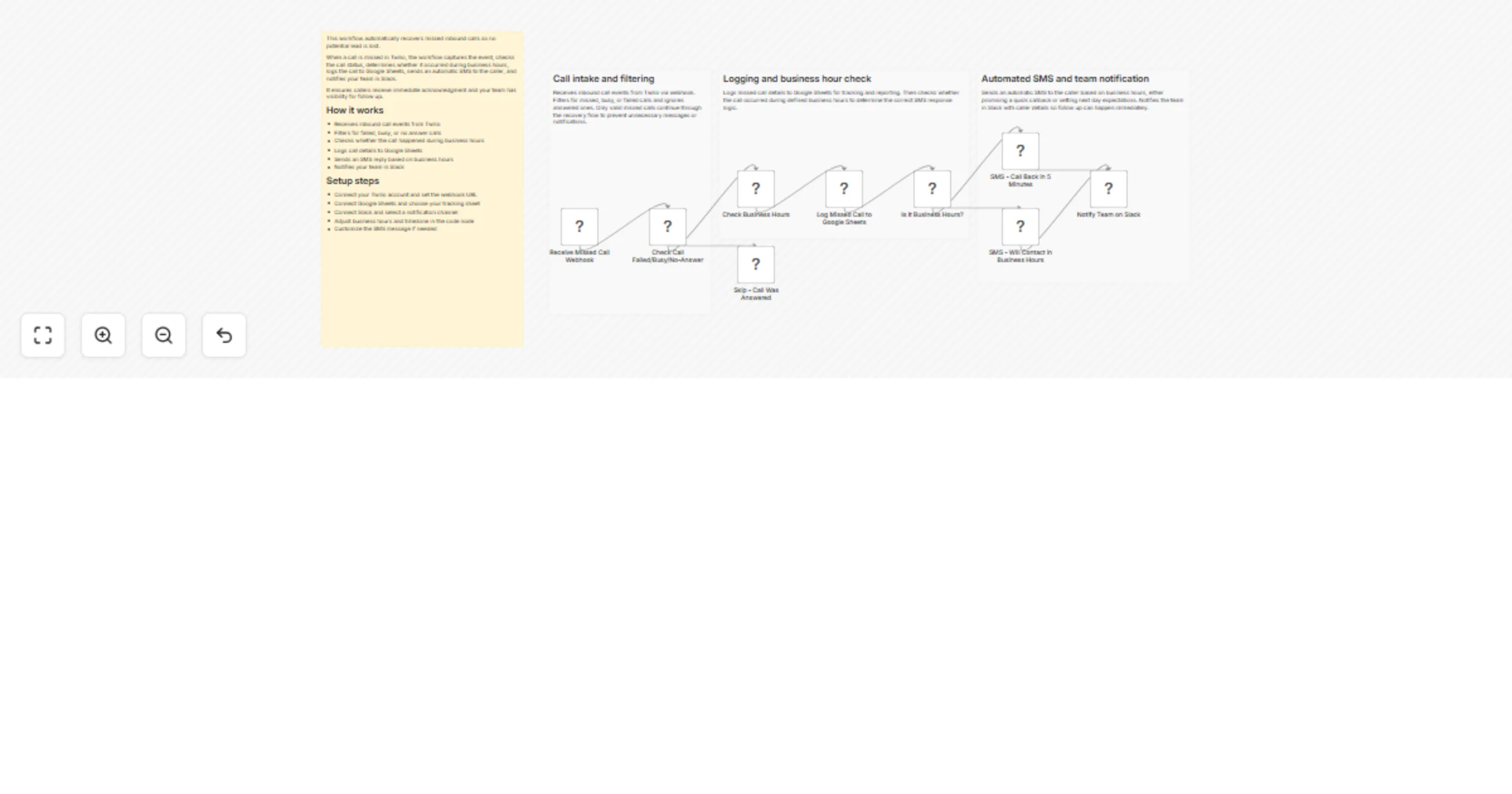
This workflow captures missed inbound calls from Twilio, logs them, notifies your team, and instantly sends a context aware SMS to the caller. It automatically adapts messaging based on business hours, ensuring fast response during working hours and clear expectations after hours.
Built for small service businesses, agencies, clinics, and local operators who rely heavily on phone calls.
How it works
Receives inbound call events from Twilio via webhook
Filters for failed, busy, or no answer call statuses
Checks whether the call happened during business hours
Logs call details to Google Sheets for tracking and follow up
Sends an automatic SMS reply to the caller
During business hours, promises a quick callback
After hours, sets next business day expectations
- Notifies your team in Slack with caller details
This creates instant acknowledgment, internal visibility, and a structured follow up trail.
Setup steps
- Connect your Twilio account and configure the webhook URL
- Connect Google Sheets and select your tracking sheet
- Connect Slack and choose a notification channel
- Adjust business hours and timezone inside the code node
- Customize SMS copy to match your brand voice
Setup typically takes 10 to 15 minutes.