Block 1 - Skip - Call Was Answered
- Type / Role
- n8n-nodes-base.noOp - noOp
- Config choices
- Version 1


 Early Deal
Never lose an inbound lead because someone missed the phone. This workflow captures missed inbound calls from Twilio, logs them, notifies your team, and instantly sends a context aware SMS to the c...
n8n-nodes-base.noop, n8n-nodes-base.webhook, n8n-nodes-base.if, n8n-nodes-base.code, n8n-nodes-base.googlesheets, n8n-nodes-base.twilio, n8n-nodes-base.slack, n8n-nodes-base.stickynote
This workflow is cataloged by N8N Workflows and links back to its original n8n.io source page by Shashwat Singh.
Original n8n.io sourceNever lose an inbound lead because someone missed the phone.
This workflow captures missed inbound calls from Twilio, logs them, notifies your team, and instantly sends a context aware SMS to the caller. It automatically adapts messaging based on business hours, ensuring fast response during working hours and clear expectations after hours.
Built for small service businesses, agencies, clinics, and local operators who rely heavily on phone calls.
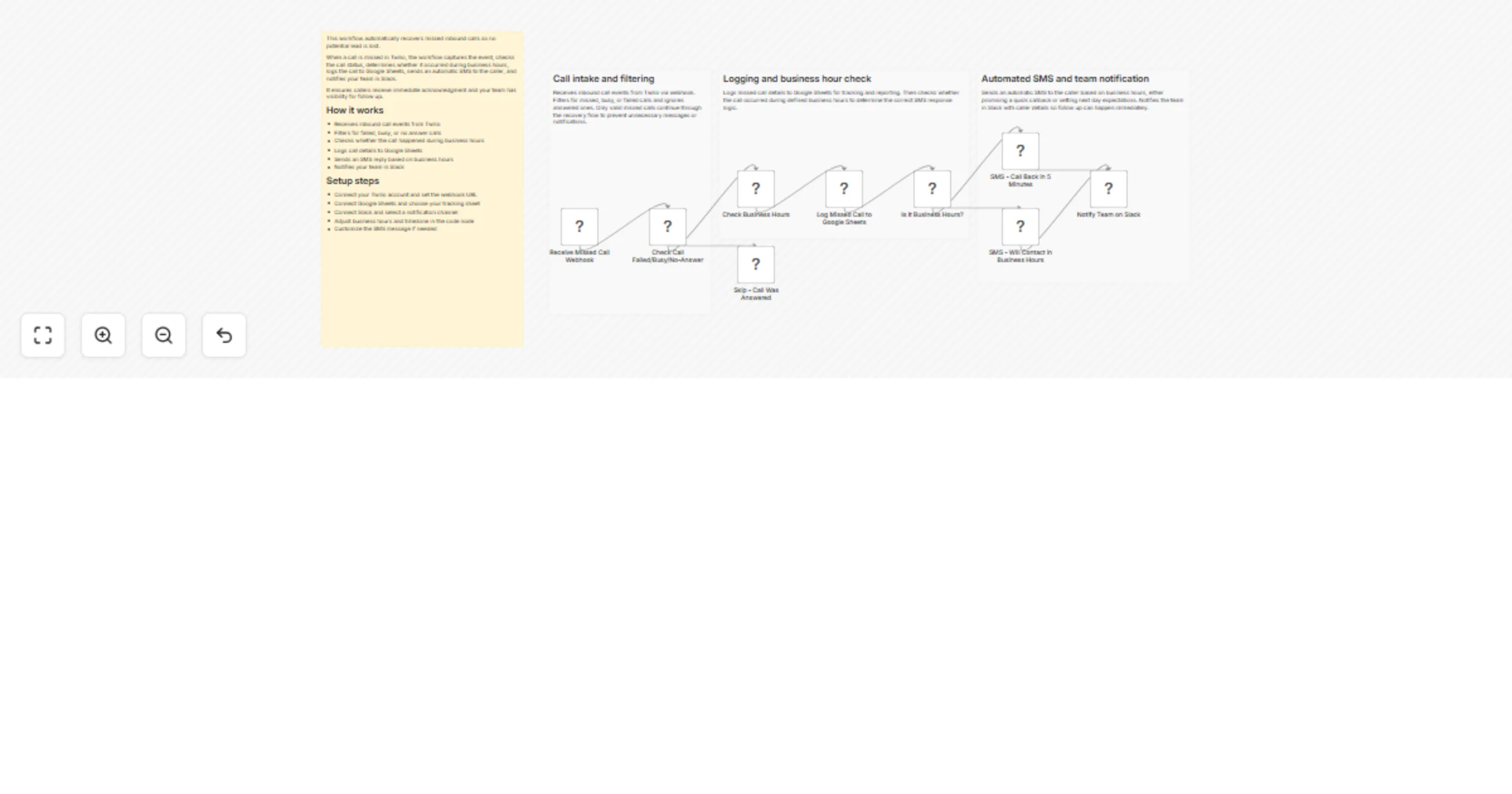
Receives inbound call events from Twilio via webhook
Filters for failed, busy, or no answer call statuses
Checks whether the call happened during business hours
Logs call details to Google Sheets for tracking and follow up
Sends an automatic SMS reply to the caller
During business hours, promises a quick callback
After hours, sets next business day expectations
This creates instant acknowledgment, internal visibility, and a structured follow up trail.
Setup typically takes 10 to 15 minutes.
This catalog entry is organized from the workflow JSON. The node-level section below shows the executable blocks available for review before importing the template.
| Workflow | Recover missed calls with Twilio, Slack and Google Sheets |
|---|---|
| Complexity | intermediate |
| Nodes | 13 |
| Categories | Lead Nurturing |
| Author | Shashwat Singh |
| Published | 20 Feb 2026 |
Use the JSON export at /data/workflows/13535/13535.json as the source template for this automation.
Open n8n, import the downloaded JSON, and review each node before activating the workflow.
Replace placeholder credentials, API keys, webhook URLs, account IDs, and environment-specific values with your own settings.
Run the workflow manually or in a staging workspace, inspect node output, and confirm downstream systems receive the expected data.
Enable the workflow only after testing, then monitor executions, errors, and rate limits during the first production runs.
Review imported nodes carefully before activation. This catalog entry is intended to help you inspect the workflow structure, understand required services, and find related templates faster.
Node names, credentials, schedules, webhook paths, and external service limits may need adjustment for your workspace.
Never lose an inbound lead because someone missed the phone. This workflow captures missed inbound calls from Twilio, logs them, notifies your team, and instantly sends a context aware SMS to the c...
Review the workflow JSON, configure any required credentials in n8n, and test the automation in a safe workspace before using it in production.
Yes. Use the block-by-block analysis and the downloadable JSON to inspect each node, then adjust credentials, prompts, schedules, filters, or destinations for your Lead Nurturing use case.