Re-engage stalled HubSpot deals with GPT-5-mini, Gmail, and Slack
Workflow preview

$20/month : Unlimited workflows
2500 executions/month

THE #1 IN WEB SCRAPING
Scrape any website without limits
HOSTINGER  Early Deal
DISCOUNT 20% Try free
Early DealDISCOUNT 20%
Self-hosted n8n
Unlimited workflows - from $4.99/mo

#1 hub for scraping, AI & automation
6000+ actors - $5 credits/mo
Overview
Who is this for
This workflow is designed for Customer Success Managers and Sales Teams who manage high-volume pipelines in HubSpot. If you have prospects who stop responding after the contract is sent, this automation helps you recover them without manual follow-up.
What it does
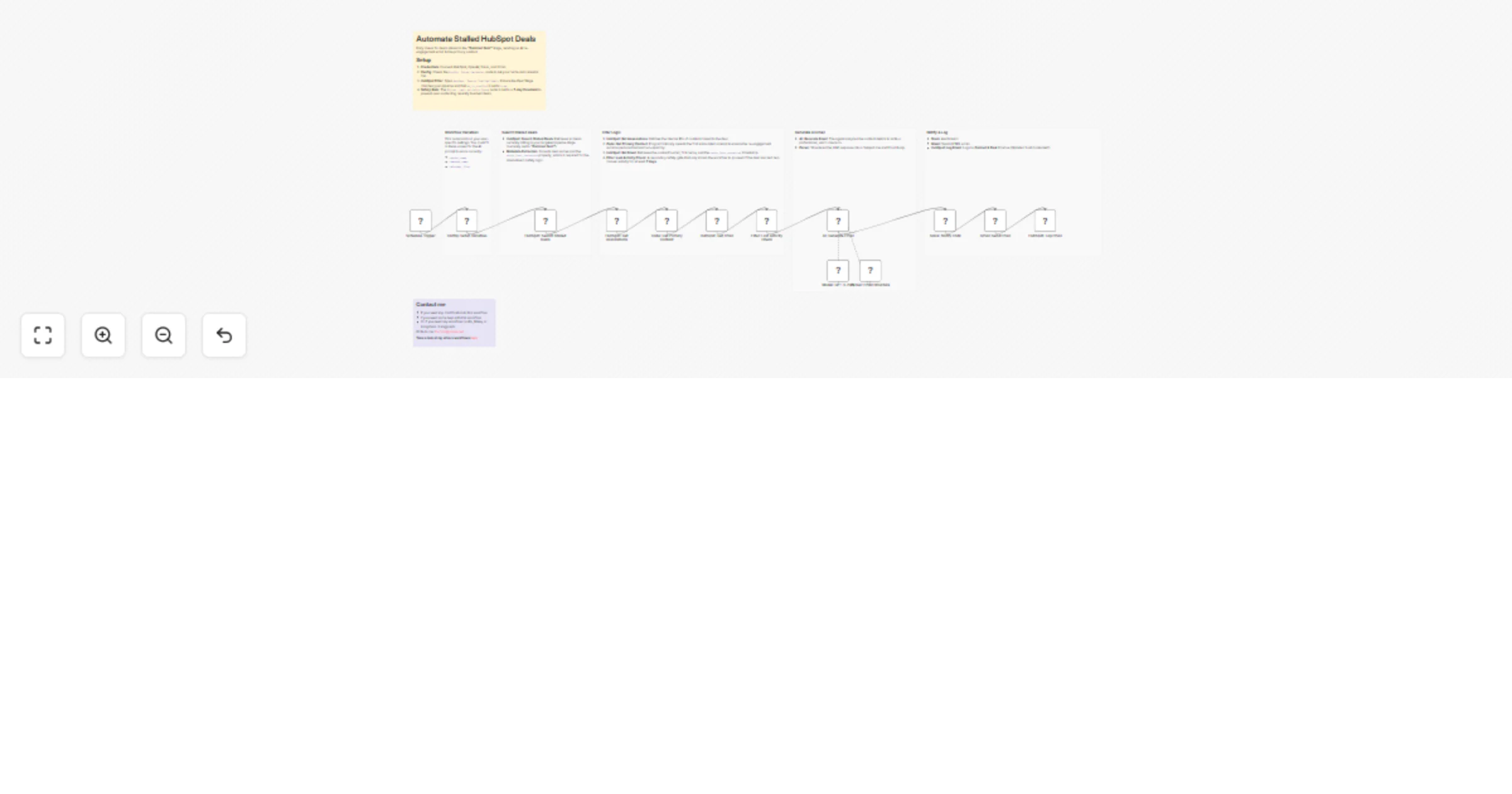
This template automatically identifies deals that have "stalled" in your pipeline (specifically in the Contract Sent stage) and initiates a personalized re-engagement sequence.
- Monitors Pipeline: Runs on a schedule to find deals marked as
stalledin HubSpot. - Smart Filtering: Identifies all associated contacts for a deal and selects the first available contact. This ensures the email goes to a real person involved in the deal.
- Spam Prevention: Fetches the
Last Contacteddate from HubSpot. If there has been any activity (call, email, meeting) in the last 7 days, the workflow skips that contact. This safety gate prevents automation from interfering with active conversations. - AI Personalization: Uses GPT-5-mini (via OpenAI) to generate a helpful check-in email. The prompt is context-aware, using the contact's name and deal stage to sound personal rather than generic.
- Multi-Channel Sync: Sends the approved email via Gmail, alerts the internal team in Slack, and logs the email body to the HubSpot Activity Timeline.
How to set up
- Credentials: Connect your HubSpot, OpenAI, Slack, and Gmail accounts in n8n.
- Configuration: Open the
Config: Setup Variablesnode and enter your Sender Name, Company Name, and Calendar Link. - Slack Channel: Open the Slack: Notify CSM node and select the channel where you want your team to be alerted (e.g.,
#sales-alerts). - HubSpot Settings: By default, this targets the
contractsentstage. Ensure your HubSpot pipeline matches this ID.
Requirements
- n8n (Cloud or Self-hosted)
- HubSpot account
- OpenAI API Key
- Gmail & Slack accounts
How to customize the workflow
- Target Different Stages: To re-engage leads in other phases (e.g., "Qualification" or "Onboarding"), open the HubSpot: Search Stalled Deals node and change the
dealstagefilter to your desired pipeline stage ID. - Adjust the Safety Gate: The workflow blocks emails if there has been contact in the last 7 days. To change this window (e.g., to 30 days for cold leads), open the Filter: Last Activity Check node and edit the time value in the expression.
- Modify the AI Persona: Open the AI: Generate Email node to edit the System Prompt. You can adjust the tone (formal vs. casual), lengths constraints, or language to match your brand voice.