Qualify and route inbound leads with Claude, Gmail, Slack and Google Sheets
Workflow preview


 Early Deal
DISCOUNT 20%

Overview
Overview
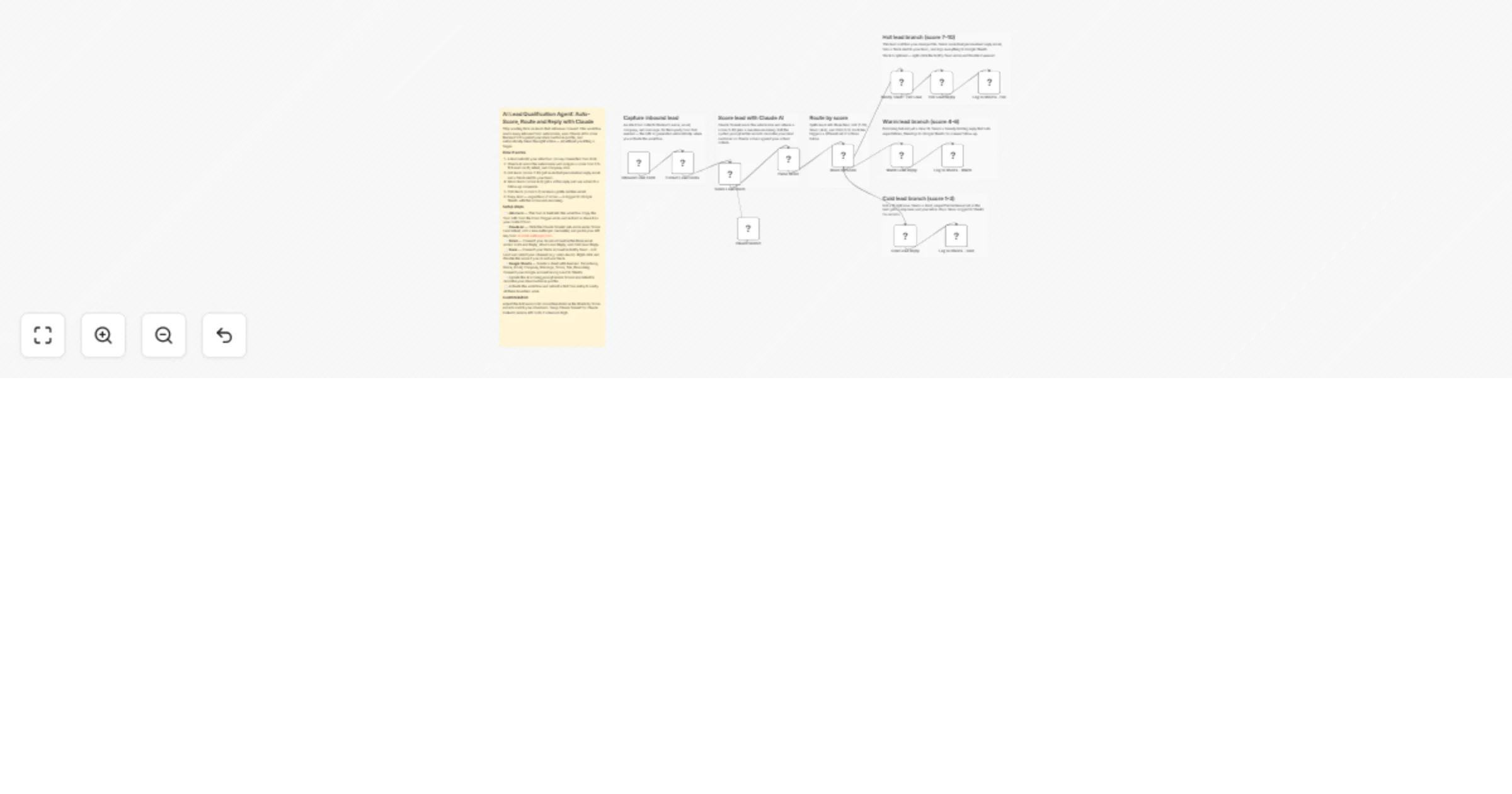
Stop wasting time on leads that will never convert. This workflow scores every inbound form submission 1-10 using Claude AI, then automatically replies and routes based on fit — hot leads get an instant email and Slack alert, warm leads get a follow-up prompt, cold leads get a polite decline.
How it works
Lead fills out your built-in n8n contact form Claude AI scores them 1-10 against your ideal customer profile Hot (7-10) → Slack alert + personalised email + logged to Sheets Warm (4-6) → holding reply email + logged to Sheets Cold (1-3) → polite decline email + logged to Sheets
Setup steps
Copy the form URL from the Inbound Lead Form node and share it as your contact form Add your Anthropic API key to the Claude Sonnet sub-node Connect Gmail to the three reply nodes and update the email signatures Connect Slack to Notify Team - Hot Lead — or right-click and Disable it Create a Google Sheet with headers: Timestamp, Name, Email, Company, Size, Message, Score, Tier, Reasoning and connect it in all three Log nodes Edit the scoring prompt in Score Lead Intent to describe your ideal customer