Nurture and email leads from Google Sheets with GPT‐4.1 Mini and Gmail
Workflow preview


 Early Deal
DISCOUNT 20%

Overview
How it works
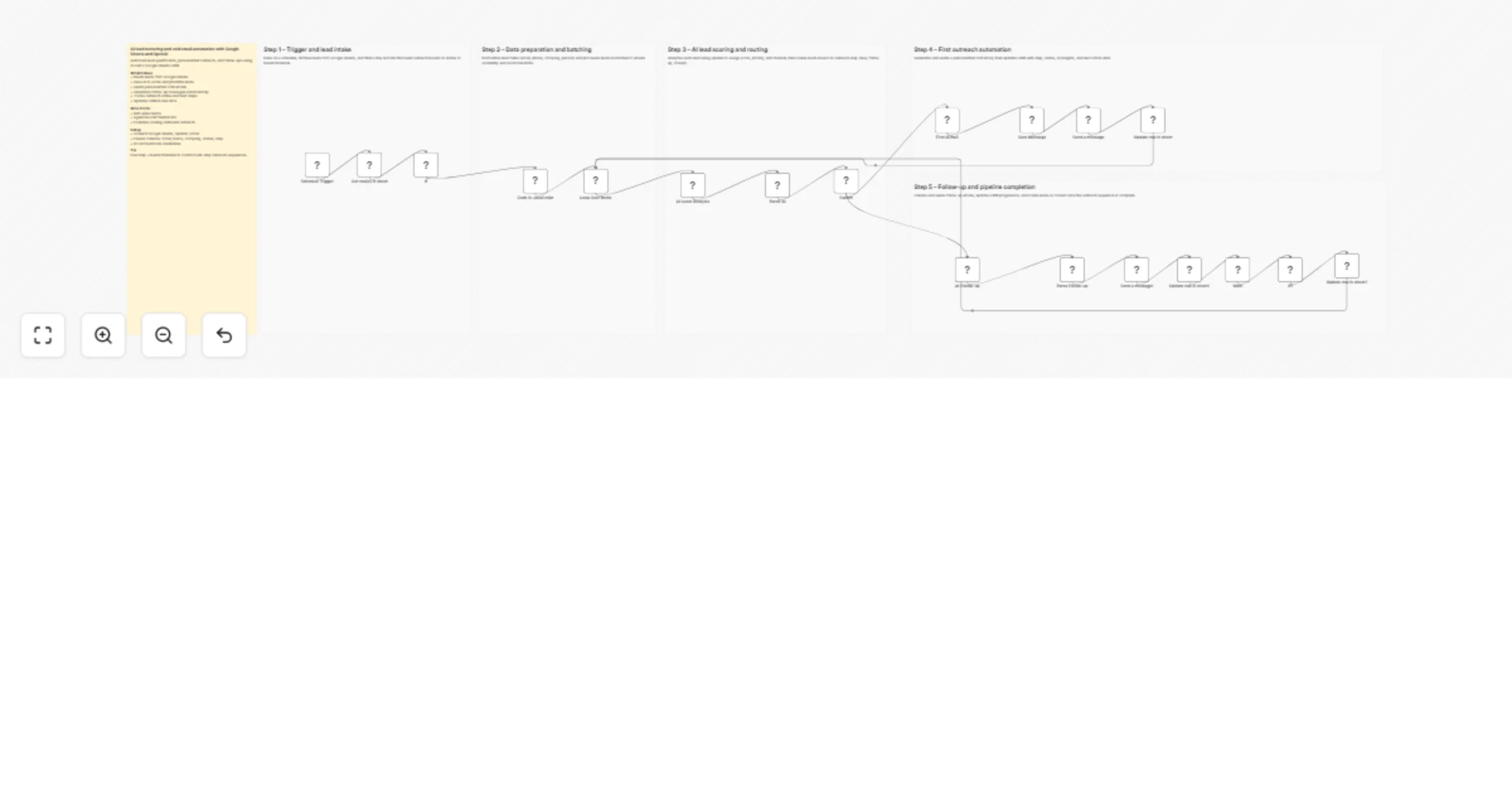
This workflow automates lead nurturing by pulling data from Google Sheets, analyzing leads with AI, and sending personalized outreach emails. It runs on a schedule, processes leads in batches, and routes them based on their status and step. AI generates both first-touch and follow-up emails while updating the CRM automatically. The system ensures consistent outreach and tracks lead progression without manual work.
Step-by-step
Trigger and lead intake
Schedule Trigger – Runs the workflow at set intervals.
Get row(s) in sheet – Fetches lead data from Google Sheets.
If – Filters leads that need action based on status or date.
Data preparation and batching
Code in JavaScript – Normalizes fields like email, name, and company.
Loop Over Items – Processes leads in controlled batches.
AI lead scoring and routing
AI-Lead-Analysis – Evaluates lead quality and assigns score and priority.
Parse AI – Extracts structured AI insights from the response.
Switch – Routes leads based on outreach step or status.
First outreach automation
First AI mail – Generates a personalized cold email.
Save Message – Stores the generated message.
Send a message – Sends the email via Gmail.
Update row in sheet – Updates CRM with outreach details.
Follow-up and pipeline completion
AI-Follow-up – Creates a follow-up email using AI.
Parse Follow-up – Extracts follow-up message content.
Send a message1 – Sends the follow-up email.
Update row in sheet1 – Updates CRM with follow-up info.
Wait – Delays before checking for response.
If1 – Checks if the lead replied or not.
Update row in sheet2 – Marks lead as closed if no response.
Why use this?
- Automates end-to-end outbound lead nurturing
- Uses AI for smarter lead scoring and personalization
- Reduces manual CRM updates and follow-up tracking
- Improves response rates with timely outreach
- Scales cold email campaigns efficiently