Monitoring team capacity in Jira and sending alerts for over-allocation
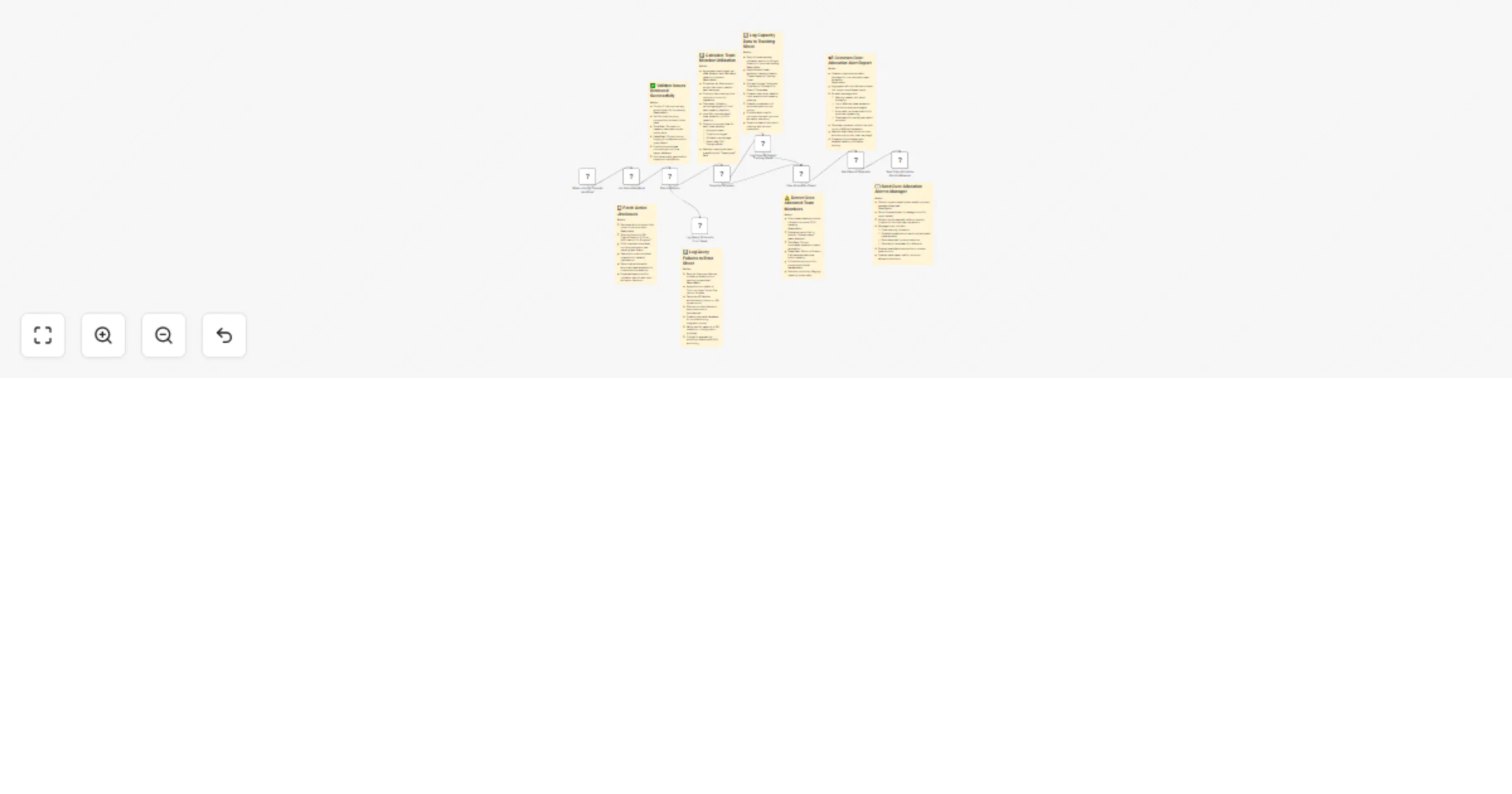
Workflow preview


 Early Deal
DISCOUNT 20%

Important notice
This workflow is provided as-is. Please review and test before using in production.
Overview
Description:
This workflow automates team capacity monitoring using Jira data to identify over-allocated team members and alert managers instantly. It ensures proactive workload management by fetching active issues, calculating utilization rates, logging capacity metrics, and sending detailed email alerts when members exceed 100% capacity. It helps project managers prevent burnout, balance workloads, and maintain operational efficiency — all with zero manual tracking.
What This Workflow Does (Step-by-Step)
🟢 Manual Trigger – Start the capacity analysis manually on demand.
📋 Fetch Active Jira Issues – Retrieves all “In Progress” tasks from Jira to analyze workloads.
✅ Data Validation – Checks whether Jira returned valid data before continuing. True Path: Moves to capacity calculation. False Path: Logs query failure to error tracking sheet.
📊 Capacity Calculator – Aggregates logged hours per user and calculates utilization percentage based on an 8-hour daily capacity.
📈 Log Capacity Data to Tracking Sheet – Appends capacity metrics (Assignee, Total Hours, Utilization %, Status) to a Google Sheet for historical tracking and trend analysis.
⚠️ Over-Allocation Check – Identifies team members exceeding 100% utilization (status = “Overallocated”).
📢 Alert Report Generator – Builds a dynamic report summarizing all over-allocated members, their logged hours, utilization %, and corrective suggestions. Generates both alert and “All Clear” reports based on findings.
📧 Send Over-Allocation Alert to Manager – Sends an automated Gmail alert to the project manager, including severity-based subject lines and detailed breakdown of each over-allocated member.
🚨 Log Query Failures to Error Sheet – Records any Jira API or data retrieval issues in the “error log sheet” for monitoring and debugging.
Prerequisites
- Jira account with API access
- Google Sheets for “Team Capacity Tracking” and “Error Log”
- Gmail credentials for automated email delivery
Key Benefits
✅ Early detection of team over-allocation ✅ Automated data logging and historical tracking ✅ Real-time email alerts to prevent burnout ✅ Data-driven sprint planning and workload balancing ✅ Zero manual monitoring required
Perfect For
- Project Managers and Scrum Masters tracking team load
- Engineering teams managing multiple active sprints
- Organizations looking to automate workload visibility
- HR and PMOs monitoring resource utilization trends