Generate overdue lead follow-up Gmail drafts with Google Sheets and Gemini
Workflow preview

$20/month : Unlimited workflows
2500 executions/month

THE #1 IN WEB SCRAPING
Scrape any website without limits
HOSTINGER  Early Deal
DISCOUNT 20% Try free
Early DealDISCOUNT 20%
Self-hosted n8n
Unlimited workflows - from $4.99/mo

#1 hub for scraping, AI & automation
6000+ actors - $5 credits/mo
Overview
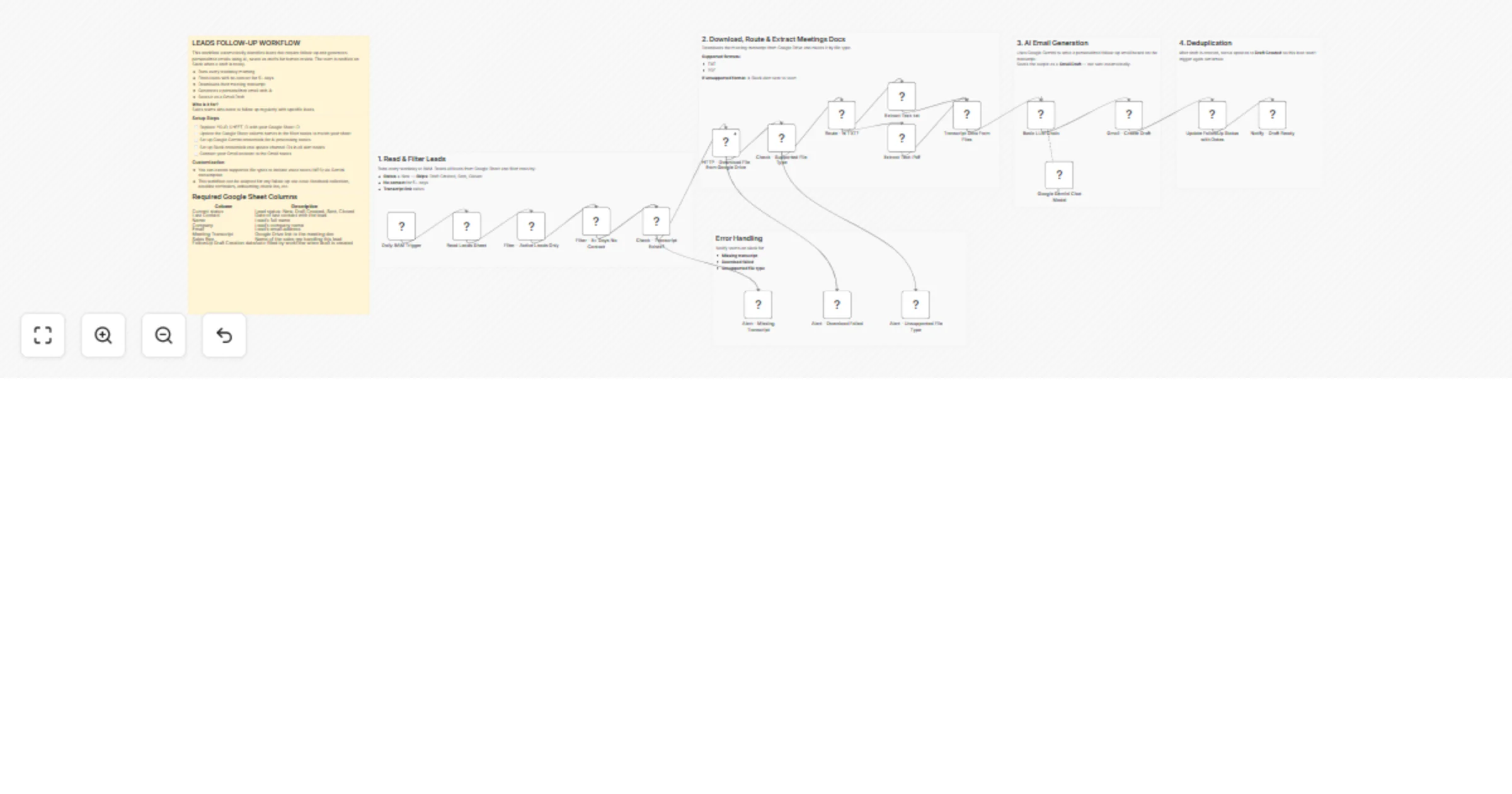
Automatically identifies overdue sales leads and generates personalized follow-up emails using AI.
How it works
- Runs every weekday
- Reads leads from Google Sheets
- Filters leads with no contact for 5+ days
- Downloads last meeting transcript from Google Drive
- Uses Google Gemini to write a personalized email
- Saves the email as a Gmail Draft for review
- Updates lead status in the Sheet
Setup
- Google Sheets with columns: Current Status, Last Contact, Name, Company, Email, Meeting Transcript, Sales Rep
- Google Drive access for transcript files
- Google Gemini API key (free from Google AI Studio)
- Gmail account
- Slack workspace
Supported file types
- TXT
Notes
- Emails are saved as drafts only — not sent automatically
- Supported lead statuses: New
- Skips leads with status: Draft Created, Sent, Closed
Inspiration
This workflow was built to solve a real problem at an educational institute. The sales team needed someone to remind them about follow-ups and draft personalized emails — but hiring a personal assistant wasn't financially feasible.
Based on that, this system acts as that assistant: it tracks overdue leads, reads meeting transcripts, and writes personalized follow-up emails automatically.
I kept this stack free where possible — using Google Gemini's free tier for AI. For small sales teams, I believe the daily token limits are more than sufficient, making this a zero-cost automation.