Block 1 - Sticky Note6
- Type / Role
- n8n-nodes-base.stickyNote - stickyNote
- Config choices
- Version 1


 Early Deal
Description This workflow automates guest upsell discovery and recommendation for hotels by combining Google Sheets, OpenAI, and Slack. It is designed to help hospitality teams proactively ident...
n8n-nodes-base.stickynote, n8n-nodes-base.errortrigger, n8n-nodes-base.slack, n8n-nodes-base.scheduletrigger, n8n-nodes-base.googlesheets, n8n-nodes-base.if, n8n-nodes-base.set, @n8n/n8n-nodes-langchain.openai
This workflow is cataloged by N8N Workflows and links back to its original n8n.io source page by Rahul Joshi.
Original n8n.io sourceThis workflow automates guest upsell discovery and recommendation for hotels by combining Google Sheets, OpenAI, and Slack. It is designed to help hospitality teams proactively identify the single best upsell opportunity for each guest—before arrival or during the stay—without manual analysis or guesswork.
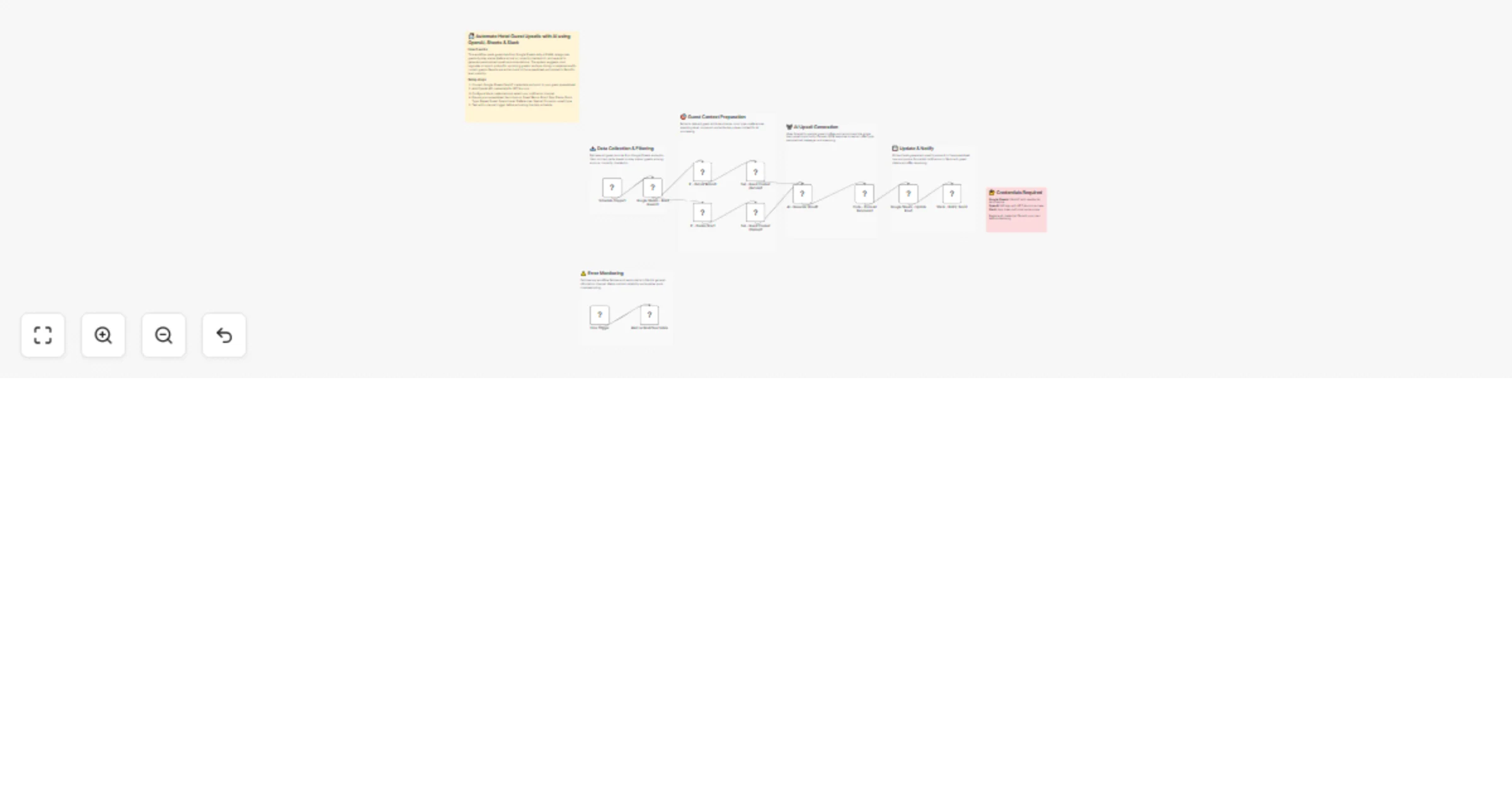
The workflow runs on a fixed daily schedule and reads guest records from Google Sheets, which acts as the operational source of truth. Guests are automatically categorized based on stay status (upcoming arrivals vs. currently checked in). For each guest, relevant context such as room type, repeat status, spend level, preferences, and special occasions is prepared and passed to an AI engine. The AI deterministically recommends one high-confidence upsell (e.g., room upgrade, airport pickup, spa, dining, or experience), returns a structured JSON response, and explains the reasoning behind the recommendation.
The selected upsell type is written back to the spreadsheet for tracking, and a clear, actionable Slack notification is sent to the team so they can act immediately. Any workflow failure triggers a Slack alert, ensuring reliability and operational visibility.
⏰ Daily Scheduled Trigger Runs automatically every day at a fixed time. 📊 Read Guest Data from Google Sheets Fetches all guest records from the central spreadsheet. 🔀 Split by Stay Status Routes guests into two paths: before arrival or during stay. 🎯 Prepare Guest Context Extracts guest attributes (room type, spend level, preferences, occasion, stay phase). 🤖 AI Upsell Recommendation Uses OpenAI to recommend one best upsell per guest and returns structured JSON. 🧹 Parse AI Response Cleans and validates AI output to ensure reliability. 💾 Update Guest Record Writes the selected upsell type back into Google Sheets. 💬 Notify Team in Slack Posts a formatted upsell notification with reasoning for immediate action. 🚨 Error Handling → Slack Alert Sends an instant alert if any step in the workflow fails.
• Google Sheets OAuth2 (read/write) • OpenAI API key (GPT-4o-mini) • Slack API credentials • Self-hosted n8n recommended
✔ Identifies high-value upsell opportunities automatically ✔ Context-aware AI recommendations (not generic offers) ✔ Clear before-arrival vs. during-stay logic ✔ Real-time team visibility via Slack ✔ Centralized tracking in Google Sheets ✔ Built-in error monitoring
This catalog entry is organized from the workflow JSON. The node-level section below shows the executable blocks available for review before importing the template.
| Workflow | Generate hotel guest upsell recommendations with OpenAI, Sheets and Slack |
|---|---|
| Complexity | advanced |
| Nodes | 19 |
| Categories | Lead Nurturing, AI Summarization |
| Author | Rahul Joshi |
| Published | 23 Jan 2026 |
Use the JSON export at /data/workflows/12950/12950.json as the source template for this automation.
Open n8n, import the downloaded JSON, and review each node before activating the workflow.
Replace placeholder credentials, API keys, webhook URLs, account IDs, and environment-specific values with your own settings.
Run the workflow manually or in a staging workspace, inspect node output, and confirm downstream systems receive the expected data.
Enable the workflow only after testing, then monitor executions, errors, and rate limits during the first production runs.
Review imported nodes carefully before activation. This catalog entry is intended to help you inspect the workflow structure, understand required services, and find related templates faster.
Node names, credentials, schedules, webhook paths, and external service limits may need adjustment for your workspace.
Description This workflow automates guest upsell discovery and recommendation for hotels by combining Google Sheets, OpenAI, and Slack. It is designed to help hospitality teams proactively ident...
Review the workflow JSON, configure any required credentials in n8n, and test the automation in a safe workspace before using it in production.
Yes. Use the block-by-block analysis and the downloadable JSON to inspect each node, then adjust credentials, prompts, schedules, filters, or destinations for your Lead Nurturing, AI Summarization use case.