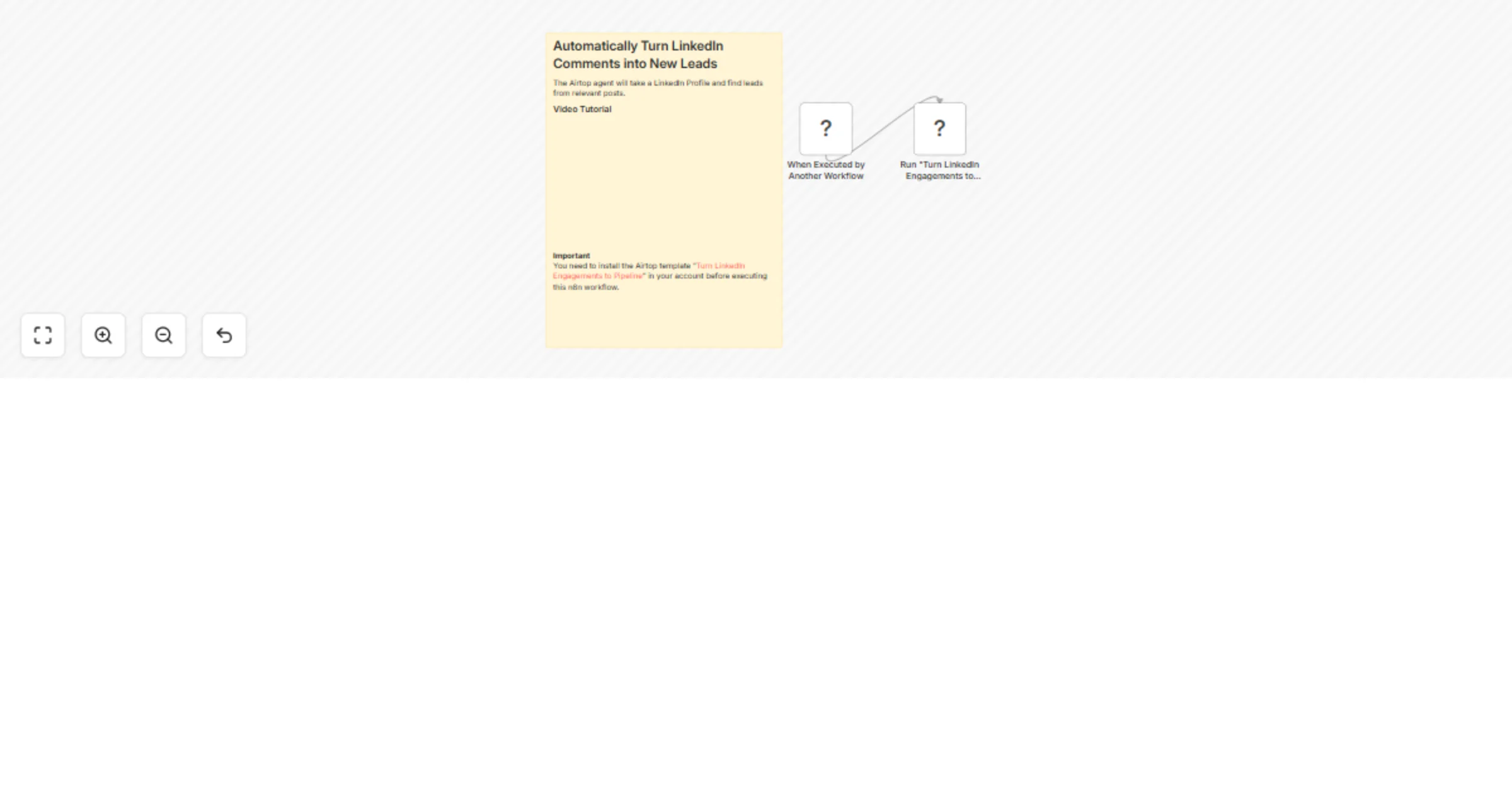
Find leads from LinkedIn posts using Airtop agents

Workflow preview

Workflow preview
100%
Find leads from LinkedIn posts using Airtop agents preview
Open on n8n.io

1. Workflow Overview

This templates connects to an Airtop agent to find leads from LinkedIn posts Use Cases Build a targeted outreach list by extracting engaged users from an industry influencer's posts. Monitor your c...

Best for

  • Lead Generation automation workflows
  • beginner n8n builders looking for reusable templates

Tools used

n8n-nodes-base.executeworkflowtrigger, n8n-nodes-base.airtop, n8n-nodes-base.stickynote

Source and attribution

This workflow is cataloged by N8N Workflows and links back to its original n8n.io source page by Airtop.

Original n8n.io source

1.1 Workflow description

Title
Find leads from LinkedIn posts using Airtop agents
Workflow name
Find leads from LinkedIn posts using Airtop agents

This templates connects to an Airtop agent to find leads from LinkedIn posts

Use Cases

  • Build a targeted outreach list by extracting engaged users from an industry influencer's posts.
  • Monitor your company's LinkedIn page to identify and connect with your most active community members.
  • Generate warm leads for your sales team by finding users who are actively engaging with a competitor's content.
  • Source potential candidates for a job opening by analyzing posts related to a specific skill or industry.
  • Identify potential partners or collaborators who are active in your niche.

Good to know

You need to install the template "Turn LinkedIn Engagements to Pipeline" into your Airtop account. You can create an Airtop account for Free and get credits to start quickly.

How it works

This automation streamlines lead generation from LinkedIn by performing the following actions:

  • Targets a specific LinkedIn page: You provide a URL for either a personal profile (e.g., an industry influencer) or a company page (e.g., your own or a competitor's).
  • Fetches Recent Posts: It scans the page for recent posts, looking back over a customizable number of days.
  • Extracts Engaged Users: The automation gathers a unique list of every person who has commented on or reacted to the posts it finds.
  • Enriches Lead Data: If you provide a Prospeo API key, it enriches each lead with their email address, job title, and company information. Without a key, it falls back to providing publicly available LinkedIn profile details like name, job title, and company.
  • Delivers Results: Finally, the automation delivers the list of enriched leads. You can choose to receive the data as a simple JSON object or have it automatically compiled and saved into a new, cleanly formatted Google Sheet.

Customization Ideas

This template offers significant flexibility to tailor the lead generation process to your specific needs. You can easily customize:

  • The Source: Switch between targeting any personal LinkedIn profile or any company page.
  • The Timeframe: Adjust the "lookback period" to gather leads from posts made in the last week, month, or any other duration.
  • The Scale: Control the costs and runtime by setting limits on the maximum number of posts to analyze and the total number of leads to generate.
  • The Enrichment Level: Choose between deep enrichment with email addresses (requires a Prospeo API key) or basic profile enrichment without one.
  • The Output Format: Decide whether you want the final lead list delivered as raw data for other systems (JSON) or organized neatly in a Google Sheet.

1.2 Logical Blocks

This catalog entry is organized from the workflow JSON. The node-level section below shows the executable blocks available for review before importing the template.

2. Block-by-Block Analysis

Block 1 - When Executed by Another Workflow

Type / Role
n8n-nodes-base.executeWorkflowTrigger - executeWorkflowTrigger
Config choices
Version 1.1

Block 2 - Run "Turn LinkedIn Engagements to Pipeline"

Type / Role
n8n-nodes-base.airtop - airtop
Config choices
Version 1

Block 3 - Sticky Note

Type / Role
n8n-nodes-base.stickyNote - stickyNote
Config choices
Version 1

3. Summary Table

Workflow Find leads from LinkedIn posts using Airtop agents
Complexity beginner
Nodes 3
Categories Lead Generation
Author Airtop
Published 11 Mar 2026

4. Reproducing the Workflow from Scratch

  1. 1. Download the workflow JSON

    Use the JSON export at /data/workflows/14009/14009.json as the source template for this automation.

  2. 2. Import the template into n8n

    Open n8n, import the downloaded JSON, and review each node before activating the workflow.

  3. 3. Configure credentials and variables

    Replace placeholder credentials, API keys, webhook URLs, account IDs, and environment-specific values with your own settings.

  4. 4. Test with sample data

    Run the workflow manually or in a staging workspace, inspect node output, and confirm downstream systems receive the expected data.

  5. 5. Activate and monitor

    Enable the workflow only after testing, then monitor executions, errors, and rate limits during the first production runs.

5. General Notes & Resources

Review imported nodes carefully before activation. This catalog entry is intended to help you inspect the workflow structure, understand required services, and find related templates faster.

Node names, credentials, schedules, webhook paths, and external service limits may need adjustment for your workspace.

Frequently asked questions

What does Find leads from LinkedIn posts using Airtop agents do?

This templates connects to an Airtop agent to find leads from LinkedIn posts Use Cases Build a targeted outreach list by extracting engaged users from an industry influencer's posts. Monitor your c...

What do I need before importing this workflow?

Review the workflow JSON, configure any required credentials in n8n, and test the automation in a safe workspace before using it in production.

Can I customize this workflow?

Yes. Use the block-by-block analysis and the downloadable JSON to inspect each node, then adjust credentials, prompts, schedules, filters, or destinations for your Lead Generation use case.