Enrich Google Sheets rows via any REST API in rate-limited batches
Workflow preview


 Early Deal
DISCOUNT 20%

Overview
How it works
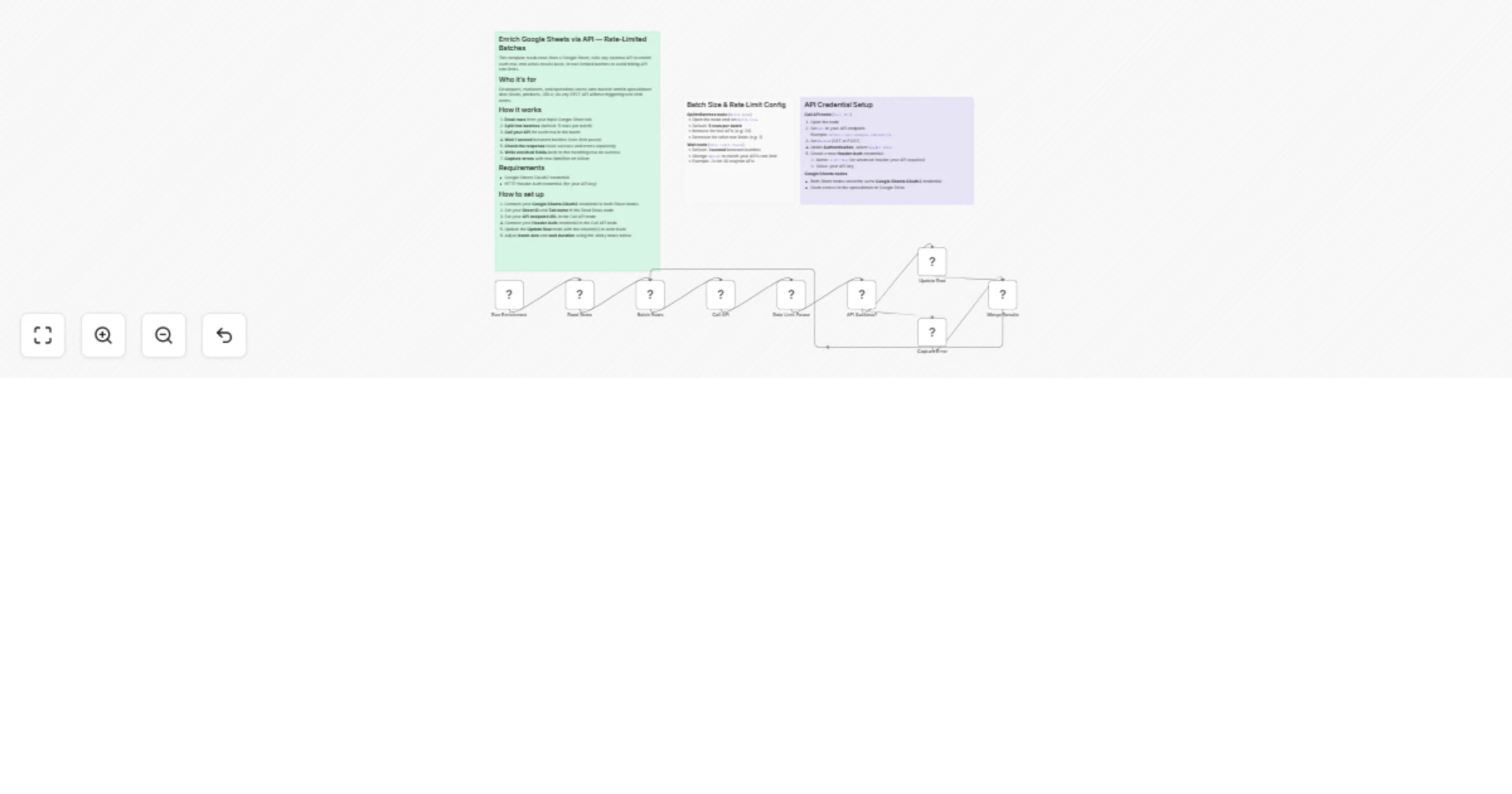
• Reads all rows from a Google Sheet • Splits them into configurable batches (default: 5 rows per batch) • Calls any external REST API once per row (GET or POST, Header Auth) • Waits 1 second between batches to stay within API rate limits • Routes responses: writes enriched data back to the sheet on success, logs errors on failure • Loops through all batches until the full sheet is processed • Want more REST API workflows? See n8n webhook & API templates ranked by demand
Set up steps
• Takes ~10 minutes to configure • Connect your Google Sheets OAuth2 credential to both Sheet nodes • Set your Sheet ID and tab name in the Read Rows node • Paste your API endpoint URL in the Call API node and connect your Header Auth credential • Adjust batch size and wait duration via the sticky notes inside the workflow • Update the Update Row node with the column(s) you want to write back