Daily Google Tasks briefing in Slack with Ollama-powered summaries
Workflow preview


 Early Deal
DISCOUNT 20%

Important notice
This workflow is provided as-is. Please review and test before using in production.
Overview
Tasks Briefing
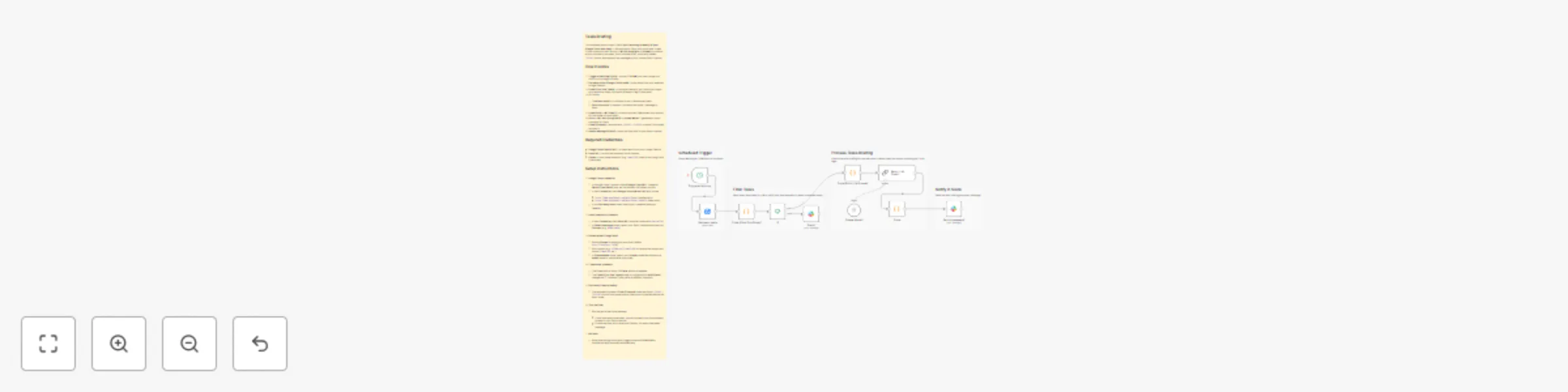
This template posts a clean, Slack-ready morning summary of your Google Tasks due today. It fetches tasks, filters only those due “today” in your timezone, asks a local LLM (via LangChain + Ollama) to produce a short summary (no steps, just a concise brief), strips any hidden <think> blocks, and delivers the message to your chosen Slack channel.
How it works
Trigger at Morning (Cron) – runs at 7:00 AM (you can change the hour) to kick things off daily.
Get many tasks (Google Tasks node) – pulls tasks from your selected Google Tasklist.
Code (Filter Due Today) – normalizes dates to your timezone, keeps only tasks due today, and emits a fallback flag if none exist.
If – routes:
- True (has tasks) → continues to the LLM summary path.
- False (no tasks) → sends a “No tasks due today” message to Slack.
Code (Build LLM Prompt) – builds a compact, Markdown-only prompt for the model (no tool calls).
Basic LLM Chain (LangChain) + Ollama Model – generates a short summary for Slack.
Code (Cleanup) – removes any
<think>…</think>content if the model includes it.Send a message (Slack) – posts the final brief to your Slack channel.
Required credentials
- Google Tasks OAuth2 API – to read tasks from your Google Tasklist.
- Slack API – to post the summary into a channel.
- Ollama – local model endpoint (e.g.,
qwen3:4b); used by the LangChain LLM nodes.
Setup Instructions
Google Tasks credential
In Google Cloud Console: enable Google Tasks API, create an OAuth Client (Web), and set the redirect URI shown by n8n.
In n8n Credentials, add Google Tasks OAuth2 API with scope:
https://www.googleapis.com/auth/tasks(read/write) orhttps://www.googleapis.com/auth/tasks.readonly(read-only).
In the Get many tasks node, select your credential and your Tasklist.
Slack credential & channel
- In n8n Credentials, add Slack API (bot/user token with
chat:write). - In Send a message nodes, select your Slack credential and set the Channel (e.g.,
#new-leads).
- In n8n Credentials, add Slack API (bot/user token with
Ollama model (LangChain)
- Ensure Ollama is running on your host (default
http://localhost:11434). - Pull a model (e.g.,
ollama pull qwen3:4b) or use another supported model (llama3:8b, etc.). - In Ollama Model node, select your Ollama credential and set the model name to match what you pulled.
- Ensure Ollama is running on your host (default
Timezone & schedule
- The Cron node is set to 7:00 AM. Adjust as needed.
- The Code (Filter Due Today) node is configured for Asia/Dhaka; change the
TZconstant if you prefer a different timezone.
(Optional) Cleanup safety
- The template includes a Code (Cleanup) node that strips
<think>…</think>blocks from model output. Keep this connected before the Slack node.
- The template includes a Code (Cleanup) node that strips
Test the flow
Run the workflow once manually:
- If you have tasks due today, you should see a concise summary posted to your Slack channel.
- If none are due, you’ll receive a friendly “No tasks due today” message.
Activate
- When everything looks good, toggle the workflow Active to receive the daily summary automatically.