Block 1 - Schedule Trigger
- Type / Role
- n8n-nodes-base.scheduleTrigger - scheduleTrigger
- Config choices
- Version 1.2


 Early Deal
This workflow is provided as-is. Please review and test before using in production.
Background Verification Executive Digest Automation: Track Completed & Pending Verifications via Email (from Google Sheets) This automation sends a daily late night email summary to each Background...
n8n-nodes-base.scheduletrigger, n8n-nodes-base.googlesheets, n8n-nodes-base.gmail, n8n-nodes-base.code, n8n-nodes-base.stickynote
This workflow is cataloged by N8N Workflows and links back to its original n8n.io source page by WeblineIndia.
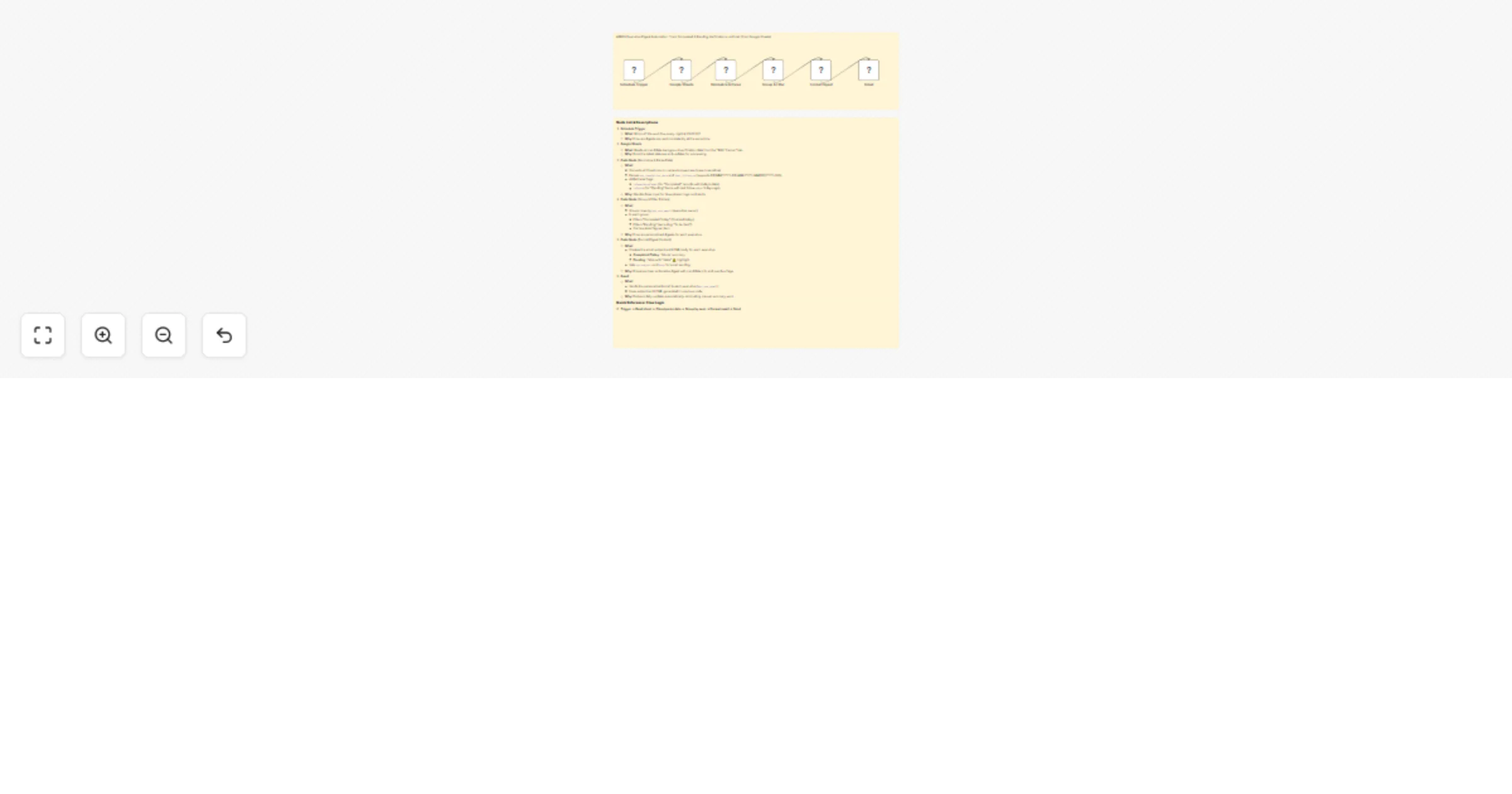
Original n8n.io sourceThis automation sends a daily late-night email summary to each Background Verification (BGV) executive — straight out of your “BGV Tracker” Google Sheet. Each executive gets their own digest listing candidates whose background checks were completed today and which ones are still pending, complete with clear “stale” alerts for overdue follow-ups. The workflow runs reliably via n8n, auto-grouping entries and packaging the results in a user-friendly tabular email, every day at 23:00 IST.
candidate_name, previous_company, prevco_hr_name, prevco_hr_emailbgv_status, last_follow_up, bgv_completion_date, bgv_executive, bgv_exe_emaillast_follow_up & bgv_completion_date from multiple local date formats.isCompletedToday, isStale (pending and last-follow-up ≥ 3 days).bgv_exe_email (executive).candidate_name, previous_company, prevco_hr_name, prevco_hr_email, bgv_status, last_follow_up, bgv_completion_date, bgv_executive, bgv_exe_email| Issue | Possible Cause | Solution |
|---|---|---|
| No emails sent | SMTP/Gmail credentials missing or expired | Re-authenticate Gmail node; check permissions |
| Some candidates missing | Sheet has missing/invalid bgv_exe_email |
Ensure every row has valid executive email |
| Completed items not listed | Wrong/combo date formats in completion column | Use supported date format; ensure status="Completed" |
| Pending doesn’t show stale | Last follow-up date out of expected format | Use supported date format & review data |
| Workflow runs on weekends | Schedule misconfigured (or missed weekend filter) | Add/exclude Sat/Sun via config/node logic |
| Pending pool includes “To be Sent” | Status filter in code not precise | Adjust code node filter to exclude explicitly |
| Emails not delivered | Gmail sending limit exceeded | Add rate limit (wait node), check quota |
If you need a hand setting up, customizing or want to add more integrations (Slack, CSVs, approvals, etc.) reach out to us at WeblineIndia anytime.
We can setup error handling, advanced templates and even help connect your flows to external systems!
This catalog entry is organized from the workflow JSON. The node-level section below shows the executable blocks available for review before importing the template.
| Workflow | Daily BGV status digest: Track verifications with Google Sheets to Gmail alerts |
|---|---|
| Complexity | intermediate |
| Nodes | 8 |
| Categories | HR |
| Author | WeblineIndia |
| Published | 01 Sept 2025 |
Use the JSON export at /data/workflows/8114/8114.json as the source template for this automation.
Open n8n, import the downloaded JSON, and review each node before activating the workflow.
Replace placeholder credentials, API keys, webhook URLs, account IDs, and environment-specific values with your own settings.
Run the workflow manually or in a staging workspace, inspect node output, and confirm downstream systems receive the expected data.
Enable the workflow only after testing, then monitor executions, errors, and rate limits during the first production runs.
Review imported nodes carefully before activation. This catalog entry is intended to help you inspect the workflow structure, understand required services, and find related templates faster.
Node names, credentials, schedules, webhook paths, and external service limits may need adjustment for your workspace.
Background Verification Executive Digest Automation: Track Completed & Pending Verifications via Email (from Google Sheets) This automation sends a daily late night email summary to each Background...
Review the workflow JSON, configure any required credentials in n8n, and test the automation in a safe workspace before using it in production.
Yes. Use the block-by-block analysis and the downloadable JSON to inspect each node, then adjust credentials, prompts, schedules, filters, or destinations for your HR use case.